当前位置:网站首页>electron 基础项目搭建 &&主线程和渲染线程的通信
electron 基础项目搭建 &&主线程和渲染线程的通信
2022-06-25 18:27:00 【霹雳桃】
electron
一、初始化一个 electron 项目
1.先创建一个 package.json 文件
npm init -y
2.下载安装 electron
- 注意要切换淘宝镜像下载
npm instsll electron -S
3.在 package.json 下配置执行脚本
- 先安装
nodemon
"scripts": {

    "start": "nodemon --exec electron . --watch ./ --ext .html,.js,.css"
  },
4.在根目录下创建 main.js 文件
const {
     app, BrowserWindow } = require("electron");

// 主进程
const createWindow = () => {

  const win = new BrowserWindow({

    // 窗口大小
    width: 1400,
    height: 800,
    // 最小的窗口大小
    minHeight: 300,
    minWidth: 400,
    // 窗口是否显示
    show: true,
    // 是否可以拖动
    movable: true,
    // 是否有顶部状态栏,拖动条
    // frame: false,
    // 导致隐藏的标题栏和完整大小的内容窗口
    // titleBarStyle: "default",
    // 窗口初始背景颜色
    backgroundColor: "aliceblue",
  });

  // 打开调试工具
  win.webContents.openDevTools();

  // 给窗口转载页面
  win.loadFile("./render/index.html");

  win.once("ready-to-show", () => {

    win.show();
  });
};

app.on("window-all-closed", () => {

  console.log("window-all-closed");

  // 对于 MACOS 系统,关闭窗口时,不会直接推出应用
  if (process.platform !== "darwin") {

    app.quit();
  }
});

app.whenReady().then(() => {

  createWindow();
  // 在 MacOS 下,当全部窗口关闭,点击 dock 图标,窗口再次打开。
  app.on("activate", () => {

    if (BrowserWindow.getAllWindows().length === 0) {

      createWindow();
    }
  });

  // console.log(app.isReady())
  // console.log(app.getPath('desktop'))
  // console.log(app.getPath('music'))
  // console.log(app.getPath('temp'))
  // console.log(app.getPath('userData'))

  // console.log(BrowserWindow.getAllWindows().length)
});

process.env["ELECTRON_DISABLE_SECURITY_WARNINGS"] = "true";
5.在根目录下创建文件夹 render 里面创建入口文件 index.html
<!DOCTYPE html>
<html lang="en">
  <head>
    <meta charset="UTF-8" />
    <meta http-equiv="X-UA-Compatible" content="IE=edge" />
    <meta name="viewport" content="width=device-width, initial-scale=1.0" />
    <!-- <meta http-equiv="Content-Security-Policy" content="script-src 'self' unsafe-eval"> -->
    <title>Document</title>
  </head>
  <body>
    <h1>第一个 electron 项目</h1>
  </body>
</html>
二、主进程和渲染进程通信
- 目录结构
  --根目录
    --controller          封装的主线程收发数据
      --ipcMessage.js
    --preload         contextBridge 方法,主线程和渲染线程沟通的桥梁
      --index.js
    --render          加载的页面入口
      --app.js
      --index.html
      --style.css
      --vue.global.js   vue的项目包,本示例页面使用 vue3
    --main.js          项目入口
1.通信之前需要有 contextBridge 作为主线程和渲染现场之间沟通的桥梁
- 使用
contextBridge方法,将主线程的信息发送到渲染线程
// 例,将 electron 和 node 版本号发往渲染现线程
const {
     contextBridge } = require("electron");

// 发送 ,该信息的 key 为 myAPI
contextBridge.exposeInMainWorld("myAPI", {

  versions: process.versions,
});

// 页面中获取方法
const versions = window.myAPI.versions;
// 获取版本号
// chromeVersion: versions.chrome,
// NodeVersion: versions.node,
// electronVersion: versions.electron
2.渲染进程向主进程发送同步信息
- 渲染进程使用方法
ipcRenderer.send('事件名','信息')发送消息,此操作在contextBridge中 - 主线程使用方法
ipcMain接收,使用方法event.sender.send返回内容
// --------------contextBridge------------------
// 创建方法 sendSync 发送消息
const sendSync = (message) => {

  ipcRenderer.send("sync-send-event", message);
};
// 讲方法抛出到 渲染线程调用
contextBridge.exposeInMainWorld("myAPI", {

  sendSync,
});
// -----------------渲染线程--------------------------
// 渲染线程调用
myAPI.sendSync("from renderer message 1");

// -----------------------主线程--------------------
// 主线程接受数据
// 同步事件监听
ipcMain.on("sync-send-event", (event, msg) => {

  // console.log(msg);
  // 使用参数 event 的方法 返回消息
  event.sender.send("sync-receive-event", "我已经收到:" + msg);
});
contextBridge接收消息,并将方法抛出到渲染线程,渲染线程创建事件监听
// -----------------contextBridge-------------------
// 使用 ipcRenderer.on 创建时间同步监听
const recieveSyncMsg = () => {

  return new Promise((resolve) => {

    ipcRenderer.on("sync-receive-event", (event, msg) => {

      // console.log(msg)
      resolve(msg);
    });
  });
};
// 将事件 recieveSyncMsg 发送到渲染线程
contextBridge.exposeInMainWorld("myAPI", {

  recieveSyncMsg,
});

// --------------------渲染线程-------------------

// 使用async await 创建同步事件监听
async mounted(){

  const result = await myAPI.recieveSyncMsg();
}
以上是一套完整的渲染线程发送数据 -> 主线程接受数据并返回 -> 渲染线程接收返回数据 的过程
3.渲染进程向主进程发送异步消息
- 渲染线程发送数据使用
ipcRenderer.invoke方法,发送数据的方法在contextBridge中使用,同样将方法抛出到渲染线程的 js 文件调用 - 主线程接受数据使用方法
ipcMain.handle
// --------------contextBridge-------------------
// 发送请求的方法 ipcRenderer.invoke 的第一个参数是本次请求的 key,第二个参数可有可无, 使用 return 给渲染线程返回数据
const sendAsync = async () => {

  const result = await ipcRenderer.invoke("my-invokable-ipc");
  return result;
};
// 讲方法 抛出到渲染线程的页面
contextBridge.exposeInMainWorld("myAPI", {

  sendAsync,
});
// ----------------渲染线程---------------------------
// 如果有桥接的方法(contextBridge),建议IPC通信,全部应用异步。
// 点击事件的方法
async sendAsyncMsg() {

  const result = await myAPI.sendAsync()
  console.log(result)
}
// --------------主线程就收数据和返回数据--------------------
// 异步事件监听
// 如果渲染线程有数据传来可以使用 args 接收
ipcMain.handle('my-invokable-ipc', async (event, ...args) => {

  const result = await somePromise()
  return result
})
// 写一个异步函数,模拟异步方法,三秒后返回数据
function somePromise() {

  return new Promise((resolve, reject) => {

    setTimeout(() => {

      resolve('message from main process.')
    }, 3000)
  })
}
边栏推荐
- 【ELT.ZIP】OpenHarmony啃论文俱乐部—见证文件压缩系统EROFS
- Redis6
- 158_ Model_ Power Bi uses DAX + SVG to open up almost all possibilities for making business charts
- 2017 reading (word memory)
- RMAN backup database_ catalogue
- Use pagoda to set up mqtt server
- 【深入理解TcaplusDB技术】如何实现Tmonitor单机安装
- Some recursive and iterative problem solving ideas of binary tree (clear and easy to understand)
- [compréhension approfondie de la technologie tcaplusdb] sauvegarde des données d'affaires tcaplusdb
- Command records of common data types for redis cli operations
猜你喜欢

Redis 5.0 data structure double end linked list source code analysis

初探Oracle全栈虚拟机---GraalVM
![[deeply understand tcapulusdb technology] cluster management operation](/img/5f/f501f557171d438f7cc9cc4427f234.png)
[deeply understand tcapulusdb technology] cluster management operation
![Analysis on policy, output and market scale of China's natural gas hydrogen production industry in 2020 [figure]](/img/f2/ec0fe8bec503c8788d6d549845b95c.jpg)
Analysis on policy, output and market scale of China's natural gas hydrogen production industry in 2020 [figure]
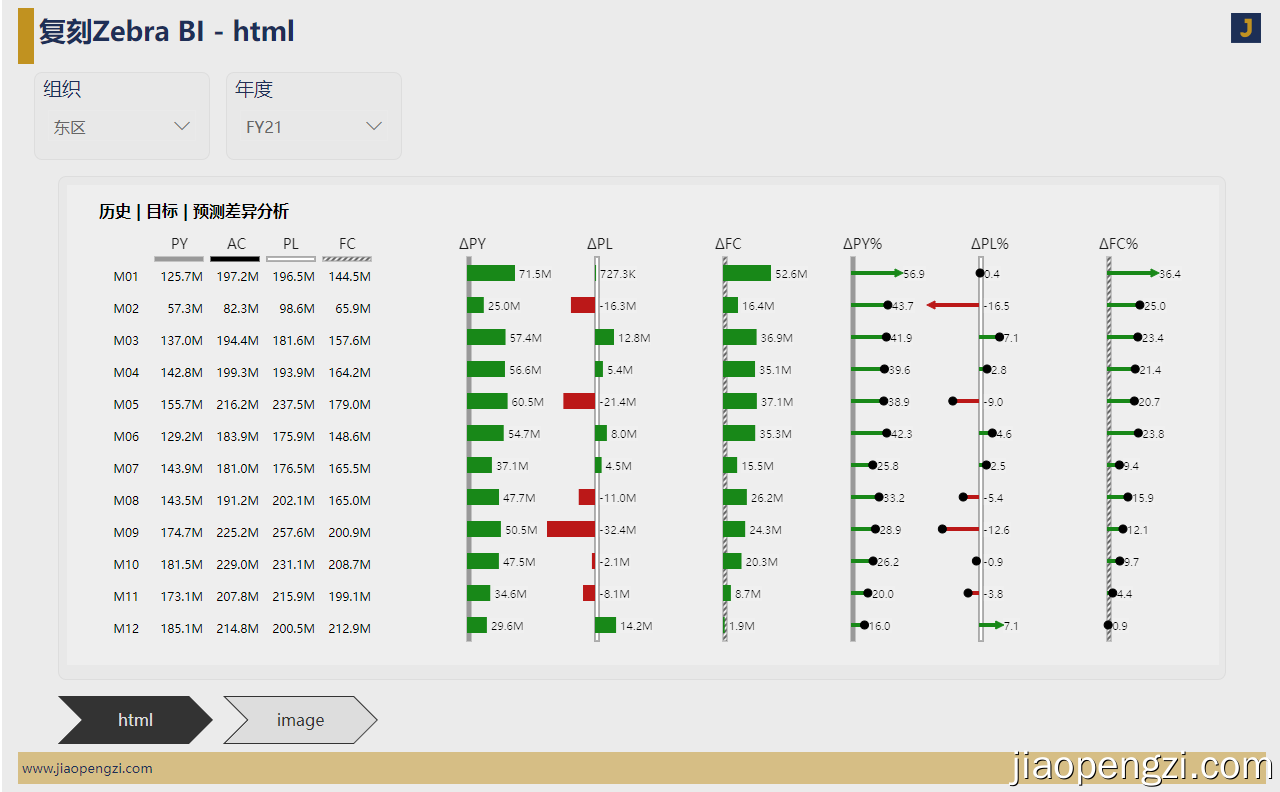
158_模型_Power BI 使用 DAX + SVG 打通制作商业图表几乎所有可能

Anaconda download Tsinghua source

04 program counter (PC register)
![[deeply understand tcapulusdb technology] tmonitor module architecture](/img/82/24a8502604fccb89fea9963c3f3495.png)
[deeply understand tcapulusdb technology] tmonitor module architecture

【ELT.ZIP】OpenHarmony啃论文俱乐部—数据密集型应用内存压缩
![Current situation and trend analysis of China's glass packaging containers in 2021: the revenue of glass packaging containers increases year by year [figure]](/img/19/d93c8647415c593de9c3c959f72d64.jpg)
Current situation and trend analysis of China's glass packaging containers in 2021: the revenue of glass packaging containers increases year by year [figure]
随机推荐
如何快速关闭8080端口
Training of long and difficult sentences in postgraduate entrance examination day86
TCP/IP 测试题(三)
LeetCode 3. Longest substring without repeated characters & sliding window
[in depth understanding of tcapulusdb technology] tcapulusdb business data backup
04 program counter (PC register)
Analysis on planting area, output and import of sugarcane in Guangxi in 2021: the output of sugarcane in Guangxi accounts for 68.56% of the total output of sugarcane in China [figure]
El table highly adaptive
Apifox简单了解——WEB端测试的集大成者
Analysis of China's medical device industry development environment (PEST) in 2021: the awareness of medical care is enhanced, and the demand for medical device products is also rising [figure]
PHP数据库连接version1.1
Problems encountered during the use of pychar
Redis configuration (Internet access, password)
solidity获取季度时间
Training of long and difficult sentences in postgraduate entrance examination day89
Move graph explorer to jupyterab: use ges4jupyter to connect ges and explore graphs
[in depth understanding of tcapulusdb technology] new models of tcapulusdb
Skills to master in advanced development
[deeply understand tcapulusdb technology] create a game zone
Detailed explanation of route add command