当前位置:网站首页>SNC processing failed SAP router certificate regeneration
SNC processing failed SAP router certificate regeneration
2022-06-22 12:50:00 【SAP Xiaobai Kenny】
reference note 1178684 - No service connection: "SNC processing failed"
Confirm the location of the certificate
Execute the following commands on your SAProuter machine:
- sapgenpse seclogin -l
- sapgenpse get_my_name -n validity
stay cmd Direct operation error

utilize everything Find the program path

function C:\zzsaprouter\nt-x86_64\sapgenpse.exe seclogin -l
C:\zzsaprouter\nt-x86_64\sapgenpse.exe get_my_name -n validity
Discovery expired , Need to reapply .

Make sure that your SNC SAProuter process has also been started under the specified user.
If your SAProuter certificate has expired, renew it by performing the following steps:
- Delete the files local.pse, cred_v2 on your SAProuter machine.
- Go to SAProuter
- Choose "Apply Now!".
- Execute the steps as described in the following document:
Install SAProuter

take local.pse Delete after backing up to another path

function C:\zzsaprouter\nt-x86_64\sapgenpse.exe get_pse -v -a sha256WithRsaEncryption -s 2048 -r certreq -p local.pse "CN=XXXXXXXXX, OU=0000XXXXXX, OU=SAProuter, O=SAP, C=DE"
notes :XXXX Fill in your value
Enter the password directly when required
After running, a new local.pse as well as certreq
Double click the generated certreq( use txt documents opening ) Copy all characters and paste into sap On the website


Click on Right lower corner Request Certificate

Paste the generated characters into the srcert In file
restart saprouter.exe
Re query validity
C:\zzsaprouter\nt-x86_64\sapgenpse.exe get_my_name -n validity
Inquire about
C:\zzsaprouter\nt-x86_64\sapgenpse.exe get_my_name -v -n Issuer
边栏推荐
- Small demo of QT page layout class
- Getting started with fluent Animation: inner and outer reverse ring loading animation
- Flutter仿Airbnb的价格区间筛选器。(一)
- getenv、setenv函数(获取和设置系统环境变量) 与 环境变量
- 信创之下:国产数据库群星闪耀时
- 天翼云探索云原生、边缘计算融合新思路
- Tis tutorial 01- installation
- Fault tolerant heap shim applied to current process. This is usually due to previous crashes
- Flutter's custompaint drawing Bezier curve chart (III)
- 定金预售的规则思路详解
猜你喜欢

OpenCV调用usb摄像头出现“select timeout”解决方法

Final of the 11th Blue Bridge Cup embedded design and development project

SAP-SPRO-配置如何显示对应的T-CODE

天翼云探索云原生、边缘计算融合新思路

Flutter&Flame——TankCombat游戏手柄开发(一)
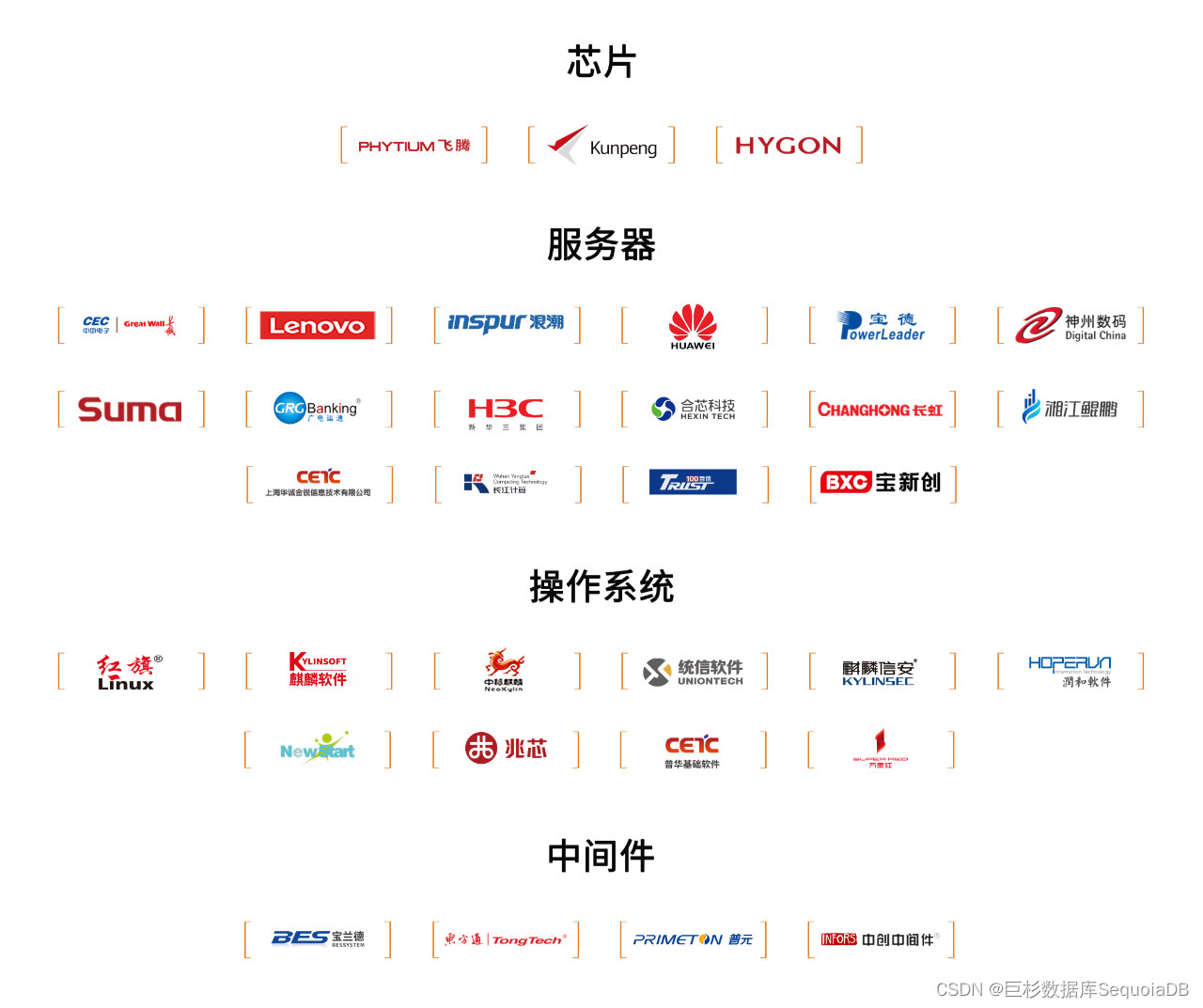
Help financial informatization innovation, Jushan database has won more than 50 financial customers recently

推荐一款M1芯片电脑快速搭建集群的虚拟机软件
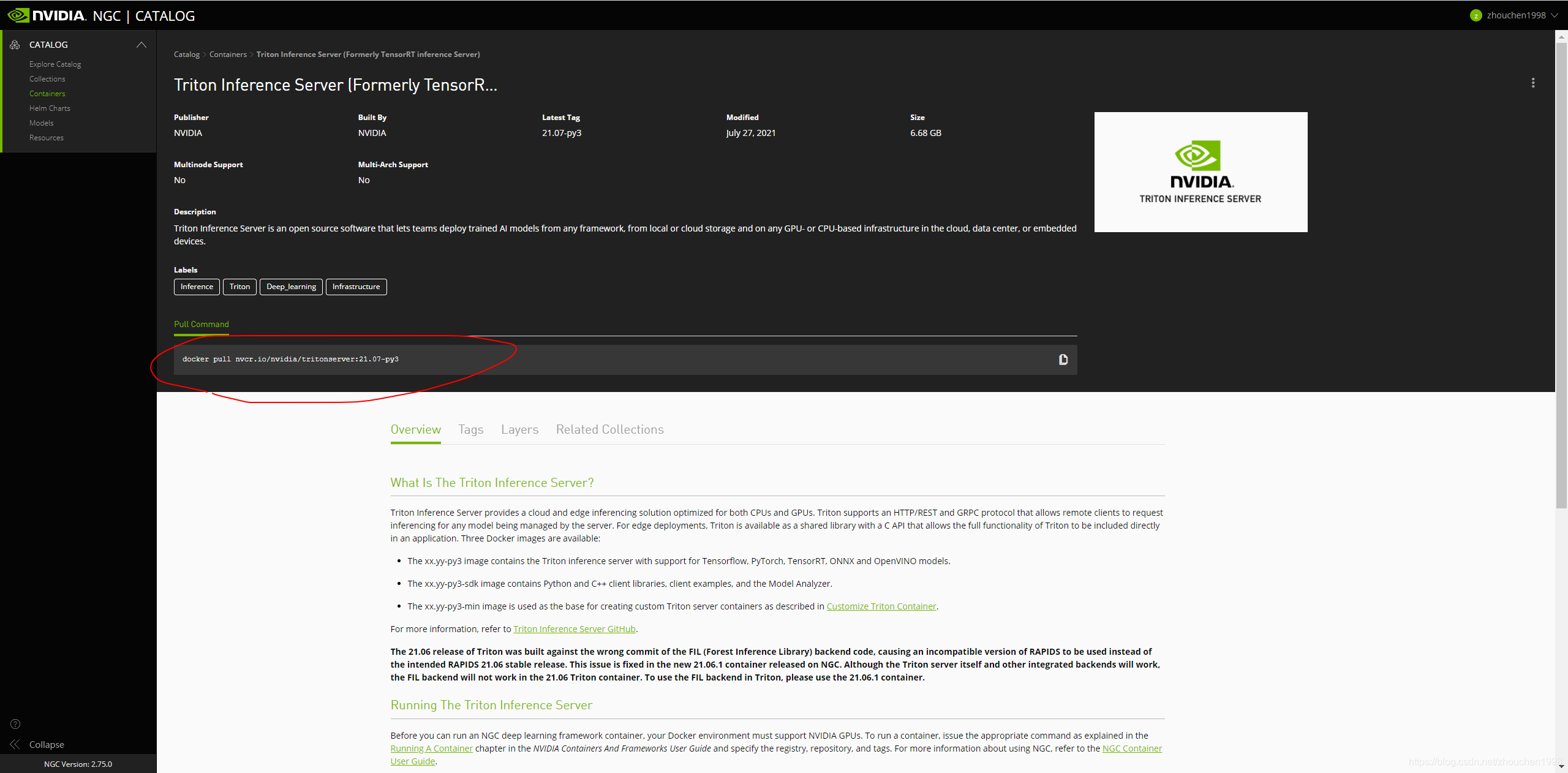
Tis tutorial 01- installation

Fluent: split statefulwidget -- simplify page development, jump and value transfer
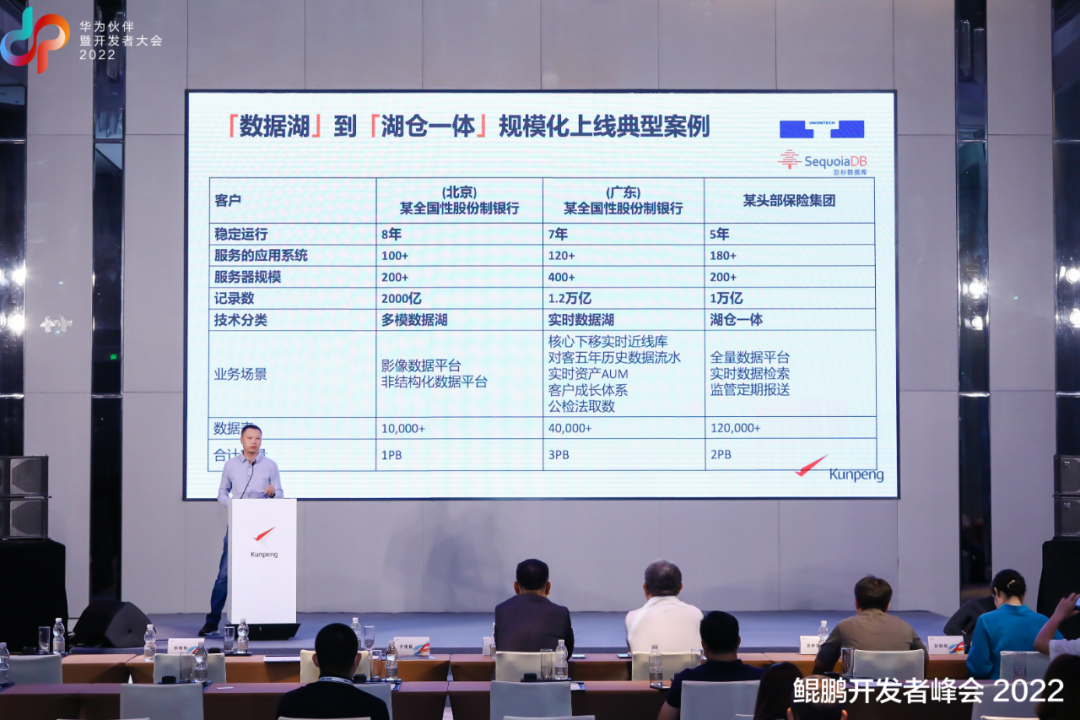
Jushan database was invited to attend Kunpeng developers' annual event 2022 to jointly build a domestic digital base
随机推荐
MySQL_数据处理之查询
zcu102 PL端流水灯
SAP-ABAP-如何实时传输物料主数据,供应商主数据,工单,采购订单等信息给外部系统-隐式增强。
Tianyi cloud digital government smart data center has passed the certification
关于 GIN 的路由树
胡润研究院首发中国元宇宙潜力企业榜,巨杉数据库入选未来之星企业
1961 check if string is a prefix of array
Opencv invokes the USB camera to solve the "select timeout" problem
Flutter之CustomPaint 绘制贝塞尔曲线图表(三)
第十二届 蓝桥杯 嵌入式设计与开发项目 决赛
V4l2 pixel format and its corresponding meaning
SAP-abap-OLE核心代码
修复flutter_webview_plugin在页面滑出时web图层残留的问题
Let's see how the SQL fails to execute
Fast establishment of tensorflow2 model optimization environment
4tb production database cannot be accessed due to disk rejecting i/o to offline device failure
Fluent: split statefulwidget -- simplify page development, jump and value transfer
Jushan database won two honors of China's information innovation industry in 2022 by AI media consulting
这不会又是一个Go的BUG吧?
Final of the 11th Blue Bridge Cup embedded design and development project