当前位置:网站首页>webpack打包vue项目添加混淆方式,解决缓存问题
webpack打包vue项目添加混淆方式,解决缓存问题
2022-07-27 03:03:00 【背藏玫瑰】
方法一
添加依赖
npm i --save uglifyjs-webpack-plugin
vue.config.js引入方法
const UglifyPlugin = require("uglifyjs-webpack-plugin");
首先设置环境变量
在脚本中设置
NODE_ENV=development 测试环境
cross-env NODE_ENV=development vue-cli-service serve
"scripts": {
"serve": "cross-env NODE_ENV=development vue-cli-service serve",
"v1": "cross-env NODE_ENV=development vue-cli-service serve --mode v1",
"wis": "cross-env NODE_ENV=development vue-cli-service serve --mode wis",
"build": "cross-env NODE_ENV=production vue-cli-service build",
"build:wis": "cross-env NODE_ENV=production vue-cli-service build --mode wis",
"build:v1": "cross-env NODE_ENV=production vue-cli-service build -mode v1",
"lint": "vue-cli-service lint"
},
设置vue.config.js配置
函数方式
configureWebpack: (config) => {console.log(process.env.NODE_ENV);
if (process.env.NODE_ENV == "production") {
// 将每个依赖包打包成单独的js文件
let optimization = {
minimizer: [
new UglifyPlugin({
uglifyOptions: {
warnings: false,
compress: {
drop_console: true,
drop_debugger: false,
pure_funcs: ["console.log"],
},
},
}),
],
};
Object.assign(config, {
optimization,
});
config.resolve = {
...config.resolve,
alias: {
"@": resolve("src"),
},
};
}
},
对象方式
configureWebpack: {
plugins: [ new JavaScriptObfuscator({ rotateStringArray: true, }, []) ],
resolve: {
alias: {
"@": resolve("src"),
},
},
},
方法二
添加依赖
npm i [email protected] -D
vue.config.js配置
const TerserPlugin = require('terser-webpack-plugin')
configureWebpack: config => {
if (process.env.NODE_ENV === 'production') {
config.plugins.push(new TerserPlugin())
}
}
方法三
const JavaScriptObfuscator = require('webpack-obfuscator');module.exports = {
entry: {
'mian1': './index1.js',
'main2': './index2.js'
},
output: {
path: 'dist',
filename: '[name].js'
},
plugins: [
new JavaScriptObfuscator({
rotateUnicodeArray: true
}, ['main2.js'])
]
};
边栏推荐
- Analysis of three common kinematic models of mobile chassis
- DataX cannot connect to the corresponding database (yes under windows, but failed under Linux)
- 什么是动画效果?什么是过渡效果?
- 科目三: 济南章丘6号线
- leetcode:433. 最小基因变化
- ApacheCon Asia 预热直播之孵化器主题全回顾
- H. 265 web player easyplayer's method of opening video to the public
- A. Round Down the Price
- Specified interval inversion in the linked list
- Golang发送邮件库email
猜你喜欢
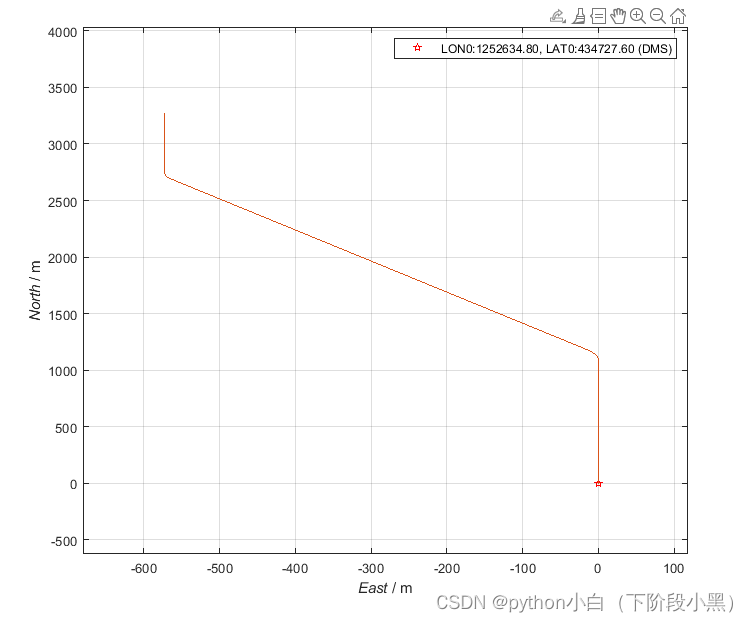
PSINS工具箱中轨迹生成工具详细解析

Skywalking distributed system application performance monitoring tool - medium

阿里云服务器域名加端口网页不能访问问题记录

"Gonna be right" digital collection is now on sale! Feel the spiritual resonance of artists

大咖说·图书分享|精益产品开发:原则、方法与实施
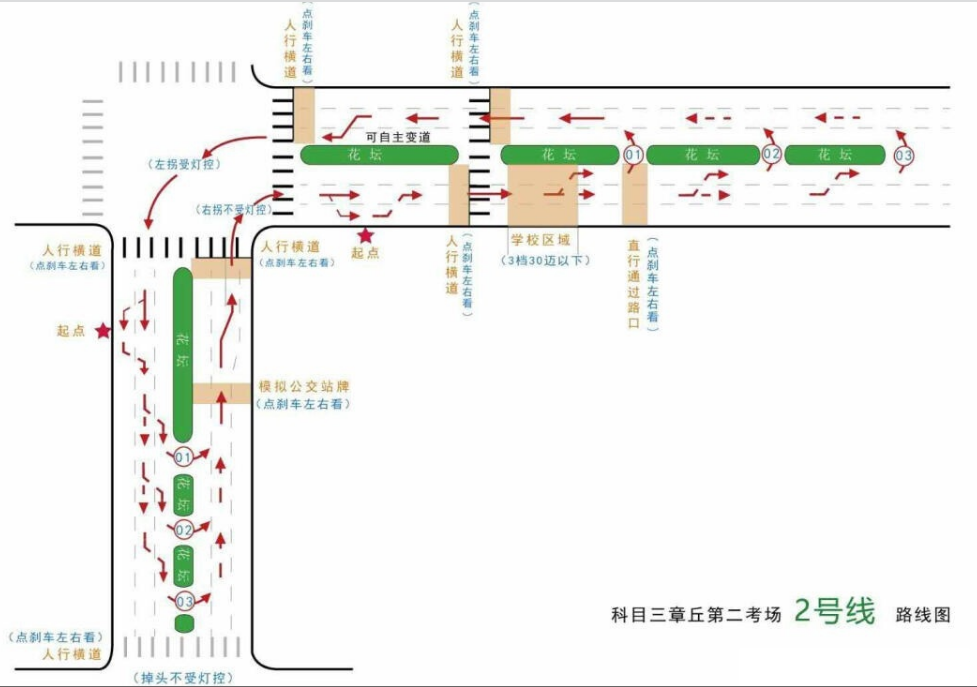
Subject 3: Jinan Zhangqiu line 2
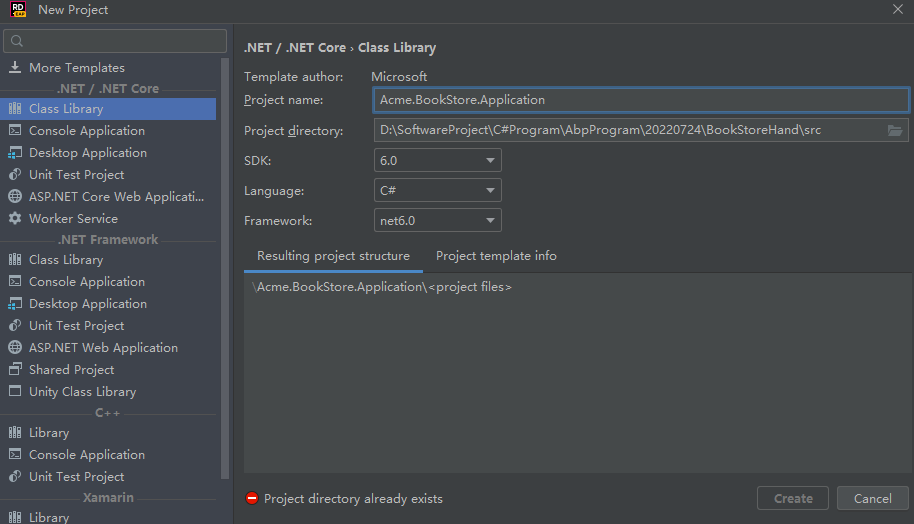
Manually build ABP framework from 0 -abp official complete solution and manually build simplified solution practice
![Abstract intelligent extraction [based on Bert technology]](/img/1c/7c1b0e9bc9af62308f4124104f6110.png)
Abstract intelligent extraction [based on Bert technology]

Analysis of three common kinematic models of mobile chassis

JMeter interface test (login, registration)
随机推荐
B. ICPC Balloons
Cool Lehman VR panorama paves the way for you to start a business
Subject 3: Jinan Zhangqiu line 2
0726~简历梳理面试总结
JS array de duplication (including simple array de duplication and object array de duplication)
288页18万字智能化校园总体设计 目录
[OBS] dynamic bit rate: bit rate estimation
阿里云服务器域名加端口网页不能访问问题记录
356页14万字高端商业办公综合楼弱电智能化系统2022版
Redis database, which can be understood by zero foundation Xiaobai, is easy to learn and use!
线上一个隐匿 Bug 的复盘
js实现页面跳转与参数获取加载
A. Round Down the Price
想要获得 Apache 官方域名邮箱吗?专访 Apache Linkis 五位新晋 Committer告诉你怎么做
Kotlin中lateinit和lazy的原理区别是什么
list模拟实现
0726~ resume sorting interview summary
Golang发送邮件库email
零基础小白也能懂的 Redis 数据库,手把手教你易学易用!
《MySQL》认识MySQL与计算机基础知识