当前位置:网站首页>[unity entry program] creator kitfps: first person shooting 3D game
[unity entry program] creator kitfps: first person shooting 3D game
2022-07-27 11:36:00 【flashinggg】
Catalog
1 Add and load project resources
3 Add shots from the preform Targets
4.1 Create grouping relationship
4.2 Distinguish relative coordinates & World coordinates
5 Make a prefabricated part by yourself
5.1 Add rigid bodies and collision bodies
Unity Study the tutorial
I'm referring to B The one standing here UP Video learning , Very good ! Xiaobai is friendly !
1 Add and load project resources
Add project resources
This case uses Unity In the official resource store FPS Project resources of the game :Creator Kit:FPS.
Official resource address :Creator Kit: FPS | course | Unity Asset Store

Select Add to my resource

Load into Unity
stay Unity Hub Create a new one in 3D project , After opening, follow the following path
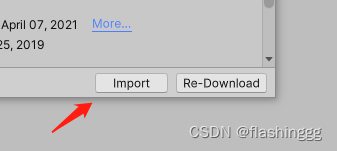
Top menu Window -> Package Manager -> My assets -> Download after Import It's done.


2 load Scene
Here we don't directly create a blank scene as before , Use the resources given by the imported project to create , Top menu bar FPSKIT -> Create new Scene, Choose a suitable place to store ( It's recommended to put it in Scene Under the table of contents ) You have created the scene you need now .
You can find , This scenario has been packaged with a series of things that need to be used , It provides very convenient resources .

By the way , The original intention of this small game is to further understand the process of game production , The code part has not been covered , Need to take Follow the tutorial , natural To learn .
3 Add shots from the preform Targets
The object here provides “ One's own ”—— Red blood cells and “ The enemy ”—— Bacterial monster , Respectively from the Prefabs Of Targets Drag in two categories Targets, The quantity and location are customized .

4 Manage game objects
4.1 Create grouping relationship
The same level ( scene ) There will be a lot of shooting aimed at the target , So many goals need to be grouped . stay hierarchy There is no folder in the view to manage so many game objects , We can create an empty game object as the parent object , Put the same scene Targets As children of the same parent , Pictured

4.2 Distinguish relative coordinates & World coordinates
- As the grouping relationship of the above parent-child relationship , Find sub objects Transform Components -> Position The coordinates have become different from before , This is because the coordinate system of these sub objects has been converted from the world space coordinates of the previous scene to the relative space coordinates
- meanwhile ,Targets Of this parent object Position, Will be One composed of all sub objects box The center of the whole
- So what if we want to synchronize the position of these sub objects with the previous world coordinates ? hold Target The coordinates of are changed to (0,0,0), Then adjust the position of the sub object , That's it .
5 Make a prefabricated part by yourself
Assets -> Creator Kit-FPS -> Art -> Models -> Characters, Find the preform GermSpike, Open this prefabrication and find that it is composed of three game objects
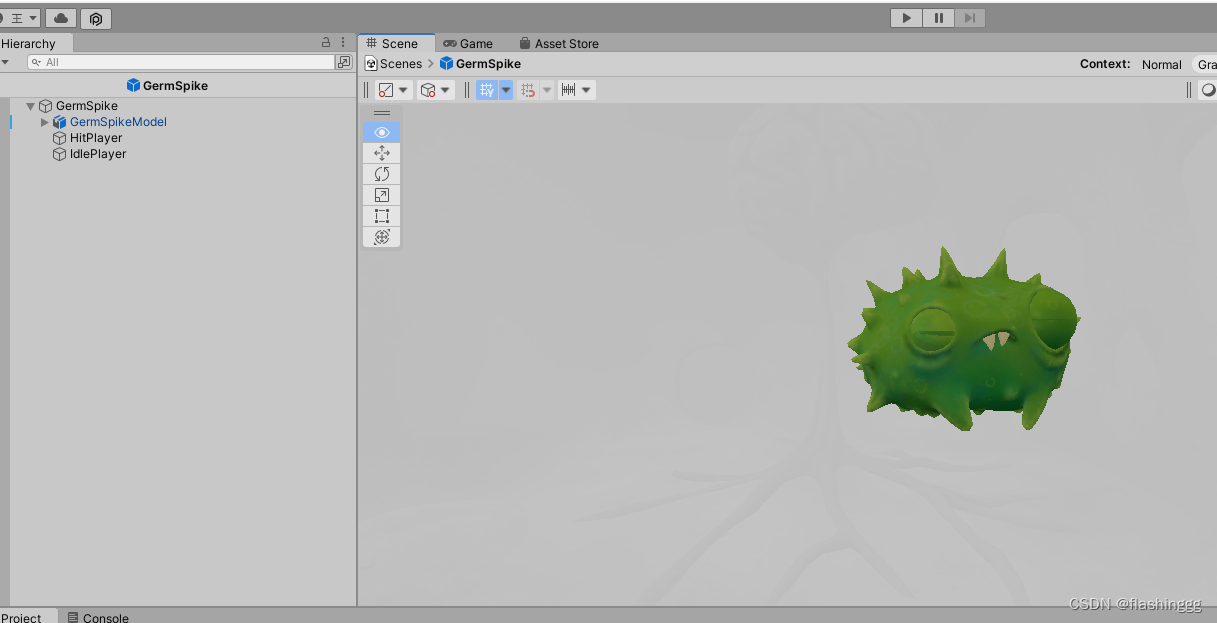
Let's not delve into what it originally contained .
Add it to the scene, try to run and find that it can't hit , Judge the lack of rigid body and collision body components , Therefore, it needs to be further improved .
5.1 Add rigid bodies and collision bodies
To achieve collision , You need to add rigid body and collision body components , rigid body -> Rigidbody, Colliding body -> Sphere Collider, At the same time, give the collider a fitting shape


5.1 add to Target Script
You need to hang another Targets There are scripts , Used to give life value 、 fraction 、 Sound components, etc .

5.3 Save as a new preform
Drag the object with the above components into the other two targets In the directory , It is preserved as a new prefabricated body , You can directly drag it into the scene when you need it .

6 Create a new scene
Here we use LevelLayout Script components , I don't delve into how it was written here , Just use it first .
open LevelLayout -> Click on Editing Layout,Add perhaps Remove To add a new scene .


7 Create doors and keys
To enrich the game , In the project, you can also add a door and a key to open the door to each level , These resources are available in Prefabs You can find it in the library , Add doors and keys and name 、 Just connect .

8 Modify the weapon
This weapon part is actually to select and add , So I won't go into details , Just watch the tutorial .
9 Add game end condition
I think the main thing to learn in this link is —— Application of collision body . Knowing that collision bodies can also be achieved Trigger the contact effect to execute the game end script Purpose , The key is to put Is Trigger The checkbox for is turned on .

Give him a box Collide with the body and hang a script at the end of the game .
thus , The game making process in the tutorial is all over .
10 Release the game
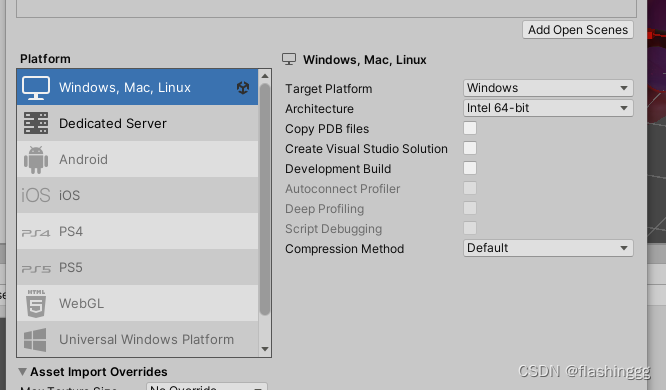
Click on File -> Build Settings, Select the platform you want to publish and Build Just go .
After saving :

summary
It took a day to learn how to make one 3D The process of the little game , To study the : Use of coordinate axes 、 Familiar with the right button +WASDQE Key to realize the first view movement 、 Set the game object 、 Hang script 、 Give the door and key 、 And setting the end conditions .
I learned a little , I will continue to learn about deeper programming later .
边栏推荐
- Stack acwing 3302. Expression evaluation
- 【Unity入门计划】CreatorKitFPS:第一人称射击3D小游戏
- Quantitative industry knowledge summary
- Smart pointer (shared_ptr, unique_ptr, weak_ptr)
- C programming language (2nd Edition) -- Reading Notes -- 1.5.1
- compute_class_weight() takes 1 positional argument but 3 were given
- JUC框架 从Runnable到Callable到FutureTask 使用浅析
- 【无标题】多模态模型 CLIP
- LAN SDN technology hard core insider 11 the key of cloud convergence CP -- hierarchical port binding
- 为什么TCP三次握手的时候ACK=Seq+1
猜你喜欢

Inclusion exclusion principle acwing 890. divisible numbers
Find the combinatorial number acwing 889. 01 sequence satisfying the condition
Memory search acwing 901. Skiing
Pat (Grade B) 2022 summer exam

makefile模板

Solutions to errors in tensorflow operation
Game theory acwing 891. Nim game
【Unity入门计划】CreatorKitFPS:第一人称射击3D小游戏
Find the combination number acwing 888. find the combination number IV

N ¨UWA: Visual Synthesis Pre-training for Neural visUal World creAtionChenfei
随机推荐
LAN SDN technology hard core insider 11 the key of cloud convergence CP -- hierarchical port binding
Open source Flink has datastream connector written with holo or Flink SQL Conn
Maker paper data search training notes
1.Flume 简介及基本使用
(10) File contains
C programming language (2nd Edition) -- Reading Notes -- 1.5.3
Find the combination number acwing 888. find the combination number IV
LAN SDN technology hard core insider 12 cloud CP's daily love - hardware vxlan forwarding plane
日本福岛废堆安全监视协议会认可排海计划“安全”
When std:: bind meets this
Local virtual machine initialization script
Game theory acwing 892. Step Nim game
(3) Pass parameters
LeetCode-SQL练习题总结(MySQL实现)
Modelarts image classification and object detection
zabbix自定义监控项
Raw socket grabs packets, and packets on some ports cannot be caught
Properties file
Bus error problem of MMAP and its solution
Knapsack problem acwing 9. grouping knapsack problem