当前位置:网站首页>CircleIndicator组件,使指示器风格更加多样化
CircleIndicator组件,使指示器风格更加多样化
2022-07-25 15:33:00 【InfoQ】
CircleIndicator介绍
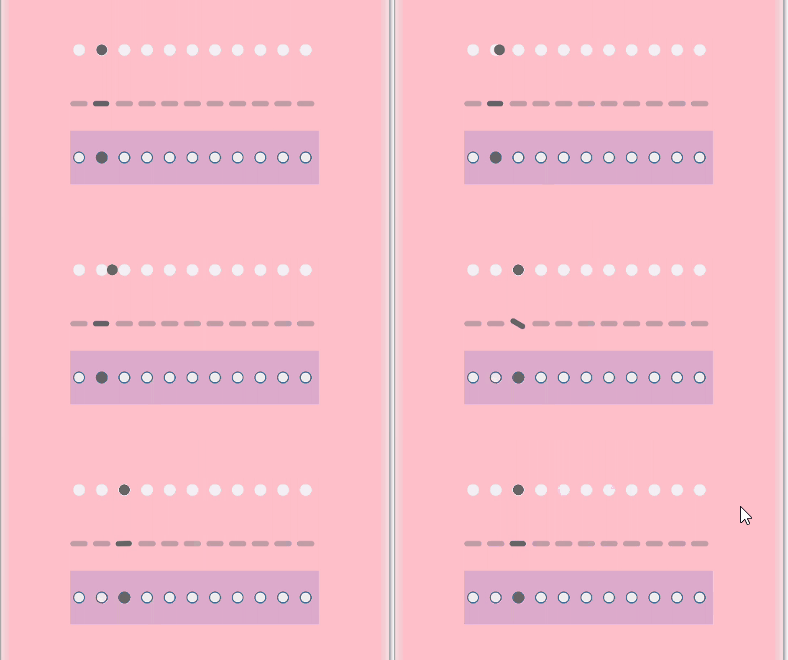





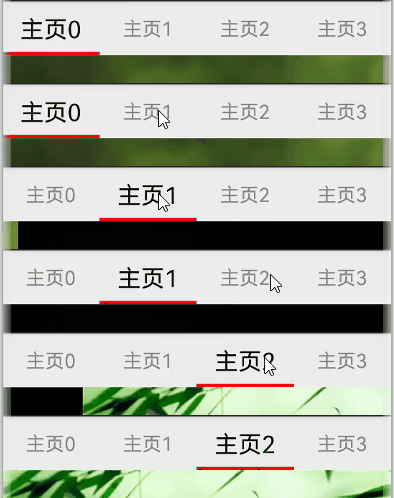

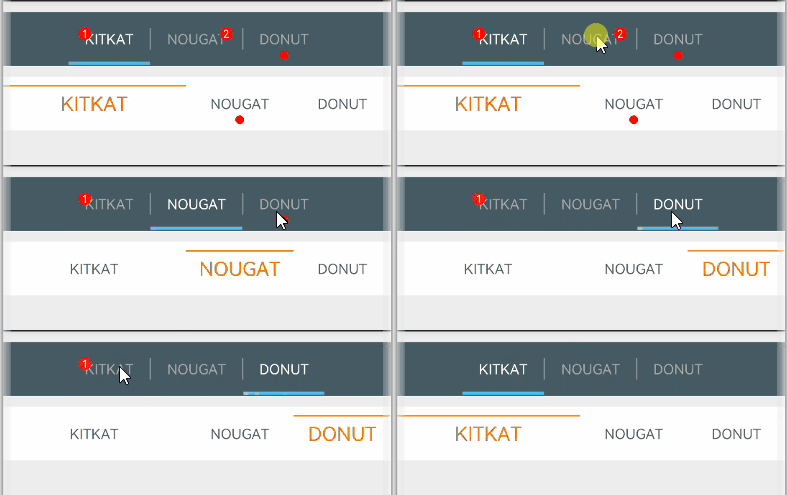
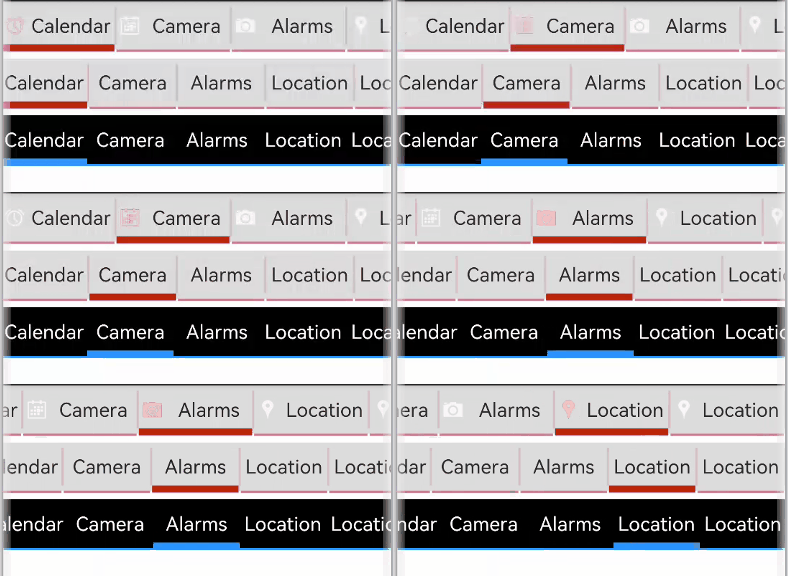

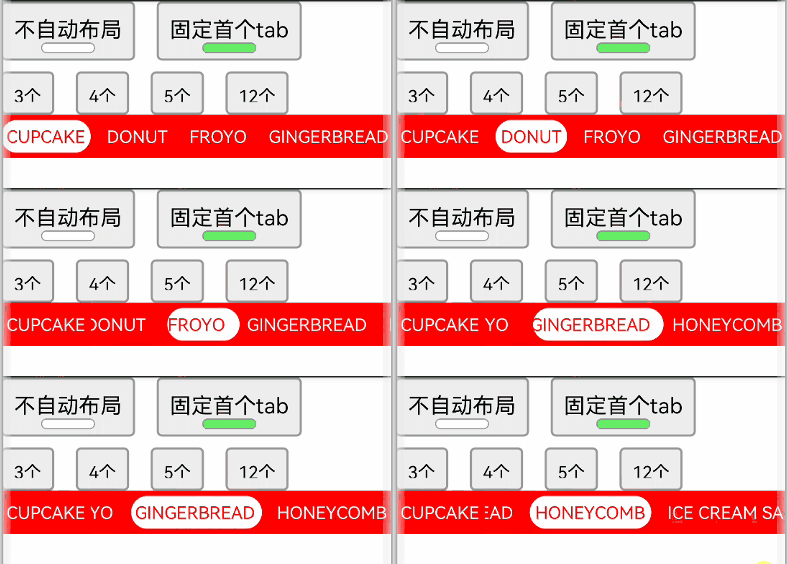
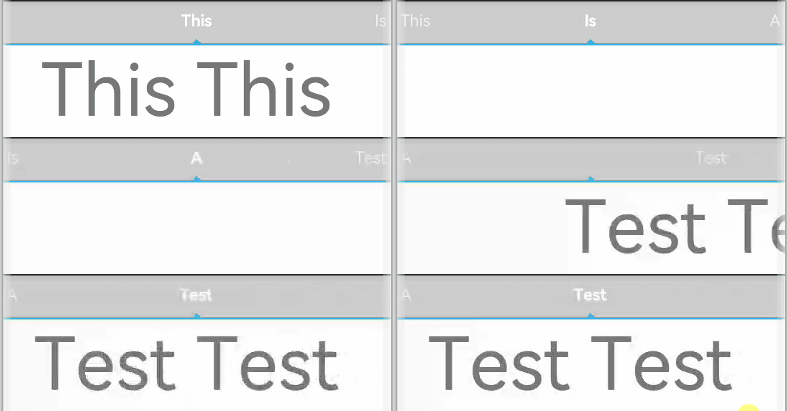
namespace TriangularIndicator {
 export class Model {
//设置指示器高度
 mHeight: number = 18
//设置指示器宽度
 mWidth: number = lpx2px(720)
//设置指示器背景色
 mBackgroundColor: string
//字段过多,此处进行省略
//各字段set与get方法,此处只以height字段为例
 public getHeight(): number {
 return this.mHeight
 }
 public setHeight(height: number): Model {
 this.mHeight = height
 return this
 }
 //触摸事件拦截
 onPageTouch: (event: TouchEvent, currentIndicator: number) => void
 public notifyTouch(event: TouchEvent, currentIndex: number) {
 this.onPageTouch(event, currentIndex)
 }
 //设置构造器
 private tabsController: TabsController
 (tabsController: TabsController) {
 this.tabsController = tabsController
 }
 //页面切换监听
 indexChange: (itemIndex: number) => void
 public setChangeListener(callback: (index: number) => void): Model{
 this.indexChange = callback
 return this
 }
}
@Component
struct TriangularIndicator {
//获取TriangularIndicator实例
 @State model: TriangularIndicator.Model = new TriangularIndicator.Model(null)
//初始化指示器当前index
 @Link @Watch("itemIndexChange") itemIndex: number
//设置指示器总条数
 @State count: number = 0
//再分别实现itemIndexChange、aboutToAppear、onTouch、getOffset方法,此处实现不做展示
//再在build方法里面描述UI结构
 build() {
 Column() {
 Rect({ width: this.model.mWidth, height: this.model.mLineHeight }).fill(this.model.mLineColor)
 Polygon()
 .points(this.model.mReverse ?
 [[px2vp(this.model.mWidth) / (this.count * 2) - this.model.mTriangleWidth / 2, this.model.mLineHeight - this.model.mYOffset],
 [px2vp(this.model.mWidth) / (this.count * 2), this.model.mLineHeight + this.model.mTriangleHeight - this.model.mYOffset],
 [px2vp(this.model.mWidth) / (this.count * 2) + this.model.mTriangleWidth / 2, this.model.mLineHeight - this.model.mYOffset]] :
 [[px2vp(this.model.mWidth) / (this.count * 2) - this.model.mTriangleWidth / 2, -this.model.mYOffset],
 [px2vp(this.model.mWidth) / (this.count * 2), -this.model.mTriangleHeight - this.model.mYOffset],
 [px2vp(this.model.mWidth) / (this.count * 2) + this.model.mTriangleWidth / 2, -this.model.mYOffset]])
 .offset(this.model.mStartInterpolator ?
 { x: px2vp(this.model.mWidth) / this.count * (this.itemIndex - this.model.mStartInterpolator.interpolate(Math.abs(this.model.offs et / this.model.mWidth)) * Math.sign(this.model.offset)),
 y: 0 } :
 { x: px2vp(this.model.mWidth) / this.count * (this.itemIndex - this.model.offset / this.model.mWidth),
 y: 0 })
 .fill(this.model.mLineColor)
 .height(this.model.mHeight)
 .width(this.model.mWidth)
 }.width('100%').height(this.model.mHeight)
 .backgroundColor(this.model.mBackgroundColor)
 }
}
export default TriangularIndicator
CircleIndicator实战

private controller: TabsController = new TabsController()
@State model: TriangularIndicator.Model = new TriangularIndicator.Model(this.controller)
@State itemIndex: number = 0
aboutToAppear() {
 this.model
 .setReverse(true)
 .setLineHeight(4)
 .setTriangleHeight(10)
 .setLineColor("#e94220")
 .setBackgroundColor("#eeeeee")
 .setChangeListener((itemIndex) => {
 console.info("change page to " + this.data[itemIndex])
 })
}
build() {
 Column() {
 TriangularIndicator({ itemIndex: $itemIndex, count: this.data.length, model: this.model })
 Tabs({ index: this.itemIndex, controller: this.controller }) {
 ……
 }
 .barWidth(0)
 .onTouch((event: TouchEvent) => {
 this.model.notifyTouch(event, this.itemIndex)
 })
 }.padding({ top: 40 })
 .backgroundColor("#eeeeee")
}

边栏推荐
- Solve the vender-base.66c6fc1c0b393478adf7.js:6 typeerror: cannot read property 'validate' of undefined problem
- 微信小程序
- Leetcode - 641 design cycle double ended queue (Design)*
- Understanding the difference between wait() and sleep()
- LeetCode - 359 日志速率限制器 (设计)
- Idea eye care settings
- Componentization and modularization
- LeetCode - 641 设计循环双端队列(设计)*
- CF566A-贪心+字典树
- Cf888g clever dictionary tree + violent divide and conquer (XOR minimum spanning tree)
猜你喜欢

Cf888g clever dictionary tree + violent divide and conquer (XOR minimum spanning tree)

带你创建你的第一个C#程序(建议收藏)

Leetcode - 303 area and retrieval - array immutable (design prefix and array)

Leetcode - 225 implements stack with queue

Leetcode - 232 realize queue with stack (design double stack to realize queue)
LeetCode - 232 用栈实现队列 (设计 双栈实现队列)
SQL cultivation manual from scratch - practical part

Pytorch学习笔记--常用函数总结3

你准备好脱离“内卷化怪圈”了吗?

Window system black window redis error 20creating server TCP listening socket *: 6379: listen: unknown error19-07-28

随机推荐
谷歌博客:采用多重游戏决策Transformer训练通用智能体
Leetcode - 379 telephone directory management system (Design)
ZOJ - 4114 Flipping Game-dp,合理状态表示
2019 Zhejiang race c-wrong arrangement, greedy
JVM知识脑图分享
MySQL—常用SQL语句整理总结
Gary Marcus: 学习语言比你想象的更难
LeetCode - 359 日志速率限制器 (设计)
JVM—类加载器和双亲委派模型
C#精挑整理知识要点10 泛型(建议收藏)
使用cpolar建立一个商业网站(如何购买域名)
Pat grade a 1152 Google recruitment (20 points)
LeetCode - 379 电话目录管理系统(设计)
对this对象的理解
带你详细认识JS基础语法(建议收藏)
LeetCode - 225 用队列实现栈
See a lot of blinking pictures on apps, especially the member page
IOS interview questions
Binary complement
二进制补码