当前位置:网站首页>memcached全面剖析–2. 理解memcached的內存存儲
memcached全面剖析–2. 理解memcached的內存存儲
2022-06-24 21:24:00 【Hello,C++!】
我是mixi株式會社研究開發組的前阪徹。 上次的文章介紹了memcached是分布式的高速緩存服務器。 本次將介紹memcached的內部構造的實現方式,以及內存的管理方式。 另外,memcached的內部構造導致的弱點也將加以說明。
Slab Allocation機制:整理內存以便重複使用
最近的memcached默認情况下采用了名為Slab Allocator的機制分配、管理內存。 在該機制出現以前,內存的分配是通過對所有記錄簡單地進行malloc和free來進行的。 但是,這種方式會導致內存碎片,加重操作系統內存管理器的負擔,最壞的情况下, 會導致操作系統比memcached進程本身還慢。Slab Allocator就是為解决該問題而誕生的。
下面來看看Slab Allocator的原理。下面是memcached文檔中的slab allocator的目標:
the primary goal of the slabs subsystem in memcached was to eliminate memory fragmentation issues totally by using fixed-size memory chunks coming from a few predetermined size classes.
也就是說,Slab Allocator的基本原理是按照預先規定的大小,將分配的內存分割成特定長度的塊, 以完全解决內存碎片問題。
Slab Allocation的原理相當簡單。 將分配的內存分割成各種尺寸的塊(chunk), 並把尺寸相同的塊分成組(chunk的集合)(圖1)。

圖1 Slab Allocation的構造圖
而且,slab allocator還有重複使用已分配的內存的目的。 也就是說,分配到的內存不會釋放,而是重複利用。
Slab Allocation的主要術語
Page
分配給Slab的內存空間,默認是1MB。分配給Slab之後根據slab的大小切分成chunk。
Chunk
用於緩存記錄的內存空間。
Slab Class
特定大小的chunk的組。
在Slab中緩存記錄的原理
下面說明memcached如何針對客戶端發送的數據選擇slab並緩存到chunk中。
memcached根據收到的數據的大小,選擇最適合數據大小的slab(圖2)。 memcached中保存著slab內空閑chunk的列錶,根據該列錶選擇chunk, 然後將數據緩存於其中。

圖2 選擇存儲記錄的組的方法
實際上,Slab Allocator也是有利也有弊。下面介紹一下它的缺點。
Slab Allocator的缺點
Slab Allocator解决了當初的內存碎片問題,但新的機制也給memcached帶來了新的問題。
這個問題就是,由於分配的是特定長度的內存,因此無法有效利用分配的內存。 例如,將100字節的數據緩存到128字節的chunk中,剩餘的28字節就浪費了(圖3)。

圖3 chunk空間的使用
對於該問題目前還沒有完美的解决方案,但在文檔中記載了比較有效的解决方案。
The most efficient way to reduce the waste is to use a list of size classes that closely matches (if that’s at all possible) common sizes of objects that the clients of this particular installation of memcached are likely to store.
就是說,如果預先知道客戶端發送的數據的公用大小,或者僅緩存大小相同的數據的情况下, 只要使用適合數據大小的組的列錶,就可以减少浪費。
但是很遺憾,現在還不能進行任何調優,只能期待以後的版本了。 但是,我們可以調節slab class的大小的差別。 接下來說明growth factor選項。
使用Growth Factor進行調優
memcached在啟動時指定 Growth Factor因子(通過-f選項), 就可以在某種程度上控制slab之間的差异。默認值為1.25。 但是,在該選項出現之前,這個因子曾經固定為2,稱為“powers of 2”策略。
讓我們用以前的設置,以verbose模式啟動memcached試試看:
$ memcached -f 2 -vv
下面是啟動後的verbose輸出:
slab class   1: chunk size    128 perslab  8192
slab class   2: chunk size    256 perslab  4096
slab class   3: chunk size    512 perslab  2048
slab class   4: chunk size   1024 perslab  1024
slab class   5: chunk size   2048 perslab   512
slab class   6: chunk size   4096 perslab   256
slab class   7: chunk size   8192 perslab   128
slab class   8: chunk size  16384 perslab    64
slab class   9: chunk size  32768 perslab    32
slab class  10: chunk size  65536 perslab    16
slab class  11: chunk size 131072 perslab     8
slab class  12: chunk size 262144 perslab     4
slab class  13: chunk size 524288 perslab     2
可見,從128字節的組開始,組的大小依次增大為原來的2倍。 這樣設置的問題是,slab之間的差別比較大,有些情况下就相當浪費內存。 因此,為盡量减少內存浪費,兩年前追加了growth factor這個選項。
來看看現在的默認設置(f=1.25)時的輸出(篇幅所限,這裏只寫到第10組):
slab class   1: chunk size     88 perslab 11915
slab class   2: chunk size    112 perslab  9362
slab class   3: chunk size    144 perslab  7281
slab class   4: chunk size    184 perslab  5698
slab class   5: chunk size    232 perslab  4519
slab class   6: chunk size    296 perslab  3542
slab class   7: chunk size    376 perslab  2788
slab class   8: chunk size    472 perslab  2221
slab class   9: chunk size    592 perslab  1771
slab class  10: chunk size    744 perslab  1409
可見,組間差距比因子為2時小得多,更適合緩存幾百字節的記錄。 從上面的輸出結果來看,可能會覺得有些計算誤差, 這些誤差是為了保持字節數的對齊而故意設置的。
將memcached引入產品,或是直接使用默認值進行部署時, 最好是重新計算一下數據的預期平均長度,調整growth factor, 以獲得最恰當的設置。內存是珍貴的資源,浪費就太可惜了。
接下來介紹一下如何使用memcached的stats命令查看slabs的利用率等各種各樣的信息。
查看memcached的內部狀態
memcached有個名為stats的命令,使用它可以獲得各種各樣的信息。 執行命令的方法很多,用telnet最為簡單:
$ telnet 主機名 端口號
連接到memcached之後,輸入stats再按回車,即可獲得包括資源利用率在內的各種信息。 此外,輸入"stats slabs"或"stats items"還可以獲得關於緩存記錄的信息。 結束程序請輸入quit。
這些命令的詳細信息可以參考memcached軟件包內的protocol.txt文檔。
$ telnet localhost 11211
Trying ::1...
Connected to localhost.
Escape character is '^]'.
stats
STAT pid 481
STAT uptime 16574
STAT time 1213687612
STAT version 1.2.5
STAT pointer_size 32
STAT rusage_user 0.102297
STAT rusage_system 0.214317
STAT curr_items 0
STAT total_items 0
STAT bytes 0
STAT curr_connections 6
STAT total_connections 8
STAT connection_structures 7
STAT cmd_get 0
STAT cmd_set 0
STAT get_hits 0
STAT get_misses 0
STAT evictions 0
STAT bytes_read 20
STAT bytes_written 465
STAT limit_maxbytes 67108864
STAT threads 4
END
quit
另外,如果安裝了libmemcached這個面向C/C++語言的客戶端庫,就會安裝 memstat 這個命令。 使用方法很簡單,可以用更少的步驟獲得與telnet相同的信息,還能一次性從多臺服務器獲得信息。
$ memstat --servers=server1,server2,server3,...
libmemcached可以從下面的地址獲得:
查看slabs的使用狀况
使用memcached的創造著Brad寫的名為memcached-tool的Perl脚本,可以方便地獲得slab的使用情况 (它將memcached的返回值整理成容易閱讀的格式)。可以從下面的地址獲得脚本:
使用方法也極其簡單:
$ memcached-tool 主機名:端口 選項
查看slabs使用狀况時無需指定選項,因此用下面的命令即可:
$ memcached-tool 主機名:端口
獲得的信息如下所示:
 #  Item_Size   Max_age  1MB_pages Count   Full?
 1     104 B  1394292 s    1215 12249628    yes
 2     136 B  1456795 s      52  400919     yes
 3     176 B  1339587 s      33  196567     yes
 4     224 B  1360926 s     109  510221     yes
 5     280 B  1570071 s      49  183452     yes
 6     352 B  1592051 s      77  229197     yes
 7     440 B  1517732 s      66  157183     yes
 8     552 B  1460821 s      62  117697     yes
 9     696 B  1521917 s     143  215308     yes
10     872 B  1695035 s     205  246162     yes
11     1.1 kB 1681650 s     233  221968     yes
12     1.3 kB 1603363 s     241  183621     yes
13     1.7 kB 1634218 s      94   57197     yes
14     2.1 kB 1695038 s      75   36488     yes
15     2.6 kB 1747075 s      65   25203     yes
16     3.3 kB 1760661 s      78   24167     yes
各列的含義為:
| 列 | 含義 |
|---|---|
| # | slab class編號 |
| Item_Size | Chunk大小 |
| Max_age | LRU內最舊的記錄的生存時間 |
| 1MB_pages | 分配給Slab的頁數 |
| Count | Slab內的記錄數 |
| Full? | Slab內是否含有空閑chunk |
從這個脚本獲得的信息對於調優非常方便,强烈推薦使用。
內存存儲的總結
本次簡單說明了memcached的緩存機制和調優方法。 希望讀者能理解memcached的內存管理原理及其優缺點。
下次將繼續說明LRU和Expire等原理,以及memcached的最新發展方向—— 可擴充體系(pluggable architecher))。
系列文章導航:
memcached全面剖析–2. 理解memcached的內存存儲
memcached全面剖析–3. memcached的删除機制和發展方向
边栏推荐
猜你喜欢

memcached完全剖析–1. memcached的基础
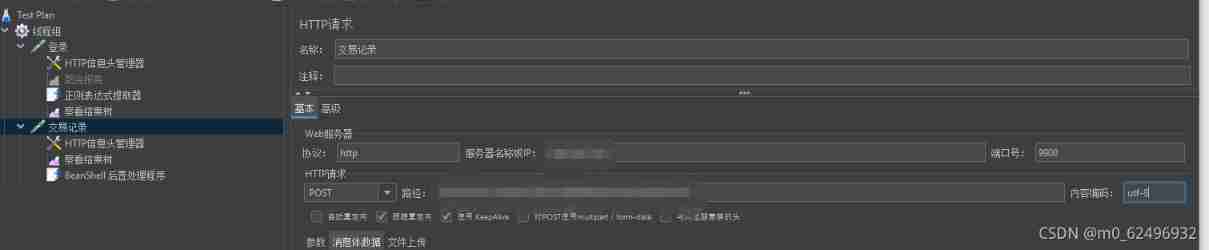
Handling of garbled JMeter response data - three solutions

It was Tencent who jumped out of the job with 26k. It really wiped my ass with sandpaper. It gave me a hand

Microsoft Certification (dynamic 365) test

188. 买卖股票的最佳时机 IV

Please open online PDF carefully

EditText 控制软键盘出现 搜索
![[cloud native learning notes] kubernetes Foundation](/img/c9/bd9ac90dd0dd27c450db33ad6b2fa5.jpg)
[cloud native learning notes] kubernetes Foundation
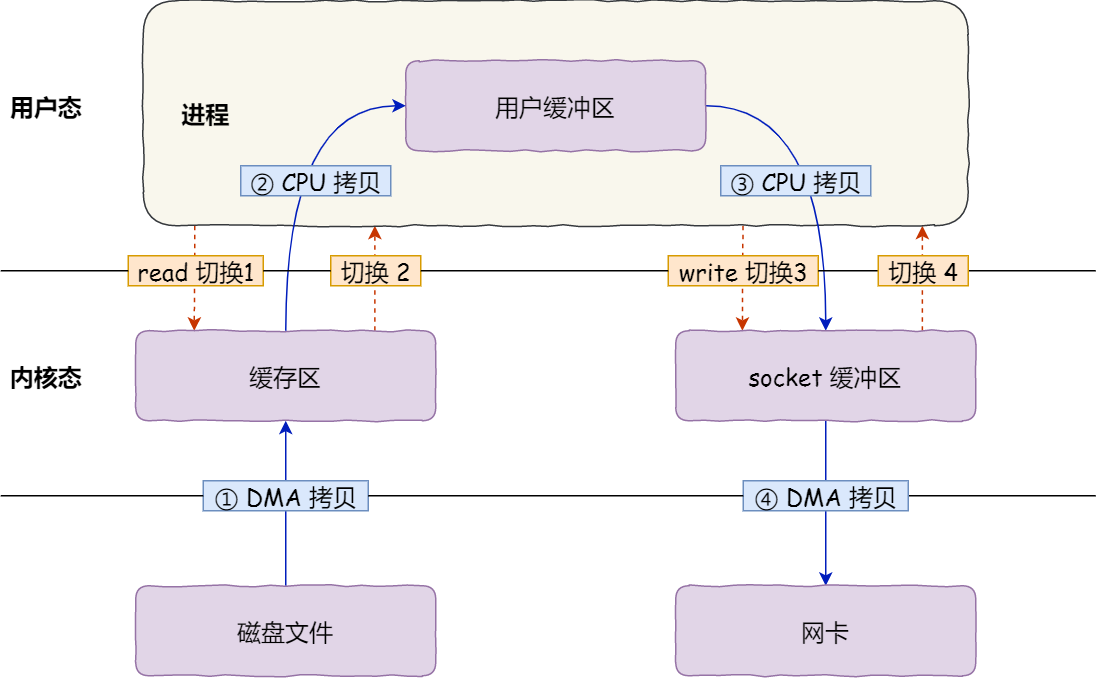
What are the problems with traditional IO? Why is zero copy introduced?
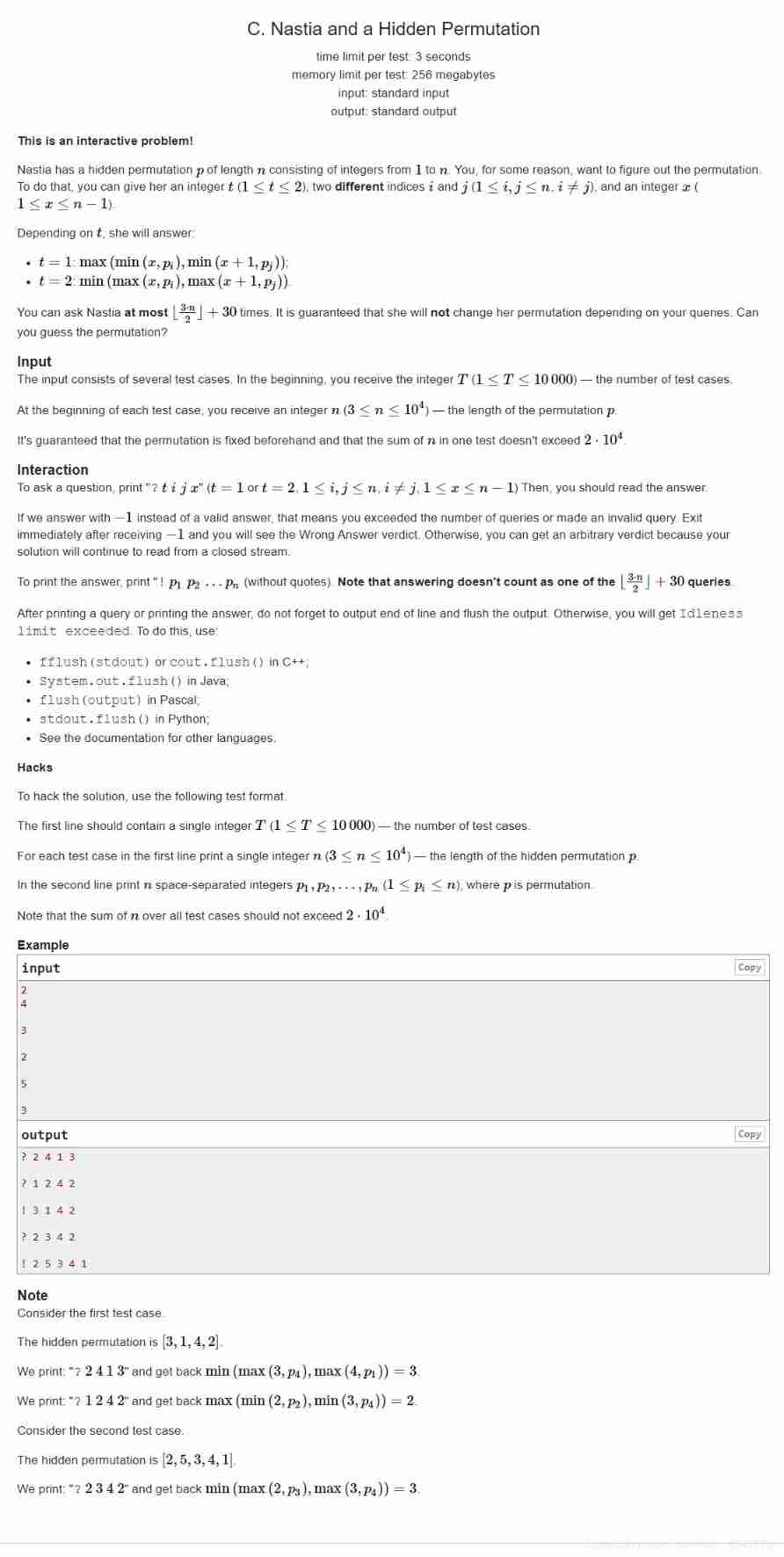
Codeforces Round #720 (Div. 2)
随机推荐
Golang daily question
Distributed basic concepts
网络安全审查办公室对知网启动网络安全审查
Steps of JMeter performance test
JMeter basic learning records
Time standard and format
Dijkstra seeking secondary short circuit (easy to understand)
Static routing job
Haitai Advanced Technology | application of privacy computing technology in medical data protection
Format method and parse method of dateformat class
memcached全面剖析–3. memcached的删除机制和发展方向
Learn to use a new technology quickly
Nifi fast authentication configuration
Does the developer want to change to software testing?
DHCP operation
Markdown use
Curl command
Reflect package
It was Tencent who jumped out of the job with 26k. It really wiped my ass with sandpaper. It gave me a hand
[cloud native learning notes] kubernetes Foundation