当前位置:网站首页>Sharelist supports simultaneous mounting of Google drive/onedrive multiple network disks
Sharelist supports simultaneous mounting of Google drive/onedrive multiple network disks
2022-06-23 20:33:00 【kenvie】
ShareList Original name GDLIST Is an easy-to-use network disk tool , Support fast mount GoogleDrive、OneDrive , Functions can be extended through plug-ins . No server space ; Can be more Google Drive and OneDrive Mount to the network disk at the same time ; Support direct link download ; The online preview ( picture 、 video 、 Audio )
If there is no Tianyi cloud disk member , You can mount the Tianyi cloud disk home version in the background ,2T There is no speed limit
At present, we support :GoogleDrive、OneDrive( Including Century Internet )、 Sky wing cloud disk ( Including enterprise version and home version )、 And Caiyun 、 Local files 、Github、 Blue clouds 、H5ai、WebDAV、SFTP etc.
Blogger build :https://ali.kenvie.com
Github:https://github.com/reruin/sharelist
characteristic
- A variety of online network disks are quickly mounted .
- Support virtual directories and virtual files .
- Support directory encryption .
- Plug-in mechanism .
- Support direct chain generation
- WebDAV export .
Script installation
- System requirements :
CentOS、Debian、Ubuntu - Server requirements : Install the pagoda ( Used to open ports and reverse proxy , It's not mandatory )
- Resolve a domain name to your server Run the command :
#Debian/Ubuntu System
apt-get -y install git
#CentOS/RHEL System
yum -y install git
# Download the source code ( Choose any download source at home or abroad )
git clone -b 0.1 https://gitee.com/kenvie/sharelist.git  # At home
git clone -b 0.1 https://github.com/reruin/sharelist.git  # Abroad
# Execution and installation
cd sharelist && bash install.sh
After completion , Open safely in the pagoda 33001 port , visit http://ip:33001, Enter the interface to start setting .
Use reverse proxy to add domain name
Add a new site to the pagoda , Just bind the domain name , After that, visit the domain name and wait for the resolution to succeed
After successful parsing , Click on the right side of the website list Set up , In the list Reverse proxy , The goal is url Set to http://127.0.0.1:33001, Send domain name automatically generated , No operation
Open for domain name HTTPS
Configure directly for this site SSL Certificate is enough
Mount object
When you use it for the first time, you will be prompted to select the mount source , Select the mount source , Fill in the corresponding path . The system has built-in local path (FileSystem) Mount source .
Mount local
If you follow my method to install , The installation path is :/root/sharelist
You can go to sharelist Create a folder in the folder ( Preferably in English ), Then manage the bottom part of the website in the background ,
Mount source : Local files
Virtual path : Fill in a form / That is, mount your entire hard disk , Write your own path
Be careful : If the background is turned on Open upload function , Be sure to encrypt the directory , The encryption method is shown below
Mount Tianyi cloud disk
1. The account and password are attached (Cookie The way )
Mount source : 189 cookic/ Tianyi cloud Account login version
Mount path contents : /
Fill in /,ShareList The mount wizard will automatically open , Follow the instructions
Be careful : If the account and password of Tianyi cloud disk are displayed incorrectly , Please make sure that the input is correct , then Ctrl+F5 Just force a refresh or wait
2.API Way to mount
Mount source : Tianyi cloud API edition
Mount path contents : /
Fill in /,ShareList The mount wizard will automatically open , Follow the instructions
Be careful :access_token every other 30 It needs to be updated manually every day , Before expiration 24 There will be an update prompt when accessing the corresponding path within hours .
3. Tianyi enterprise cloud disk mount
Mount source : Tianyi enterprise cloud Account password version
Mount path contents : /
Then visit the home page , Click the folder where Tianyi is attached , It will let you enter the account password of Tianyi cloud disk , Just type in .
Mount alicloud disk
Mount source : Alicloud disk (beta)
Mount path contents :/
obtain token:
1、 Get into Alibaba cloud disk mobile page open F12 development tool , Log in to Alibaba account and password , When you click login , A new one will be loaded in the development tool network login.do file , Right click replication -> Copy response
2、 Get into token decode Paste response data , Click decode , Copy the pop-up token, Paste the sharelist Of token It's about
thank @ aunt Decoding tool
Mount the blue cloud disk
Mount source : Blue clouds /LanZou
Mount path contents :[email protected]
password Is your link access password ,folderId It's behind your sharing address bxxxxxxxx
such as : Share links :https://lanzous.com/bxxxxxxx Access password :xxbb
The mounting path is : [email protected]
Because Lanzou cloud cannot be uploaded .jpg.mp4 Etc , You can add another .ct Upload
For example, the file name is :ceshi.jpg, Change it to ceshi.jpg.ct Upload to Lanzou cloud
Be careful : Blue clouds vip Version can be uploaded larger than 100M The file of , But it's bigger than 100M The file for cannot be in ShareList visit !
mount GoogleDrive
1. Use sharing ID mount
from plugins/drive.gd.js Plug-in implementation
Mount source :GD ID Mount version
Mount path contents : Shared files ID
2. Official use API mount
from plugins/drive.gd.api.js Plug-in implementation .
Mount source :GD API edition
Mount path contents :// application ID/root?client_secret= Application key &redirect_uri= token url &refresh_token=refresh_token/
It is suggested to fill in /,ShareList The mount wizard will automatically open , Follow the instructions .
mount OneDrive
1. Use sharing ID mount
from plugins/drive.od.js Plug-in implementation
Mount source :OD ID Mount version
Mount path contents : Shared files ID
2. Official use API mount
from plugins/drive.od.api.js Plug-in implementation .
Mount source :OD API edition
Mount path contents :OneDrive route -> application ID| Application key | token url |refresh_token OneDrive route /
It is suggested to fill in /,ShareList The mount wizard will automatically open , Follow the instructions
For non conformity OneDrive Security required domain name , The transfer mode will be used to verify , View the transfer page
Be careful : because onedrive Changed the policy , personal Microsoft The account can no longer be bound through the wizard . Need to go to Azure Management backstage Register the app and get app_id and app_secret .
3. Official use API Mount 21vianet
from plugins/drive.odc.api.js Plug-in implementation
Mount source :OD Century interconnection
Mount path contents :// application ID/ route ?client_secret= Application key &redirect_uri= token url &refresh_token=refresh_token&tenant= Organization name /
It is suggested to fill in /,ShareList The mount wizard will automatically open , Follow the instructions
Be careful : The organization name refers to the name in the web disk access link `https://*-my.sharepoint.cn/` The part indicated by the asterisk .**
4. mount OneDrive For Business
from plugins/drive.odb.js Plug-in implementation .
Mount source :* OD Business Not API
Mount path contents : To share the url
Directory encryption
Create a new... In the directory to be encrypted .passwd file ,type Is the verification method ,data To verify the content .
type: basic
data:
  - user1:111111
  - user2:aaaaaa
basic Is a built-in verification method , Use the user name and password to judge , In the above example, you can use user1 The password for 111111,user2 The password for aaaaaa.
notes : Do not hide from administrators , After the background login, you can see , Tourists can't see .
Hide directory
Backstage Ignore the path Fill in the table of contents to be hidden , Separated by commas .
notes : Do not hide from administrators , After the background login, you can see , Tourists can't see .
Virtual directory
Create a new directory where you want to create a virtual directory Directory name .d.ln file . Its content is Mount source : Mount path Such as : Create a virtual directory pointing to the local directory /root.
fs:/root
Where the mount source fs Represents the local disk ,/root Represents the path .
Again : Create a virtual directory pointing to GoogleDrive A shared folder
gd:0BwfTxffUGy_GNF9KQ25Xd0xxxxxxx
gd yes GoogleDrive Mount source identification for , After the colon is the shared folder ID.
边栏推荐
- 想开个户,在股票网上开户安全吗?资金会被骗走吗?
- Are internal consultants and external consultants in SAP implementation projects difficult or successful?
- [golang] use go language to operate etcd - configuration center
- How to separate image processing? What should I pay attention to when separating layers?
- How to build Tencent cloud game server? Differences between cloud game platforms and ordinary games
- Development of block hash quiz game system (DAPP)
- 【Golang】跟着源码学技巧系列之对象池sync.Pool
- Crise de 35 ans? Le volume intérieur est devenu synonyme de programmeur...
- 【Golang】快速复习指南QuickReview(三)——map
- 国元期货交易软件正规吗?如何安全下载?
猜你喜欢
Tupu software digital twin intelligent water service, breaking through the development dilemma of sponge City
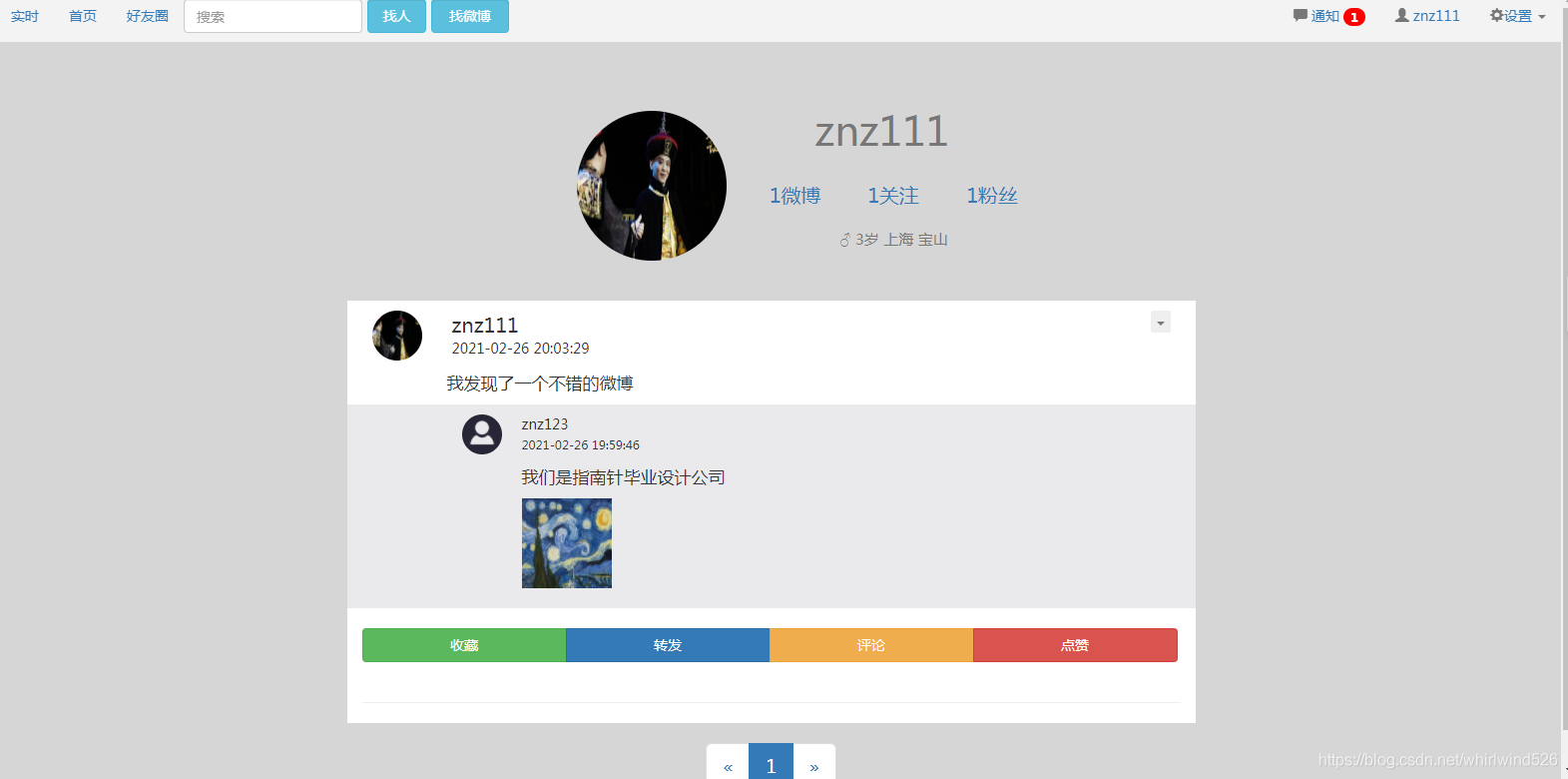
Implementation of microblog system based on SSM
基于SSM实现微博系统

Why is only one value displayed on your data graph?

ZABBIX monitoring - Aruba AP operation data

Real topic of the 13th National Competition of single chip microcomputer in the Blue Bridge Cup

How to write a great online user manual in 7 steps

盘点四种WiFi加密标准:WEP、WPA、WPA2、WPA3

LeetCode 473. Match to square

官宣.NET 7 预览版5
随机推荐
I came from a major, so I didn't want to outsource
Tcp/udp Fundamentals
技术分享| WVP+ZLMediaKit实现摄像头GB28181推流播放
35歲危機?內卷成程序員代名詞了…
实现vscode写markdown文档+图片自动上传至腾讯云cos
手续费佣金低的券商,华泰证券网上开户安全吗
[vernacular technology] QR code
[golang] follow the object pool sync Pool
Crise de 35 ans? Le volume intérieur est devenu synonyme de programmeur...
Implementation of microblog system based on SSM
UGeek大咖说 | 可观测之超融合存储系统的应用与设计
LeetCode 260. Number III that appears only once
Cloudbase init considerations
Strokeit- the joy of one handed fishing you can't imagine
Interview with Mo Tianlun | ivorysql wangzhibin - ivorysql, an Oracle compatible open source database based on PostgreSQL
MySQL时间函数的运用,简单问题
Is Guoyuan futures trading software formal? How to download safely?
5 月最大的 GameFi 崩溃受害者能否在熊市中生存?| May Monthly Report
Hardware development notes (6): basic process of hardware development, making a USB to RS232 module (5): creating USB package library and associating principle graphic devices
ZABBIX monitoring - Aruba AP operation data