当前位置:网站首页>Swagger2自动生成APi文档
Swagger2自动生成APi文档
2022-06-30 11:53:00 【Mr_Jin.】
Swagger 是一个规范和完整的框架,用于生成、描述、调用和可视化 RESTful 风格的 Web 服务的接口文档。
添加依赖:
        <!--Swagger-->
        <dependency>
            <groupId>io.springfox</groupId>
            <artifactId>springfox-swagger2</artifactId>
            <version>2.7.0</version>
        </dependency>
        <!--Swagger ui-->
        <dependency>
            <groupId>io.springfox</groupId>
            <artifactId>springfox-swagger-ui</artifactId>
            <version>2.7.0</version>
        </dependency>
进行创建SwaggerConfig配置
@Configuration
@EnableSwagger2
public class Swagger2Config {

    @Bean
    public Docket docket(){

        return new Docket(DocumentationType.SWAGGER_2)
                .apiInfo(new ApiInfoBuilder().title("微信支付案例接口文档").build());

    }
}
代码中进行注解使用:
在接口文件中增加对应注解。代码如下,由于我们第二步选择扫描接口的方式是在类前添加@Api;@ApiOperation用于注明接口,value是接口的解释;@ApiParam注解函数里面的参数,name一般与参数名一致,value是解释,required是是否参数必须。
import com.jt.vo.R;
import io.swagger.annotations.Api;
import io.swagger.annotations.ApiOperation;
import io.swagger.annotations.ApiParam;
import org.springframework.web.bind.annotation.RequestMapping;
import org.springframework.web.bind.annotation.RequestMethod;
import org.springframework.web.bind.annotation.RestController;

import java.util.Date;

@Api("商品管理")
@RequestMapping("/api/product")
@RestController
public class ProductController {

    @ApiOperation("测试接口")
    @RequestMapping(value = "/test",method = RequestMethod.GET)
    public R test(@ApiParam(name="name",value="对话人",required=true) String name){

        return R.ok().data("666","测试").data("时间",new Date());
    }
}
注意:在接口中使用了@RequestMapping时,必须指定接口的形式,是get还是post等。否则Swagger会把所有类型都创建。
上面操作都完成后,在浏览器中输入网址:http://localhost:8080/swagger-ui.html


swagger api注解
这一部分除了,下面列出的注解外,还包括上面所介绍的RequestHandlerSelectors和PathSelectors的几种方法及含义。
@Api: 用于类,标识这个类是swagger的资源
@ApiIgnore: 用于类,忽略该 Controller,指不对当前类做扫描
@ApiOperation: 用于方法,描述 Controller类中的 method接口
@ApiParam: 用于参数,单个参数描述,与 @ApiImplicitParam不同的是,他是写在参数左侧的。如( @ApiParam(name="username",value="用户名")Stringusername)
@ApiModel: 用于类,表示对类进行说明,用于参数用实体类接收
@ApiProperty:用于方法,字段,表示对model属性的说明或者数据操作更改
@ApiImplicitParam: 用于方法,表示单独的请求参数
@ApiImplicitParams: 用于方法,包含多个 @ApiImplicitParam
@ApiResponse: 用于方法,描述单个出参信息
@ApiResponses: 用于方法,包含多个@ApiResponse
@ApiError: 用于方法,接口错误所返回的信息
边栏推荐
- 又被 Kotlin 语法糖坑惨的一天
- 构造函数、类成员、析构函数调用顺序
- R语言ggplot2可视化:gganimate包基于transition_time函数创建动态散点图动画(gif)
- Stm32f407zgt6 uses SDIO mode to drive SD card
- 3D线光谱共焦传感器在半导体如何检测
- Cache avalanche and cache penetration solutions
- 对象映射 - Mapping.Mapster
- Getting started with the go language is simple: go handles XML files
- time 函数和 clock_gettime()函数的区别
- 一个悄然崛起的国产软件,低调又强大!
猜你喜欢
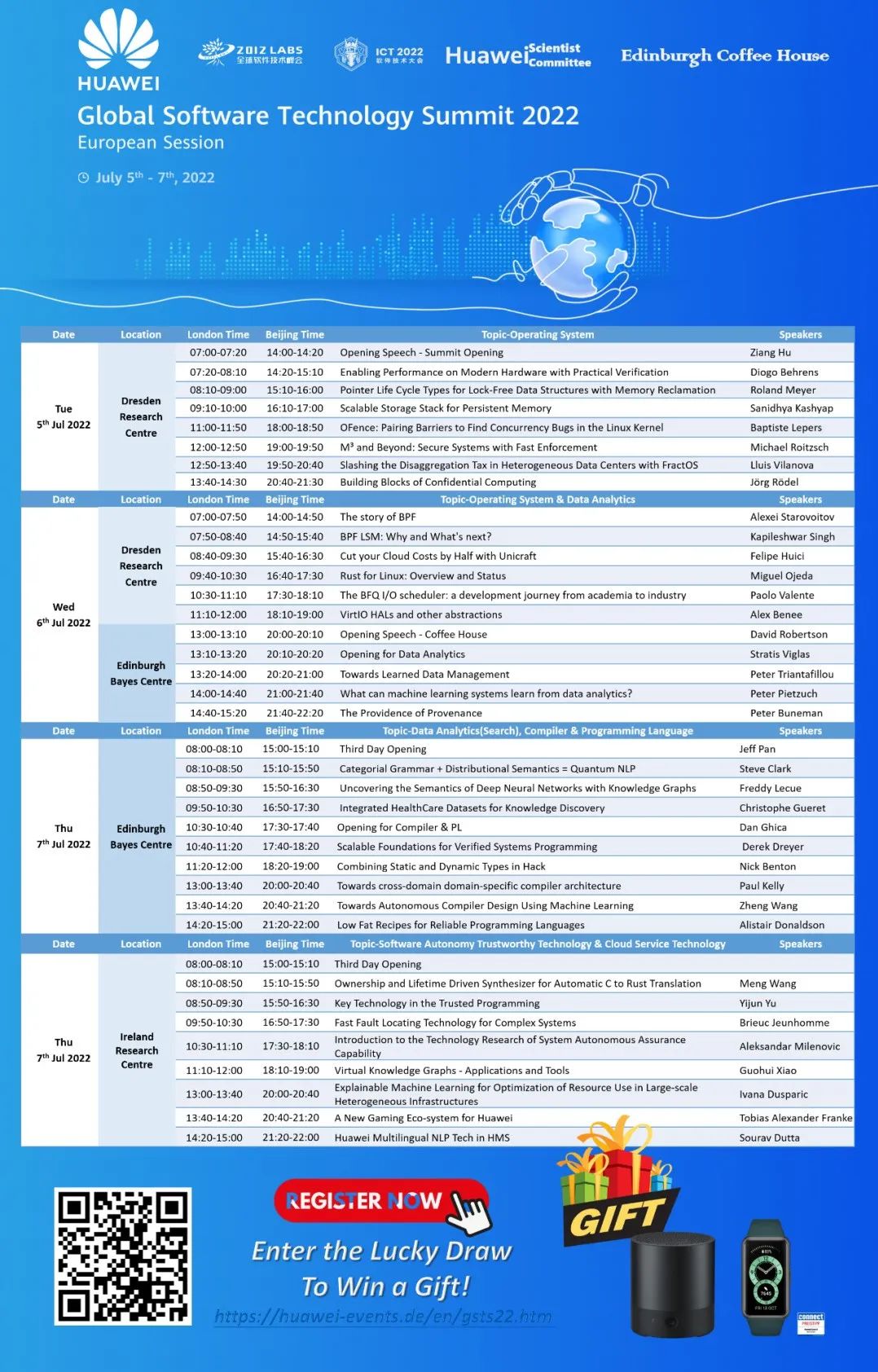
Conference Preview - Huawei 2012 lab global software technology summit - European session

ZABBIX monitors the number of TCP connections

Limited time appointment | Apache pulsar Chinese developer and user group meeting in June

Our company has used this set of general solutions for 7 years, and has opened up dozens of systems, a stable batch!

又被 Kotlin 语法糖坑惨的一天

Analysis of KOA - onion model

beego开发博客系统学习(二)

治数如治水,数据治理和数据创新难在哪?
![[pattern recognition]](/img/b1/dcb444cbf40a43eeb7f7b233d7741a.png)
[pattern recognition]

聊聊怎么做硬件兼容性检测,快速迁移到openEuler?
随机推荐
ClipboardJS——开发学习总结1
R language ggplot2 visualization: use ggplot2 to visualize the scatter diagram and use scale_ color_ viridis_ D function specifies the color scheme of data points
A Generic Deep-Learning-Based Approach for Automated Surface Inspection-论文阅读笔记
redis在项目中的使用
构造函数、类成员、析构函数调用顺序
Go 语言入门很简单:Go 处理 XML 文件
R语言ggplot2可视化:使用ggplot2可视化散点图、使用scale_x_log10函数配置X轴的数值范围为对数坐标
Webview,ScrollView滑动冲突咋整
Who still remembers "classmate Zhang"?
200. number of islands
爱可可AI前沿推介(6.30)
HMS core audio editing service 3D audio technology helps create an immersive auditory feast
wallys/IPQ8074a/2x(4×4 or 8×8) 11AX MU-MIMO DUAL CONCURRENT EMBEDDEDBOARD
Yolov5 export the pit encountered by onnx
695. maximum island area
Flutter 从零开始 006 单选开关和复选框
并行接口8255A
Lucene full text search toolkit learning notes summary
1175. 质数排列
TypeScript ReadonlyArray(只读数组类型) 详细介绍