当前位置:网站首页>shell学习记录(三)
shell学习记录(三)
2022-06-26 00:24:00 【_Bruce】
Shell 流程控制
if else-if else
注意:在sh/bash里可不能这么写,如果else分支没有语句执行,就不要写这个else
if condition1
then
    command1
elif condition2
then
    command2
else
    commandN
fi
写成一行(适用于终端命令提示符):
if [ $(ps -ef | grep -c "ssh") -gt 1 ]; then echo "true"; fifor 循环
for var in item1 item2 ... itemN
do
    command1
    command2
    ...
    commandN
done
写成一行:
for var in item1 item2 ... itemN; do command1; command2… done;输出字符串:
for str in 'This is a string'
do
    echo $str
done
输出:
This is a stringwhile 语句
while condition
do
    command
done
#!/bin/bash
int=1
while(( $int<=5 )) #注意:俩括号
do
echo $int
let "int++"
done输出:
1
2
3
4
5
以上实例使用了 Bash let 命令,它用于执行一个或多个表达式,变量计算中不需要加上 $ 来表示变量
自加操作:let no++
自减操作:let no--
简写形式 let no+=10,let no-=20,分别等同于 let no=no+10,let no=no-20
#!/bin/bash

let a=5+4
let b=9-3
echo $a $b
until 循环
until 循环执行一系列命令直至条件为 true 时停止。
until 循环与 while 循环在处理方式上刚好相反。
一般 while 循环优于 until 循环,但在某些时候—也只是极少数情况下,until 循环更加有用。
until 语法格式:
until condition
do
    command
done
#!/bin/bash
a=0
until [ ! $a -lt 10 ]
do
echo $a
a=`expr $a + 1`
done输出:
0
1
2
3
4
5
6
7
8
9
case
Shell case语句为多选择语句。可以用case语句匹配一个值与一个模式,如果匹配成功,执行相匹配的命令。case语句格式如下:
case 值 in
模式1)
    command1
    command2
    ...
    commandN
    ;;
模式2)
    command1
    command2
    ...
    commandN
    ;;
esac
case工作方式如上所示。取值后面必须为单词in,每一模式必须以右括号结束。取值可以为变量或常数。匹配发现取值符合某一模式后,其间所有命令开始执行直至 ;;。
取值将检测匹配的每一个模式。一旦模式匹配,则执行完匹配模式相应命令后不再继续其他模式。如果无一匹配模式,使用星号 * 捕获该值,再执行后面的命令。
下面的脚本提示输入1到4,与每一种模式进行匹配:
echo '输入 1 到 4 之间的数字:'
echo '你输入的数字为:'
read aNum
case $aNum in
    1)  echo '你选择了 1'
    ;;
    2)  echo '你选择了 2'
    ;;
    3)  echo '你选择了 3'
    ;;
    4)  echo '你选择了 4'
    ;;
    *)  echo '你没有输入 1 到 4 之间的数字'
    ;;
esac
输出:
输入 1 到 4 之间的数字:
你输入的数字为:
3
你选择了 3

输入 1 到 4 之间的数字:
你输入的数字为:
5
你没有输入 1 到 4 之间的数
跳出循环
在循环过程中,有时候需要在未达到循环结束条件时强制跳出循环,Shell使用两个命令来实现该功能:break和continue。
break命令
break命令允许跳出所有循环(终止执行后面的所有循环)。
下面的例子中,脚本进入死循环直至用户输入数字大于5。要跳出这个循环,返回到shell提示符下,需要使用break命令。
#!/bin/bash
while :
do
    echo -n "输入 1 到 5 之间的数字:"
    read aNum
    case $aNum in
        1|2|3|4|5) echo "你输入的数字为 $aNum!"
        ;;
        *) echo "你输入的数字不是 1 到 5 之间的! 游戏结束"
            break
        ;;
    esac
done
输出:
输入 1 到 5 之间的数字:3
你输入的数字为 3!
输入 1 到 5 之间的数字:7
你输入的数字不是 1 到 5 之间的! 游戏结束
continue
continue命令与break命令类似,只有一点差别,它不会跳出所有循环,仅仅跳出当前循环。
对上面的例子进行修改:
#!/bin/bash
while :
do
    echo -n "输入 1 到 5 之间的数字: "
    read aNum
    case $aNum in
        1|2|3|4|5) echo "你输入的数字为 $aNum!"
        ;;
        *) echo "你输入的数字不是 1 到 5 之间的!"
            continue
            echo "游戏结束"
        ;;
    esac
done
运行代码发现,当输入大于5的数字时,该例中的循环不会结束,语句 echo "游戏结束" 永远不会被执行。
边栏推荐
- 宁要一个完成,不要千万个开始(转载自豆瓣)
- App test (I)
- Input 3 integers and output them from large to small
- Redis的使用
- 接口测试用例设计
- PTA class a simulated 8th bomb: 1164-1167
- GUN make (1) 简介
- Talking about interface test (2)
- Byte order problem
- Tengwenze, a hot-blooded boy, was invited to serve as the image ambassador of the global finals of the sixth season perfect children's model
猜你喜欢
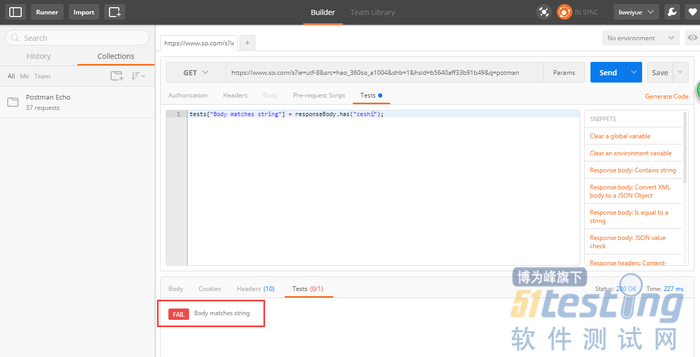
Interpretation of script corresponding to postman assertion

Sunshine boy chenhaotian was invited to be the spokesperson for the global finals of the sixth season perfect children's model
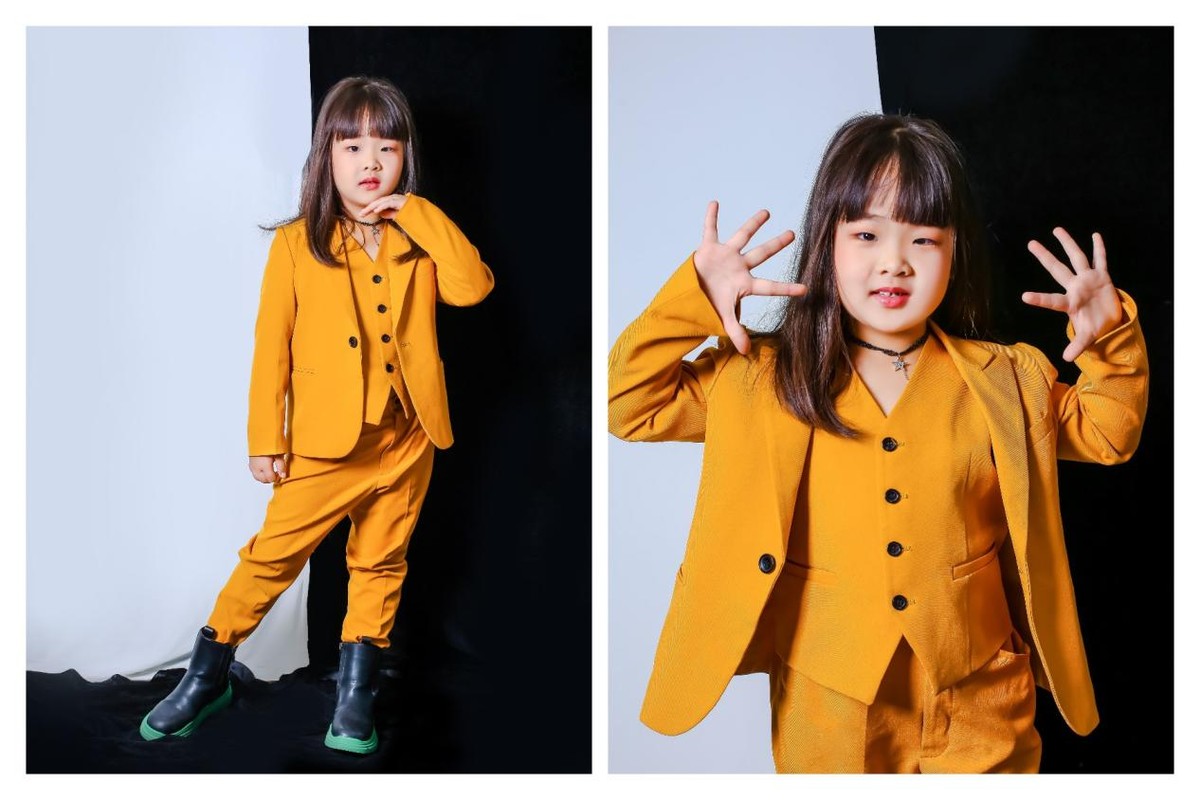
俏皮少女王艺璇 受邀担任第六季完美童模全球总决赛推广大使
Explication du script correspondant à l'assertion Postman

Exploring temporary information for dynamic network embedding

王老吉药业“关爱烈日下最可爱的人”公益活动在杭启动
Postman斷言對應脚本的解釋

cyclegan:unpaired image-to-image translation using cycle-consistent adversarial network

Assertion of postman interface test
阳光男孩陈颢天 受邀担任第六季完美童模全球总决赛代言人
随机推荐
Theoretical speed calculation method of WiFi
Differences and functions of export set env in makefile
二造实务案例答题技巧和举例汇总,满满都是精髓
Distributed systems (II) understanding of distributed transactions
buffer
Redis-链表
高手常用的电脑快捷键
readv & writev
胰蛋白酶的化学性质及应用
Tengwenze, a hot-blooded boy, was invited to serve as the image ambassador of the global finals of the sixth season perfect children's model
Data analysis - similarities and differences between C-end and b-end data analysis
Multi type study of Worthington collagen protease
General introduction to gun make (2)
Differences and functions of TOS cos DSCP
Sweet girl lisixia was invited to be the little host of the global finals of the sixth season perfect child model
Wanglaoji pharmaceutical's public welfare activity of "caring for the most lovely people under the scorching sun" was launched in Hangzhou
LeetCode 31 ~ 40
如何制定一个可实现的年度目标?
如何高效的完成每日的任务?
makefile 中export set ENV 的区别和作用