当前位置:网站首页>Focus! Tips for installing fonts on domestic computers
Focus! Tips for installing fonts on domestic computers
2022-06-27 21:16:00 【Ink Sky Wheel】
With the popularization of domestic computers , There are also more and more consultations on the use of relevant operations , Font installation is one of them . In daily office , Editing a document will require some specific Fonts , Like blackbody 、 Fang Zhengxiao Biao song 、 Roman font, etc , These fonts need to be installed by themselves . This article will share some tips on installing fonts on domestic computers , For your reference .
Kirin and UOS Both operating systems support adding fonts , Users can obtain font packages from any channel for installation , Note that the font file format requirements are .ttf or .TTF Format . The following figure shows the download path of font installation package of Zhejiang Xinchuang continuous guarantee digital platform :【 Portal Homepage 】-【 Software download 】-【 Input method and font 】, Select the corresponding font installation package according to the computer operating system and chip .

( notes : The website of the digital platform can be replied in the background of the official account “ website ” To get )


Kirin and UOS The operating system can be installed individually by double clicking or right clicking , Restart the computer after completion .

UOS System

Unicorn System
Some kylin computers are not associated with font viewers , You can manually associate this application ( The association operation only needs to be done once , After that, you can double-click to open the font file for installation ), The association method is as follows :
Select the font folder to install , Right click to select “ Use another program to open ”. As shown in the following figure, select the custom command , Enter... In the box “gnome-font-viewer”, And check the “ Remember to open TrueType The font type is the program used ”, And then click 【 open 】.

Click on 【 open 】 after , Enter the following screen , Click on the top right corner 【 install 】, Waiting a few seconds will turn into 【 already installed 】. If the installation fails, try clicking again .


Most users will install multiple fonts at once , So how to install a batch of fonts on domestic computers ?
First step , open 【 The start menu 】, Search for 【 Font manager 】 And open .

The second step , In the font manager , Click on the top left corner + Number , Select the font package to install , Click on the lower right corner 【 open 】.


The third step , Press the keyboard 【Ctrl+A】 Select all Fonts , Click on 【 open 】.

Last , Waiting for automatic installation , When finished, restart the computer .
First step , Open the font folder you want to install , Right click in the blank space of the current folder and select 【 Open at terminal 】.


The second step , Input in the terminal sudo cp ../fonts/* /usr/share/fonts Press enter , Then enter the computer boot password ( The password will not be displayed after being entered ), Press enter after entering the password .

The third step , Input in the terminal cd /usr/share/fonts Press enter

Step four , Input in the terminal sudo fc-cache Press enter

Last , Just restart the computer .
The above is the specific steps for font installation , Easy to operate . If you still have other types of domestic computer terminals to solve , You can make comments or private letters , We will continue to explore and share more practical domestic terminal use skills , Welcome to scan the QR code below to follow this official account .
Coordinating editor | Han Xiao
edit | Rhodanie
Typesetting | Rhodanie
proofreading | Zhang Xin
70 Solutions are incorporated into the information technology application innovation case base
Domestic computers also have convenient and practical shortcut keys

边栏推荐
- Installing services for NFS
- Leetcode 989. Integer addition in array form (simple)
- GoLand永久激活
- 基于 TensorRT 的模型推理加速
- College graduation thesis management system based on wechat applet graduation design
- 覆盖接入2w+交通监测设备,EMQ 为深圳市打造交通全要素数字化新引擎
- Pycharm common functions - breakpoint debugging
- GFS distributed file system
- Shuttle hides the return button of the AppBar
- A distribution fission activity is more than just a circle of friends
猜你喜欢
基于微信小程序的警局报案便民服务平台#毕业设计
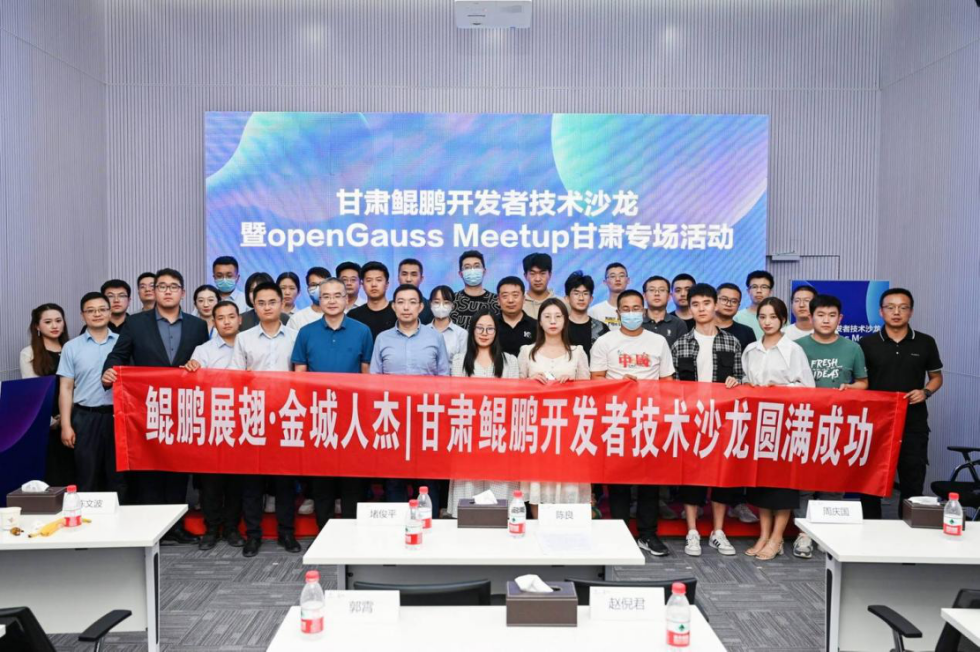
Massive data attended the Lanzhou opengauss meetup (ECOLOGICAL NATIONAL trip) activity, enabling users to upgrade their applications with enterprise level databases
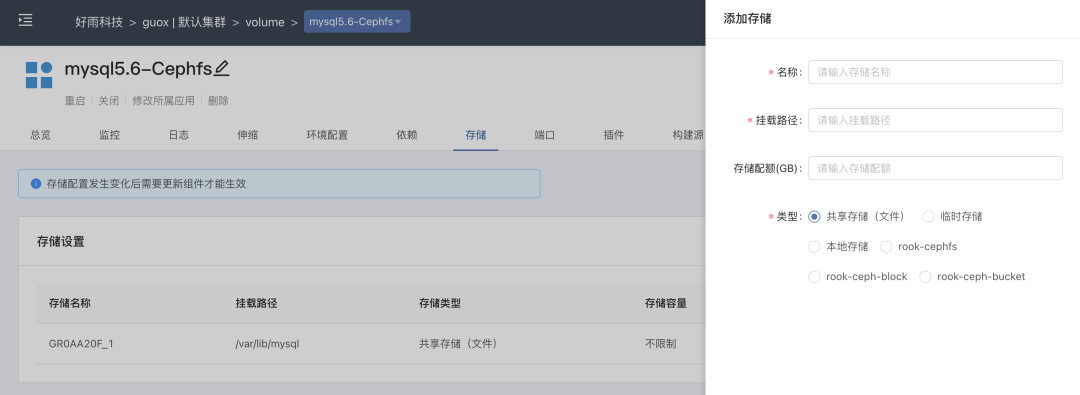
Practice of combining rook CEPH and rainbow, a cloud native storage solution

2021全球独角兽榜发布:中国301家独角兽企业全名单来了!

释放开源数据库创新力量 | 【甘肃】openGauss Meetup圆满结束

麒麟V10安装字体

GoLand永久激活

How dbeaver restores and backs up databases
Industry case | see the operation of bank digital transformation from the king of retail

数据平台调度升级改造 | 从Azkaban 平滑过度到Apache DolphinScheduler 的操作实践
随机推荐
数据平台调度升级改造 | 从Azkaban 平滑过度到Apache DolphinScheduler 的操作实践
[array]bm99 clockwise rotation matrix - simple
1027 Colors in Mars
MySQL客户端工具推荐,一定想不到最好用巨然是它
Unity3d button adapts the size according to the text content
Dictionary tree (review)
GoLand永久激活
CocosCreator播放音频并同步进度
实际工作中用到的shell命令 - sed
After kotlin wechat payment callback, the interface is stuck and uipagefragmentactivity windowleft is thrown
一场分销裂变活动,不止是发发朋友圈这么简单
Industry case | see the operation of bank digital transformation from the king of retail
mime. Type file content
Safe and efficient, non-contact "hand brushing" identification helps epidemic prevention and control
Cloud native Security Guide: learn kubernetes attack and defense from scratch
NVIDIA three piece environment configuration
"Good voice" has been singing for 10 years. How can the Chinese language in the starry sky sing well in HKEx?
Serveur mandataire SQUID
Navicat Premium连接问题--- Host ‘xxxxxxxx‘ is not allowed to connect to this MySQL server
Implementation string mystring