当前位置:网站首页>The solution of VPC network automatic configuration based on terraform
The solution of VPC network automatic configuration based on terraform
2022-06-22 12:47:00 【O & M watermelon】
Application scenarios
When we deploy a technology system on the cloud platform , In the planning of network structure 、 There is a lot of work on configuration and implementation , It needs to be planned according to specific business needs VPC The number of , Number of subnets 、IP Network segment division, interconnection and interworking methods, etc . If it is purely manual, configure a simple cloud platform network deployment environment as planned below , As fast as it takes an hour , Slow is longer . And manual configuration operation , All kinds of misoperation 、 Input errors are hard to avoid . Today we introduced terraform programme , It is to create a complete set of cloud service network environment with one click automation . From execution terraform The resource creation command starts , It only takes a few seconds for the cloud network resource environment to go online .
This tutorial will create a VPC For hosting Web Apps or websites , Its private network segment is 172.18.0.0/16, According to business modules 2 Subnet , subnet 1 be used for Web application layer , subnet 2 For data layer . Divide the server into different security groups , Set access control policies on demand , Meet high security scenarios .
The preliminary network usage plan is as follows :
- Create a vpc The Internet ;
- Create two subnets , An application subnet , A data subnet ;
- Create three network security groups and set custom rules ;
- Create a shared bandwidth ;
- Create a NAT Gateway and bind EIP,EIP Join the shared bandwidth ;
It should be noted that , After the subnet is successfully created , Yes 5 System reserved addresses cannot be used . With 172.18.0.0/24 As an example , The default system reserved addresses are as follows :
- 172.18.0.0: Network identifier , private IP Address range start , No distribution
- 172.18.0.1: default gateway
- 172.18.0.253: system interface , be used for VPC External communication
- 172.18.0.254:DHCP Service address
- 172.18.0.255: Broadcast address
The above configured address supports customized use of other addresses on demand .
establish vpc Networks and subnets
1) establish network.tf file , Enter the following , And save it in the current execution directory
resource "huaweicloud_vpc" "vpc_1" {
  name = "vpc-production"
  cidr = "172.18.0.0/16"
}

resource "huaweicloud_vpc_subnet" "subnet_1" {
  name       = "subnet-webapp"
  cidr       = "172.18.10.0/24"
  gateway_ip = "172.18.10.1"
  vpc_id     = huaweicloud_vpc.vpc_1.id
  dns_list   = ["100.125.1.250", "100.125.129.250"]
}

resource "huaweicloud_vpc_subnet" "subnet_2" {
  name       = "subnet-db"
  cidr       = "172.18.20.0/24"
  gateway_ip = "172.18.20.1"
  vpc_id     = huaweicloud_vpc.vpc_1.id
  dns_list   = ["100.125.1.250", "100.125.129.250"]
}
2) function terraform init Initialization environment
3) function terraform plan See the resources
4) After confirming that the resources are correct , function terraform apply Start to create
5) function terraform show View the created VPC and subnet
Create a network security group
1) stay security.tf Add the following to the document
The total configuration content contains definitions of 3 A security group , And the specific rules in each security group .
Security group 1:secgroup-basic
resource "huaweicloud_networking_secgroup" "secgroup_1" {
  name                 = "secgroup-basic"
  description          = "basic security group"
  delete_default_rules = true
}

# allow ping
resource "huaweicloud_networking_secgroup_rule" "allow_ping" {
  direction         = "ingress"
  ethertype         = "IPv4"
  protocol          = "icmp"
  remote_ip_prefix  = "0.0.0.0/0"
  security_group_id = huaweicloud_networking_secgroup.secgroup_1.id
}

# allow ssh from the ip in your whitelist
resource "huaweicloud_networking_secgroup_rule" "ssh_whitelist_rule1" {
  direction         = "ingress"
  ethertype         = "IPv4"
  protocol          = "tcp"
  port_range_min    = 22
  port_range_max    = 22
  remote_ip_prefix  = "0.0.0.0/0"
  security_group_id = huaweicloud_networking_secgroup.secgroup_1.id
}

# allow all the egress direction accesses.
resource "huaweicloud_networking_secgroup_rule" "secgroup_rule_v4" {
  security_group_id = huaweicloud_networking_secgroup.secgroup_1.id
  direction = "egress"
  ethertype = "IPv4"
}

resource "huaweicloud_networking_secgroup_rule" "secgroup_rule_v6" {
  security_group_id = huaweicloud_networking_secgroup.secgroup_1.id
  direction = "egress"
  ethertype = "IPv6"
}
Be careful : above ssh Service pair source IP Address access is not restricted , For enterprise application systems , Should allow access to ssh Service ip Limit to specific addresses .
Security group 2:secgroup-web
resource "huaweicloud_networking_secgroup" "secgroup_2" {
  name                 = "secgroup-web"
  description          = "web security group"
  delete_default_rules = true
}

# allow web service port 8080
resource "huaweicloud_networking_secgroup_rule" "allow_web_8080" {
  direction         = "ingress"
  ethertype         = "IPv4"
  protocol          = "tcp"
  port_range_min    = "8080"
  port_range_max    = "8080"
  remote_ip_prefix  = "0.0.0.0/0"
  security_group_id = huaweicloud_networking_secgroup.secgroup_2.id
}

# allow web service port 8443
resource "huaweicloud_networking_secgroup_rule" "alow_web_8443" {
  direction         = "ingress"
  ethertype         = "IPv4"
  protocol          = "tcp"
  port_range_min    = 8443
  port_range_max    = 8443
  remote_ip_prefix  = "0.0.0.0/0"
  security_group_id = huaweicloud_networking_secgroup.secgroup_2.id
}
Security group 3:secgroup-inside
resource "huaweicloud_networking_secgroup" "secgroup_3" {
  name                 = "secgroup-inside"
  description          = "mysql and redis security group"
  delete_default_rules = true
}

# allow redis service port 6379
resource "huaweicloud_networking_secgroup_rule" "allow_redis_6379" {
  direction         = "ingress"
  ethertype         = "IPv4"
  protocol          = "tcp"
  port_range_min    = "6379"
  port_range_max    = "6379"
  remote_ip_prefix  = "172.18.0.0/16"
  security_group_id = huaweicloud_networking_secgroup.secgroup_3.id
}

# allow mysql service port 3306
resource "huaweicloud_networking_secgroup_rule" "alow_mysql_3306" {
  direction         = "ingress"
  ethertype         = "IPv4"
  protocol          = "tcp"
  port_range_min    = 3306
  port_range_max    = 3306
  remote_ip_prefix  = "172.18.20.0/24"
  security_group_id = huaweicloud_networking_secgroup.secgroup_3.id
}
2) function terraform plan See the resources
3) After confirming that the resources are correct , function terraform apply Start to create
4) function terraform show View created security groups and security group rules
Create shared bandwidth and NAT gateway
1) stay bandwidth-and-nat.tf Continue to enter the following in
Create shared bandwidth :
# create a shared bandwidth
resource "huaweicloud_vpc_bandwidth" "bandwidth_1" {
  name = "bandwidth_1"
  size = 5
}

# create an eip
resource "huaweicloud_vpc_eip" "eip_1" {
  publicip {
    type = "5_bgp"
  }
  bandwidth {
    share_type = "WHOLE"
    id         = huaweicloud_vpc_bandwidth.bandwidth_1.id
  }
}
Optional , It can be set on demand region Parameters , If it is not set, it defaults to provider Default zone in
share_type:WHOLE Indicates shared bandwidth ,PER Indicates dedicated bandwidth
establish NAT gateway :
# create NAT gateway
resource "huaweicloud_nat_gateway" "nat_1" {
  name                = "nat-gateway-basic"
  description         = "nat_1 for public web access"
  spec                = "1"
  internal_network_id = huaweicloud_vpc_subnet.subnet_1.subnet_id
  router_id           = huaweicloud_vpc.vpc_1.id
}

resource "huaweicloud_nat_snat_rule" "snat_1" {
  floating_ip_id = huaweicloud_vpc_eip.eip_1.id
  nat_gateway_id = huaweicloud_nat_gateway.nat_1.id
  network_id     = huaweicloud_vpc_subnet.subnet_1.subnet_id
}
type:5_bgp Indicates the use of dynamic bgp Address ,5_sbgp Represents static bpg
spec:NAT Gateway specifications ,1 For small
2) function terraform plan See the resources
3) After confirming that the resources are correct , function terraform apply Start to create
4) function terraform show View the created shared bandwidth and NAT gateway
terraform The above resource management commands , All support idempotent execution , During repeated execution, check whether the resource status is consistent with the configuration definition , When the two are in the same state , No changes will be made .
terraform Use of profile templates and variables
We use terraform What is the original intention of similar automated cloud management tools ? Improve the deployment and configuration efficiency of cloud environment .
Only when there are often cloud deployment requirements for various projects , Automation tools can reflect and play a real advantage . If the system deployment scale and changes are small , It has not changed over the years , There is no need to try these tools .
In the face of multiple projects 、 cloudy , Even the same project is repeated many times on different cloud platforms 、 Different zones , The need for system deployment for different customers , In the face of the large and frequent use of cloud product resources for many products and application services within the company , We are not going to go for every project 、 Every cloud resource needs to be used , Develop a set of terraform Resource definition profile . In order to improve the efficiency of management and implementation , We will terraform The resource configuration file should be disassembled properly , A part of the relatively general configuration data is used as a configuration template , Another part of the configuration data that is easy to change maintains a change configuration file .
Next , We make a transformation to the above cloud network environment configuration file , Share template and variable data in configuration .
We are terrafrom Create a... In the project working directory variables.tf The file of , As a file for separately managing variable values of cloud resource configuration parameters .
network.tf vpc And subnet configuration template file
resource "huaweicloud_vpc" "vpc_1" {
  name = var.vpc_name
  cidr = var.vpc_cidr
}

resource "huaweicloud_vpc_subnet" "subnet_1" {
  vpc_id      = huaweicloud_vpc.vpc_1.id
  name        = var.subnet_1_name
  cidr        = var.subnet_1_cidr
  gateway_ip  = var.subnet_1_gateway
  dns_list    = var.dns_list
}

resource "huaweicloud_vpc_subnet" "subnet_2" {
  vpc_id      = huaweicloud_vpc.vpc_1.id
  name        = var.subnet_2_name
  cidr        = var.subnet_2_cidr
  gateway_ip  = var.subnet_2_gateway
  dns_list    = var.dns_list
}
security.tf Security group configuration template file
# security group 1
resource "huaweicloud_networking_secgroup" "secgroup_1" {
  name                 = var.sg1_name
  delete_default_rules = true
}

# allow ping
resource "huaweicloud_networking_secgroup_rule" "allow_ping" {
  direction         = "ingress"
  ethertype         = "IPv4"
  protocol          = "icmp"
  remote_ip_prefix  = "0.0.0.0/0"
  security_group_id = huaweicloud_networking_secgroup.secgroup_1.id
}

# allow ssh from the ip in your whitelist
resource "huaweicloud_networking_secgroup_rule" "ssh_whitelist_rule1" {
  direction         = "ingress"
  ethertype         = "IPv4"
  protocol          = "tcp"
  port_range_min    = 22
  port_range_max    = 22
  remote_ip_prefix  = var.sg_ssh_remoteip
  security_group_id = huaweicloud_networking_secgroup.secgroup_1.id
}

# allow all the egress direction accesses.
resource "huaweicloud_networking_secgroup_rule" "secgroup_rule_v4" {
  security_group_id = huaweicloud_networking_secgroup.secgroup_1.id
  direction = "egress"
  ethertype = "IPv4"
}

resource "huaweicloud_networking_secgroup_rule" "secgroup_rule_v6" {
  security_group_id = huaweicloud_networking_secgroup.secgroup_1.id
  direction = "egress"
  ethertype = "IPv6"
}

# security group 2
resource "huaweicloud_networking_secgroup" "secgroup_2" {
  name                 = var.sg2_name
  delete_default_rules = true
}

# allow web service port1
resource "huaweicloud_networking_secgroup_rule" "allow_web_port1" {
  direction         = "ingress"
  ethertype         = "IPv4"
  protocol          = "tcp"
  port_range_min    = var.sg2_web_port1
  port_range_max    = var.sg2_web_port1
  remote_ip_prefix  = var.sg2_web_port1_remoteip
  security_group_id = huaweicloud_networking_secgroup.secgroup_2.id
}

# allow web service port2
resource "huaweicloud_networking_secgroup_rule" "alow_web_port2" {
  direction         = "ingress"
  ethertype         = "IPv4"
  protocol          = "tcp"
  port_range_min    = var.sg2_web_port2
  port_range_max    = var.sg2_web_port2
  remote_ip_prefix  = var.sg2_web_port2_remoteip
  security_group_id = huaweicloud_networking_secgroup.secgroup_2.id
}

# security group 3
resource "huaweicloud_networking_secgroup" "secgroup_3" {
  name                 = var.sg3_name
  delete_default_rules = true
}

# allow redis service port1
resource "huaweicloud_networking_secgroup_rule" "allow_redis_port1" {
  direction         = "ingress"
  ethertype         = "IPv4"
  protocol          = "tcp"
  port_range_min    = var.sg3_redis_port1
  port_range_max    = var.sg3_redis_port1
  remote_ip_prefix  = var.sg3_redis_port1_remoteip
  security_group_id = huaweicloud_networking_secgroup.secgroup_3.id
}

# allow mysql service port1
resource "huaweicloud_networking_secgroup_rule" "alow_mysql_port1" {
  direction         = "ingress"
  ethertype         = "IPv4"
  protocol          = "tcp"
  port_range_min    = var.sg3_mysql_port1
  port_range_max    = var.sg3_mysql_port1
  remote_ip_prefix  = var.sg3_mysql_port1_remoteip
  security_group_id = huaweicloud_networking_secgroup.secgroup_3.id
}
bandwidth-and-nat.tf Share bandwidth and NAT Gateway configuration template file
# create a shared bandwidth
resource "huaweicloud_vpc_bandwidth" "bandwidth_1" {
  name = var.bandwidth_name
  size = var.bandwidth_size
}

# create an eip
resource "huaweicloud_vpc_eip" "eip_1" {
  publicip {
    type = "5_bgp"
  }
  bandwidth {
    share_type = "WHOLE"
    id         = huaweicloud_vpc_bandwidth.bandwidth_1.id
  }
}

# create NAT gateway
resource "huaweicloud_nat_gateway" "nat_1" {
  name                = var.nat1_name
  description         = "for public web access"
  spec                = "1"
  internal_network_id = huaweicloud_vpc_subnet.subnet_1.id
  router_id           = huaweicloud_vpc.vpc_1.id
}

resource "huaweicloud_nat_snat_rule" "snat_1" {
  floating_ip_id = huaweicloud_vpc_eip.eip_1.id
  nat_gateway_id = huaweicloud_nat_gateway.nat_1.id
  network_id     = huaweicloud_vpc_subnet.subnet_1.id
}
The next step is to change the configuration file for data maintenance . In the above template files , Many parameter values are assigned variables , These variable values are often customized according to user requirements in different cloud environment deployment requirements .
When we are based on customer needs , When the values of these variables are centrally processed and continuously maintained in this file , It is undoubtedly a very easy way .
variables.tf Variable configuration file
# ============= vpc and subnet variables ============
variable "vpc_name" {
  default = "vpc-production"
}

variable "vpc_cidr" {
  default = "172.18.0.0/16"
}

# subnet1 for web apps
variable "subnet_1_name" {
  default = "subnet-webapp"
}

variable "subnet_1_cidr" {
  default = "172.18.10.0/24"
}

variable "subnet_1_gateway" {
  default = "172.18.10.1"
}

# subnet2 for data deal and store
variable "subnet_2_name" {
  default = "subnet-db"
}

variable "subnet_2_cidr" {
  default = "172.18.20.0/24"
}

variable "subnet_2_gateway" {
  default = "172.18.20.1"
}

variable "dns_list" {
  default = ["100.125.1.250", "100.125.129.250"]
}

# =========== security group rules variables ==================
variable "sg1_name" {
  default = "secgroup-basic"
}

variable "sg_ssh_remoteip" {
  default = "0.0.0.0/0"
}

variable "sg2_name" {
  default = "secgroup-web"
}

variable "sg2_web_port1" {
  default = "8080"
}

variable "sg2_web_port2" {
  default = "8443"
}

variable "sg2_web_port1_remoteip" {
  default = "0.0.0.0/0"
}

variable "sg2_web_port2_remoteip" {
  default = "0.0.0.0/0"
}

variable "sg3_name" {
  default = "secgroup-inside"
}

variable "sg3_redis_port1" {
  default = "6379"
}

variable "sg3_mysql_port1" {
  default = "3306"
}

variable "sg3_redis_port1_remoteip" {
  default = "172.18.0.0/16"
}

variable "sg3_mysql_port1_remoteip" {
  default = "172.18.20.0/24"
}

# ========== bandwidth and nat variables ===========
variable "bandwidth_name" {
  default = "bandwidth_1"
}

variable "bandwidth_size" {
  default = "5"
}

variable "nat1_name" {
  default = "nat-gateway-basic"
}
Execute the following commands in sequence , Check whether the cloud resource creation and configuration results are correct :
- function terraform plan View resource plan
- After confirming that the resources are correct , function terraform apply Start to create
- function terraform show View the created cloud service resources
notes : If the cloud service resource needs to be changed or deleted , You can go directly to terraform Make adjustments in the project configuration , And then execute one after the other terraform plan/terraform apply Apply the configuration change .
Reference material :
- https://registry.terraform.io/providers/huaweicloud/huaweicloud/latest/docs
- https://support.huaweicloud.com/usermanual-terraform/terraform_0003.html
边栏推荐
- 函数指针和指针函数的区别
- SAP-ABAP-BAPI_GOODSMVT_CREATE创建物料凭证bapi的各种情况如何赋值
- odps sql的执行流程不是从上到下执行吗
- [MySQL] the difference between where and having
- 【Qt】QFileInfo获取文件名的各个组成部分
- SequoiaDB分布式数据库2022.5月刊
- Sliding conflict handling effect of cloud music imitating Netease
- 【mysql】用sql求中位数
- A2L file analysis based on CAN bus (1)
- uboot do_ Load function analysis
猜你喜欢
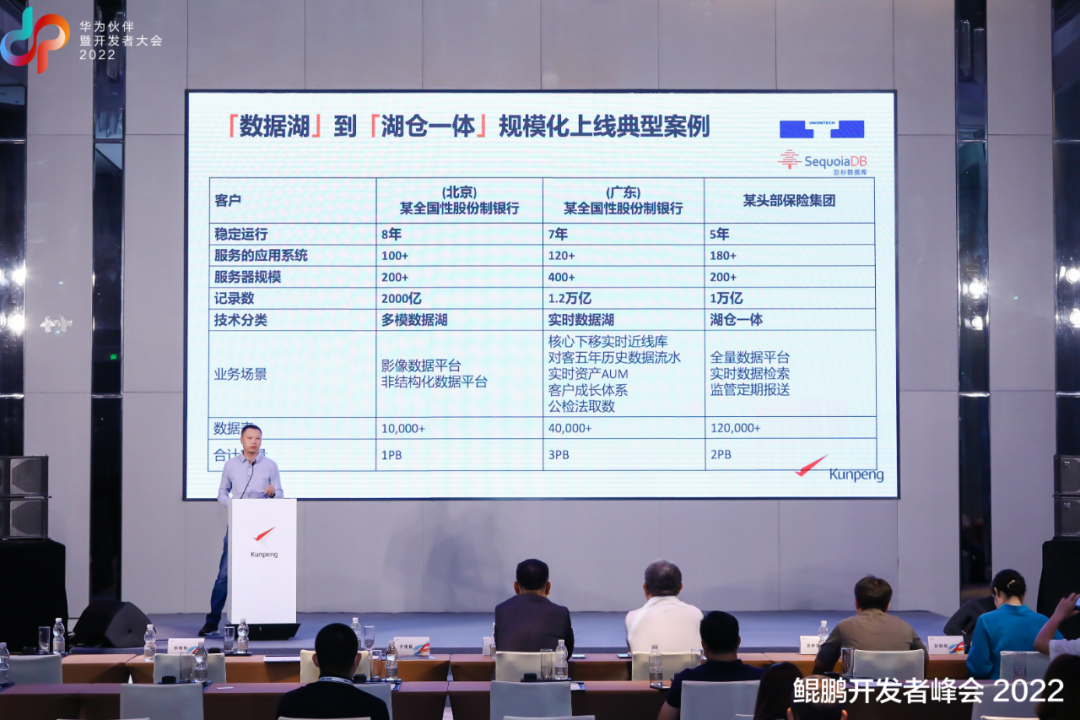
Jushan database was invited to attend Kunpeng developers' annual event 2022 to jointly build a domestic digital base

Repair flutter_ webview_ The problem of web layer residue when the plugin slides out of the page
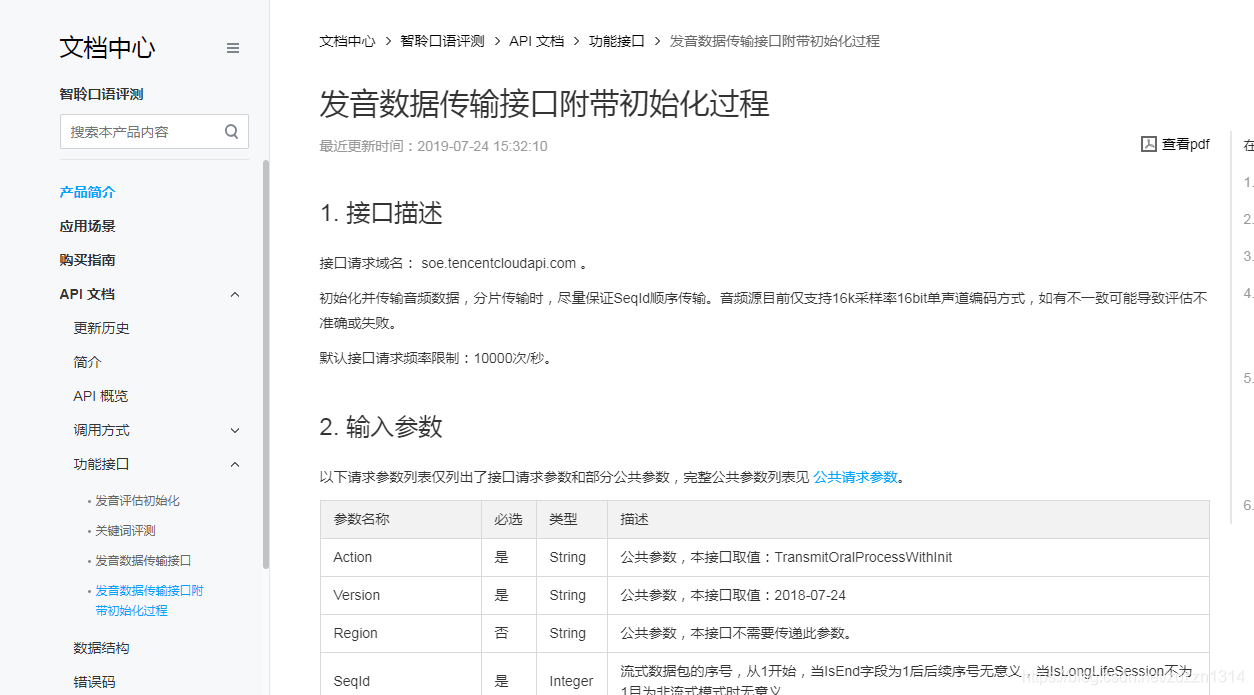
智龄语音+php

Final of the 13th Blue Bridge Cup embedded design and development project

关于 GIN 的路由树
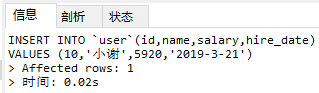
MySQL_数据处理之增删改

Tis tutorial 02 model

Flutter動畫入門: 內外逆向環Loading動畫

How to improve customer conversion rate on the official website

巨杉数据库荣获艾媒咨询2022年中国信创产业双项荣誉
随机推荐
银行支付接口开发之子账户
Flutter realizes the ripple effect of Netease music landing page
Handling methods of ogg-01431, 01003 and 01151
Flutter 仿Airbnb的价格区间筛选器。(二)
View the GStreamer plug-in
Translate the tutorial Txt file
Under Xinchuang: when the domestic database stars shine
Flutter&Flame——TankCombat游戏手柄开发(一)
Flutter混合开发练习——Evenet&Method Channel协作加载大图
[game] Zhou Yu's skills
智龄语音+php
Sequoiadb distributed database may 2022 issue
Ffmpeg converts AMR format to MP3 format
Lao Wang said that the sixth issue of the series: PHP programmers should build their own self-confidence
SAP-ABAP-如何实时传输物料主数据,供应商主数据,工单,采购订单等信息给外部系统-隐式增强。
stm32 hal串口中断分析
Help financial informatization innovation, Jushan database has won more than 50 financial customers recently
Latex希腊字母对照表
Flutter——实现网易云音乐的渐进式卡片切换
Opencv invokes the USB camera to solve the "select timeout" problem