当前位置:网站首页>canvas 图形
canvas 图形
2022-07-26 18:26:00 【前端小草籽】
目录
3.二次贝塞尔曲线:quadraticCurveTo(cpx1,cpy1,x,y)
4.三次贝塞尔曲线:bezierCurveTo(cpx1,cpy1,cpx2,cpy2,x,y)
canvas 画布的坐标系和栅格

canvas 的坐标系是二维直角坐标系,由x轴和y轴组成。
canvas 坐标系中横向的轴为x轴,越往右越大;竖向的轴为y 轴,越往下越大。
canvas 坐标系是以像素的宽高为基底的。
栅格就是上图的4 个格子,每一个格子就是一个像素,像素具有rgba 数据。
canvas 画布的像素的数量等于画布的宽度乘以高度。
canvas可以绘制的形状
1.直线:
直线:lineTo(x1,y1); lineTo(x2,y2); lineTo(x3,y3)
注意:没有设置起点moveTo时,第一个lineTo(x1,y1);中的x1,y1就是起点
    <canvas id="canvas" width="600px" height="600px"></canvas>
    <script>
        var canvas = document.querySelector('#canvas');
        var ctx = canvas.getContext('2d');
        // 设置描边色 和描边宽度
        ctx.beginPath();     //开始一条路径
        ctx.lineWidth = 10;
        ctx.strokeStyle = 'red';
        ctx.lineTo(100, 100);
        ctx.lineTo(400, 100);
        ctx.lineTo(400, 300);
        ctx.closePath();    //若没有给该路径首尾设置连线,closePath会添加上首位的连线
        ctx.fillStyle = 'blue'; //设置填充色
        ctx.fill(); //进行填充
        ctx.stroke(); //描边
    </script>
注意点:设置填充色时,只设置ctx.fill();默认是黑色,要设置其它颜色的话,ctx.fillStyle,且要写在 ctx.fill();前面,并且也要写ctx.fill();不然显示不出来其它的填充色。
2.圆弧
圆弧:arc(x,y,半径,开始弧度,结束弧度,方向)

注意点:
1.一般要将弧度转换为度 var deg = Math.PI / 180; deg就是度的意思,数字*deg 就是多少度的意思
2. 默认3点钟方向是画弧线的起始点。 转化为度也就是0度
3.arc参数:x,y为圆的圆心,开始弧度,结束弧度都是以弧度算的,为了方便一般转换为度。
3.arc的参数最后一个 方向:可以选择,如果不写,默认是顺时针,写true 逆时针,写false 顺时针
    <canvas id="canvas" width="600px" height="600px"></canvas>
    <script>
        var canvas = document.querySelector('#canvas');
        var ctx = canvas.getContext('2d');
        var deg = Math.PI/180;
        ctx.beginPath();     //开始一条路径
        ctx.arc(200,200,100,0*deg,180*deg,true);  //true 逆时针  默认/false顺时针
        ctx.stroke();   //描边
    </script>
5.如果不从3点钟方向开始算,想从12点钟方向算,转换为度后,-90的时候要写成 90*deg,deg不能忘,不然就是0度 - 90弧度,导致出错
ctx.arc(200,200,100,0*deg-90*deg,180*deg,false); //true 逆时针 默认/false顺时针6.如果一个路径画完后,没有开启新的子路径ctx.beginPath();或者添加新的子路径起点moveTo(),继续画的话,会从上一个路径的起点画起走。
    <canvas id="canvas" width="600px" height="600px"></canvas>
    <script>
        var canvas = document.querySelector('#canvas');
        var ctx = canvas.getContext('2d');
        var deg = Math.PI/180;
        ctx.beginPath();     //开始一条路径
        ctx.lineWidth = 10;
        ctx.strokeStyle = 'skyblue'
        ctx.arc(200,200,100,0*deg-90*deg,180*deg,false);  //true 逆时针  默认/false顺时针
        //另外画一个圆
        ctx.arc(100,200,100,0*deg-90*deg,180*deg,false);  //true 逆时针  默认/false顺时针
        ctx.stroke();   //描边
</script> 
一个路径对应一个beginPath()/起点和ctx.stroke,:
    <canvas id="canvas" width="600px" height="600px"></canvas>
    <script>
        var canvas = document.querySelector('#canvas');
        var ctx = canvas.getContext('2d');
        var deg = Math.PI/180;
        ctx.beginPath();     //开始一条路径
        ctx.lineWidth = 10;
        ctx.strokeStyle = 'skyblue'
        ctx.arc(200,200,100,0*deg-90*deg,180*deg,false);  //true 逆时针  默认/false顺时针
        ctx.stroke();   //第一个路径进行描边
        ctx.beginPath();
        ctx.arc(400,400,100,0*deg-90*deg,180*deg,false);  //true 逆时针  默认/false顺时针
        ctx.stroke();   //第二个路径进行描边
    </script>
这样就是重新开启了路径,不会影响到前面所画的。
7.切线圆弧:arcTo(x1,y1,x2,y2,半径)

先画辅助线:
    <canvas id="canvas" width="600px" height="600px"></canvas>
    <script>
        var canvas = document.querySelector('#canvas');
        var ctx = canvas.getContext('2d');
        var deg = Math.PI/180;
        ctx.beginPath();     //开始一条路径
        //先用直线画一个辅助线
        ctx.lineTo(100,100);  //起点
        ctx.lineTo(400,100);  //x1,y1:(400,100)
        ctx.lineTo(400,300);  //x2,y2:(400,300)
        ctx.stroke();
</script> 
画出切线圆弧:
    <script>
        var canvas = document.querySelector('#canvas');
        var ctx = canvas.getContext('2d');
        var deg = Math.PI/180;
        ctx.beginPath();     //开始一条路径
        //先用直线画一个辅助线
        // ctx.lineTo(100,100);  //切线圆弧起点
        // ctx.lineTo(400,100);  //x1,y1:(400,100)
        // ctx.lineTo(400,300);  //x2,y2:(400,300)
        // ctx.stroke();
        ctx.moveTo(100,100);
        ctx.arcTo(400,100,400,300,100);
        ctx.stroke();
</script> 
3.二次贝塞尔曲线:quadraticCurveTo(cpx1,cpy1,x,y)

先画出辅助线:
    <canvas id="canvas" width="600px" height="600px"></canvas>
    <script>
        var canvas = document.querySelector('#canvas');
        var ctx = canvas.getContext('2d');
        var deg = Math.PI/180;
        ctx.beginPath();     //开始一条路径
        //先用直线画一个辅助线
        ctx.lineTo(100,100);  //起点
        ctx.lineTo(400,100);  //x1,y1:(400,100)
        ctx.lineTo(400,300);  //x2,y2:(400,300)
        ctx.stroke();
    </script>
再画出二次贝塞尔曲线:
    <canvas id="canvas" width="600px" height="600px"></canvas>
    <script>
        var canvas = document.querySelector('#canvas');
        var ctx = canvas.getContext('2d');
        var deg = Math.PI/180;
        ctx.beginPath();     //开始一条路径
        //先用直线画一个辅助线
        // ctx.lineTo(100,100);
        // ctx.lineTo(400,100);  //cpx1,cpy1:(400,100)
        // ctx.lineTo(400,300);  //x2,y2:(400,300)
        // ctx.stroke();
        ctx.moveTo(100,100);
        ctx.quadraticCurveTo(400,100,400,300);
        ctx.stroke();
    </script>
图像:

分析:用于画出没有像圆弧那样标准的弧度图像。
4.三次贝塞尔曲线:bezierCurveTo(cpx1,cpy1,cpx2,cpy2,x,y)

    <canvas id="canvas" width="600px" height="600px"></canvas>
    <script>
        var canvas = document.querySelector('#canvas');
        var ctx = canvas.getContext('2d');
        var deg = Math.PI / 180;
        ctx.moveTo(50, 50);
        ctx.bezierCurveTo(
            //控制点1
            400, 50,
            //控制点2
            400, 250,
            //结束点
            600, 250
        )
        ctx.stroke();
    </script>
图形:

5.矩形
这里说的矩形是canvas 绘图形式中的矩形,它有三种类型:
1.填充矩形方法:fillRect(x,y,w,h) (默认填充色是黑色)
设置填充色:ctx.fillStyle = 'red'; 填充色为红色
2.描边矩形方法:strokeRect(x,y,w,h) 会出现矩形边。
注意:描边宽度:ctx.lineWidth = '10'px; 描边颜色:ctx.strokeStyle = 'red';
3.rect(x,y,w,h); 会在画布上画出一个矩形,但是看不见,需要 ctx.stroke();才能看见。
注意点:rect(x,y,w,h) 绘制路径时,会内置moveTo() 功能。
注意:1,2种方法不需要ctx.stroke();就可看见。
清理矩形方法:clearRect(x,y,w,h) 其中的x,y,w,h为画布中要清除的矩形的参数。
注意:描边宽度和描边颜色clearRect(x,y,w,h) 清除不了。
其中:x,y为矩形左上角坐标,相对于画布左上角(0,0)来说的。w,h为所画的矩形的宽度和高度,相对于矩形的左上角(x,y)来说的。
这里要注意描边矩形:

注意点:描边矩形的描边,它会有内描边和外描边,比如说:你描边宽度为40px,那么,你有20px的描边在矩形内部,20px的描边在矩形外部。
边栏推荐
- J1:Redis为什么这么快+基本结构
- 彻底关闭win10自动更新
- Sre person in charge of station B personally describes the multi activity disaster recovery construction after the 713 accident | takintalks share
- 3r平衡型理财产品会有风险吗?风险大吗?
- 文件深度监控策略
- Weekend highlights review | establishment of digital RMB industry alliance; China Mobile announced that hefeixin will stop its service
- Cuda11.2 corresponding pytorch installation
- Last blog post
- If the key is forgotten and multiple devices have different keys, how does the cloud synchronize
- Data Lake -- concept, characteristics, architecture and case overview
猜你喜欢





随机推荐
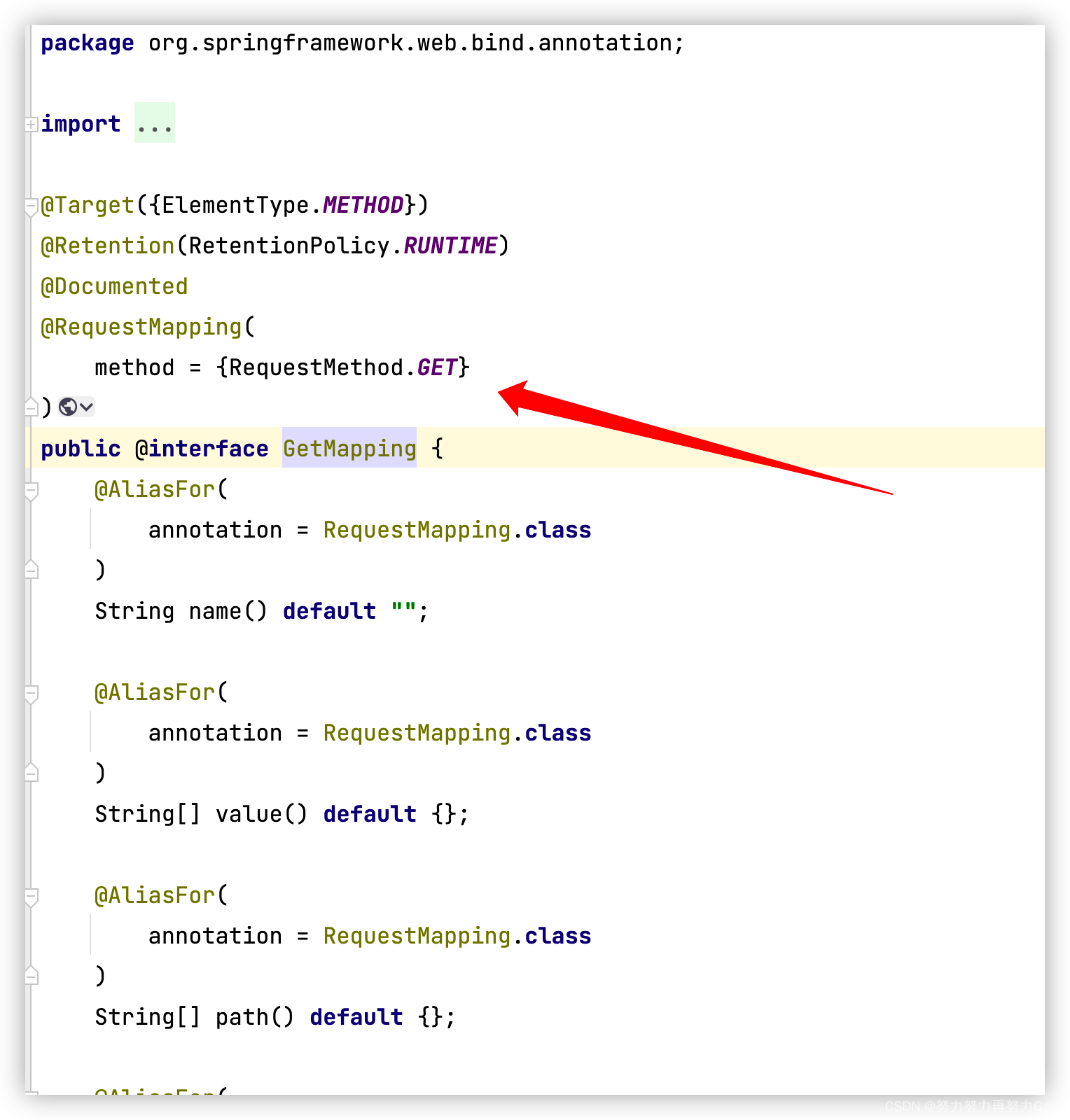
The role of @requestmapping in the project and how to use it
聊聊如何用 Redis 实现分布式锁?
Pychart loads CONDA to create a pytorch virtual environment and reports an error. It is normal on the CONDA command line
Spatiotemporal prediction 5-gat
Leetcode notes: biweekly contest 83
测试面试题集-UI自动化测试
“蔚来杯“2022牛客暑期多校训练营1
还在用Xshell?你out了,推荐一个更现代的终端连接工具
Vs2019 export import configuration
Detailed tutorial on installing redis on Linux
Advantages of advanced anti DDoS IP in Hong Kong and which industries are suitable for use
ReentrantLock学习之公平锁过程
Synchronized理论
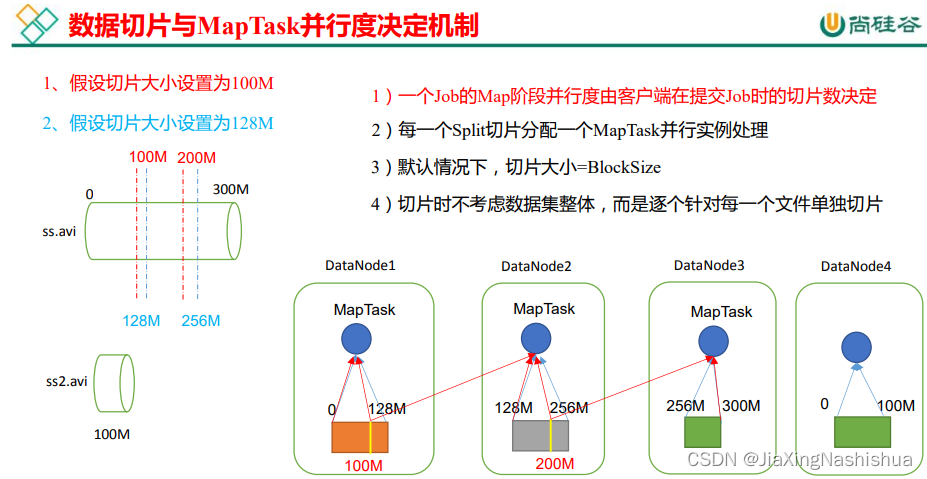
MapReduce (II)
【C语言实现】----动态/文件/静态通讯录
J3:Redis主从复制
C language - Introduction - syntax - string (11)
Onion group joined hands with oceanbase to realize distributed upgrading, and global data has achieved cross cloud integration for the first time
Without Lin benjian, there would be no TSMC today!
查看容器的几种方式