当前位置:网站首页>Ansible ad-hoc temporary command
Ansible ad-hoc temporary command
2022-06-30 01:21:00 【Foxconn quality inspector zhangquandan】
ad-hoc What is it?
ad-hoc In short " Provisional order ", The execution is over , Not saved , That is, the execution of a module is over , If you want her to run over and over again , No way. . Unlike writing multiple commands to a file , It can be run over and over again .
- Application scenarios 1∶ Check whether the processes of multiple nodes exist
- Application scenarios 2∶ Copy the specified file to the local
[[email protected] ~]# ansible webservers -m shell -a "ps -aux | grep nginx" -i /etc/ansible/hosts[[email protected] ~]# ansible webservers -m shell -a "touch /root/ansible.txt" -i /etc/ansible/hostsad-hoc Command to use
Order sample ∶ansible 'groups' -m command -a 'df -h', The meaning is shown in the figure below ;

shell Modules can actually solve many problems , But this module is definitely not enough , and shell Module cannot guarantee idempotency , Other modules also contain other functions .
ad-hoc Execution process
- Load your own profile , Default /etc/ans1b1e/ansible.cfg
- Find the corresponding host configuration file , Find the host or group to execute
- Load the corresponding module file , Such as command
- adopt ansible Generate the module or command corresponding to the temporary py file , And transfer the file to the remote server for corresponding execution user $HOME/.ansible/tmp/ansible-tmp-nurber/XX.PY( This file is invisible , It is deleted after execution )( The controlled end is called Python To resolve this temporary py file , And then call shell To run , It is deleted after running )
- Execute the... Of the user's home directory ` file
- Give the papers +x perform
- Execute and return results
- Delete temporary py file ,sleep 0 sign out
[[email protected] ~]# ansible webservers -m shell -a "sleep 10" -i /etc/ansible/hosts

[[email protected] tmp]# ls ansible-tmp-1656102874.99-71725-64844177037053/
AnsiballZ_command.py
[[email protected] tmp]# pwd
/root/.ansible/tmp
ad-hoc Execution status
Use ad-hoc Execute a remote command , Notice the color of the returned result ;
- green ∶ Represents that the managed end host has not been modified
- yellow ∶ On behalf of the managed end host, changes are found
- Red : It means something's wrong , Pay attention to the tips
Demonstrate creating a project and using ad-hoc
[[email protected] ~]# mkdir -p project
[[email protected] ~]# cd project/
[[email protected] project]# cp /etc/ansible/ansible.cfg .
[[email protected] project]# cp /etc/ansible/hosts .
[[email protected] project]# ls
ansible.cfg  hosts
Now the configuration read by the project is /root/project/ansible.cfg
[[email protected] project]# ansible --version
ansible 2.9.27
  config file = /root/project/ansible.cfg
  configured module search path = [u'/root/.ansible/plugins/modules', u'/usr/share/ansible/plugins/modules']
  ansible python module location = /usr/lib/python2.7/site-packages/ansible
  executable location = /usr/bin/ansible
python version = 2.7.5 (default, Nov 16 2020, 22:23:17) [GCC 4.8.5 20150623 (Red Hat 4.8.5-44)][[email protected] project]# vim ansible.cfg
inventory = /root/project/hosts # The absolute path can be written here , You can also write relative paths /hostsHere you can also adjust forks,1 On behalf of one by one execution ,5 On behalf of concurrent execution 5 platform
forks = 5 # Adjust the number of parallel hosts This parameter can be increased during optimization , Adjust the number of machines to the number of machines , This will make the execution effect faster , Or one by one
[[email protected] project]# ansible webservers -m shell -a "sleep 3" -f 1
192.168.111.6 | CHANGED | rc=0 >>

192.168.111.7 | CHANGED | rc=0 >>

192.168.111.8 | CHANGED | rc=0 >>


[[email protected] project]# ansible webservers -m shell -a "sleep 3" -f 5
192.168.111.8 | CHANGED | rc=0 >>

192.168.111.7 | CHANGED | rc=0 >>

192.168.111.6 | CHANGED | rc=0 >>
Ansible Common modules
ansible There are many modules , Although there are many modules , But the most commonly used modules are 20-30 about
Commonly used ad-hoc: modular :
0. test shell | command
0. download get_url
1. install yum | yum_repository
2. To configure copy | template
3. initialization file create a file , Create directory , to grant authorization
4. user | Group user group
4. start-up systemd
6. mount mount
7. Timing task cron
8. A firewall firewalld | iptables
9. File content modification lineinfile
边栏推荐
- Stringredistemplate disconnects and the value disappears
- STC89C52 single chip microcomputer simple calculator design and code demonstration
- Equivalence class partition method for test case design method
- I learned database at station B (V): DQL exercise
- Some thoughts on small program subcontracting and verification of uiniapp subcontracting optimization logic
- 清洁、对话、带娃,扫地机摆脱“人工智障”标签
- Online text digit recognition list summation tool
- Newton method (optimization of two variable functions)
- Quick Pow: 如何快速求幂
- How latex enters a matrix
猜你喜欢
![[recommendation system] concise principle and code implementation of user based collaborative filtering](/img/3b/d46e37e7ae245cf2931d32d1ebbe4c.png)
[recommendation system] concise principle and code implementation of user based collaborative filtering

【论文写作】英文论文写作指南
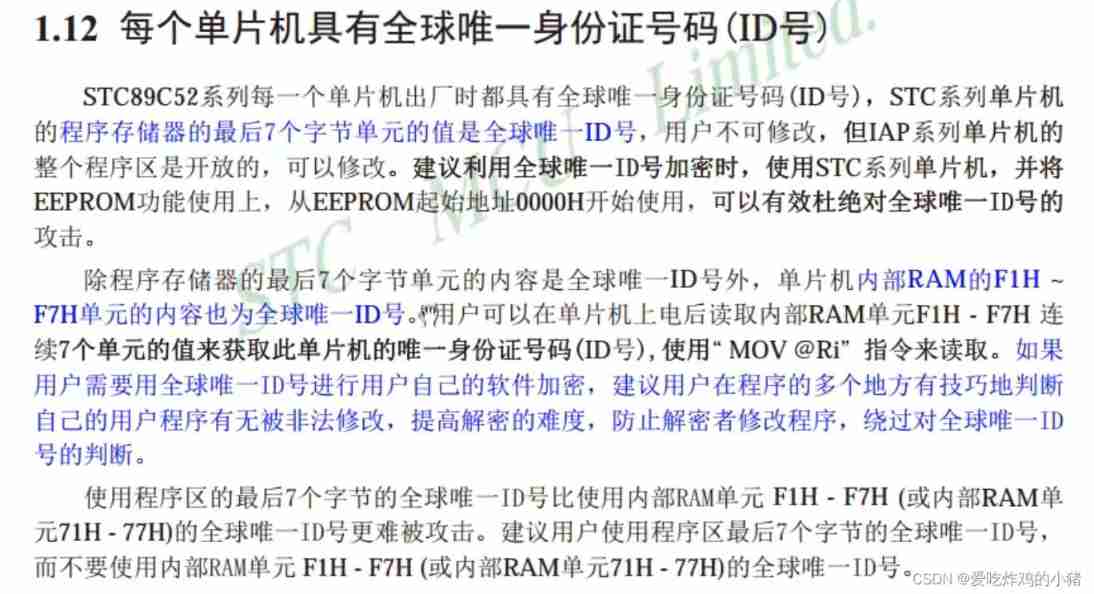
Application of pointer in STC89C52 single chip microcomputer and demonstration of practical cases

Seata 与三大平台携手编程之夏,百万奖金等你来拿

一文读懂,MES管理系统模块功能

Tetris game based on STM32F103

In depth analysis of a large number of clos on the server_ The root of wait

MES管理系统功能模块之质量管理
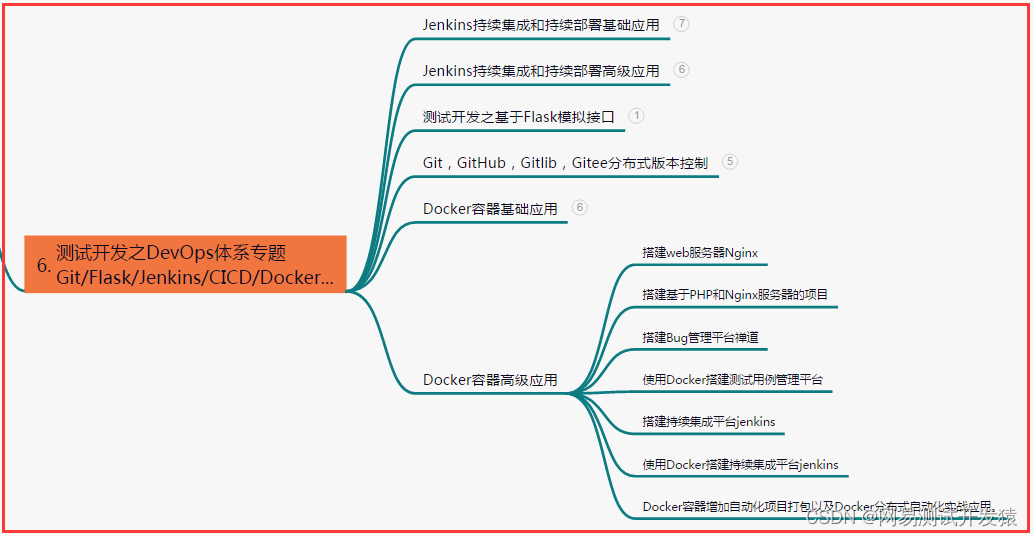
优秀的测试/开发程序员与普通的程序员对比......

How to view the size of all files in a folder?
随机推荐
Unity编辑器随机生成物体,更换场景之后物体丢失问题解决
Ansible ad-hoc 临时命令
在线SQL转CSV工具
Kubernetes 核心对象概览详解
[535. encryption and decryption of tinyurl]
数字垃圾是什么?跟随世界第一位AI艺术家,探索元碳艺术
Interface Association of postman
Mysql 监控2
How does webapi relate to the database of MS SQL?
C language final without failing (Part 1)
c语言选择,循环概述
Stimulsoft Reports报告工具,Stimulsoft创建和构建报告
Preliminary understanding of NVIDIA Jetson nano
【深度学习编译】算子编译 IR 转换
VIM editor common instructions
清洁、对话、带娃,扫地机摆脱“人工智障”标签
The listing of Symantec electronic sprint technology innovation board: it plans to raise 623million yuan, with a total of 64 patent applications
The first unlucky person watching eth 2.0
Mysql 监控1
Netease cloud music beta music social app "mus" matches friends of the same frequency through music