当前位置:网站首页>Day 3 of jsbom and DOM learning
Day 3 of jsbom and DOM learning
2022-06-12 23:44:00 【Python's path to becoming a God】
JS DOM and BOM The third day of study
Catalog
1. Registration events
1.1 Overview of registration events
Add events to the element , It is called registration event or binding event
There are two ways to register events : Traditional methods and methods monitor registration methods
The illustration

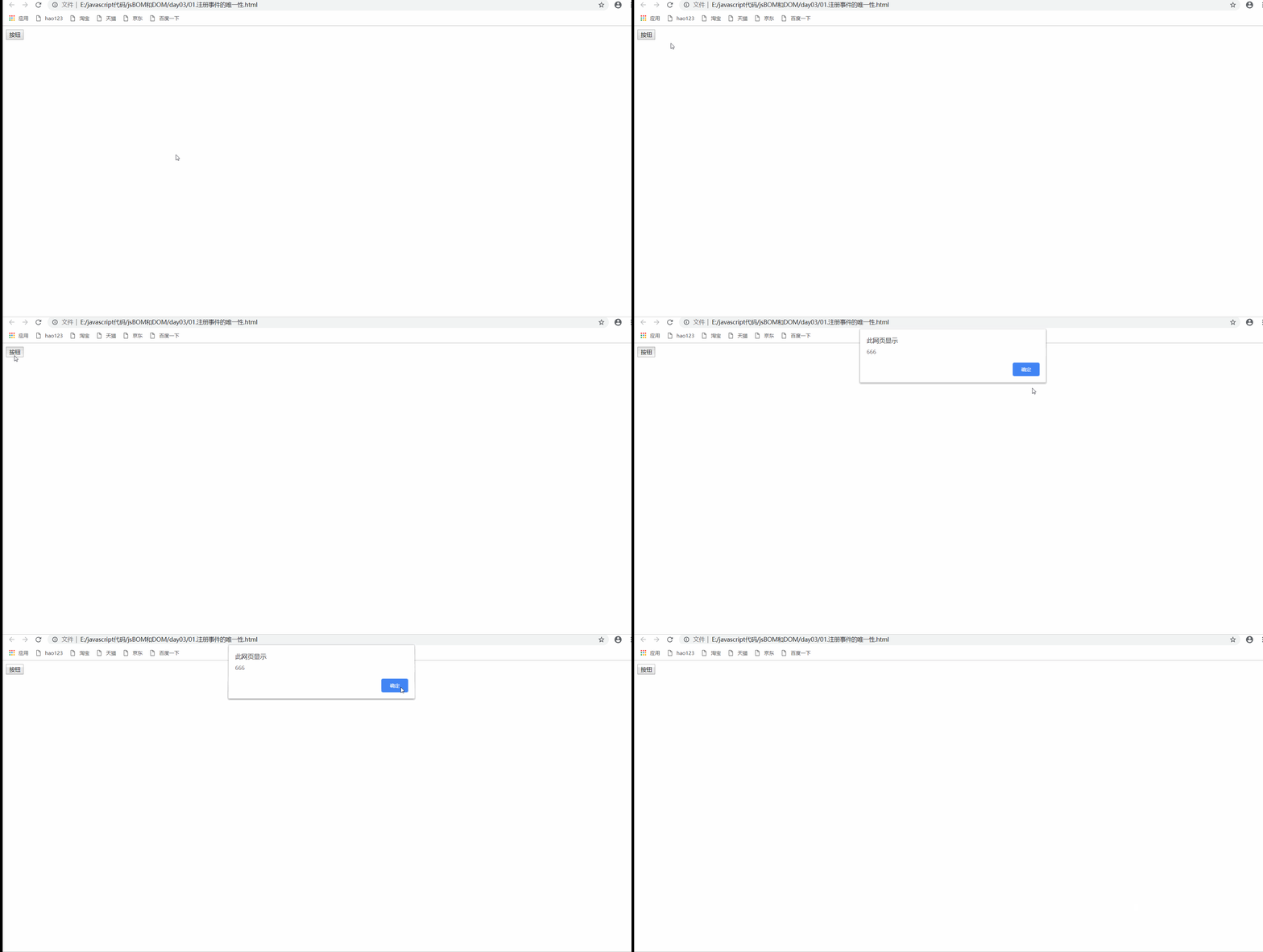
The uniqueness of traditional methods for registering Events
<!DOCTYPE html>
<html lang="en">
<head>
    <meta charset="UTF-8">
    <meta http-equiv="X-UA-Compatible" content="IE=edge">
    <meta name="viewport" content="width=device-width, initial-scale=1.0">
    <title>Document</title>
</head>
<body>
    <button> Button </button>
    <script> //  Later event handlers will overwrite the previous  var btn=document.querySelector('button'); btn.onclick=function(){
       alert('111'); } btn.onclick=function(){
       alert('666'); } </script>
</body>
</html>
- design sketch
1.2 addEventListener Event monitoring mode
eventTarget.addEventLister(type,listener[,useCapture])
The specified listener ( Event handler ) Sign up to eventTarget( Target audience ) On (ie9+ Support )
Parameter description
- type: Event type string , such as click、mouseover, Don't bring on
- listener: Event handler
- useCapture: Optional parameters , Default false
Example
<!DOCTYPE html>
<html lang="en">
<head>
    <meta charset="UTF-8">
    <meta http-equiv="X-UA-Compatible" content="IE=edge">
    <meta name="viewport" content="width=device-width, initial-scale=1.0">
    <title>Document</title>
</head>
<body>
    <button> Event monitoring </button>
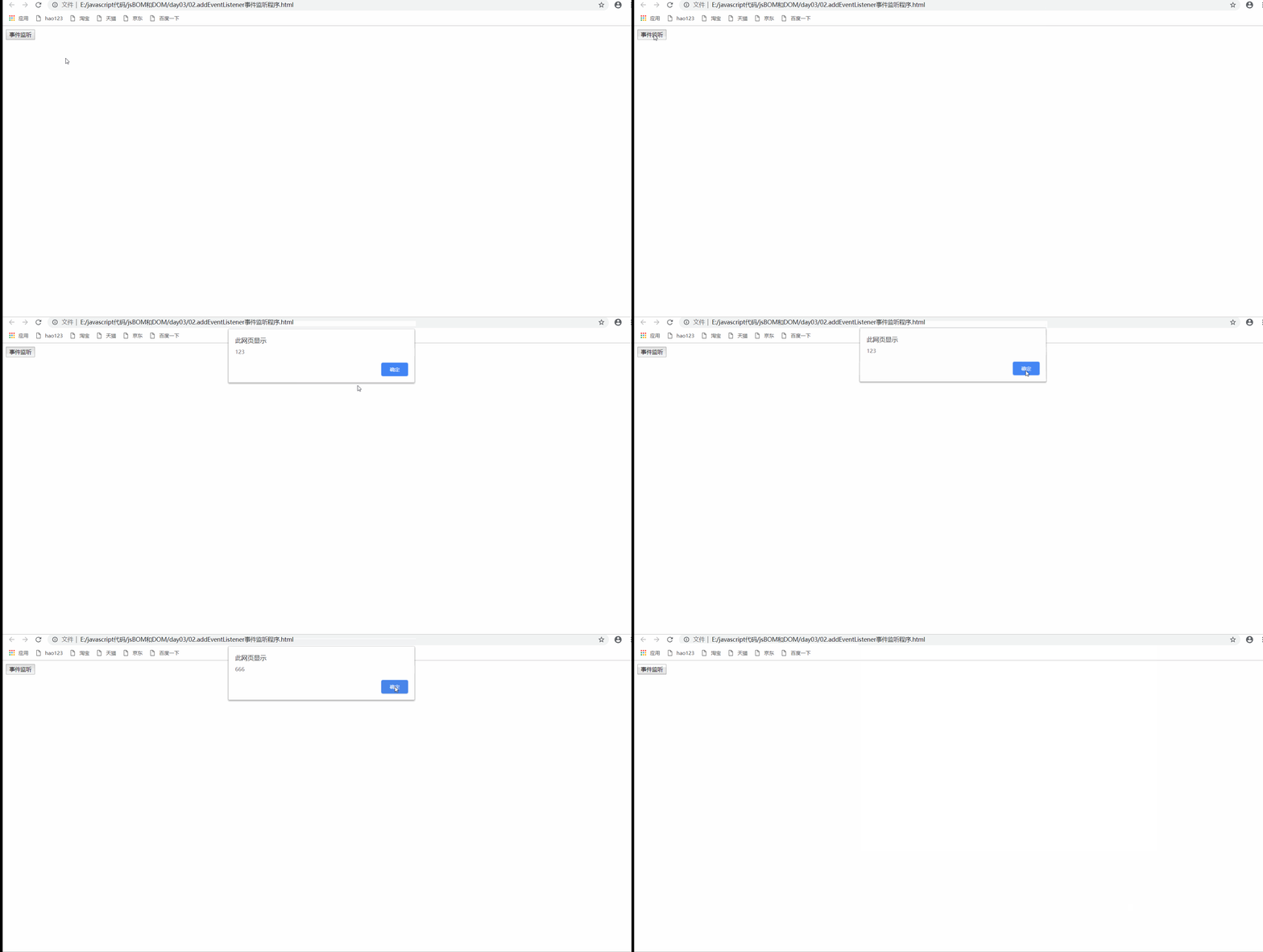
    <script> //  Event listener registers events , You can register multiple listeners ( Event handler ) var btn=document.querySelector('button'); btn.addEventListener('click',function(){
       alert('123'); }); btn.addEventListener('click',function(){
       alert('666'); }); </script>
</body>
</html>
- design sketch
1.3 attachEvent Event monitoring mode
eventTarget.attachEvent(eventNameWithon,callback)
The specified listener (callback) Sign up to eventTarget( Target audience ) On
Parameter description
- eventNameWithOn: Event type string , such as onclick, I'll take it here on
- callback: Event handler
Be careful
- ie8 And earlier versions support
Example
<!DOCTYPE html>
<html lang="en">
<head>
    <meta charset="UTF-8">
    <meta http-equiv="X-UA-Compatible" content="IE=edge">
    <meta name="viewport" content="width=device-width, initial-scale=1.0">
    <title>Document</title>
</head>
<body>
    <button>attachEvent</button>
    <script> var btn=document.querySelector('button'); console.log(btn); btn.attachEvent('onclick',function(){
       alert('666') }); </script>
</body>
</html>
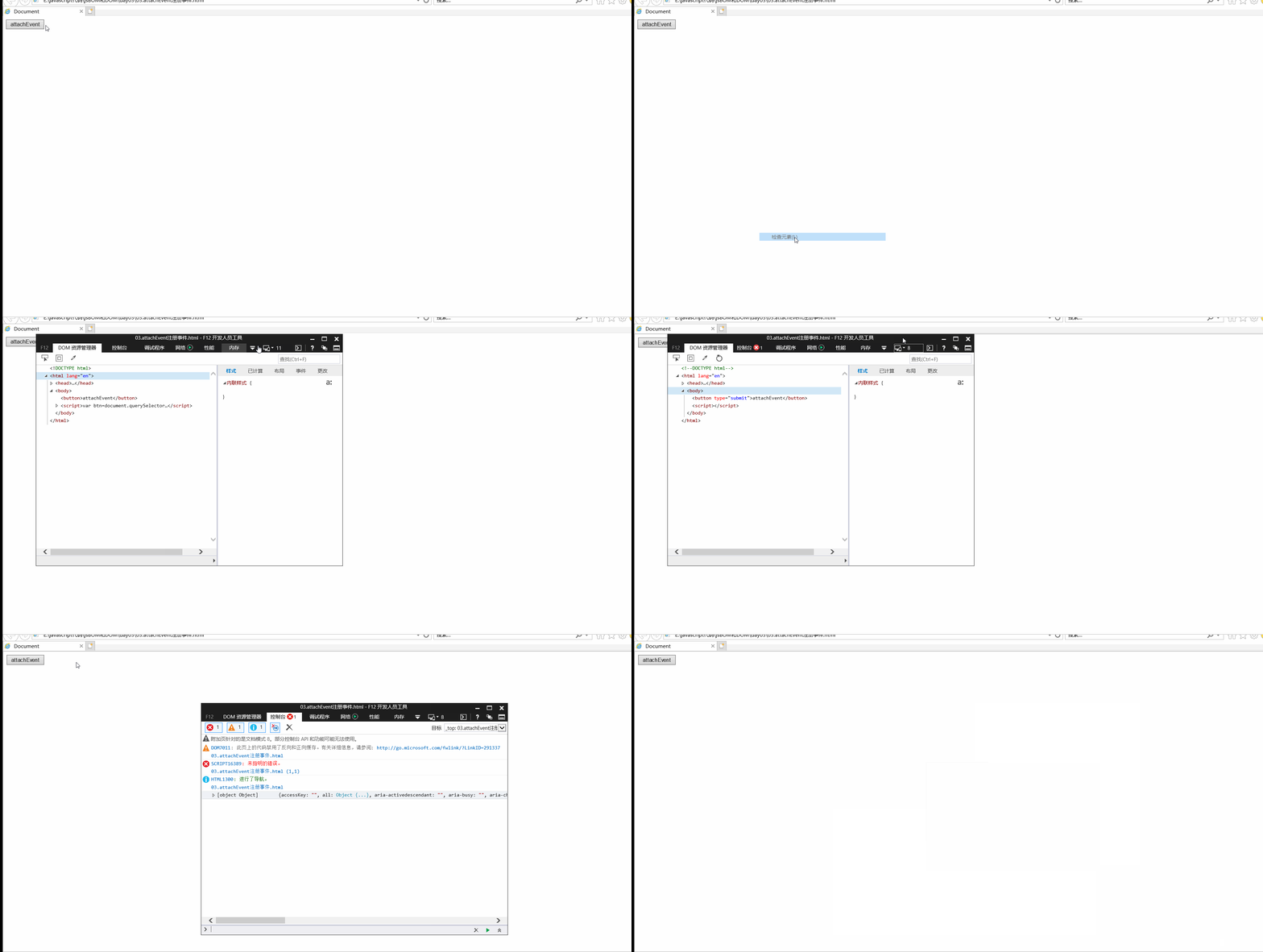
- design sketch
1.4 Compatibility resolution function
<!DOCTYPE html>
<html lang="en">
<head>
    <meta charset="UTF-8">
    <meta http-equiv="X-UA-Compatible" content="IE=edge">
    <meta name="viewport" content="width=device-width, initial-scale=1.0">
    <title>Document</title>
</head>
<body>
    <script> function solution(ele,eleType,eleFn){
       if(ele.addEventListener){
       ele.addEventListener(eleType,eleFn); }else if(ele.attachEvent){
       ele.attachEvent('on'+eleType,eleFn); }else{
       ele['on'+eleType]=ele.Fn; } } </script>
</body>
</html>
2. Delete event
2.1 How to delete Events
- Traditional deletion method
eventTarget.οnclick=null;
- Method to monitor the deletion method
eventTarget.removeEventListener(type,listener[,useCapture])
eventTarget.detachEvent(eventNameWithOn,callback)
Example
<!DOCTYPE html>
<html lang="en">
<head>
    <meta charset="UTF-8">
    <meta http-equiv="X-UA-Compatible" content="IE=edge">
    <meta name="viewport" content="width=device-width, initial-scale=1.0">
    <title>Document</title>
    <style> div{
       width: 100px; height: 100px; background-color:pink; } </style>
</head>
<body>
    <div>1</div>
    <div>2</div>
    <div>3</div>

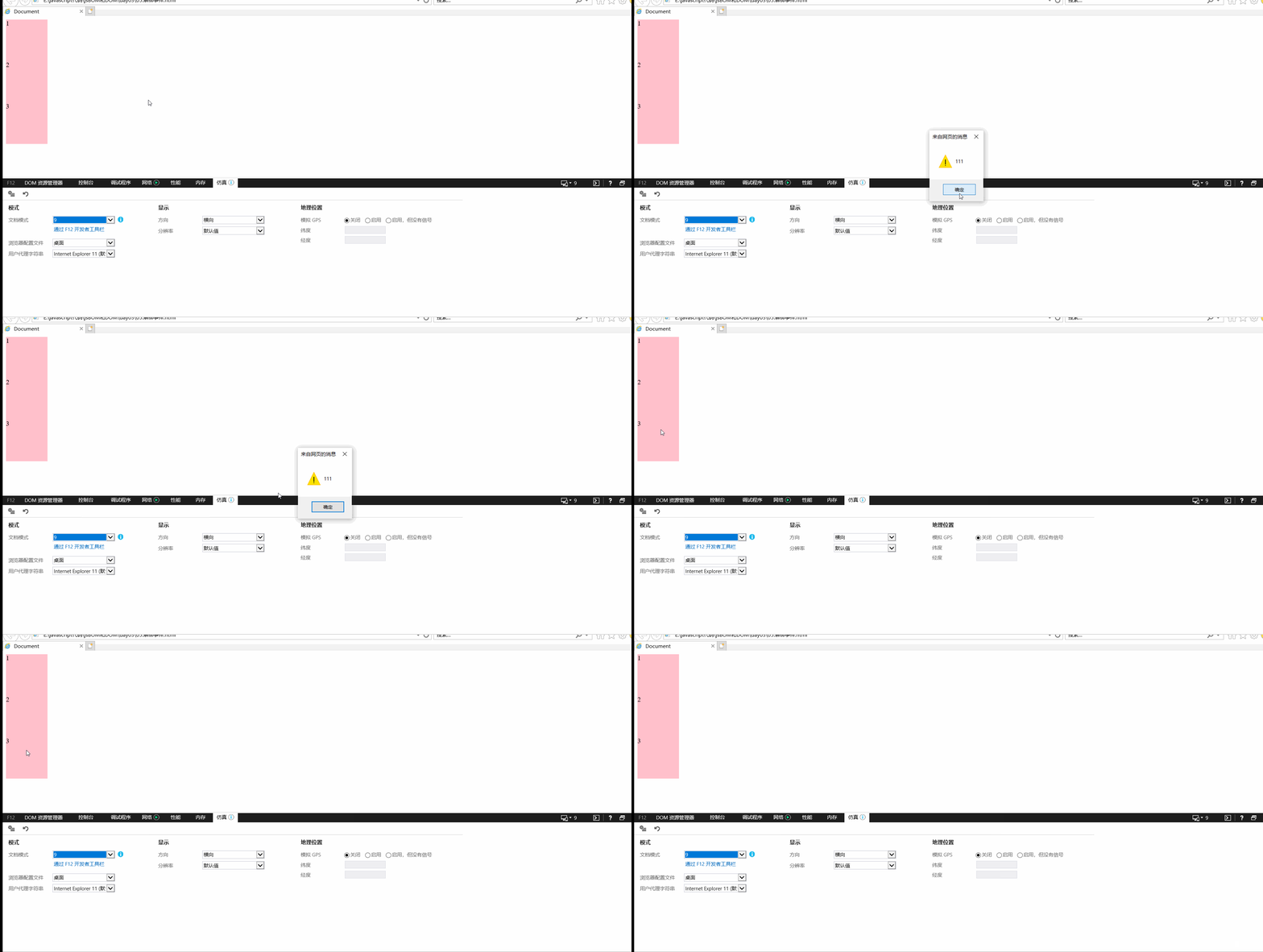
    <script> // 1. Unbind in the traditional way  var divs=document.querySelectorAll('div'); divs[0].onclick=function(){
       alert('111'); //  Unbind event  divs[0].onclick=null; } // 2. Listen for event unbinding  //  Anonymous functions cannot be used , Functions and events are written separately  divs[1].addEventListener('click',fn); function fn(){
       alert('111'); //  Unbind event  divs[1].removeEventListener('click',fn); } // 3. The old version listens to the event unbinding  divs[2].attachEvent('onclick',fn1); function fn1(){
       alert('111'); //  Unbind event  divs[2].detachEvent('onclick',fn1); } </script>
</body>
</html>
- design sketch
2.2 Compatibility solutions

3. DOM Flow of events
The event flow describes the order in which events are received from the page
Events are propagated between element nodes in a specific order when they occur , This communication process is DOM Flow of events
DOM The event flow is divided into three phases
- Capture phase
- Current target stage
- bubbling phase
Event Bubbling :ie Put forward at the earliest , The event is received by the most specific element at the beginning , And then propagate to the top node step by step
Event capture : Netscape first proposed , from DOM Start at the top node of , Then it is propagated down to the receiving process of specific elements


Be careful
- js The code can only execute one of the capture or execution bubbling stages
- onclick and attachEvent You can only get the bubbling stage
- addEventListener If the first 3 The parameter is true, Express Call the event handler in the event capture phase , If it is false, Express Event calls the event handler in the bubbling phase
- The actual development Few events are captured , More attention to the event bubble
- Some events don't bubble , such as onblur,onfocus,onmouseover,ommouseenter,onmouseleave
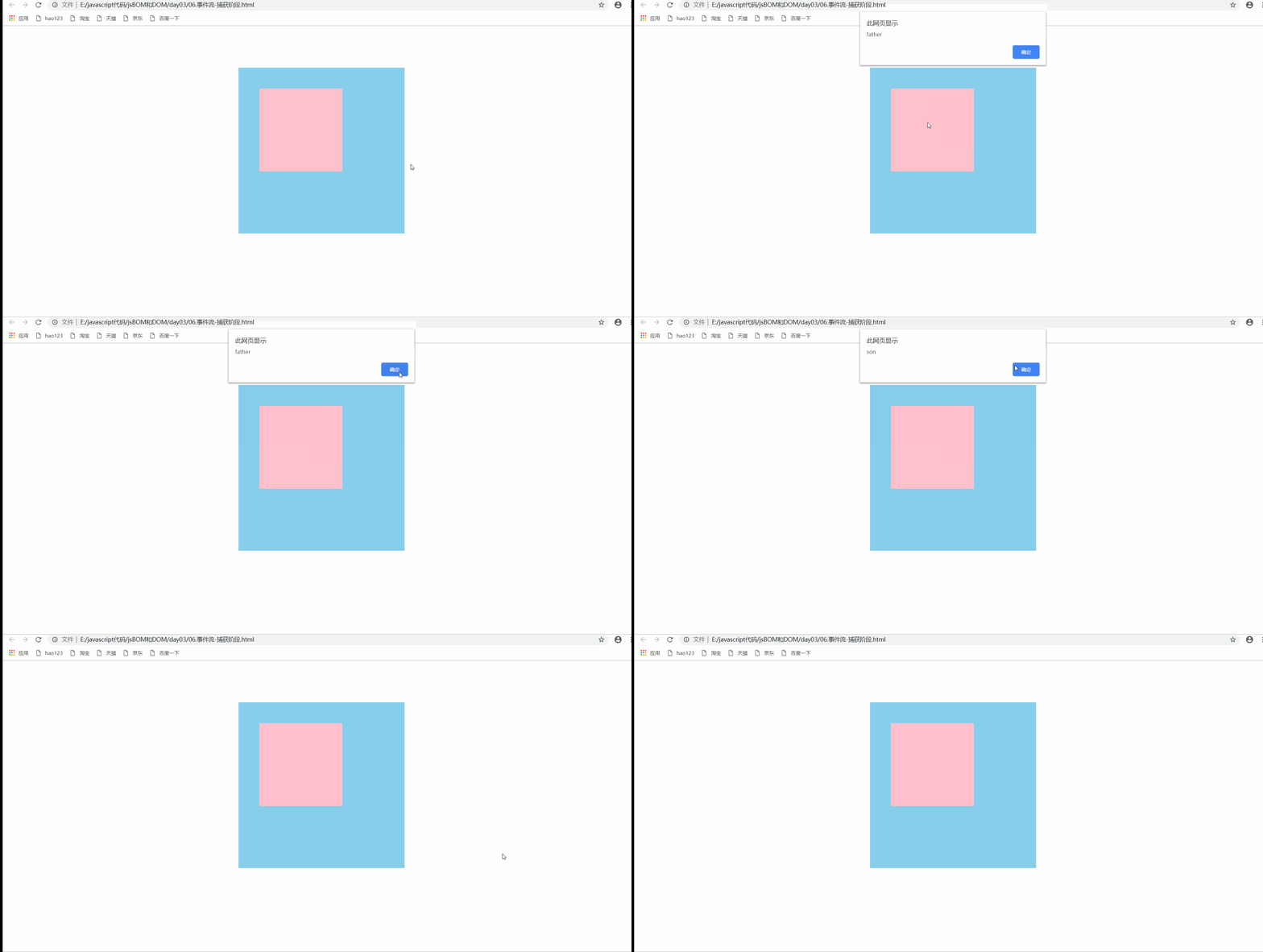
Capture example
<!DOCTYPE html>
<html lang="en">
<head>
    <meta charset="UTF-8">
    <meta http-equiv="X-UA-Compatible" content="IE=edge">
    <meta name="viewport" content="width=device-width, initial-scale=1.0">
    <title>Document</title>
    <style> .father{
       width: 400px; height: 400px; background-color: skyblue; margin: 100px auto; overflow: hidden; } .son{
       margin-top: 50px; margin-left: 50px; width: 200px; height: 200px; background-color: pink; } </style>
</head>
<body>
    <div class="father">
        <div class="son"></div>
    </div>

    <script> var father=document.querySelector('.father'); var son=document.querySelector('.son'); //  Capture phase , Register event number 3 The parameter is true son.addEventListener('click',function(){
       alert('son'); },true); father.addEventListener('click',function(){
       alert('father'); },true); </script>
</body>
</html>
- design sketch
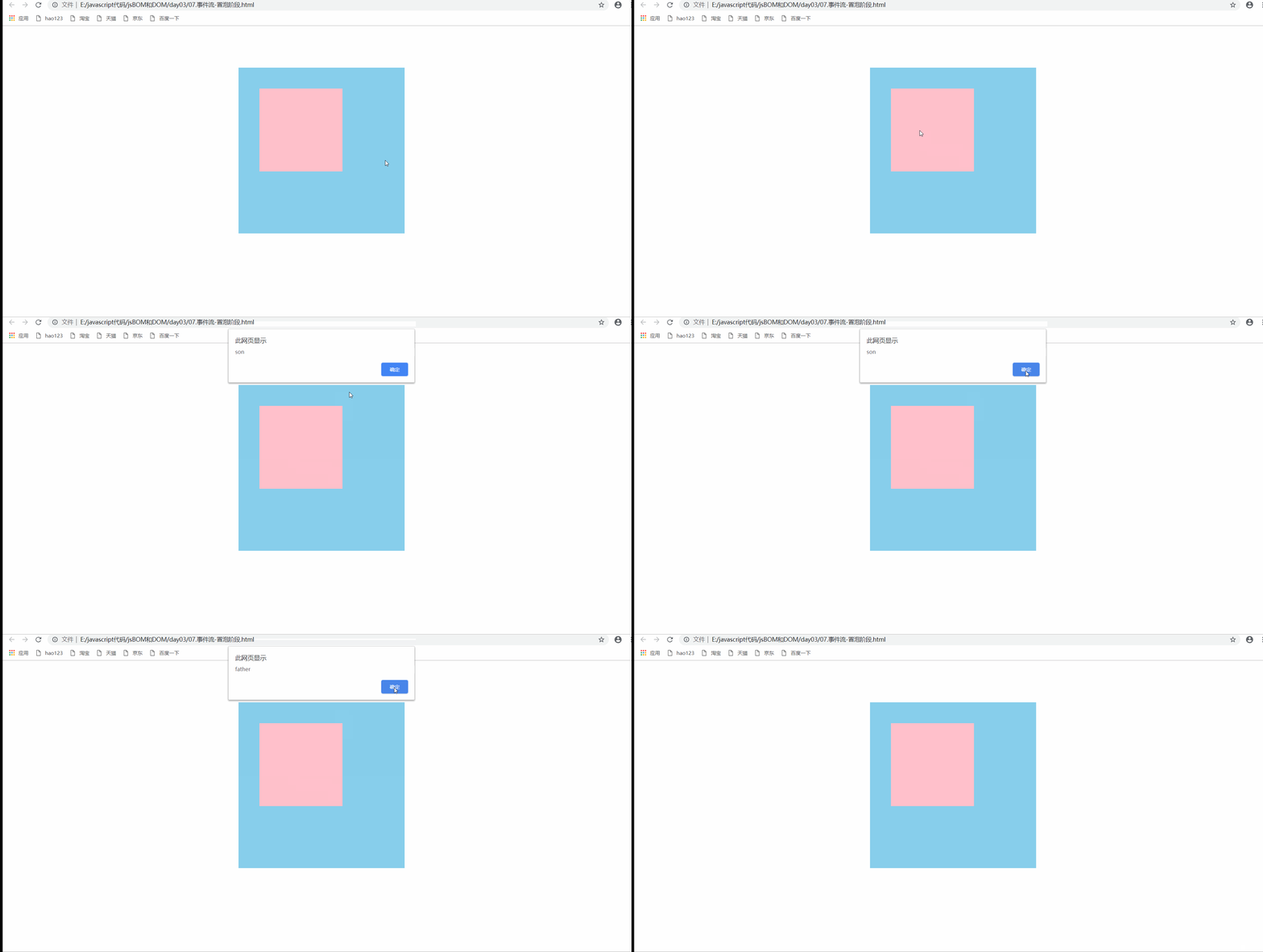
Bubbling example
<!DOCTYPE html>
<html lang="en">
<head>
    <meta charset="UTF-8">
    <meta http-equiv="X-UA-Compatible" content="IE=edge">
    <meta name="viewport" content="width=device-width, initial-scale=1.0">
    <title>Document</title>
    <style> .father{
       width: 400px; height: 400px; background-color: skyblue; margin: 100px auto; overflow: hidden; } .son{
       margin-top: 50px; margin-left: 50px; width: 200px; height: 200px; background-color: pink; } </style>
</head>
<body>
    <div class="father">
        <div class="son"></div>
    </div>

    <script> var father=document.querySelector('.father'); var son=document.querySelector('.son'); //  bubbling phase , Register event number 3 The parameter is false son.addEventListener('click',function(){
       alert('son'); },false); father.addEventListener('click',function(){
       alert('father'); },false); </script>
</body>
</html>
- design sketch
4. Event object
4.1 Definition of event object
eventTarget.onclik=function(event){};
eventTarget.addEventListener=function(event){}
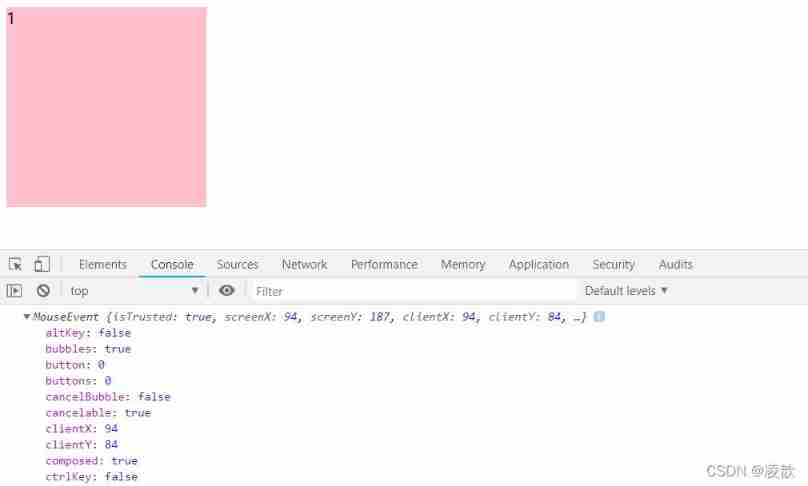
- event It's the object of the event , Represents the state of the event
- After the event , The collection of a series of information data related to the event is placed in this object , This An object is an event object event, It consists of many properties and methods
Example
<!DOCTYPE html>
<html lang="en">
<head>
    <meta charset="UTF-8">
    <meta http-equiv="X-UA-Compatible" content="IE=edge">
    <meta name="viewport" content="width=device-width, initial-scale=1.0">
    <title>Document</title>
    <style> div{
       height: 200px; width: 200px; background-color: pink; } </style>
</head>
<body>
    <div>1</div>
    <script> var div=document.querySelector('div'); div.onclick=function(event){
       //  Print information about the event object  console.log(event); } </script>
</body>
</html>
- design sketch
Compatibility issues
- stay ie9 following , The event object uses windows.event obtain
- resolvent
- e=e||window.event
4.2 Common methods and properties of event objects
| Event object property method | explain |
|---|---|
| e.target | Returns the object that triggered the event standard |
| e.scrElement | Returns the object that triggered the event Nonstandard ,ie678 |
| e.type | Returns the type of the event such as click, No on |
| e.cancelBubble | This property prevents bubbling Nonstandard ,ie678 |
| e.returnValue | This attribute organizes default events ( Default behavior ) Nonstandard ,ie678, For example, the link will jump |
| e.preventDefault | This method blocks the default event ( Default behavior ) standard For example, do not let the link jump |
| e.stopPropagation | To prevent a bubble standard |
Example
<!DOCTYPE html>
<html lang="en">
<head>
    <meta charset="UTF-8">
    <meta http-equiv="X-UA-Compatible" content="IE=edge">
    <meta name="viewport" content="width=device-width, initial-scale=1.0">
    <title>Document</title>
</head>
<body>
    <ul>
        <li>111</li>
        <li>112</li>
        <li>113</li>
    </ul>

    <script> var ul=document.querySelector('ul'); ul.addEventListener('click',function(e){
       // e.target, Return the element that triggered the event , Click who to return to who  // this  Return the element that binds the event  console.log(e.target); console.log(this); //  and this It's like  console.log(e.currentTarget); }); //  Resolve compatibility issues  // ul.οnclick=function(e){
       // e=e||window.event; // var target=e.target||e.scrElement; // console.log(target); // } </script>
</body>
</html>
- design sketch

Examples of properties and methods of event objects
<!DOCTYPE html>
<html lang="en">
<head>
    <meta charset="UTF-8">
    <meta http-equiv="X-UA-Compatible" content="IE=edge">
    <meta name="viewport" content="width=device-width, initial-scale=1.0">
    <title>Document</title>
    <style> div{
       width: 100px; height: 100px; background-color: pink; } </style>
</head>
<body>

    <div>
        123
    </div>
    <a href="www.baidu.com"> Baidu </a>
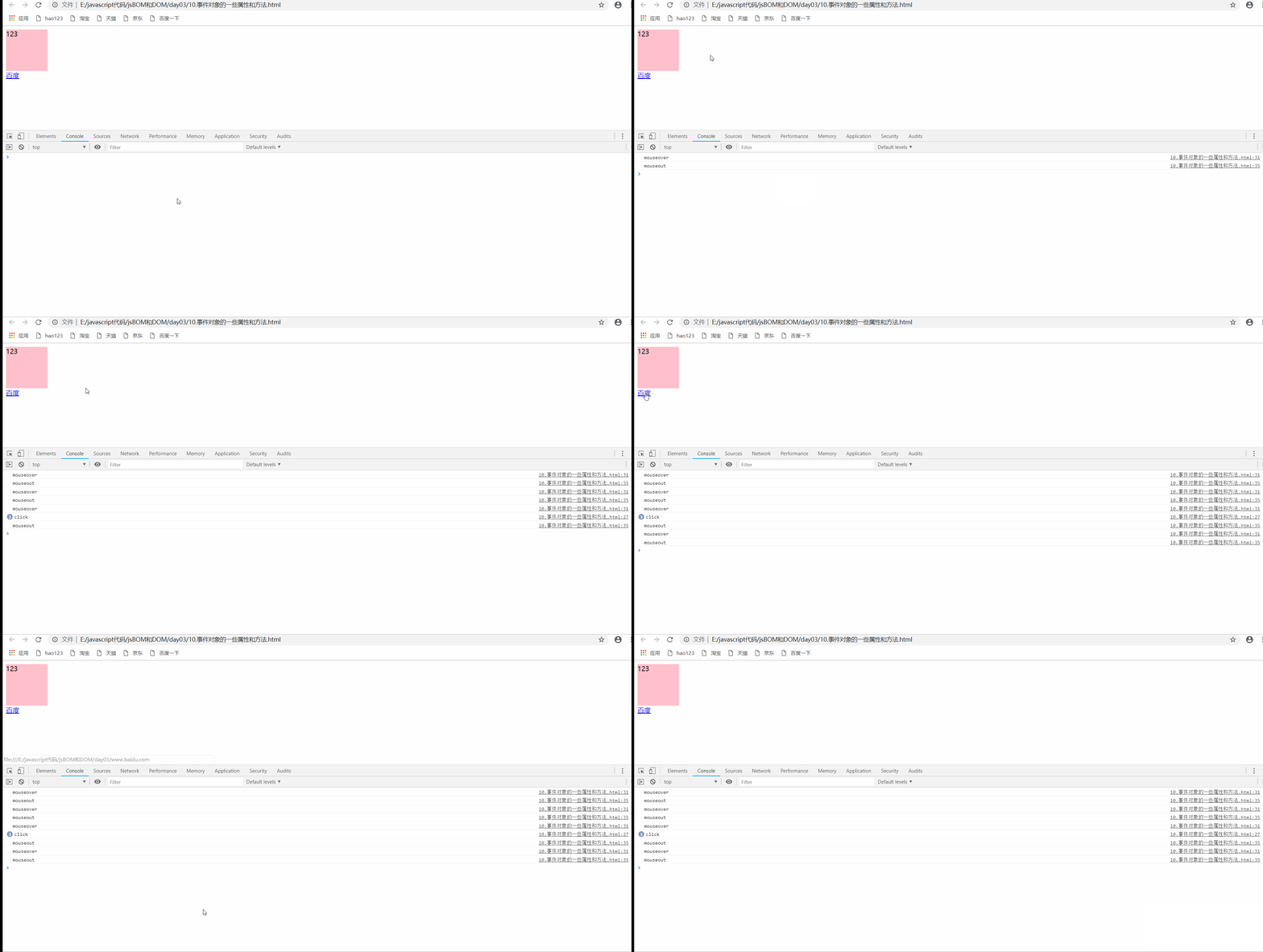
    <script> var div=document.querySelector('div'); //  Return event type  div.addEventListener('click',function(e){
       console.log(e.type); }); div.addEventListener('mouseover',function(e){
       console.log(e.type); }); div.addEventListener('mouseout',function(e){
       console.log(e.type); }); //  Blocking default behavior , Link jump , Form submission  var a=document.querySelector('a'); // a.οnclick=function(e){
       // //  Nonstandard ,ie678 // //  Property value  // e.returnValue; // } //  The standard  a.addEventListener('click',function(e){
       e.preventDefault(); }) //  direct return false, Can prevent jump , But later code will not execute , And it is a traditional registration event  </script>
</body>
</html>
- design sketch
4.3 Stop the event from bubbling
- Standard writing
e.stopPropagation()
- Nonstandard writing
e.cancelBubble=true
Compatibility resolution

Example
<!DOCTYPE html>
<html lang="en">
<head>
    <meta charset="UTF-8">
    <meta http-equiv="X-UA-Compatible" content="IE=edge">
    <meta name="viewport" content="width=device-width, initial-scale=1.0">
    <title>Document</title>
    <style> .father{
       width: 400px; height: 400px; background-color: skyblue; margin: 100px auto; overflow: hidden; } .son{
       margin-top: 50px; margin-left: 50px; width: 200px; height: 200px; background-color: pink; } </style>
</head>
<body>
    <div class="father">
        <div class="son"></div>
    </div>

    <script> var father=document.querySelector('.father'); var son=document.querySelector('.son'); //  bubbling phase , Register event number 3 The parameter is false son.addEventListener('click',function(e){
       alert('son'); //  Stop the event from bubbling  e.stopPropagation(); // e.cancelBubble(); },false); father.addEventListener('click',function(){
       alert('father'); },false); </script>
</body>
</html>
- design sketch
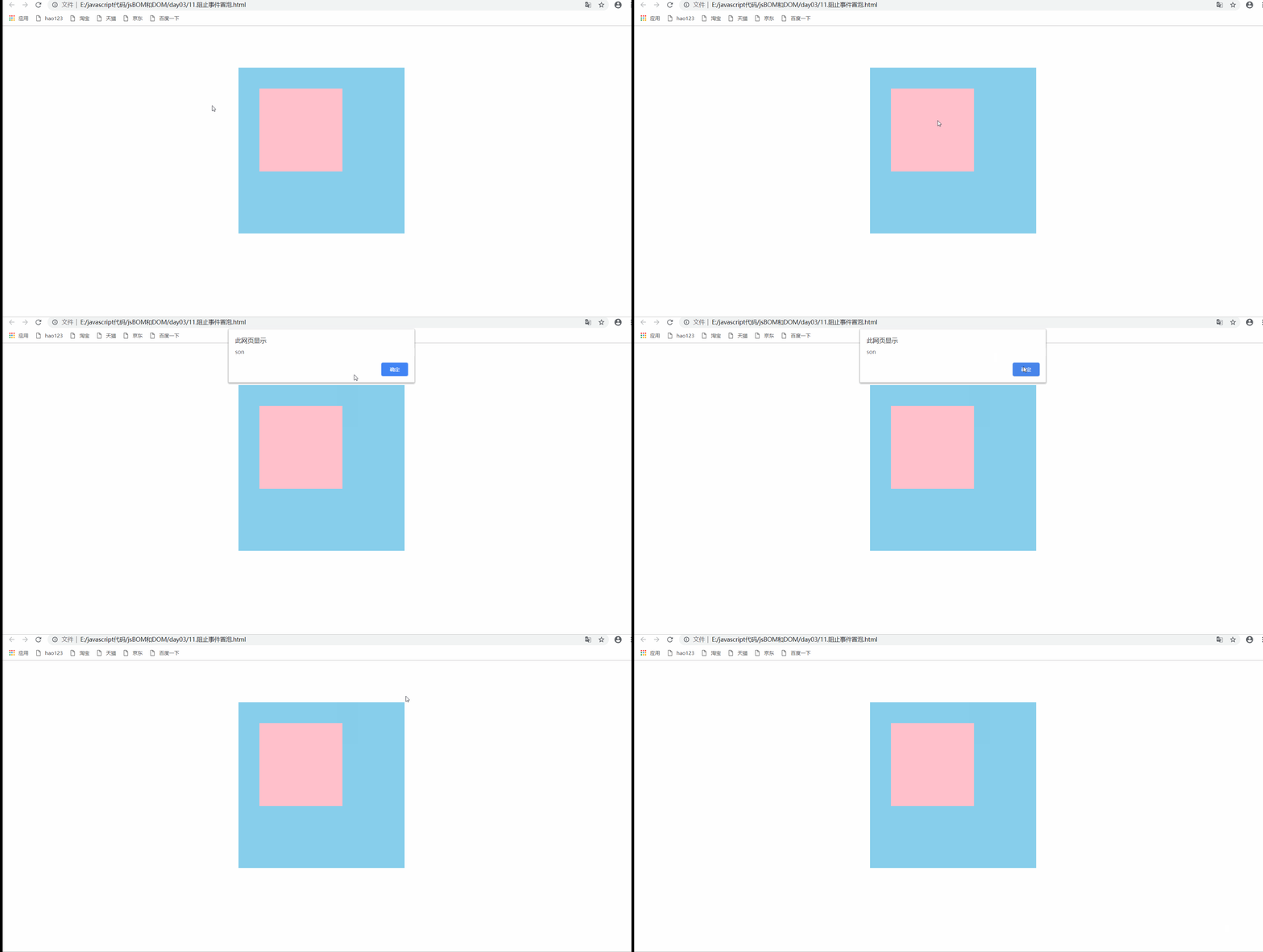
Be careful
- Add... To the current trigger event , Do not bubble from the current event
- If the upper level triggers , Still bubbling , Because the upper level didn't stop the bubble
5. Event delegation
- Event delegation is also called event agent , stay jQuery Is called event delegation
- The principle of event delegation ( a key ):
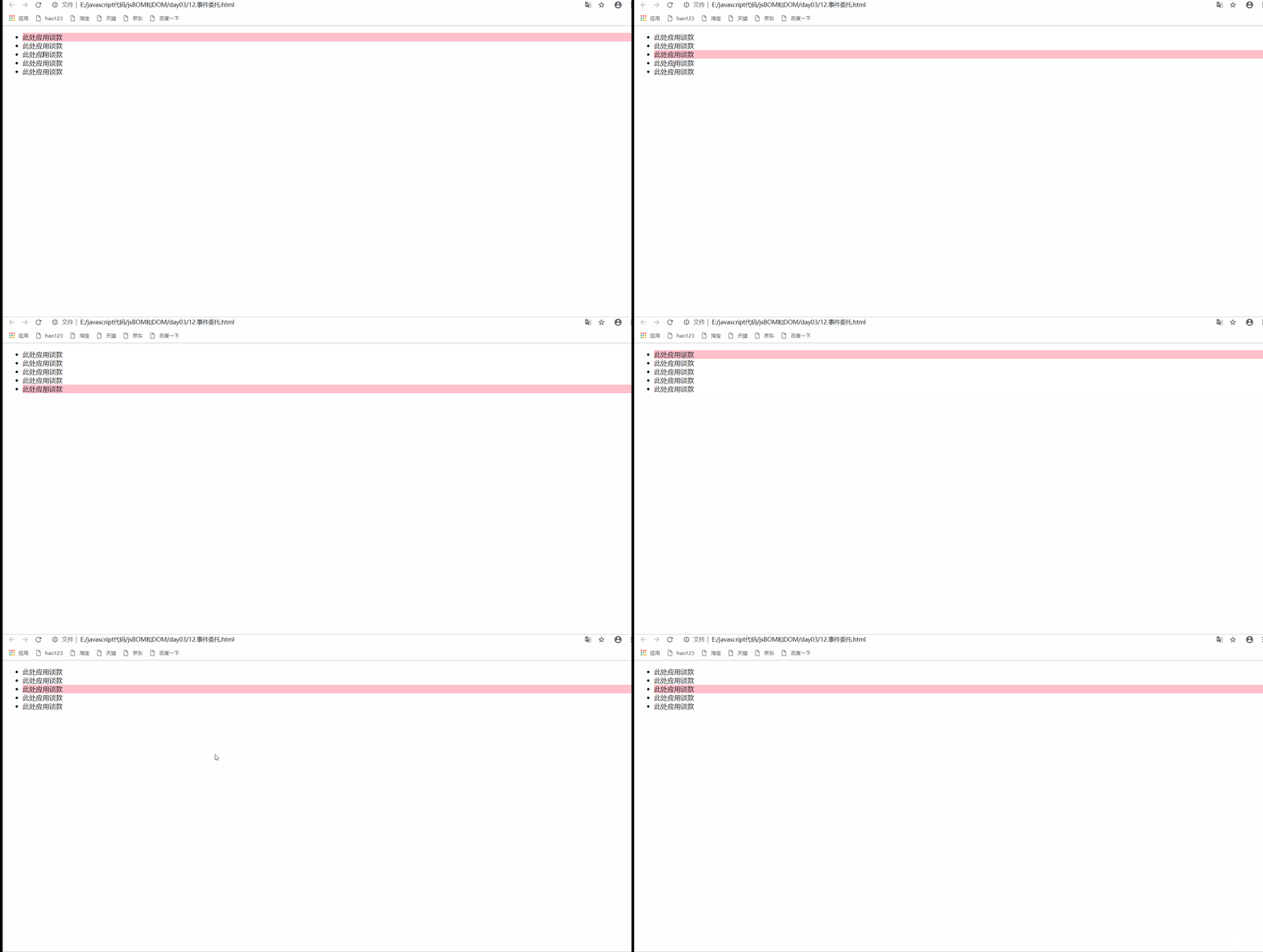
- Instead of setting up an event listener for each child node , Instead, the event listener is set on its parent node , Then, each child node is set by using the bubble principle
- Example

Example
<!DOCTYPE html>
<html lang="en">
<head>
    <meta charset="UTF-8">
    <meta http-equiv="X-UA-Compatible" content="IE=edge">
    <meta name="viewport" content="width=device-width, initial-scale=1.0">
    <title>Document</title>
</head>
<body>
    <ul>
        <li> This is where the negotiation... Is applied </li>
        <li> This is where the negotiation... Is applied </li>
        <li> This is where the negotiation... Is applied </li>
        <li> This is where the negotiation... Is applied </li>
        <li> This is where the negotiation... Is applied </li>

    </ul>

    <script> //  Event delegate implementation   Every li All have spring frames  var ul=document.querySelector('ul'); //  Set the interaction effect for the parent element  ul.addEventListener('click',function(e){
       //  Get the triggered object  var target=e.target; //  Make the object color  var childs=ul.children; for(var i=0;i<childs.length;i++){
       //  Clear styles  childs[i].style.backgroundColor='transparent'; } target.style.backgroundColor='pink'; }); </script>
</body>
</html>
- design sketch
6. Common mouse events
6.1 Disable right mouse button menu
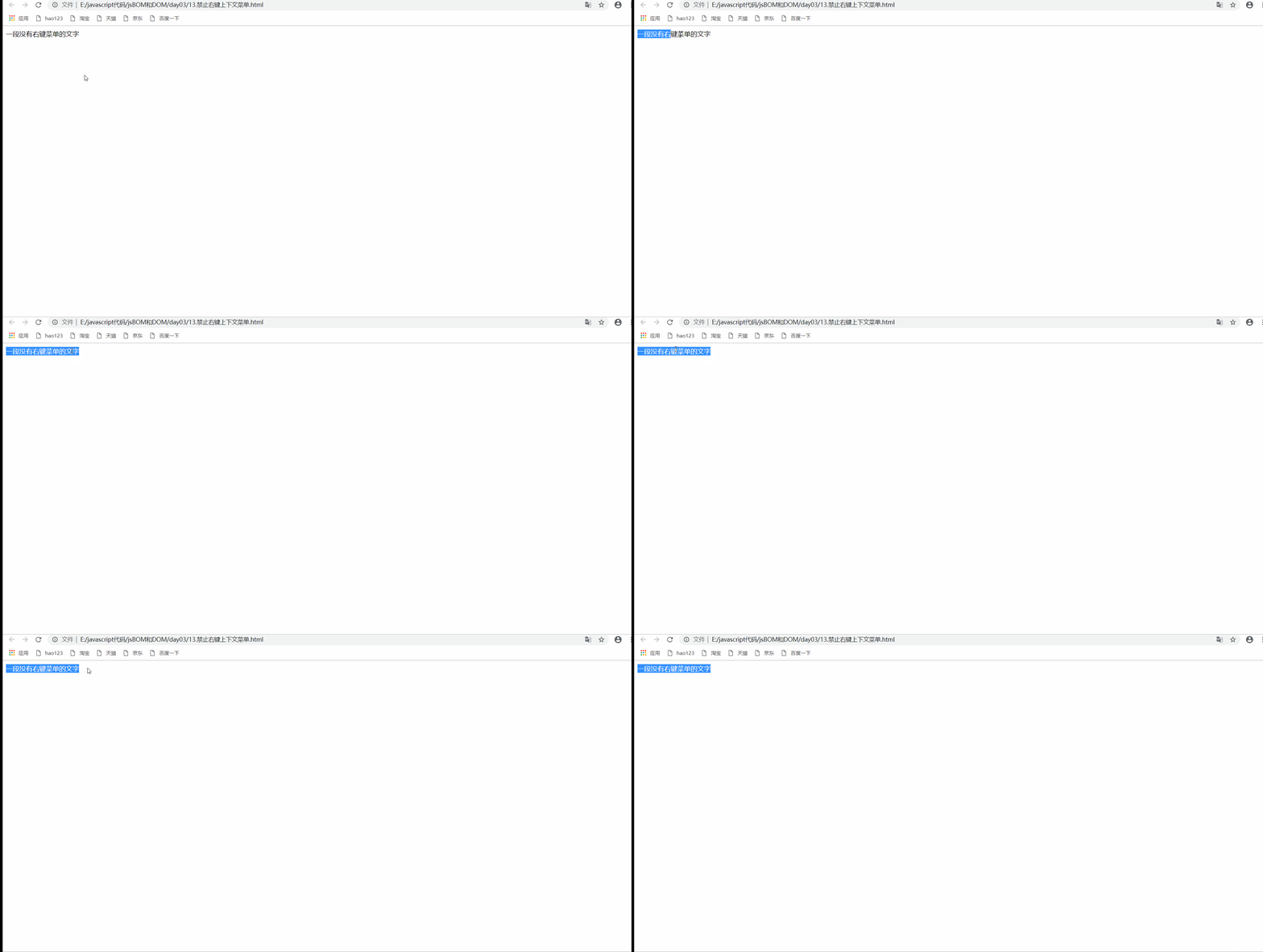
- contextmenu It mainly controls when the context menu is displayed
<!DOCTYPE html>
<html lang="en">
<head>
    <meta charset="UTF-8">
    <meta http-equiv="X-UA-Compatible" content="IE=edge">
    <meta name="viewport" content="width=device-width, initial-scale=1.0">
    <title>Document</title>
</head>
<body>
    <div>
         A text without a right-click menu

    </div>
    <script> //  Block right-click menu  var div=document.querySelector('div'); div.addEventListener('contextmenu',function(e){
       e.preventDefault(); }); </script>
</body>
</html>
- design sketch
6.2 Disable mouse selection
- selectstart Start selecting
<!DOCTYPE html>
<html lang="en">
<head>
    <meta charset="UTF-8">
    <meta http-equiv="X-UA-Compatible" content="IE=edge">
    <meta name="viewport" content="width=device-width, initial-scale=1.0">
    <title>Document</title>
</head>
<body>
    <div>
         A text that cannot be selected

    </div>
    <script> //  Block selected text  var div=document.querySelector('div'); div.addEventListener('selectstart',function(e){
       e.preventDefault(); }); //  Be careful : Not available in the box , Optional outside the box  //  None of them  document.addEventListener('selectstart',function(e){
       e.preventDefault(); }); </script>
</body>
</html>
- design sketch
6.3 Mouse event object
- Mouse event object :MouseEvent
- Keyboard event object :KeyboardEvent
| Mouse event object | explain |
|---|---|
| e.clientX | Returns the position of the mouse relative to the viewable area of the browser window x coordinate |
| e.clientY | Returns the position of the mouse relative to the viewable area of the browser window y coordinate |
| e.pageX | Returns the mouse relative to the document page x coordinate ,ie9+ Support |
| e.pageY | Returns the mouse relative to the document page y coordinate ,ie9+ Support |
| e.screenX | Returns the position of the mouse relative to the computer screen X coordinate |
| e.screenY | Returns the position of the mouse relative to the computer screen Y coordinate |
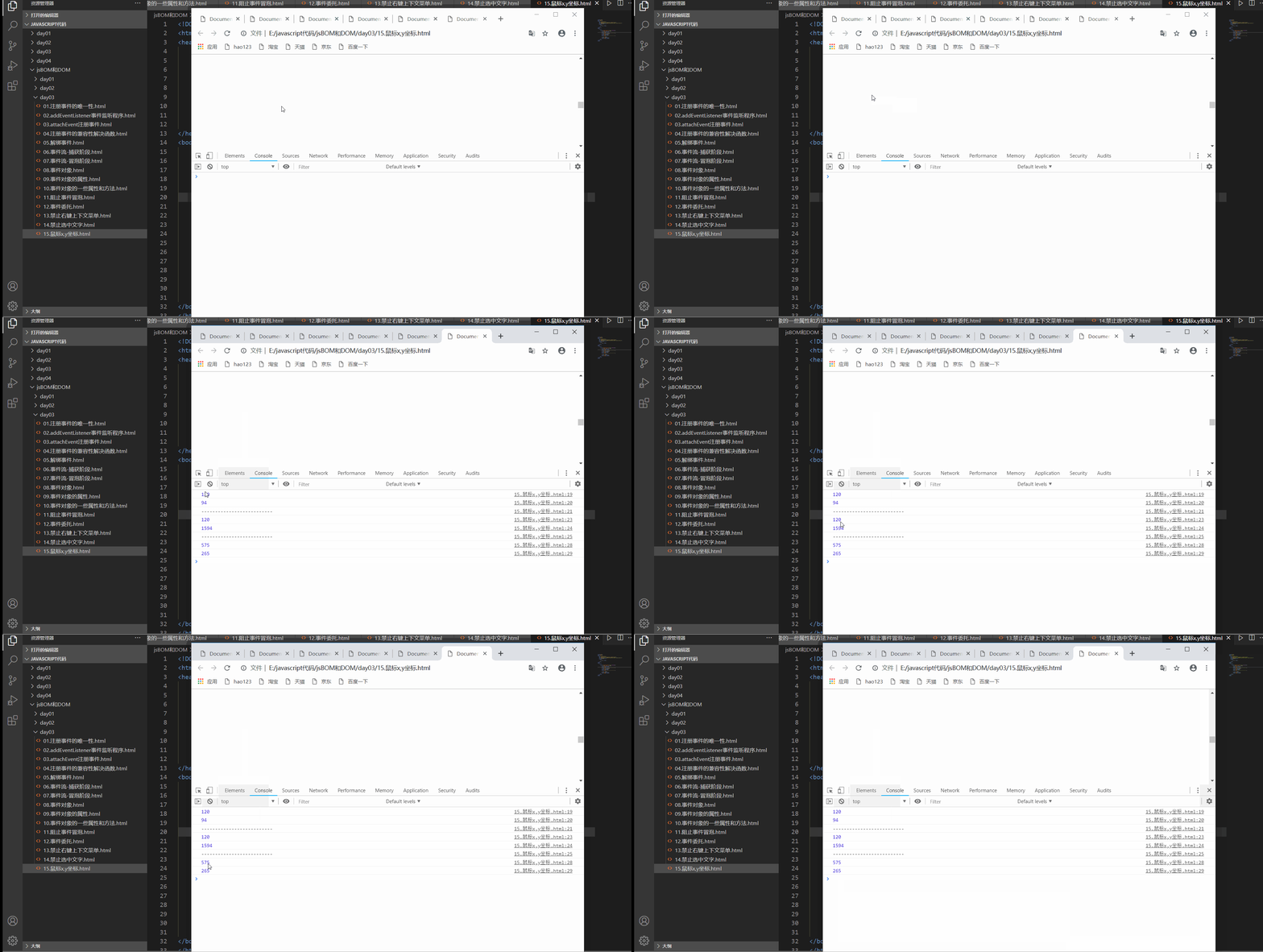
Example
<!DOCTYPE html>
<html lang="en">
<head>
    <meta charset="UTF-8">
    <meta http-equiv="X-UA-Compatible" content="IE=edge">
    <meta name="viewport" content="width=device-width, initial-scale=1.0">
    <title>Document</title>
    <style> body{
       height: 3000px; } </style>
</head>
<body>
    <script> document.addEventListener('click',function(e){
       // 1.client  Relative to the browser window  console.log(e.clientX); console.log(e.clientY); console.log('--------------------------'); // 2. be relative to page, Page document  console.log(e.pageX); console.log(e.pageY); console.log('--------------------------'); //  Relative to the desktop window  console.log(e.screenX); console.log(e.screenY); }) </script>
</body>
</html>
- design sketch
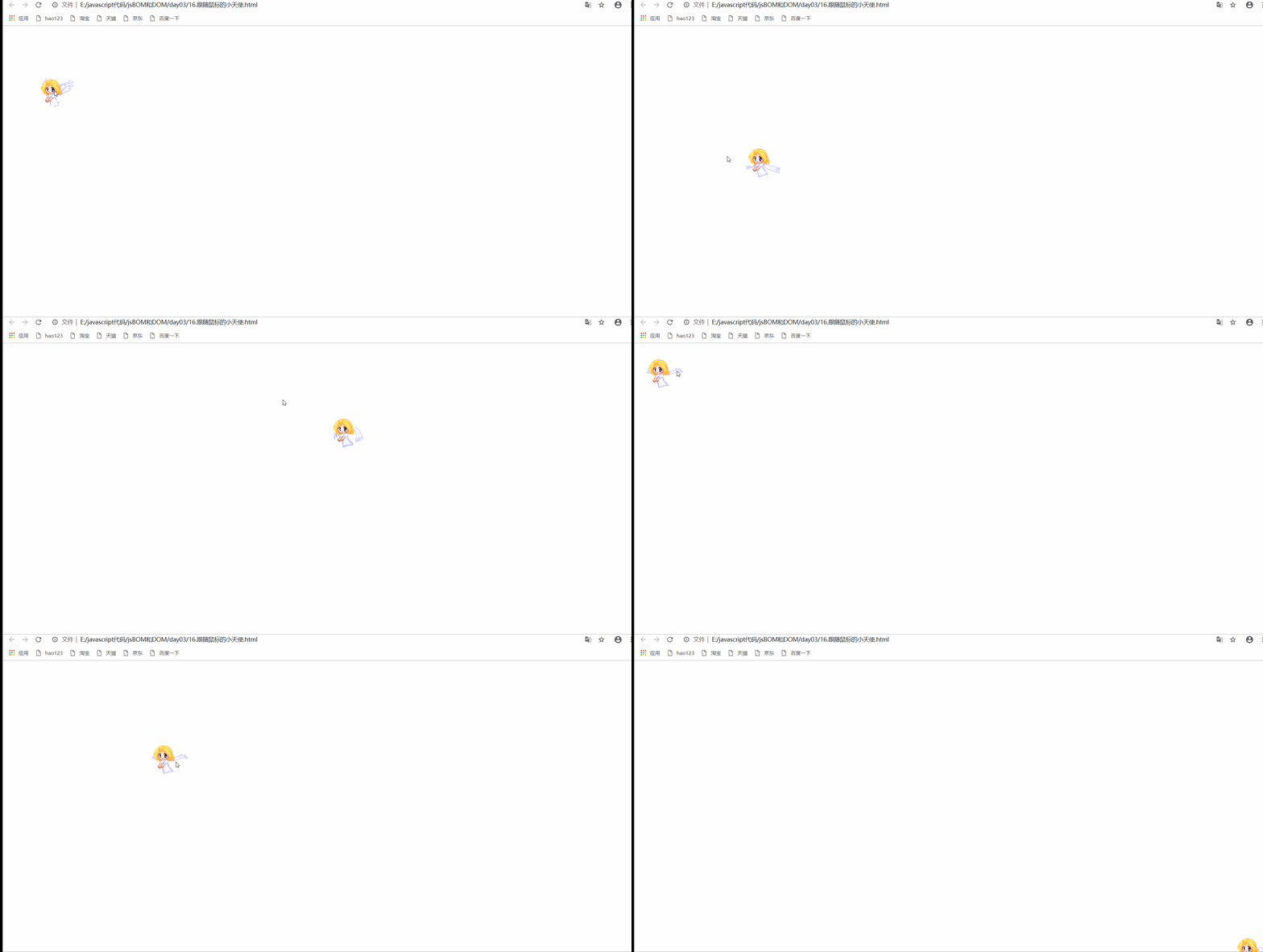
The case of the little angel following the mouse movement
<!DOCTYPE html>
<html lang="en">
<head>
    <meta charset="UTF-8">
    <meta http-equiv="X-UA-Compatible" content="IE=edge">
    <meta name="viewport" content="width=device-width, initial-scale=1.0">
    <title>Document</title>
    <style> img{
       position: absolute; } </style>
</head>
<body>
    <img src="./images/angel.gif" alt="">
    <script> //  Get photo  var img=document.querySelector('img'); //  The mouse moves through the page  document.addEventListener('mousemove',function(e){
       var x=e.pageX; var y=e.pageY; //  Pay attention to the unit  img.style.left=x-48+'px'; img.style.top=y-40+'px'; }) </script>
</body>
</html>
- design sketch
7. Common keyboard events
| Keyboard events | The trigger condition |
|---|---|
| onkeyup( Traditional registration writing ) | Trigger when a keyboard key is released |
| onkeydown( Tradition ) | Trigger when a keyboard key is pressed |
| onkeypress( Tradition ) | Trigger when a keyboard key is pressed , The function key is not recognized :ctrl,shift, Left and right arrows |
Be careful
- Three event execution sequences :keydown–keypress-keyup
Example
<!DOCTYPE html>
<html lang="en">
<head>
    <meta charset="UTF-8">
    <meta http-equiv="X-UA-Compatible" content="IE=edge">
    <meta name="viewport" content="width=device-width, initial-scale=1.0">
    <title>Document</title>
</head>
<body>
    <script> // 1.keydown, Key pressed  document.addEventListener('keydown',function(){
       console.log('keydown'); }); // 2.keypress  Key pressed , The function key is not recognized  document.addEventListener('keypress',function(){
       console.log('keypress'); }); // 3.keyup  The key bounces  document.addEventListener('keyup',function(){
       console.log('keyup'); }); </script>
</body>
</html>
- design sketch

7.1 Keyboard event properties
| Keyboard event properties | explain |
|---|---|
| keycode | Return to the ascall code |
Example
<!DOCTYPE html>
<html lang="en">
<head>
    <meta charset="UTF-8">
    <meta http-equiv="X-UA-Compatible" content="IE=edge">
    <meta name="viewport" content="width=device-width, initial-scale=1.0">
    <title>Document</title>
</head>
<body>
    <script> document.addEventListener('keyup',function(e){
       // keyup and keydown Case insensitive , What you get is capital a console.log('up:'+e.keyCode); }) // keypress Case sensitive  document.addEventListener('keypress',function(e){
       console.log('press:'+e.keyCode); }) </script>
</body>
</html>
- design sketch

Be careful
- keyup and keydown Case insensitive ,keypress Case sensitive
- keyup and keydown Identify all function keys ,keypress The function key is not recognized
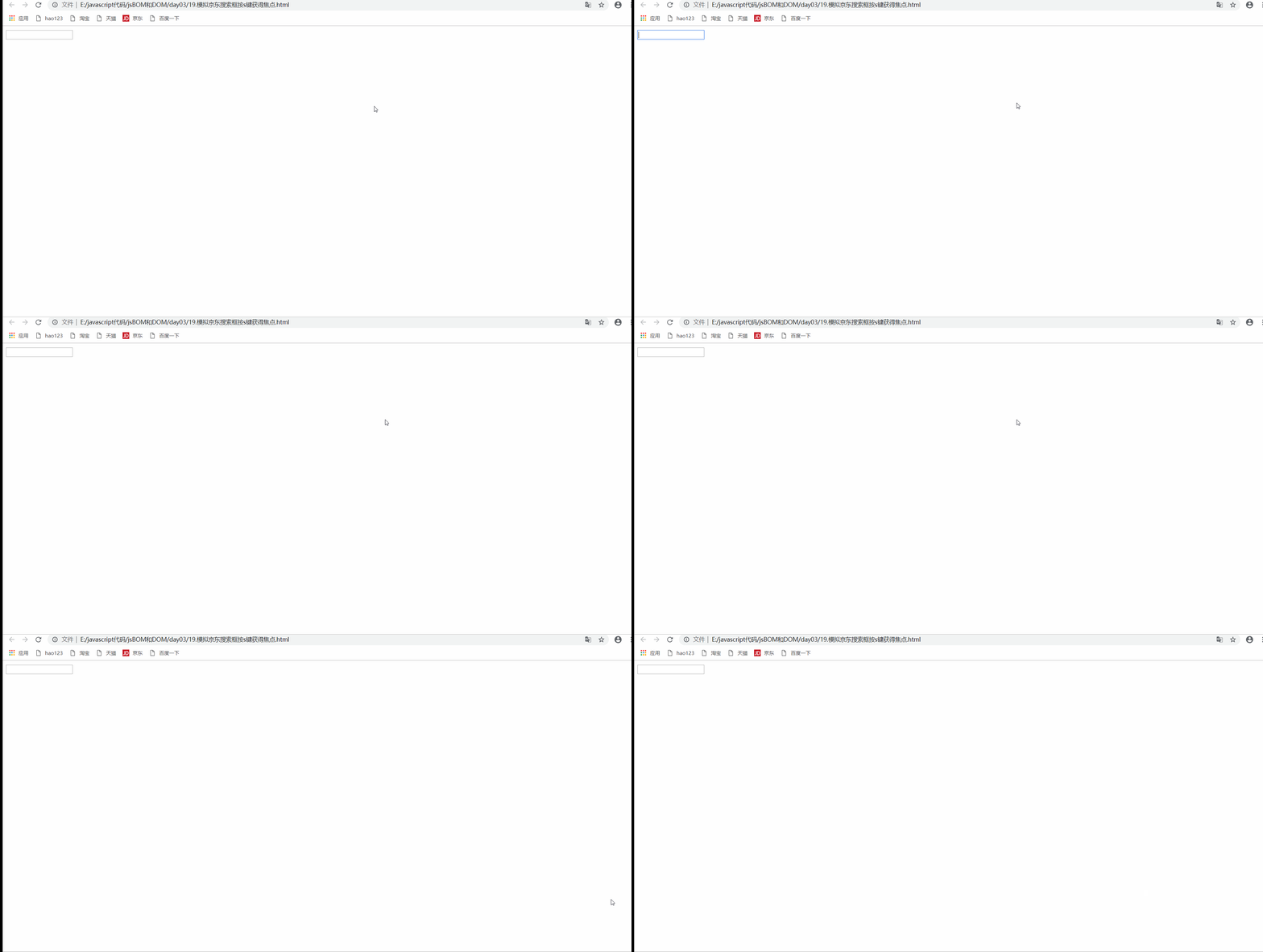
Press... In imitation of JD search box s Focus of attention
<!DOCTYPE html>
<html lang="en">
<head>
    <meta charset="UTF-8">
    <meta http-equiv="X-UA-Compatible" content="IE=edge">
    <meta name="viewport" content="width=device-width, initial-scale=1.0">
    <title>Document</title>
</head>
<body>

    <input type="text">
    <script> var input=document.querySelector('input'); document.addEventListener('keyup',function(e){
       //  Press down s after  if(e.keyCode===83){
       // input Focus of attention  input.focus(); } }) </script>
</body>
</html>
- design sketch
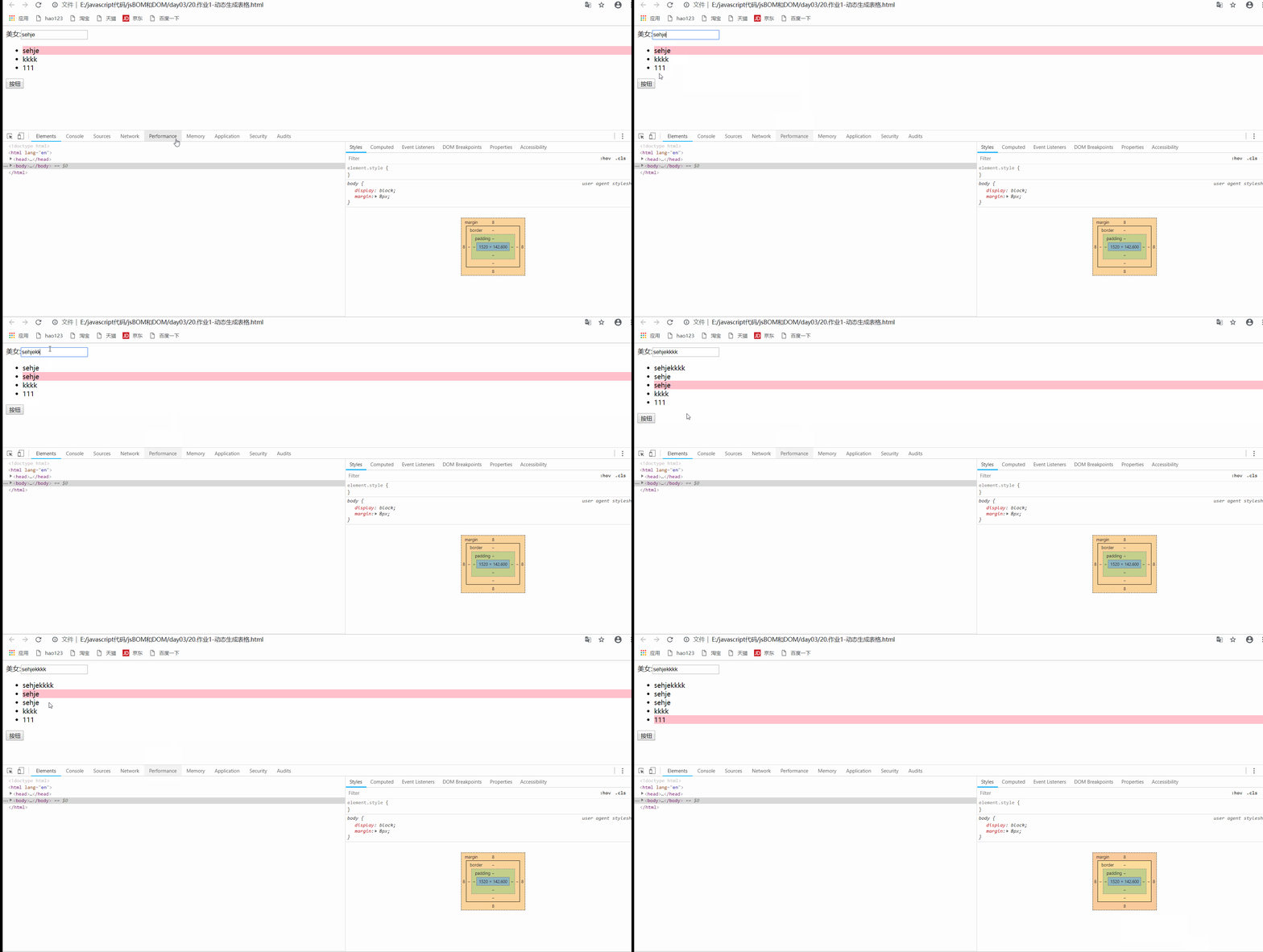
Comprehensive case
<!DOCTYPE html>
<html lang="en">
<head>
    <meta charset="UTF-8">
    <meta http-equiv="X-UA-Compatible" content="IE=edge">
    <meta name="viewport" content="width=device-width, initial-scale=1.0">
    <title>Document</title>
    <style> /* ul{ list-style: none; } */ </style>
</head>
<body>
     beauty :<input type="text">
    <ul>

    </ul>
    <button> Button </button>
    <script> var input=document.querySelector('input'); var ul=input.nextElementSibling; var btn=ul.nextElementSibling; // console.log(ul); // console.log(btn); btn.addEventListener('click',function(e){
       if(input.value!==''){
       // console.log(ul); var li=document.createElement('li'); li.innerHTML=input.value; ul.insertBefore(li,ul.children[0]); } }) ul.addEventListener('click',function(e){
       //  Get the clicked element  var target=e.target; for(var i=0;i<ul.children.length;i++){
       ul.children[i].style.backgroundColor='transparent'; } target.style.backgroundColor='pink'; }) </script>


</body>
</html>
- design sketch
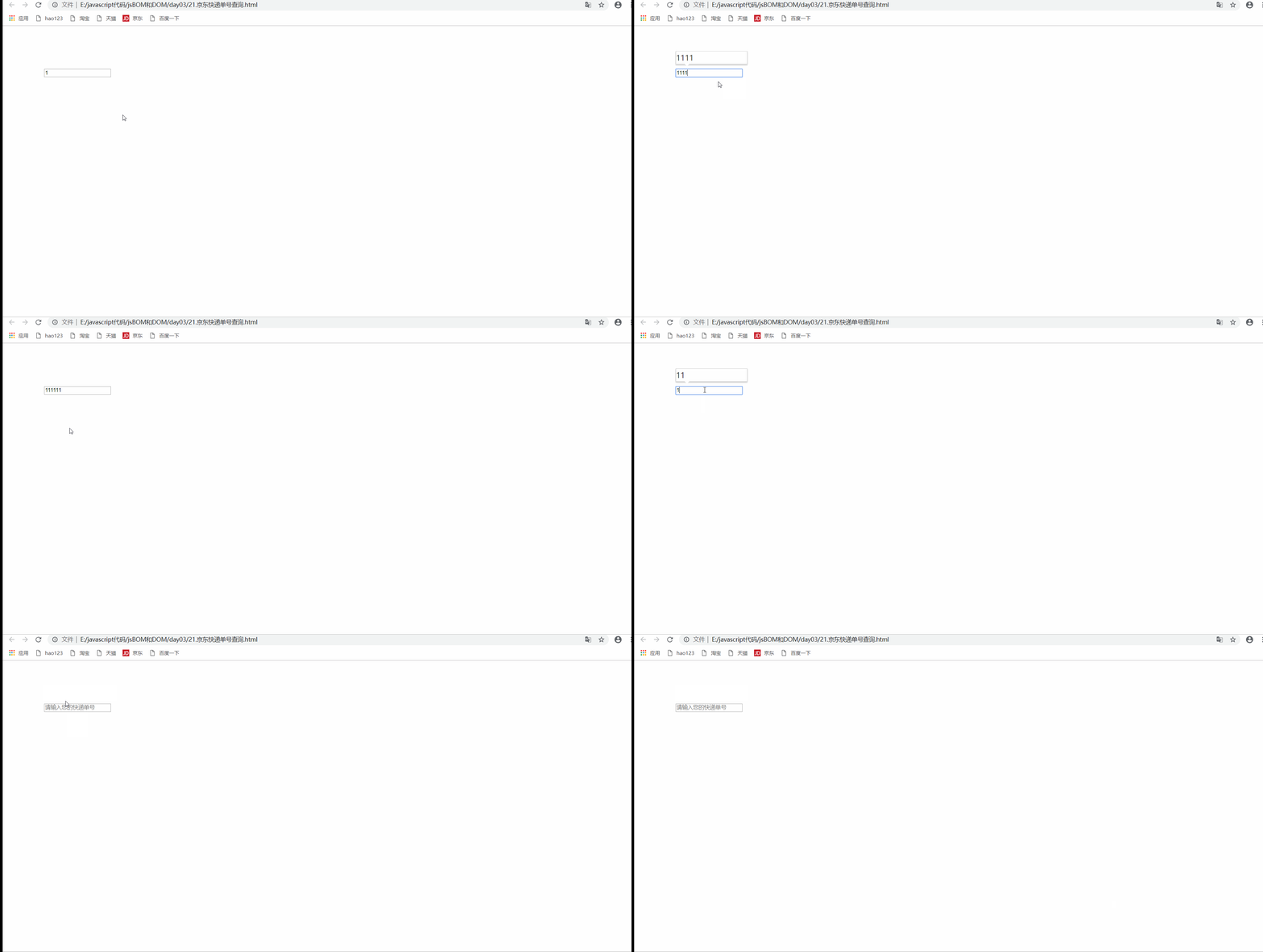
JD express doc No. query case
<!DOCTYPE html>
<html lang="en">

<head>
    <meta charset="UTF-8">
    <meta name="viewport" content="width=device-width, initial-scale=1.0">
    <meta http-equiv="X-UA-Compatible" content="ie=edge">
    <title>Document</title>
    <style> * {
       margin: 0; padding: 0; } .search {
       position: relative; width: 178px; margin: 100px; } .con {
       display: none; position: absolute; top: -40px; width: 171px; border: 1px solid rgba(0, 0, 0, .2); box-shadow: 0 2px 4px rgba(0, 0, 0, .2); padding: 5px 0; font-size: 18px; line-height: 20px; color: #333; } .con::before {
       content: ''; width: 0; height: 0; position: absolute; top: 28px; left: 18px; border: 8px solid #000; border-style: solid dashed dashed; border-color: #fff transparent transparent; } </style>
</head>

<body>
    <div class="search">
        <div class="con">123</div>
        <input type="text" placeholder=" Please enter your courier number " class="jd">
    </div>
    <script> //  When you enter the content in the express order No ,  The big font box above (con) Show ( The font size here is bigger ) //  The form detects user input :  Add keyboard events to the form  //  At the same time, the value in the express order number (value) Get and assign to  con The box (innerText) As content  //  If the content in the express order number is empty , Then hide the large font box (con) The box  var con = document.querySelector('.con'); var jd_input = document.querySelector('.jd'); jd_input.addEventListener('keyup', function() {
       // console.log(' Input content '); if (this.value == '') {
       con.style.display = 'none'; } else {
       con.style.display = 'block'; con.innerText = this.value; } }) //  When we lose focus , Just hide this con The box  jd_input.addEventListener('blur', function() {
       con.style.display = 'none'; }) //  When we get the focus , Just show this con The box  jd_input.addEventListener('focus', function() {
       if (this.value !== '') {
       con.style.display = 'block'; } }) </script>
</body>
- design sketch
边栏推荐
- Tsinghua University image source will cause tensorflow GPU installation failure
- Model over fitting - solution (II): dropout
- How leaflet gracefully displays the bubble window of overlapping points
- Xi'an Jiaotong 22nd autumn e-commerce technology online expansion resources (IV) [standard answer]
- Examination questions and online simulation examination for safety management personnel of hazardous chemical business units in 2022
- Actual combat | inductance element positioning -- detailed explanation of Halcon and opencv implementation (with source code)
- Enterprise wechat H5_ Authentication, PC website, enterprise wechat scanning code, authorized login
- MySQL row to column, column to row, multiple columns to one row, one row to multiple columns
- 2022年R2移动式压力容器充装考试题及在线模拟考试
- CS for mobile security [nethunter]
猜你喜欢

AWS lambda: how to store secrets to external APIs- AWS Lambda: How to store secret to external API?

Based on three JS offshore wind power digital twin 3D effect

Don't write about the full screen explosion, try the decorator mode, this is the elegant way!!

So, what is the difference between e.target and e.currenttarget?

Chapter 8 - shared model JUC

CST learning: four element array design of circular patch antenna (II) array formation and combination results

CV—BaseLine总结(从AlexNet到SENet的发展历程)

Test platform series (97) perfect the case part

你真的会用PostGIS中的buffer缓冲吗?

Redis realizes SMS verification code login
随机推荐
dict和set的基本操作
启牛帮开通的股票账户是安全可信的吗?
Ast, really fragrant
妙才周刊 - 5
KConfig
Mgr and greatsql resource summary
支持Canvas的Leaflet.Path.DashFlow动态流向线
Teach you how to grab ZigBee packets through cc2531 and parse encrypted ZigBee packets
Face detection: mtcnn
CST learning: four element array design of circular patch antenna (III) array formation and parallel excitation
2202-简历制作
cookie
Access static variables within class in swift
array
M_8:设计消息队列存储消息数据的 MySQL 表格
设计消息队列存储信息数据的MySQL表结构
基于Three.js海上风电数字孪生三维效果
Detr (detection with transformers) learning notes
[SciPy optimization tutorial] v. quick solution of univariate function optimization
Design MySQL table structure for message queue to store information data