当前位置:网站首页>树莓派环境设置
树莓派环境设置
2022-06-22 18:50:00 【永远爱mai】
一. Linux 系统树莓派环境配置
1.下载
Raspbian Stretch with desktop and recommended software:带图形桌面和推荐软件
Raspbian Stretch with desktop:带图形桌面
Raspbian Stretch Lite:最简版

格式化工具SDCardFormatterv5
烧录工具Raspberry Pi
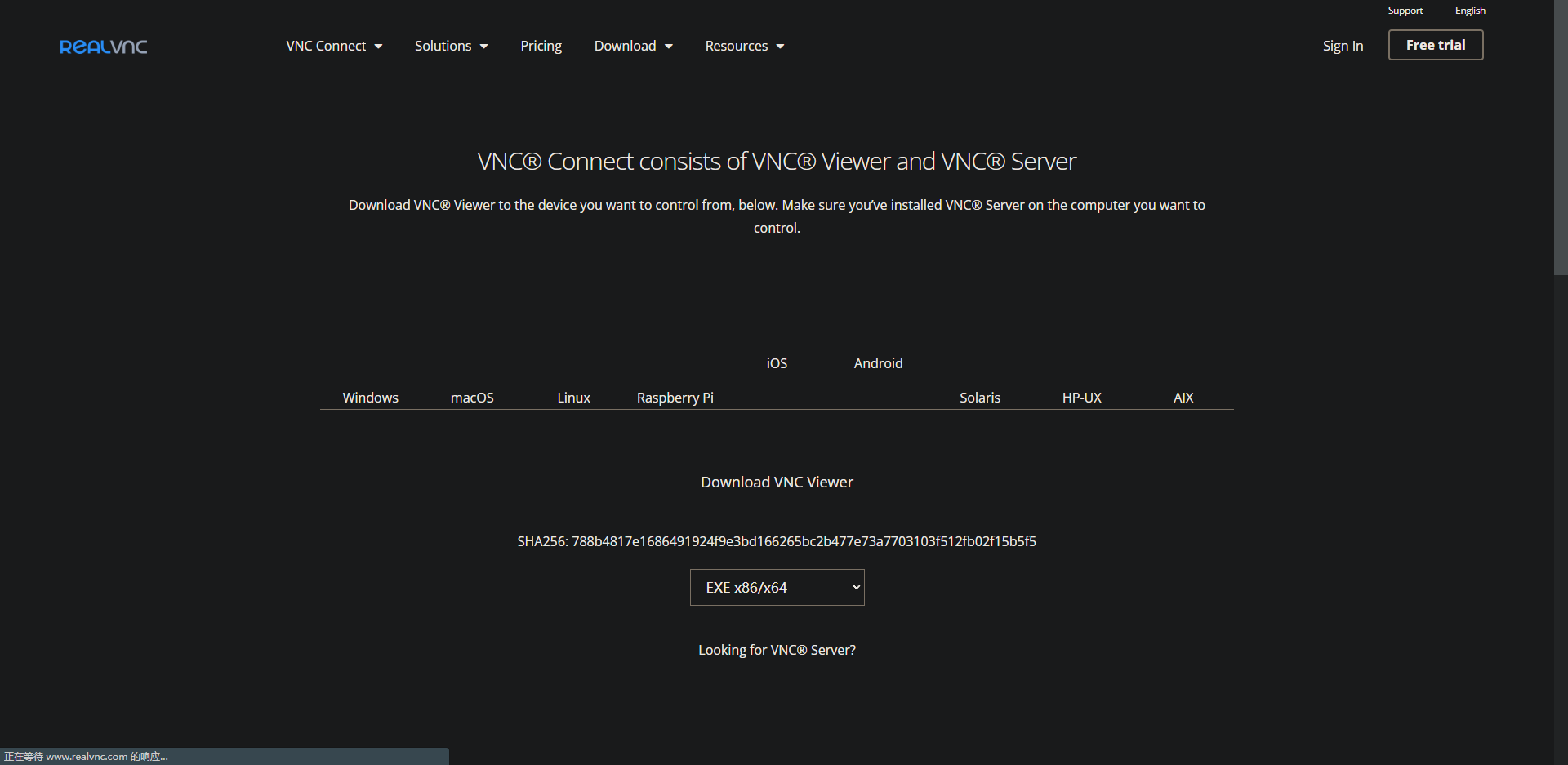 2.SD卡格式化
3.烧录镜像 raspberry pi选择CHOOSE OS
4.配置网络
插入网线
这种方法我进行说明,网上有很多相关的文章,自己可以去查看。
使用手机热点
①在电脑上,打开刚才烧录镜像的SD卡
②在boot目录下,建立一个ssh的空文件
③在boot目录下,先建立一个文本文件
④打开文本文件,将下面的内容复制到文本中
country=CN
ctrl_interface=DIR=/var/run/wpa_supplicant GROUP=netdev
update_config=1network={
ssid=“你的无线网名称”
psk=“你的无线网密码”
key_mgmt=WPA-PSK
priority=1
}
其中,将ssid的内容改成手机热点的名称,psk的内容改成手机热点的密码。
⑤将刚才的文本保存,并将名称修改为wpa_supplicant.conf
⑥取出SD卡,将SD卡插入树莓派中,同时打开手机热点和给树莓派接上电源
⑦可以在手机上查看得到树莓派的ip地址
Ubuntu网络配置
①将Ubuntu网络连接方式修改为桥接模式
②打开Ubuntu的终端,使用ifconfig
sudo apt install net-tools
ifconfig③查看Ubuntu的网卡名称,一般为ens33
④修改Ubuntu网络配置文件
sudo nano /etc/network/interfaces将下面信息添加进去auto lo
iface lo inet loopback
auto ens33
iface ens33 inet static
address 192.168.43.109
//前面的三位与windows系统下的IP地址前三位保持一致,后面一位自己设置
netmask 255.255.255.0
//与windows系统下的子网掩码一致
gateway 192.168.43.1
//与windows系统下的网关一致sudo nano /etc/resolv.conf将下面信息添加进去
nameserver 192.168.43.1
⑤重新启动客户机创建新的用户
sudo useradd -m 用户名 -s /bin/bash
sudo passwd 用户名
sudo adduser 用户名 sudo
sudo nano /etc/sudoers增加一条用户名 ALL=(ALL:ALL) ALL(实现新添加用户可以使用sudo)
安装ssh
sudo apt install ssh
ps -e | grep ssh远程登陆(使用另外一台同一子网下面的主机进行)
①打开Putty②输入网址
③输入用户名和密码

二.PC平台准备Linux系统

链接
边栏推荐
- Definitions and terms of drawings
- 2019 年总结:31岁,不过是另一个开始
- Google | ICML 2022: sparse training status in deep reinforcement learning
- 【深入理解TcaplusDB知識庫】部署TcaplusDB Local版常見問題
- 软件压力测试有哪些方法,如何选择软件压力测试机构?
- 【深入理解TcaplusDB技术】查看TcaplusDB线上运行情况
- B tree code (C language)
- Matlab calling API
- [deeply understand tcapulusdb technology] view the online operation of tcapulusdb
- ROS从入门到精通(八) 常用传感器与消息数据
猜你喜欢

#夏日挑战赛# 【FFH】从零开始的鸿蒙机器学习之旅-NLP情感分析
图的定义及术语

3个月自学自动化测试,薪资从4.5K到15K,鬼知道我经历了什么?

市场开始降温,对NFT 是坏事么?

如何低成本快速搭建企业知识库?

软件上线前为什么要做性能测试?软件性能测试机构怎么找

二叉排序树的查找、插入和删除
Classic interview question: a page from entering URL to rendering process

What can the accelerated implementation of digital economy bring to SMEs?
![[in depth understanding of tcapulusdb technology] introduction tcapulusdb problem summary](/img/2b/3ab5e247ac103728b4d3579c3c5468.png)
[in depth understanding of tcapulusdb technology] introduction tcapulusdb problem summary
随机推荐
【深入理解TcaplusDB技术】TcaplusDB新增机型
socket的connect函数用法
年中大促 | 集成无忧,超值套餐 6 折起
科技云报道:东数西算不止于“算”,更需“新存储”
R语言data.table导入数据实战:data.table数据列名称的重命名(rename)
【深入理解TcaplusDB技术】入门TcaplusDB 问题汇总
请你描述下从浏览器上输入一个url到呈现出页面的整个过程。
漫话Redis源码之一百一十九
matplotlib设置坐标轴刻度间隔
经典面试题:一个页面从输入url到呈现过程
Tree, forest and transformation of binary tree
Async-profiler介绍
2019 年总结:31岁,不过是另一个开始
51万奖池邀你参战!第二届阿里云ECS CloudBuild开发者大赛来袭
图的存储结构(邻接矩阵)
[deeply understand tcapulusdb technology] tcapulusdb table management - modify table
[deeply understand tcapulusdb technology] tcapulusdb operation and maintenance - daily inspection
[in depth understanding of tcapulusdb technology] tcapulusdb adds a new business cluster cluster
运用span-method巧妙实现多层table数据的行合并
Storage structure of graph (adjacency matrix)