当前位置:网站首页>How to set decimal places in CAD
How to set decimal places in CAD
2022-07-01 11:21:00 【Dream CAD software】
We usually mark dimensions without decimal places , When we need to mark decimal places, how to set it , In this issue, we will use CAD Dream draw a picture to illustrate .
Operating tools
operating system :Windows10
CAD Software :CAD Dream drawing
step
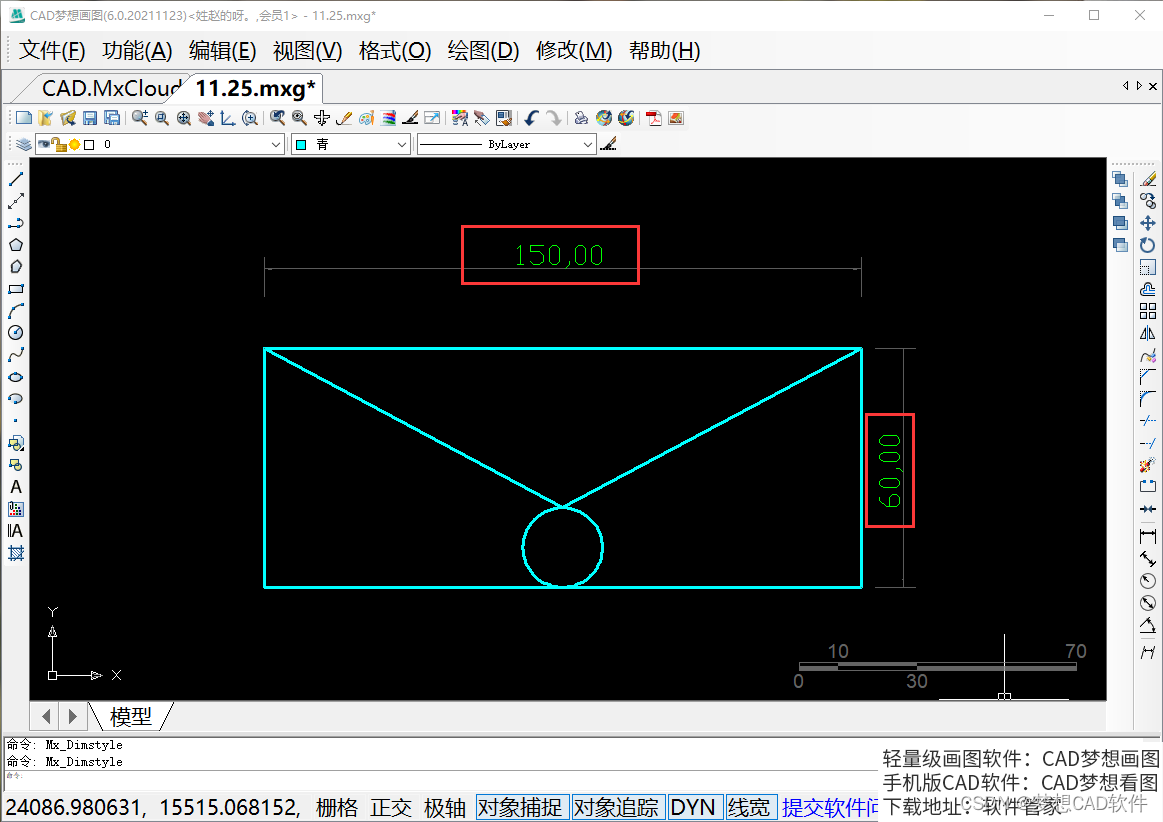
1. How can we have two decimal places after this label , As shown in the figure below :
Modify the diagram

2. We click the label style button under the format menu , As shown in the figure below :
Annotation style

3. After clicking, the dimension style manager will pop up , As shown in the figure below :
Dimension style manager

4. At this time, we click Modify to pop up the modify dimension Style dialog box , As shown in the figure below :
Modify dimension Style dialog box

5. Then we click on the column of main company , Change the precision to two decimal points , As shown in the figure below :
Primary company settings

6. After setting, we click OK to return to the dimension style manager , Click Set as current and then click Close , At this time, the mark on the drawing becomes a mark with two decimal places , As shown in the figure below :
Setup completed
边栏推荐
- Cann operator: using iterators to efficiently realize tensor data cutting and blocking processing
- Matrix of numpy
- Skip the test cases to be executed in the unittest framework
- Exposure:A White-Box Photo Post-Processing Framework阅读札记
- Width and widthstep of iplimage
- y48.第三章 Kubernetes从入门到精通 -- Pod的状态和探针(二一)
- Wechat applet development - user authorization to log in to "suggestions collection"
- 小米手机解BL锁教程
- Openinstall: wechat applet jump to H5 configuration service domain name tutorial
- How to make the development of liquidity pledge mining system, case analysis and source code of DAPP defi NFT LP liquidity pledge mining system development
猜你喜欢

Wonderful! MarkBERT

商汤进入解禁期:核心管理层自愿禁售 强化公司长期价值信心

2022/6/29学习总结
![[AI information monthly] 350 + resources! All the information and trends that can't be missed in June are here! < Download attached >](/img/62/562e93e66addc8e86c0a19bc514389.png)
[AI information monthly] 350 + resources! All the information and trends that can't be missed in June are here! < Download attached >

TEMPEST HDMI泄漏接收 3

Intel Labs annonce de nouveaux progrès en photonique intégrée

Skip the test cases to be executed in the unittest framework

Yoda unified data application -- Exploration and practice of fusion computing in ant risk scenarios

2022/6/30学习总结
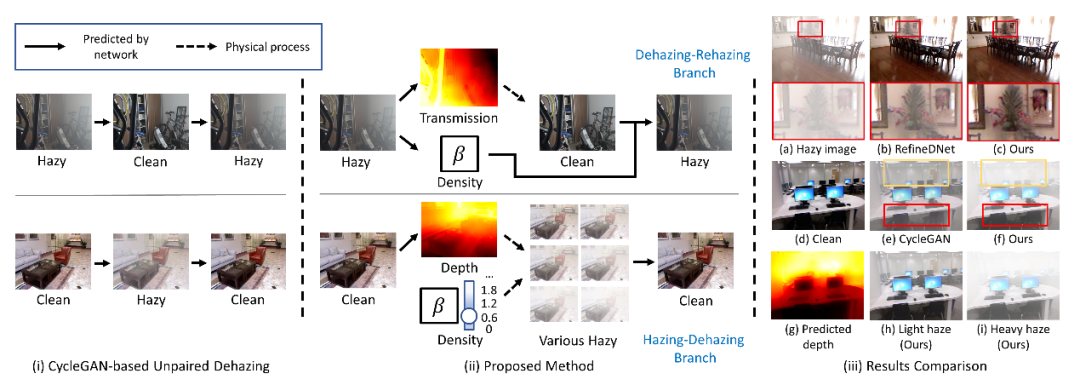
CVPR 2022 | self enhanced unpaired image defogging based on density and depth decomposition
随机推荐
全局过滤器(处理时间格式)
IPlImage的width和widthStep
“目标检测”+“视觉理解”实现对输入图像的理解及翻译(附源代码)
Xiaomi mobile phone unlocking BL tutorial
英特爾實驗室公布集成光子學研究新進展
TMUX usage
Tempest HDMI leak receive 5
编译调试Net6源码
How to realize the four isolation levels of MySQL (brief)
印象深刻的bug汇总(持续更新)
2022/6/28学习总结
内核同步机制
【AI资讯月刊】350+资源大盘点!6月不容错过的资料和动态,都都都在这里啦!<附下载>
redis中value/SortedSet
软件项目管理 9.2.软件项目配置管理过程
MySQL IN 和 NOT IN () 空列表报错
Oneconnect plans to be listed in Hong Kong on July 4: a loss of nearly 3 billion in two years, with a market capitalization evaporation of more than 90%
Unittest框架中测试用例编写规范以及如何运行测试用例
Network security learning notes 01 network security foundation
索引失效的几种情况