当前位置:网站首页>开源一夏|OpenHarmony如何选择图片在Image组件上显示(eTS)
开源一夏|OpenHarmony如何选择图片在Image组件上显示(eTS)
2022-08-10 23:13:00 【InfoQ】
OpenHarmony如何选择图片在Image组件上显示(eTS)
相信大家都会有这样的一个使用场景,就是将图片选择
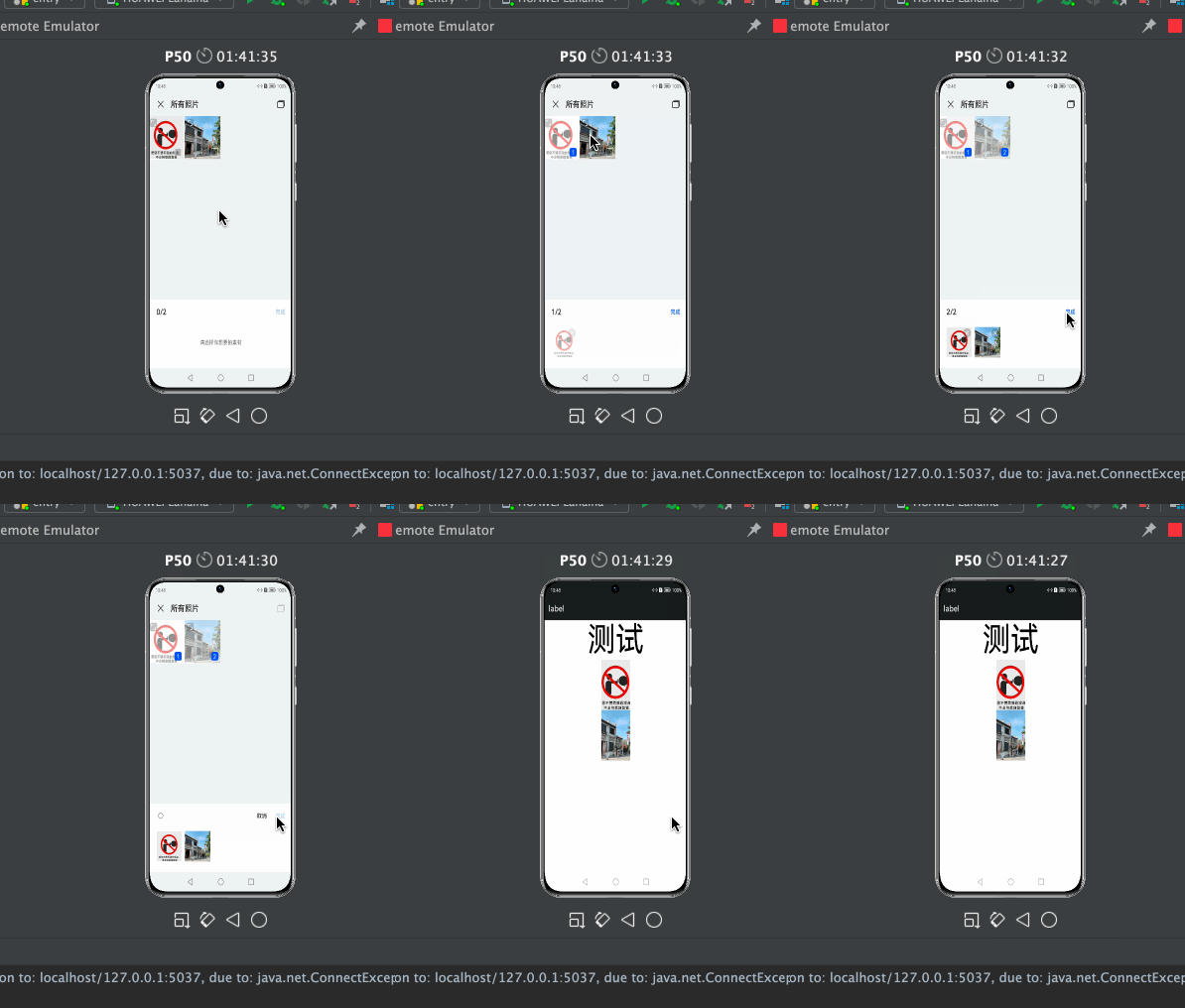
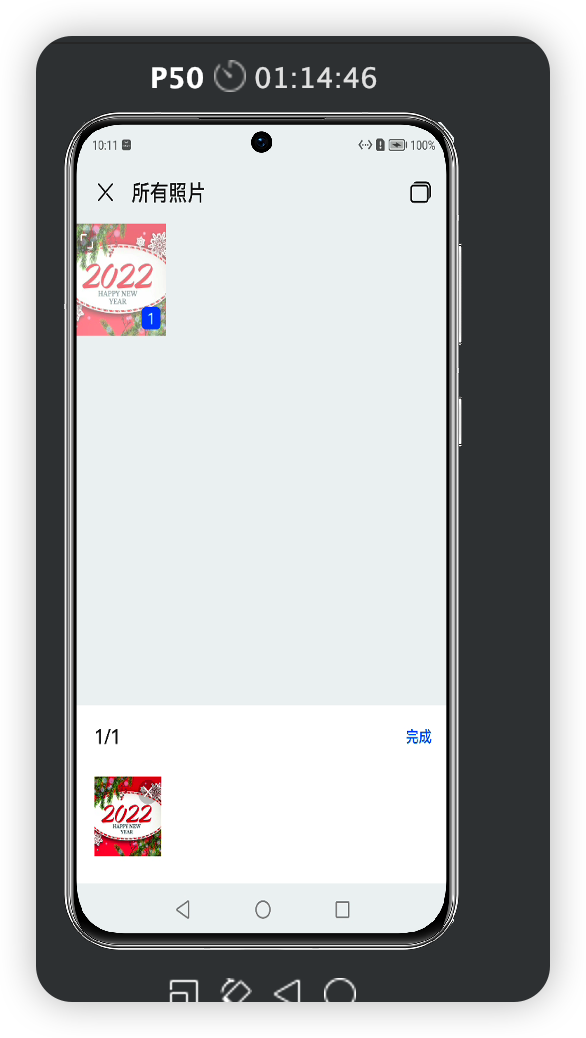
那么,我们来看一下如何使用,
导入模块
import mediaLibrary from '@ohos.multimedia.mediaLibrary';mediaLibrary.getMediaLibrary8+
getMediaLibrary(context: Context): MediaLibrary
获取媒体库的实例,用于访问和修改用户等个人媒体数据信息(如音频、视频、图片、文档等)。
系统能力
:SystemCapability.Multimedia.MediaLibrary.Core
参数:
startMediaSelect(deprecated)
startMediaSelect(option: MediaSelectOption): Promise<Array<string>>
启动媒体选择界面,以异步方法获取选择的媒体URI列表,使用Promise形式返回结果。
说明
: 从API Version 9开始废弃。
系统能力
:SystemCapability.Multimedia.MediaLibrary.Core
参数:
返回值:
示例:
let option = {
 type : "image",
 count : 2
};
mediaLibrary.getMediaLibrary().startMediaSelect(option).then((value) => {
 console.log("Media resources selected.");
 // Obtain the media selection value.
}).catch((err) => {
 console.log("An error occurred when selecting media resources.");
});
最后附上完整代码
// @ts-nocheck
/*
* Copyright (c) 2022 JianGuo Device Co., Ltd.
* Licensed under the Apache License, Version 2.0 (the "License");
* you may not use this file except in compliance with the License.
* You may obtain a copy of the License at
*
* http://www.apache.org/licenses/LICENSE-2.0
*
* Unless required by applicable law or agreed to in writing, software
* distributed under the License is distributed on an "AS IS" BASIS,
* WITHOUT WARRANTIES OR CONDITIONS OF ANY KIND, either express or implied.
* See the License for the specific language governing permissions and
* limitations under the License.
*/
/**
* @ProjectName : nutsStudy
* @FileName : file
* @Author : 坚果
* @Time : 2022/8/9 15:57
* @Description : 文件描述
*/
import mediaLibrary from '@ohos.multimedia.mediaLibrary';
@Entry
@Component
struct FileSample {
@State imgList: Array<string> = [];
build() {
Column() {
Text("测试").fontSize(80).onClick(() => {
let option = {
type: "image",
count: 2
};
mediaLibrary.getMediaLibrary().startMediaSelect(option, (err, value) => {
if (err) {
console.log("An error occurred when selecting media resources." + err);
return;
}
console.log("图片路径是:" + value);
this.imgList = value;
});
})
ForEach(this.imgList, (item: any, index?: number) => { // 循环数组创建每一个Item
Image(item) // 可以生成一个或多个子组件
.width("20%").height("20%")
})
}.width("100%").height("100%")
}
}
参考文档
媒体库管理
Image
边栏推荐
猜你喜欢


随机推荐
3d虚拟现实数字化展厅给予参观者充分的交互性和空间感
Three major logs in mysql
【Maui正式版】创建可跨平台的Maui程序,以及有关依赖注入、MVVM双向绑定的实现和演示
如何利用fiddler连接手机抓包APP
Tencent Cloud Lightweight Application Server Configuration and Website Building Tutorial
Btree index and Hash index
数组 冒泡排序
HFCTF 2021 Internal System writeup
浅析工业互联网
安科瑞为工业能效行动计划提供EMS解决方案-Susie 周
Kioptrix Level 1 靶机wp
实例051:按位与
Redis - 利用lua脚本控制密码错误次数超限,锁定账号
HPb59-1铅黄铜
RecyclerView设置缓存大小
手机端出现Z-Fighting现象
PlaidCTF 2022 Amongst Ourselves:Shipmate writeup
GoldenGate中使用 exp/imp 进行初始化
Ndk 和Cmake报错解决
leetcode:357. 统计各位数字都不同的数字个数