当前位置:网站首页>(4) Independent key
(4) Independent key
2022-06-26 08:19:00 【I love notes】
Previously, I recalled the relevant contents of key output , Now you can continue to work on the contents of the key input , In this section, we will find out the relevant contents of an independent key to recall the relevant contents of key input , Make an... By the judgment of an independent key led The light is on and off .
1. About keys
The keyboard is divided into coding keyboard and non coding keyboard , The recognition of the coding keys on the keyboard is realized by a special hardware encoder , And generate code number or key value is called coding keyboard , Such as computer keyboard . The keyboard recognized by software programming is called non coding keyboard . Non coding keyboard is divided into independent keyboard and determinant keyboard . The keyboard on the single-chip microcomputer is generally a non coding keyboard , In this section, I mainly talk about the independent keyboard .
2. Hardware
In fact, the detection of cases is relatively simple , The detection principle of our button is very simple , We first pass gpio The port is connected with the key and the ground , As shown in the figure below :

our gpio As input, it defaults to high level , At this time, we check the status of the four buttons at the same time , If gpio Low level detected , Then this button is pressed . But in practice, when we press , He didn't immediately switch from high to low , It's a period of jitter , Is a period of high and low levels , We can complete the work by hardware and software , But the hardware circuit is usually used to eliminate the jitter , This is more complicated and costly , So we basically choose the way of software anti shake , If a key has been pressed , We delayed about 10ms about , Check again , If it is still low level , It proves that the key was pressed .
3. Software
After pressing the key, the corresponding led The main procedures for light on are as follows :
#include "key.h"
void delay(int xms){
	int i,j;
	for(i = 0;i < xms;i++){
		for(j = 0;j < 100;j++);
	}
}
int key_scan(){
	if(k0==0){
		delay(10);
		if(k0==0){
			led0 = !led0;
		}
		while(!k0);

	}
	else if(k1==0){
		delay(10);
		if(k1==0){
			led1 = !led1;
		}
		while(!k1);
	}
	else if(k2==0){
		delay(10);
		if(k2==0){
			led2 = !led2;
		}
		while(!k2);
	}
	if(k3==0){
		delay(10);
		if(k3==0){
			led3 = ~led3;
		}
		while(!k3);
	}
	else {
	}
	return 0;
}
The principle has been made clear , By the way, put the calling function and the header file together , The header file code is as follows :
#ifndef _KEY_H_
#define _KEY_H_
#include "reg52.h"
sbit k1 = P3^1;
sbit k0 = P3^0;
sbit k2 = P3^2;
sbit k3 = P3^3;
sbit led0 = P2^0;
sbit led1 = P2^1;
sbit led2 = P2^2;
sbit led3 = P2^3;
int key_scan();
void delay();
#endif
The main function calling functions are as follows :
#include "reg52.h"
#include "key.h"
void main(){
	while(1){

		key_scan();
	}
}
Here we are , Our individual buttons are complete
边栏推荐
- Chapter 9 (using classes and objects)
- Livevideostackcon | evolution of streaming media distribution for online education business
- Oracle 19C download installation steps
- 加密的JS代码,变量名能破解还原吗?
- Listview control
- How to debug plug-ins using vs Code
- Recognize the interruption of 80s51
- I want to open a stock account at a discount. How do I do it? Is it safe to open a mobile account?
- Chapter VII (structure)
- X-VLM多模态模型解读
猜你喜欢

What if the service in Nacos cannot be deleted?

Double linked list -- tail interpolation construction (C language)

MySQL practice: 2 Table definition and SQL classification

MySQL practice: 4 Operation of data

xxl-job配置告警邮件通知

What is Qi certification Qi certification process

Reflection example of ads2020 simulation signal
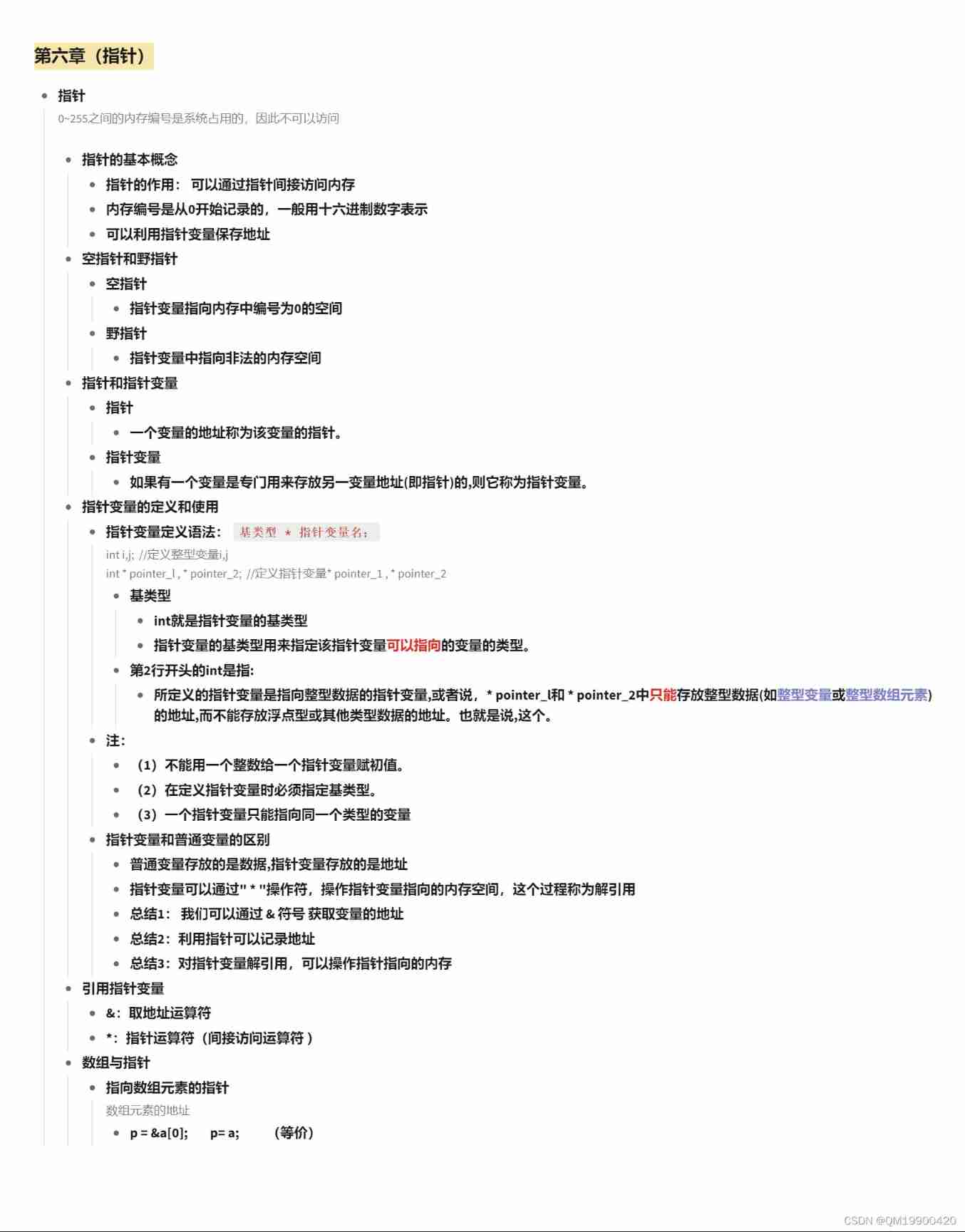
Chapter VI (pointer)

Color code

The 9th zero code training camp is officially open for registration! (Beijing, Shanghai, Guangzhou and Shenzhen)
随机推荐
Idea automatically sets author information and date
. eslintrc. JS configuration
Interview JS and browser
Example of offset voltage of operational amplifier
Livevideostackcon | evolution of streaming media distribution for online education business
[postgraduate entrance examination] group planning: interrupted
Double linked list -- tail interpolation construction (C language)
Handwritten instanceof underlying principle
[untitled]
Real machine debugging of uniapp custom base
JS precompile - Variable - scope - closure
Why are you impetuous
Introduction of laser drive circuit
Idea uses regular expressions for global substitution
MySQL query time period
The solution of installing opencv with setting in pycharm
Chapter II (summary)
[issue 22] sheen cloud platform one side & two sides
Comparison version number [leetcode]
Ora-12514: tns: the listener currently does not recognize the service requested in the connection descriptor