当前位置:网站首页>Drools (7): WorkBench
Drools (7): WorkBench
2022-07-30 03:59:00 【Phoenix. Alexander. Wolf cub】
It is a visual rule editor.WorkBench is actually a war package, which can be run when installed in tomcat.Using WorkBench, you can create data objects in the browser, create rule files, create test scenarios, and deploy the rules to the maven repository for use by other applications.
1 WorkBench download
download link:
https://download.jboss.org/drools/release/7.6.0.Final/kie-drools-wb-7.6.0.Final-tomcat8.war
Note: The downloaded war package needs to be installed in tomcat8.
2 WorkBench installation
Software version compatibility issues are often involved during software installation, so it is necessary to clarify the used version of each software.The software environment used in this course is as follows:
OS:
- Windows 10 64-bit
- JDK version: 1.8
- maven version: 3.5.4
- Tomcat version: 8.5
Specific installation steps:
Step 1: Unzip the war package and put it under tomcat webapps (change the name to kie-drools-wb.war)
Step 2: Download the drools related jars and put them under lib (3 jars)
kie-tomcat-integration-7.10.0.Final.jarjavax.security.jacc-api-1.5.jarslf4j-api-1.7.25.jar Step 3: Configure the environment variable CATALINA_HOME of Tomcat, the corresponding value is the Tomcat installation directory, and create setenv in the bin directory of tomcat.bat file
set CATALINA_OPTS=-Xmx512M -Djava.security.auth.login.config=$CATALINA_HOME/webapps/kie-drools-wb/WEB-INF/classes/login.config -Dorg.jboss.logging.provider=jdkStep 4: Modify the configuration file
Add new role and user name: modify conf/tomcat-users under Tomcat.xml file
Note:

jacc configuration: modify the conf/server.xml file under Tomcat, add the Valve tag, the content is:
Note:

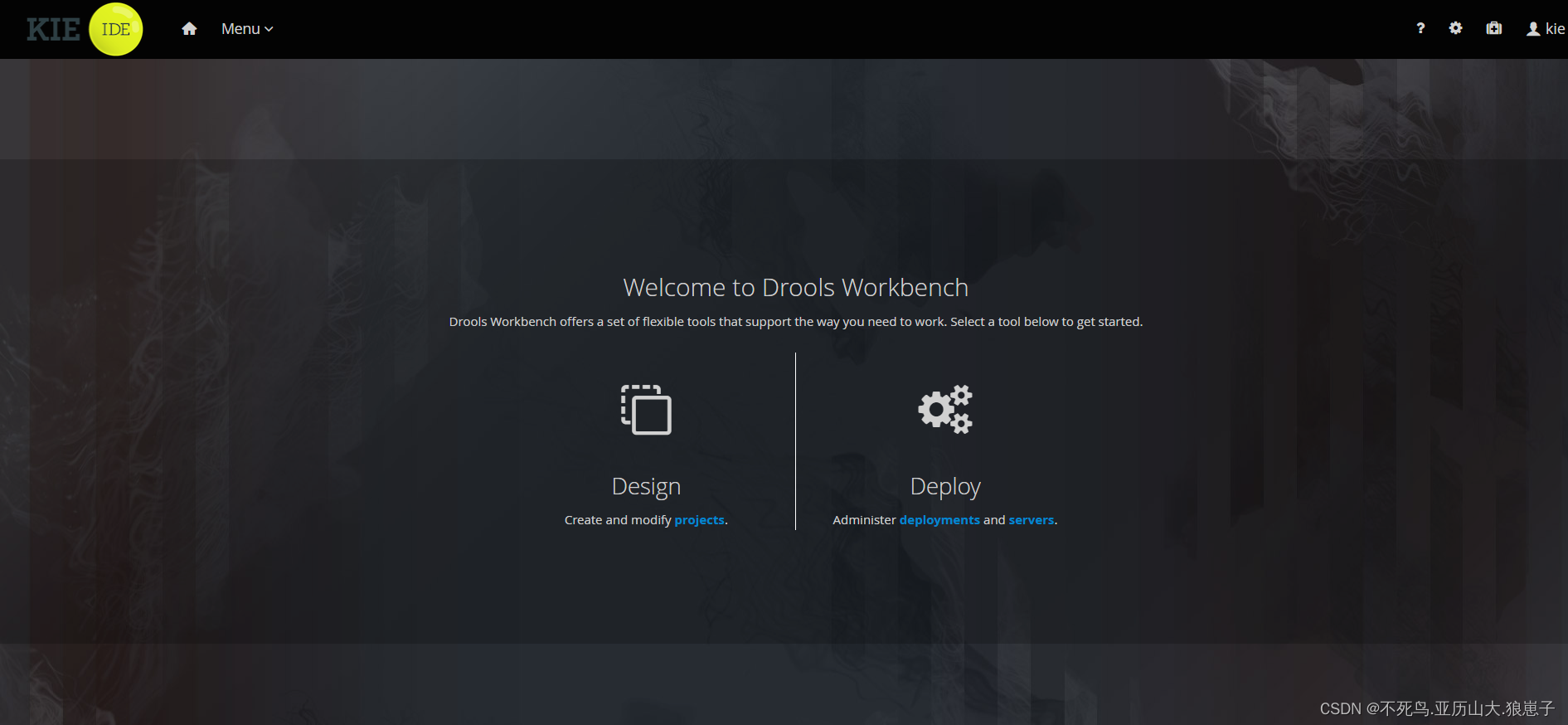
Step 5: Start Tomcat and visit http://localhost:8080/kie-drools-wb, you can see the login page of WorkBench.Log in with the user defined in the tomcat-users.xml file earlier

Enter the username kie and password kie set above
边栏推荐
- Mini Program Graduation Works WeChat Second-hand Trading Mini Program Graduation Design Finished Works (7) Interim Inspection Report
- Gateway 路由网关
- redis分布式锁的原子保证
- 监控页面部署
- 逆向分析实战2
- Nacos Configuration Center
- Mini Program Graduation Works WeChat Points Mall Mini Program Graduation Design Finished Product (2) Mini Program Function
- Pytorch framework learning record 3 - the use of Transform
- 小程序毕设作品之微信二手交易小程序毕业设计成品(2)小程序功能
- 一起来学习flutter 的布局组件
猜你喜欢

新型LaaS协议Elephant Swap给ePLATO提供可持续溢价空间

Basic introduction to protect the network operations

Mini Program Graduation Works WeChat Points Mall Mini Program Graduation Design Finished Products (3) Background Functions

操作配置:如何在一台服务器中以服务方式运行多个EasyCVR程序?

CMake installation and testing

Pytorch框架学习记录7——卷积层

小程序毕设作品之微信二手交易小程序毕业设计成品(1)开发概要

Mini Program Graduation Works WeChat Second-hand Trading Mini Program Graduation Design Finished Works (5) Task Book

函数的底层机制

小程序毕设作品之微信二手交易小程序毕业设计成品(2)小程序功能
随机推荐
Solve the problem of compiling and installing gdb-10.1 unistd.h:663:3: error: #error “Please include config.h first.”
【C进阶】数组传参与函数指针
运行时间监控:如何确保网络设备运行时间
spicy(一)基本定义
小程序毕设作品之微信二手交易小程序毕业设计成品(4)开题报告
Mini Program Graduation Works WeChat Points Mall Mini Program Graduation Design Finished Products (1) Development Overview
forward与redirect的区别
redis分布式锁的原子保证
论坛管理系统
SDL player in action
Introduction to management for technical people 1: What is management
Nacos cluster partition
小程序毕设作品之微信二手交易小程序毕业设计成品(3)后台功能
Pytorch框架学习记录2——TensorBoard的使用
Pytorch框架学习记录7——卷积层
Boutique: Taobao/Tmall Get Order Details API for Purchased Products
OA Project Pending Meeting & History Meeting & All Meetings
小程序毕设作品之微信积分商城小程序毕业设计成品(2)小程序功能
ospf 导图
高并发框架 Disruptor