当前位置:网站首页>word打字时后面的字会消失是什么原因?如何解决?
word打字时后面的字会消失是什么原因?如何解决?
2022-07-28 12:42:00 【statistics.insight】
word打字时后面的字会消失是什么原因?如何解决?
目录
1、Insert-覆盖模式
在编辑文档时出现Word文档打字后面的字消失这种情况,可能是你误按了键盘“insert键”,此时Word默认为覆盖模式,输入文本会覆盖后面的内容,而当产生这种情况时,需要再次点击键盘“”“ Insert键 ”就可以恢复了
2、修改插入模式
Word文档打字后面的字消失这种情况出现的第二个原因是,我们在编辑Word文档时,失误开启了“改写模式”,需要将其改为插入模式即可。
在Word文档页面最下方在状态栏中,鼠标点击其中的“改写模式”按钮,便可将其改为“插入模式”,这样文字就可以正常输入。

3、修改Word文档设置,关闭“改写模式”
为了防止以后出现这样的情况,我们可以直接在Word文档中关闭“改写模式”
点击“文件”,在Word文档主页面最下方有一个“选项”按钮,点击进入“Word选项设置”页面。
再点击进入“高级”设置页面。在“编辑选项”中,找到“用Insert控制改写模式”和“使用改写模式”两个按钮,全部取消“勾选”即可。

以上就是word打字时后面的字会消失的解决方法,希望能对大家有所帮助,谢谢!
喜欢的记得点赞收藏
安利一个R语言的优秀博主及其CSDN专栏:
博主博客地址:
Data+Science+Insight的博客_CSDN博客-R语言从入门到机器学习,数据科学从0到1,机器学习面试+横扫千军领域博主
statistics+insight的博客_CSDN博客-R语言入门课,Excel入门到精通,数据科学持续学习领域博主
Microsoft Excel是Microsoft为使用Windows和Apple Macintosh操作系统的电脑编写的一款电子表格软件。直观的界面、出色的计算功能和图表工具,再加上成功的市场营销,使Excel成为最流行的个人计算机数据处理软件。在1993年,作为Microsoft Office的组件发布了5.0版之后,Excel就开始成为所适用操作平台上的电子制表软件的霸主。
在 Excel中,函数实际上是一个预先定义的特定计算公式。按照这个特定的计算公式对一个或多个参数进行计算,并得出一个或多个计算结果,叫做函数值。使用这些函数不仅可以完成许多复杂的计算,而且还可以简化公式的繁杂程度。
我们生活的这个世界是丰富多彩的,几乎所有的知识都来自于视觉。也许无法记住一连串的数字,以及它们之间的关系和趋势。但是可以很轻松地记住一幅图画或者一个曲线。因此通过使用图表,会使得用Excel编制的工作表更易于理解和交流。
边栏推荐
- Lyscript get previous and next instructions
- C language: random generated number + merge sort
- What is the optimization method of transaction and database
- MySQL practice -- master-slave replication
- [ecmascript6] symbol and its related use
- Some thoughts on.Net desktop development
- 我秃了!唯一索引、普通索引我该选谁?
- 力扣 剑指 Offer 51. 数组中的逆序对
- Continuous (integration -- & gt; delivery -- & gt; deployment)
- 微念“失去”李子柒的这一年
猜你喜欢

Org.apache.ibatis.exceptions.toomanyresultsexception

Map tiles: detailed explanation of vector tiles and grid tiles
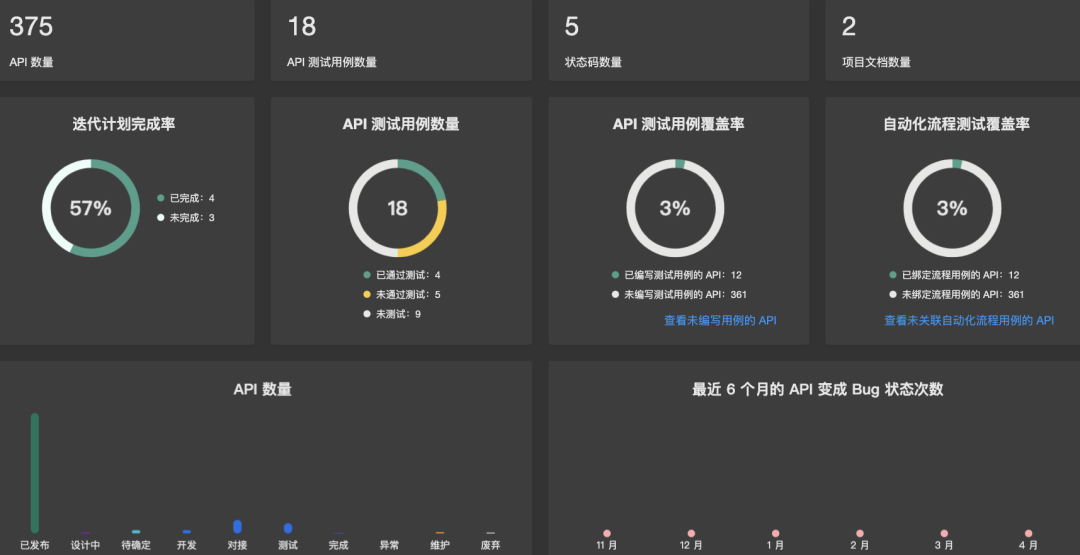
The domestic API management tool eolink is very easy to use, creating an efficient research and development tool

沾上趣店,都得道歉?

Use non recursive method to realize layer traversal, preorder traversal, middle order traversal and post order traversal in binary tree

Better and more modern terminal tools than xshell!

Strict mode -- let and const -- arrow function -- Deconstruction assignment -- string template symbol -- set and map -- generator function

Go language - Application of stack - expression evaluation

【安全】 阅读 RFC6749 及理解 Oauth2.0 下的授权码模式

SQL daily practice (Niuke new question bank) - day 4: advanced operators
随机推荐
《暗黑破坏神4》PS4/PS5测试版已加入PlayStation数据库
[ecmascript6] symbol and its related use
You have to apologize if you get involved in the funny shop?
数据库系统原理与应用教程(059)—— MySQL 练习题:操作题 1-10(三)
Go language - Application of stack - expression evaluation
What if the server cannot be connected (the original server cannot find the target resource)
要想组建敏捷团队,这些方法不可少
Humiliation, resistance, reversal, 30 years, China should win Microsoft once
Using auto.js to realize the function of fifaol3 mobile terminal card interceptor
数据库系统原理与应用教程(062)—— MySQL 练习题:操作题 32-38(六)
C语言:归并排序
【安全】 阅读 RFC6749 及理解 Oauth2.0 下的授权码模式
微念“失去”李子柒的这一年
数据库系统原理与应用教程(060)—— MySQL 练习题:操作题 11-20(四)
I copied the bottom of the liquidated NFT, but was locked by opensea
paddleClas分类实践记录
C语言:优化后的归并排序
Kotlin learning notes 3 - lambda programming
LyScript 获取上一条与下一条指令
记一次使用pdfbox解析pdf,获取pdf的关键数据的工具使用