当前位置:网站首页>Win10 machine learning environment construction pycharm, anaconda, pytorch
Win10 machine learning environment construction pycharm, anaconda, pytorch
2022-07-28 04:57:00 【chaikeya】
Installation version description :
Python 3.7
pycharm 2020.1
anaconda 4.5.11
CUDA 11.3
cudnn 8.2.1
1、 install pycharm
【pycharm Installation tutorial 】pycharm Installation tutorial
【pycharm Create project tutorial 】Pycharm Create project tutorial
2、 install anaconda
anaconda What does it do ?
https://www.zhihu.com/question/317083663
【anaconda Installation tutorial 】
https://blog.csdn.net/weixin_43682519/article/details/109326081
anaconda Official download address :
https://repo.anaconda.com/archive/
anaconda Image download address :
https://mirrors.tuna.tsinghua.edu.cn/anaconda/archive/?C=N&O=D
【 the other one anaconda Installation tutorial 】
https://www.cnblogs.com/IT-LearnHall/p/9486029.html
Install well anaconda Tips :'conda' Not an internal or external command , Nor are they runnable programs or batch files 
This is because the environment variables are not added or added less .
terms of settlement :
https://blog.csdn.net/mars_xiaolei/article/details/82798640
Test after adding environment variables , You can see conda edition 4.5.11
3、Anaconda Install in virtual environment CUDA
How to view cuda Version of ? see CUDA edition
【Anaconda Create virtual environment tutorial 】
https://blog.csdn.net/guiddok/article/details/117514187
【Anaconda Install in virtual environment CUDA course 】
https://blog.csdn.net/Sir666888/article/details/122073675
I installed CUDA 11.3.0 Automatically install the corresponding version cudnn 8.2.1
4、 use anaconda install pytorch
Code debugging encountered problems :No module named ‘torch‘
You need to install pytorch, Then import torch package

PyTorch Official website :PyTorch
Big guy's installation tutorial , fantastic !!! Give it to the boss for three times + A chicken leg
https://b23.tv/UswNcwR
The video introduces anaconda Next, create a virtual environment , How to install step by step pytorch, Last in pycharm How to add virtual environment in the project .
【Pytorch Download the solution of slow network speed 】
https://blog.csdn.net/opencv_fjc/article/details/106207611
Be careful !!! The pit appeared !!!, In the installation order given on the official website ,-C The parameter indicates Pytorch Download source of installation , When executing this command here , Must put -C Parameters are followed by pytorch Get rid of , Otherwise, tortoise speed will come again !
【 Replace Anaconda Download source for domestic source 】
https://blog.csdn.net/opencv_fjc/article/details/106186785
5、CUDA driver initialization failed
Install well pytorch The latter question :CUDA driver initialization failed, you might not have a CUDA gpu.
This is because CUDA You need a suitable version of the graphics card driver .
my CUDA=11.3, Then my graphics card driver version will >=452.39
View the graphics card driver version scheme 1 : stay cmd Next use nvidia-smi command , Pictured 
Windows NVIDIA Corporation Under no NVSMI Folder solution :
https://blog.csdn.net/Kelly_Young/article/details/96848042
View the graphics card driver version scheme II : Open it directly NVIDIA Control panel view 
Check that my graphics card driver version is too low , At this time, you need to upgrade the driver
【window10 System NVIDIA NVIDIA Graphics driver and CUDA Software installation and upgrade 】
https://blog.csdn.net/qq_36744449/article/details/117913661
Successfully upgraded the driver to 457.51 edition , As shown in the figure below 
Then install CUDA Virtual environment verification CUDA Whether it can be used normally
print(torch.cuda.is_available) 
Output True
Be accomplished !
by chaikeya 2022/4/19
边栏推荐
- 动态sql和分页
- 数据库故障容错之系统时钟故障
- [daily one] visual studio2015 installation in ancient times
- 基于MPLS构建虚拟专网的配置实验
- Domain name (subdomain name) collection method of Web penetration
- Alibaba interview question [Hangzhou multi tester] [Hangzhou multi tester _ Wang Sir]
- [Sylar] framework chapter -chapter21- environment variable module
- [function document] torch Histc and paddle Histogram and numpy.histogram
- Cmake usage base summary
- MySQL 默认隔离级别是RR,为什么阿里等大厂会改成RC?
猜你喜欢
Program life | how to switch to software testing? (software testing learning roadmap attached)
05.01 string

Summary and review of puppeter

Analyze the emotional elements contained in intelligent sweeping robot

Mysql database -- first knowledge database

(clone virtual machine steps)

吉利AI面试题【杭州多测师】【杭州多测师_王sir】

Installing MySQL under Linux
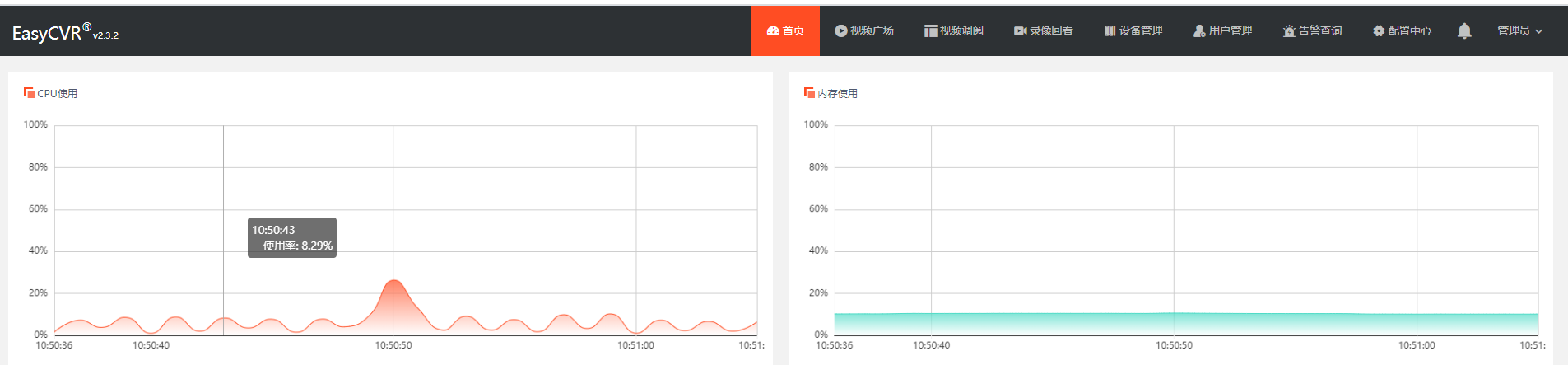
CPU and memory usage are too high. How to modify RTSP round robin detection parameters to reduce server consumption?

Research on the design of robot education in stem course
随机推荐
MySQL 默认隔离级别是RR,为什么阿里等大厂会改成RC?
Observable time series data downsampling practice in Prometheus
[Sylar] practical part - redis based parameter query service
CPU and memory usage are too high. How to modify RTSP round robin detection parameters to reduce server consumption?
[daily one] visual studio2015 installation in ancient times
[daily question 1] 735. Planetary collision
Strlen introduction, and the difference between sizeof
数据库故障容错之系统时钟故障
Depth traversal and breadth traversal of tree structure in JS
启发国内学子学习少儿机器人编程教育
scipy.stats.chi2
ADB environment configuration
[Sylar] framework -chapter20- daemon module
Leetcode 18. sum of four numbers
FPGA: use PWM wave to control LED brightness
POJ 1330 Nearest Common Ancestors (lca)
Redis类型
Web渗透之域名(子域名)收集方法
[II. Mobile web page development] 2D & 3D conversion and animation, mobile terminal layout, responsive layout
Wang Shuang assembly language detailed learning notes 3: registers (memory access)