当前位置:网站首页>Docter的安装和基础操作
Docter的安装和基础操作
2022-07-26 22:45:00 【掌九】
文章目录
1.安装docker服务,配置镜像加速器
先检查防火墙和selinux

关闭防火墙和selinux

使用官方安装脚本自动安装
安装
实际上就是下载一个安装脚本,再执行安装(不推荐,因为不能选择版本安装)
[[email protected] ~]# curl -fsSL https://get.docker.com | bash -s docker --mirror Aliyun
查看yum源

yum源已配置,可自选版本
启动docker
验证版本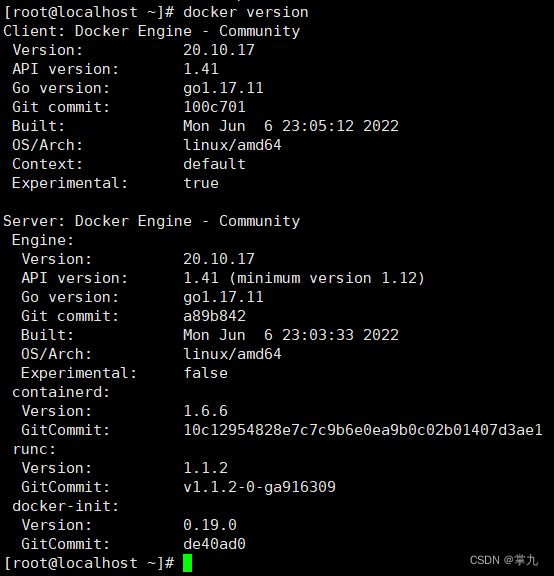
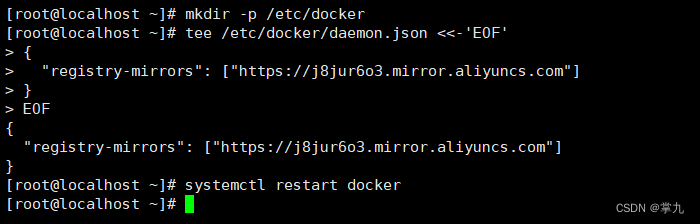
配置镜像加速器


2.下载系统镜像(Ubuntu、 centos)
搜索docker镜像

拉取centos镜像
查看下载的镜像

3.基于下载的镜像创建两个容器 (容器名一个为自己名字全拼,一个为首名字字母)

4.容器的启动、 停止及重启操作


5.怎么查看正在运行的容器和所有容器?

6.怎么退出容器: 两种方法分别实现?
网页访问容器

进入(-it)和退出容器


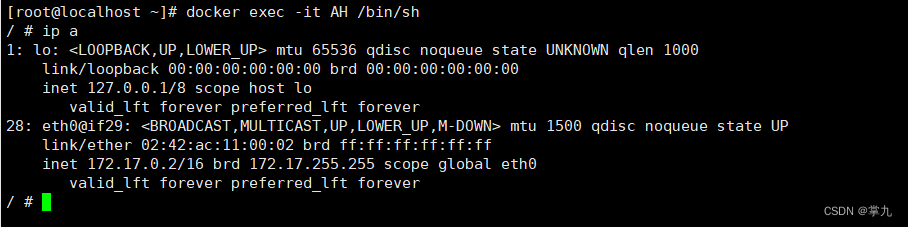
7.怎么连接到运行的容器?
通过exec连接
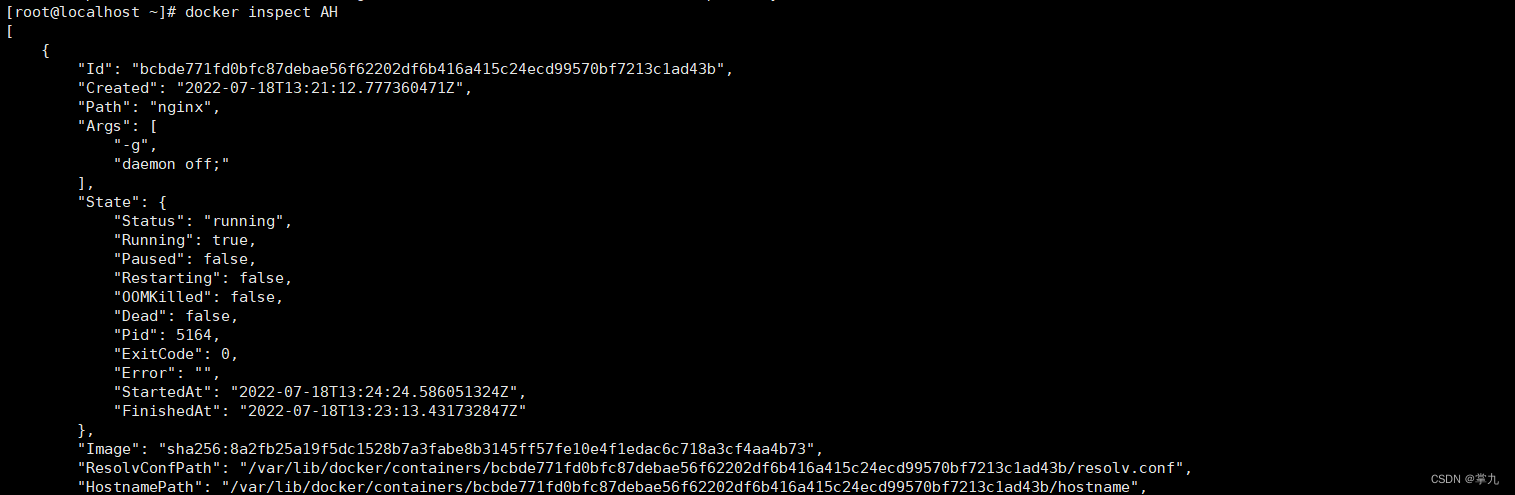
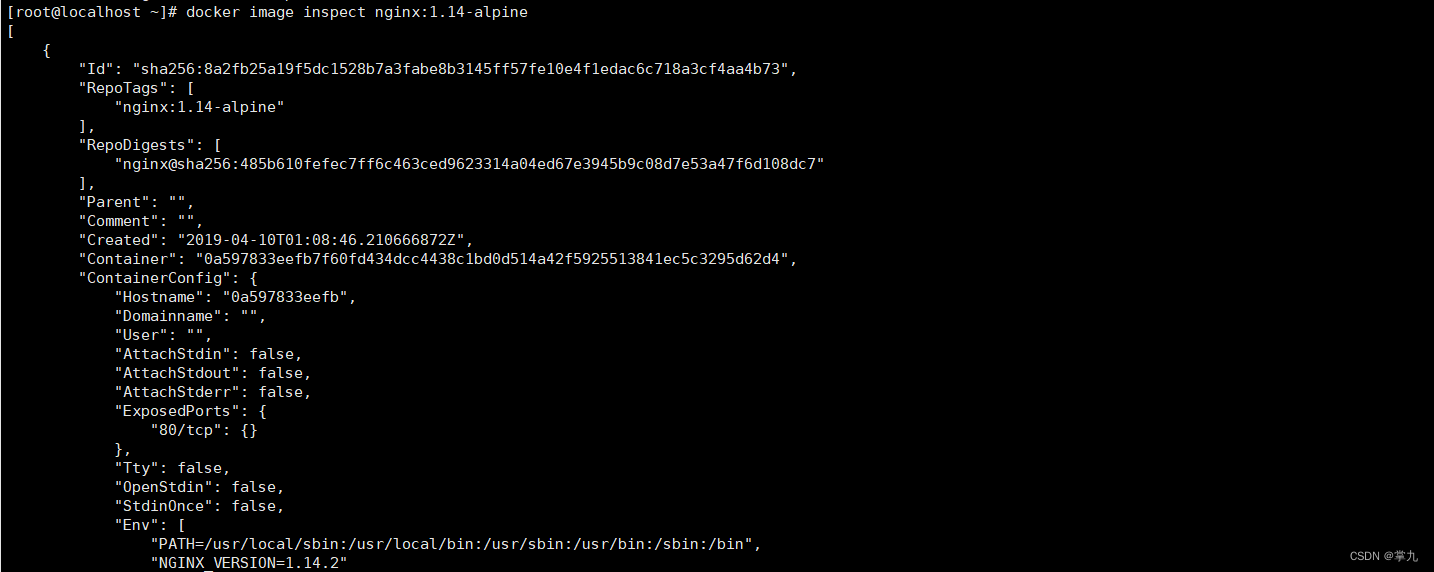
8.查看容器或镜像的内部信息?
查看容器的内部信息
查看镜像的内部信息
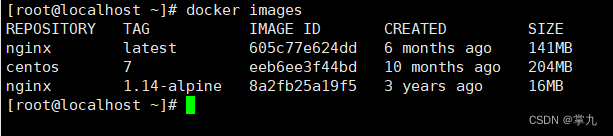
9.如何查看所有镜像?
边栏推荐
猜你喜欢


![[ctf attack and defense world] questions about cookies in the web area](/img/96/6e91ee19343a1ddc49dc2bc94cba62.png)

![[cloud native | learn kubernetes from scratch] VI. kubernetes core technology pod](/img/b4/87e5b5dd0ec1327784d0350c142879.png)


随机推荐
Lamp+discuz Forum
DevEco-Could not resolve com.huawei.ohos:hap:2.4.5.0.错误
11、 Echo
PHP exit codes description
29shell函数
Shell loop statement
GDB的使用
Traversing binary trees in non recursive pre -, middle -, and post order
【无标题】
Summary of heap sorting related knowledge
[cann training camp] enter media data processing (Part 2)
Vis workflow - plantcv
Shell(7)case语句
Buuctf casual note, exec, easysql, secret file
DNS
4.1 It is super simple to install QT without using Sogou Chinese input method
32 Three Musketeers sed
标准C库的IO函数
FaceNet
RT thread learning