当前位置:网站首页>如何在网站上安装 WordPress
如何在网站上安装 WordPress
2022-06-28 16:10:00 【华为云】
WordPress 是一个内容管理系统,可让你托管和构建网站。WordPress 包含插件架构和模板系统,因此你可以自定义任何网站以适合你的业务、博客、投资组合或在线商店。WordPress 以其易于安装而闻名。
安装 WordPress 是一个非常简单的过程,只需很少的时间即可完成。你可以使用几种不同的方法在你的网站上安装 WordPress。
在本文中,我们将看到可用于安装 WordPress 的两种最常用的方法。
方法 1:使用自动安装程序安装 WordPress
此方法是安装 WordPress 的最简单方法。你的托管服务提供商已经为你完成了所有工作。你只需要输入一些细节。某些托管服务提供商不提供此功能,那么你必须按照方法 2 中的说明手动安装 WordPress。
大多数 cPanel 都带有 WordPress 自动安装程序。当你登录到你的 cPanel 仪表板时,你可以看到会有一个自动安装程序。自动安装程序基本上自动化了整个 WordPress 安装过程。你只需输入一些基本信息,单击一个按钮,自动安装程序就会为你安装 WordPress。
要开始使用,请在 cPanel 中找到指向 WordPress 自动安装程序的链接并安装它。接下来,你需要输入你网站的详细信息,例如域名、用户 ID、密码。之后,WordPress 将安装在你的网站上。
方法 2:手动安装 WordPress
通过这种方法,我们将知道如何在你的网站上手动安装 WordPress。这种方法可以在任何地方使用。
第 1 步:下载 WordPress
从 WordPress.org将 WordPress 下载到你的计算机,然后解压缩下载的文件。
第 2 步:将 WordPress 上传到你的主机
将 WordPress 上传到你的主机帐户有多种选择。当你解压 WordPress 文件时,你会看到一个名为 WordPress 的文件夹,将该文件的内容上传到你的托管文件管理器。
第 3 步:创建 MySQL 数据库和用户
WordPress 将其信息存储在数据库中。因此,需要创建一个数据库。可以将数据库视为访问者在你的网站上查看的所有内容的存储库。它存储文本文件、WordPress 主题、插件等。
- 登录到你的 cPanel。
- 单击数据库部分下的MySQL 数据库向导。
- 创建数据库并输入数据库名称。单击下一步。
- 创建数据库用户并输入用户名和密码。单击创建用户。
- 将用户添加到数据库,单击ALL PRIVILEGES复选框并单击Next Step。
- 在单独的文本文件中记下上述详细信息,包括数据库名称、用户名和密码,并将其保存以备将来使用。
第 4 步:运行安装
完成前面的步骤后,就可以运行完成 WordPress 安装的脚本了。首先,导航到“ yourdomain.com/wp-admin/install.php ”,将占位符域替换为你网站的域。你应该会看到一个提示,要求你为 WordPress 安装选择一种语言,你应该在单击继续按钮之前执行此操作。
第 5 步:将你的数据库与 WordPress 连接
一旦你单击第 4 步中的 Continue按钮,它将询问连接数据库所需的详细信息。输入你之前创建的数据库名称。 正确填写所有详细信息并提交。
第六步:完成安装
你现在应该会看到一个欢迎页面,上面写着“欢迎来到著名的 5 分钟 WordPress 安装过程! ” 在所需信息部分下,你需要填写以下字段:你的站点标题、用户名、密码、电子邮件和搜索引擎可见性。填写这些并单击安装 WordPress。最后一个屏幕显示,“WordPress 已安装。谢谢你,享受吧!” 会出现。它将显示你选择的用户名和密码。
如果你成功安装 WordPress,将显示登录提示。登录你的网站并开始构建它。
边栏推荐
- Coding Devops helps Sinochem information to build a new generation of research efficiency platform and drive the new future of "online Sinochem"
- Etcd可视化工具:Kstone简介(一)
- The sadness of software testers is Their own technical ability can not meet the requirements of large manufacturers?
- 成功迁移到云端需要采取的步骤
- [random talk] January 31, 2021 Oh Huo
- 10: 00 interview, came out at 10:02, the question is really too
- Briefly introduce the conversion between tensorflow and pytorch (mainly tensorflow to pytorch)
- Redmibook Pro 14 enhanced version cannot open delta software drastudio_ v1.00.07.52
- js中订阅发布模式bus
- Traffic management and control of firewall Foundation
猜你喜欢

逆向调试入门-PE结构详解02/07

10.Hystrix断路器

Etcd visualization tool: an introduction to kstone (I)

Cloud sports, 360 ° witnessing speed and passion
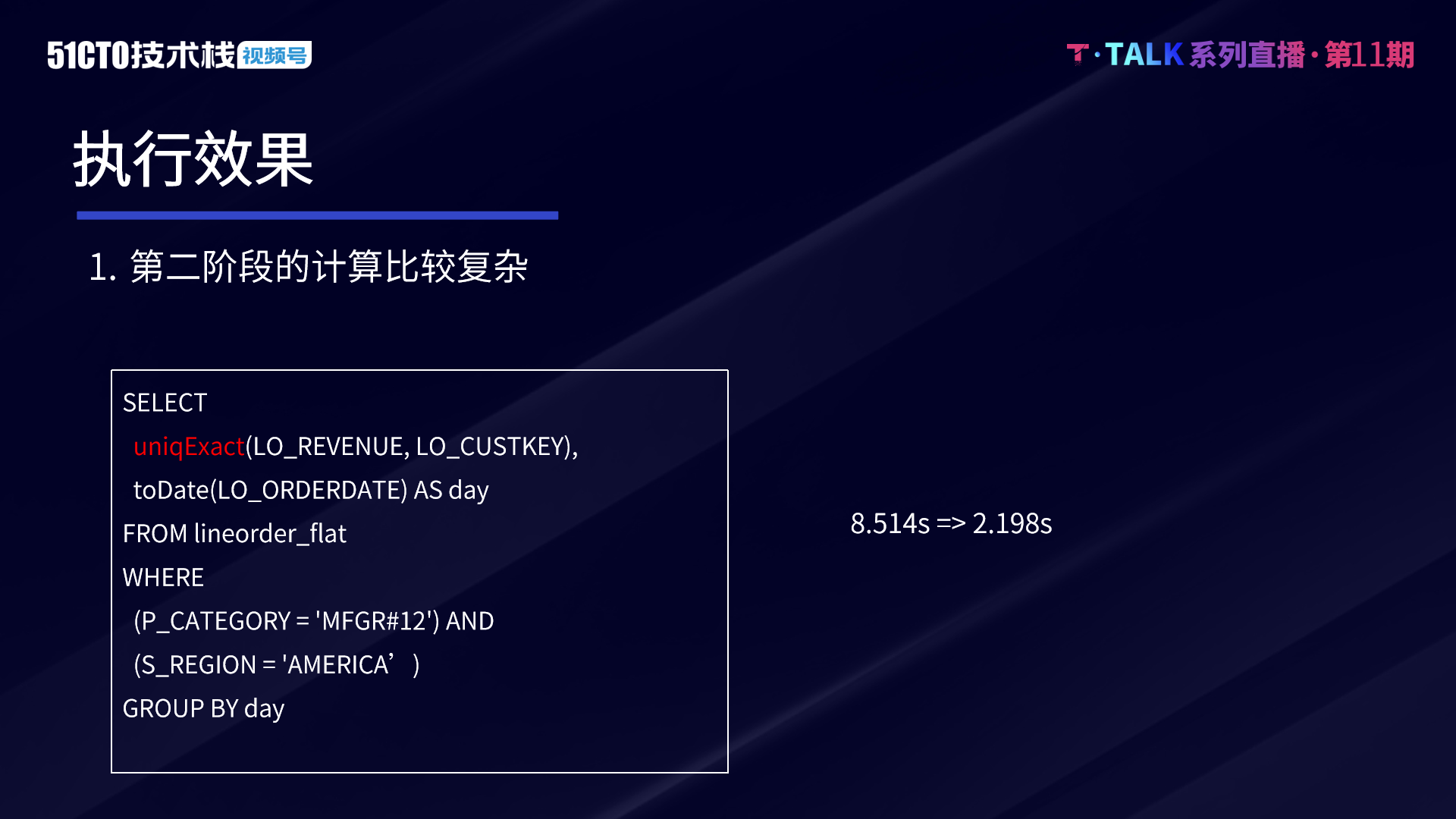
Technical secrets of ByteDance data platform: implementation and optimization of complex query based on Clickhouse
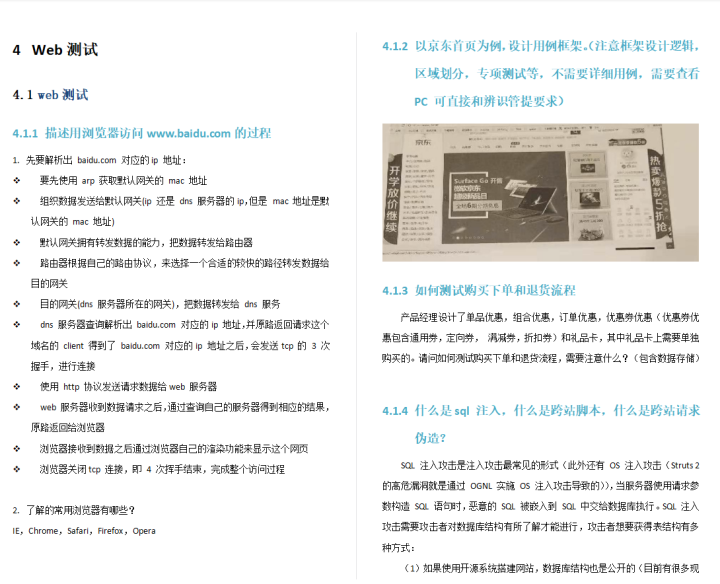
A new 25K byte from the Department showed me what the ceiling is

NOIP普及组2006-2018初赛 2019 CSP-J1 2020 CSP-J1 完善程序题
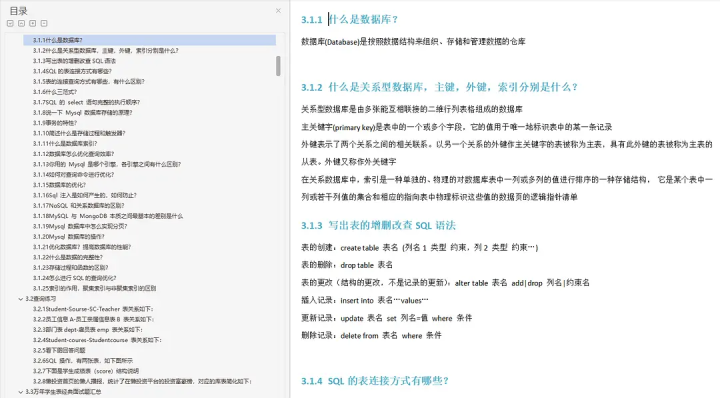
The sadness of software testers is Their own technical ability can not meet the requirements of large manufacturers?

The world has embraced Web3.0 one after another, and many countries have clearly begun to seize the initiative

【TcaplusDB知识库】TcaplusDB限制条件介绍
随机推荐
GCC efficient graph revolution for joint node representationlearning and clustering
A simple reflective XSS operation and idea
10: 00 interview, came out at 10:02, the question is really too
【Hot100】3. 无重复字符的最长子串
Etcd visualization tool: an introduction to kstone (I)
5 minutes to make a bouncing ball game
Cross cluster deployment of helm applications using karmada
LDD knowledge sorting
【Proteus仿真】L297驱动步进电机
PID control details [easy to understand]
Azure Kinect Microsoft camera unity development summary
Why MySQL table connection is faster than subquery
PostgreSQL异常处理
Stm32cubemx usage and function introduction
机器学习之卷积神经网络Lenet5训练模型
FS2K人脸素描属性识别
岛屿类问题通用解法与DFS框架
RedmiBook Pro 14增强版 打不开台达软件DRAStudio_v1.00.07.52
Fs2k face sketch attribute recognition
知道这几个命令让你掌握Shell自带工具