当前位置:网站首页>laravel8 实现签到功能案例
laravel8 实现签到功能案例
2022-06-11 15:55:00 【陈卿诺语】
本文是个案例
先来数据库
//用户表
CREATE TABLE `users` (
  `id` bigint(20) unsigned NOT NULL AUTO_INCREMENT,
  `name` varchar(255) COLLATE utf8mb4_unicode_ci NOT NULL,
  `email` varchar(255) COLLATE utf8mb4_unicode_ci NOT NULL DEFAULT '[email protected]',
  `email_verified_at` timestamp NULL DEFAULT NULL,
  `password` varchar(255) COLLATE utf8mb4_unicode_ci NOT NULL,
  `remember_token` varchar(100) COLLATE utf8mb4_unicode_ci DEFAULT NULL,
  `created_at` timestamp NULL DEFAULT NULL,
  `updated_at` timestamp NULL DEFAULT NULL,
  `days` int(11) DEFAULT NULL,
  `scores` int(11) DEFAULT NULL,
  PRIMARY KEY (`id`)
) ENGINE=MyISAM AUTO_INCREMENT=2 DEFAULT CHARSET=utf8mb4 COLLATE=utf8mb4_unicode_ci;
//积分表
CREATE TABLE `sign_detailed` (
  `id` int(11) NOT NULL AUTO_INCREMENT,
  `userid` int(11) DEFAULT NULL COMMENT '用户id',
  `type` tinyint(4) DEFAULT NULL COMMENT '获取积分的类型',
  `fid` varchar(100) COLLATE utf8mb4_unicode_ci DEFAULT NULL COMMENT '积分来源',
  `score` varchar(100) COLLATE utf8mb4_unicode_ci DEFAULT NULL COMMENT '获取到的积分',
  `time` datetime DEFAULT NULL COMMENT '时间',
  `created_at` datetime DEFAULT NULL,
  `updated_at` datetime DEFAULT NULL,
  PRIMARY KEY (`id`)
) ENGINE=MyISAM AUTO_INCREMENT=7 DEFAULT CHARSET=utf8mb4 COLLATE=utf8mb4_unicode_ci;
//签到表
CREATE TABLE `sign_records` (
  `id` int(11) unsigned NOT NULL AUTO_INCREMENT,
  `userid` int(10) NOT NULL COMMENT '用户id',
  `ymd` date NOT NULL COMMENT '签到时间',
  `updated_at` datetime DEFAULT NULL,
  `created_at` datetime DEFAULT NULL COMMENT '签到具体时间',
  PRIMARY KEY (`id`,`userid`,`ymd`),
  UNIQUE KEY `唯一` (`userid`,`ymd`) USING BTREE
) ENGINE=MyISAM AUTO_INCREMENT=7 DEFAULT CHARSET=utf8mb4 COLLATE=utf8mb4_unicode_ci;
//积分
CREATE TABLE `sign_rule` (
  `id` int(11) NOT NULL AUTO_INCREMENT,
  `day` varchar(100) COLLATE utf8mb4_unicode_ci DEFAULT NULL COMMENT '签到天数',
  `number` varchar(100) COLLATE utf8mb4_unicode_ci DEFAULT NULL COMMENT '积分',
  PRIMARY KEY (`id`)
) ENGINE=MyISAM DEFAULT CHARSET=utf8mb4 COLLATE=utf8mb4_unicode_ci;
//注意模型要写上   protected $guarded = [];
1.wxml
<view class='signIn'>
    <view class='sign-com'>
        <view class='thead'>
            <view class='tt'>已连续签到</view>
            <view class='mm'><label class='n'>{
   {signNum}}</label>天</view>
            <view class='pp'>你的积分为{
   { score}}</view>
        </view>
        <view class='modle'>
            <view class='mol'>
                <view class='mol-line'></view>
                <view class='mol-ites'>
                    <view class="ite {
   {signNum>=min?'hover':''}}" data-n='{
   {min}}'>
                        <label class='n'>+{
   {min<7?1:3}}</label>
                    </view>
                    <view class="ite {
   {signNum>=min+1?'hover':''}}" data-n='{
   {min+1}}'>
                        <label class='n'>+{
   {min+1<7?1:3}}</label>
                    </view>
                    <view class="ite {
   {signNum>=min+2?'hover':''}}" data-n='{
   {min+2}}'>
                        <label class='n'>+{
   {min+2<7?1:3}}</label>
                    </view>
                    <view class="ite {
   {signNum>=min+3?'hover':''}}" data-n='{
   {min+3}}'>
                        <label class='n'>+{
   {min+3<7?1:3}}</label>
                    </view>
                    <view class="ite {
   {signNum>=min+4?'hover':''}}" data-n='{
   {min+4}}'>
                        <label class='n'>+{
   {min+4<7?1:3}}</label>
                    </view>
                    <view class="ite {
   {signNum>=min+5?'hover':''}}" data-n='{
   {min+5}}'>
                        <label class='n'>+{
   {min+5<7?1:3}}</label>
                    </view>
                    <view class="ite {
   {signNum>=min+6?'hover':''}}" data-n='{
   {max}}'>
                        <label class='n'>+{
   {min+6<7?1:3}}</label>
                    </view>
                </view>
            </view>
            <view class='moday'>
                <label class='dd'>{
   {min}}天</label>
                <label class='dd'>{
   {min+1}}天</label>
                <label class='dd'>{
   {min+2}}天</label>
                <label class='dd'>{
   {min+3}}天</label>
                <label class='dd'>{
   {min+4}}天</label>
                <label class='dd'>{
   {min+5}}天</label>
                <label class='dd'>{
   {max}}天</label>
            </view>
        </view>
        <view class='the-btn'>
            <button type='button' class='btn' bindtap='bindSignIn' data-num="{
   {signNum}}" disabled='{
   {signState}}' data-min="{
   {min}}" data-max="{
   {max}}" data-be="{
   {be}}">签到</button>
        </view>
    </view>
</view>
<view class='explax'>
    <view class=''>日期开始:{
   {min}} </view>
    <view class=''>日期结束:{
   {max}} </view>
    <view class=''>签到数:{
   {signNum}}天</view>
    <view class=''>您的积分为:{
   {score}}</view>
</view>
2.wxss
.signIn {
    width: 100%;
    height: auto;
}

.sign-com {
    width: 100%;
    height: auto;
    padding: 0 30rpx;
    box-sizing: border-box;
    overflow: hidden;
}

.sign-com .thead {
    width: 100%;
    text-align: center;
    padding: 50rpx 0 35rpx;
}

.sign-com .thead .tt {
    font-size: 24rpx;
}

.sign-com .thead .mm {
    margin-top: 10rpx;
    font-size: 24rpx;
}

.sign-com .thead .mm .n {
    font-size: 66rpx;
    margin-right: 25rpx;
}

.sign-com .thead .pp {
    color: #999;
    font-size: 24rpx;
    margin-top: 10rpx;
}

.sign-com .modle {
    width: 100%;
    height: 100rpx;
    margin-top: 10rpx;
}

.sign-com .modle .mol {
    width: 100%;
    height: 52rpx;
    position: relative;
}

.sign-com .mol-line {
    width: 100%;
    height: 4rpx;
    background-color: #e6e6e6;
    position: absolute;
    left: 0;
    top: 50%;
    transform: translateY(-50%);
}

.sign-com .mol-ites {
    width: 100%;
    height: 100%;
    position: absolute;
}

.mol-ites .ite {
    width: 52rpx;
    height: 52rpx;
    border-radius: 50%;
    border: 1px solid #f5f5f5;
    background-color: #fff;
    box-sizing: border-box;
    position: absolute;
    left: 0;
    top: 0;
    z-index: 2;
}

.mol-ites .ite .n {
    width: 44rpx;
    height: 44rpx;
    line-height: 44rpx;
    text-align: center;
    border-radius: 50%;
    background-color: #f5f5f5;
    position: absolute;
    left: 50%;
    top: 50%;
    transform: translate(-50%, -50%);
    font-size: 22rpx;
}

.mol-ites .ite::after {
    content: "";
    width: 80rpx;
    height: 4rpx;
    background-color: transparent;
    position: absolute;
    left: 52rpx;
    top: 50%;
    margin-top: -2rpx;
    z-index: 2;
}

.mol-ites .ite:last-of-type::after {
    width: 0;
}

.mol-ites .ite:nth-of-type(2) {
    left: 107rpx;
}

.mol-ites .ite:nth-of-type(3) {
    left: 214rpx;
}

.mol-ites .ite:nth-of-type(4) {
    left: 321rpx;
}

.mol-ites .ite:nth-of-type(5) {
    left: 428rpx;
}

.mol-ites .ite:nth-of-type(6) {
    left: 535rpx;
}

.mol-ites .ite:nth-of-type(7) {
    left: 642rpx;
}

.mol-ites .ite.hover {
    border-color: #ff614a;
}

.mol-ites .ite.hover .n {
    background-color: #ff614a;
    color: #fff;
}

.mol-ites .ite.hover::after {
    background-color: #ff614a;
}

.moday {
    width: 100%;
    height: 40rpx;
    overflow: hidden;
    position: relative;
    margin-top: 20rpx;
}

.moday .dd {
    width: 52rpx;
    height: 40rpx;
    line-height: 1;
    text-align: center;
    font-size: 22rpx;
    position: absolute;
    left: 0;
    bottom: 0;
}

.moday .dd:nth-of-type(2) {
    left: 107rpx;
}

.moday .dd:nth-of-type(3) {
    left: 214rpx;
}

.moday .dd:nth-of-type(4) {
    left: 321rpx;
}

.moday .dd:nth-of-type(5) {
    left: 428rpx;
}

.moday .dd:nth-of-type(6) {
    left: 535rpx;
}

.moday .dd:nth-of-type(7) {
    left: 642rpx;
}

.the-btn {
    margin: 50rpx 0;
}

.the-btn .btn {
    background-color: #ff614a;
    color: #fff;
}

.the-btn.signed .btn {
    background-color: rgba(153, 153, 153, 0.61);
}

.explax {
    padding: 0 30rpx;
    font-size: 28rpx;
    color: #666;
}
3.js
const app = getApp();

Page({

  /**
   * 页面的初始数据
   */
  data: {
    //签到模块
    signNum: 0,  //签到数
    signState: false, //签到状态
    integral: '',
    min: 1,  //默认值日期第一天1
    max: 7,  //默认值日期最后一天7
    score:"0"
  },

  //签到
  bindSignIn(e) {
    //  获取token
    var token = wx.getStorageSync('token');
    let that = this;
    //  用户id
    wx.request({
      url: '*******************',//请求路径
      data: {},
      header:{"Authorization":"Bearer "+token},
      success(res) {
        //   console.log(res.data.data);
        if (res.data.code == 200) {
          wx.showToast({
            title: res.data.msg,
          })
          that.setData({
            signNum:res.data.data.days,
            score:res.data.data.score,
            signState:true
          })
        }
        if (res.data.code == 500) {
          wx.showToast({
            title: '网络异常',
          })
        }
        if (res.data.code == 501) {
          wx.showToast({
            title: '签到失败',
          })
        }
      }
    })
  },
  /**
   * 生命周期函数--监听页面加载
   */
  onLoad: function (options) {
    var token = wx.getStorageSync('token');
    let that = this;
    //  用户id
    wx.request({
      url: '*******************', //仅为示例,并非真实的接口地址
      data: {},
      header:{"Authorization":"Bearer "+token},
      success(res) {
        if (res.data.code == 200) {
          that.setData({
            signNum:res.data.data.days,
            score:res.data.data.score,
          })

        }
      }
    })
  },
})
4.后端代码段
public function signin(){
        $userId =1;
        $user = \App\Models\Login::where('id',$userId)->first();
        $day = $user->days;
        //获取当前的时间
        $yearMonthDay = date('Y-m-d',time());
        $has =  Records::where('userid',$userId)->where('ymd',$yearMonthDay)->first();
        if($has)
        {
            return ['code'=>200,'msg'=>'已签到','data'=>[]];
        }
        //开启事务
        DB::beginTransaction();
        try {
            //将用户id 和 当前签到天数添加到表里面
            $sign = Records::create(['userid'=>$userId,'ymd'=>$yearMonthDay]);
            $signId = $sign->id;
            //获取用户上次签到时间
            $lastSignDayObj = Records::select('ymd')->where('userid',$userId)->where('id','<',$signId)->orderBy('id','desc')->limit(1)->first();
            //根据上次的签到时间来判断是 断签 ,还是连续签到 ,还是第一次签到
            if (empty($lastSignDayObj)){
                //不存在 表示第一次签到
                $days = 1;
                $number = Rule::select('number')->where('day',$days)->first();
                if ($number){
                    $score = $number->number;
                    //存在
                }else{
                    //不存在
                    $score = 7;
                }
                $status = '第一次签到,获得积分'.$score;
            }else{
                $lastSignDay = $lastSignDayObj->ymd;
                //存在  将当前天数的时间戳 和 上次签到的时间戳作比较
                $time = strtotime($yearMonthDay) - strtotime($lastSignDay);
                if ($time >= 24*3600 && $time < 48*3600){
                    //表示连续签到 签到天数加一
                    $days = $day +1;
                    $number = Rule::select('number')->where('day',$days)->first();
                    if ($number){
                        $score = $number->number;
                    }else{
                        //不存在
                        $score = 7;
                    }
                    $status = '连续签到'.$days.'天,获得积分'.$score;
                }else if ($time >= 48*3600){
                    //表示断签 和 第一次签到是一样的
                    $days = 1;
                    $number = Rule::select('number')->where('day',$days)->first();
                    if ($number){
                        $score = $number->number;
                        //存在
                    }else{
                        //不存在
                        $score = 7;
                    }
                    $status = '断签后第一次签到,获得积分'.$score;
                }else{
                    return ['code'=>500,'msg'=>'网路错误'];
                }
            }
            //记录用户的积分明细
            Detailed::create(['userid'=>$userId,'score'=>$score,'type'=>1,'fid'=>$signId.'订单号']);
            //求用户的积分余额
            $scores = Detailed::where('userid',$userId)->sum('score');
//            dd($days,$scores);
            //更改用户的连续签到天数 和 积分
            \App\Models\Login::where('id',$userId)->update(['days'=>$days,'scores'=>$scores]);
            //事务提交
            DB::commit();
            return ['code'=>200,'msg'=>'签到成功','data'=>
                ['score'=>$scores,'status'=>$status,'days'=>$days]];
        }catch (\Exception $e){
            //事务回滚
            DB::rollBack();
            return ['code'=>501,'msg'=>'签到失败'];
        }
    }

        //页面初始化
        public function signinin()
        {
            //用户ID
            $uid =1;
            $data = \App\Models\Login::where('id',$uid)->first();
            return ['code'=>200,'msg'=>'签到成功','data'=>$data];
}边栏推荐
- 使用Cloud DB构建APP 快速入门-快应用篇
- DB4AI: 数据库驱动AI
- 项目工作区创建步骤-泽众AR自动化测试工具
- Opengauss database flashback function verification
- Using cloud DB to build app quick start -server
- Cloud data management will break the island of storage and the island of team
- GO语言-值类型和引用类型
- Go language - value types and reference types
- Learn automatic testing of postman interface from 0 to 1
- PostgreSQL create table
猜你喜欢

It's really not human to let the express delivery arrive before the refund

Dapr mind map

The third generation Pentium B70 won the C-NCAP five-star safety performance again
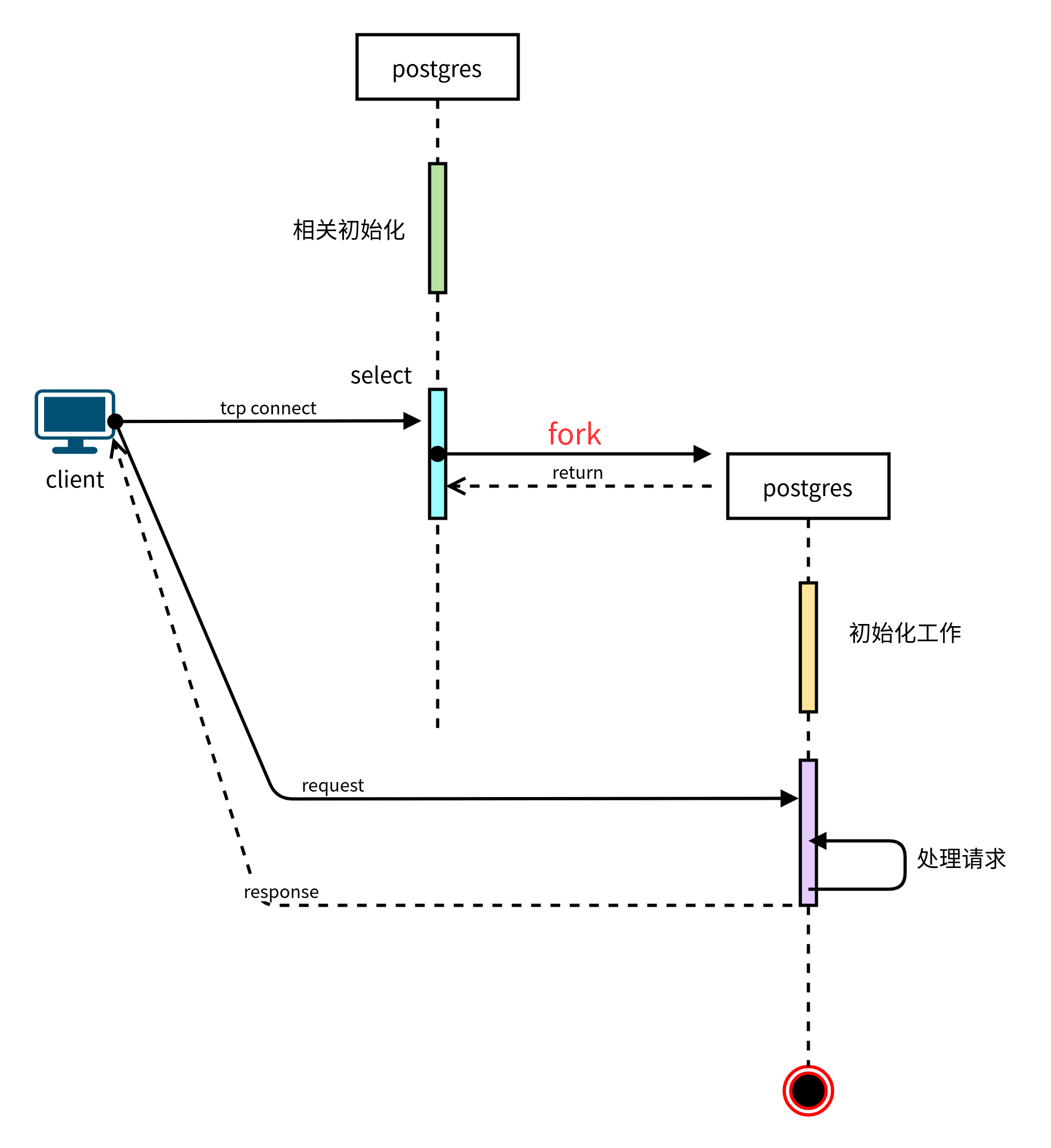
PostgreSQL startup process
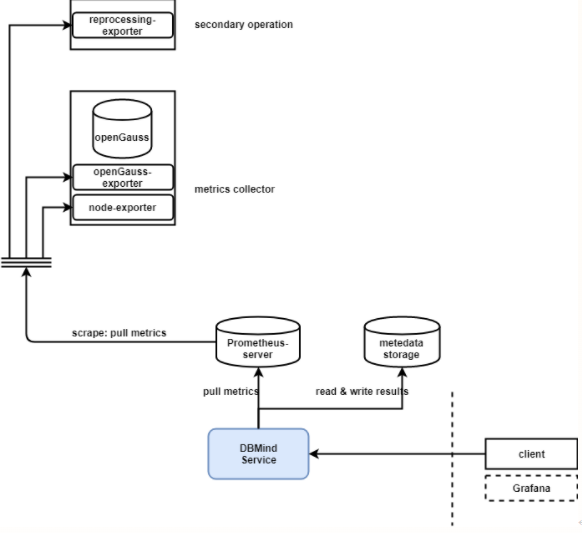
Opengauss AI capability upgrade to create a new AI native database

What is the future of software testing in 2022? Do you need to understand the code?

完整的测试流程【杭州多测师】【杭州多测师_王sir】

Zero foundation self-study software test, I spent 7 days sorting out a set of learning routes, hoping to help you

使用Cloud DB构建APP 快速入门-快应用篇

Cloud data management will break the island of storage and the island of team
随机推荐
postgresql源码编译
wget命令使用
Cloud data management will break the island of storage and the island of team
Go language - value types and reference types
How AGC security rules simplify user authorization and authentication requests
Project workspace creation steps - Zezhong ar automated test tool
Nielseniq announces appointment of Tracey Massey as chief operating officer
WGet command use
无心剑英汉双语诗001. 《春游》
Import data to the database? Try the copy from stdin statement
Will you be punished for not wearing seat belts in the back row?
Memory optimization table mot management
使用Cloud DB构建APP 快速入门-Server篇
前沿科技探究之AI工具:Anomaly-detection
Nat commun | language model can learn complex molecular distribution
从屡遭拒稿到90后助理教授,罗格斯大学王灏:好奇心驱使我不断探索
openGauss 3.0.0版本正式发布,立即体验社区首个轻量版本
Data enhancement
推开混合云市场大门,Lenovo xCloud的破局之道
如何预测SQL语句查询时间?