当前位置:网站首页>Flask之路由(app.route)详解
Flask之路由(app.route)详解
2022-07-30 14:55:00 【segegefe】
目录
在讲创建路由之前先了解大致流程,工作本质
在 route 源码中
    def route(self, rule: str, **options: t.Any) -> t.Callable:
        """Decorate a view function to register it with the given URL
        rule and options. Calls :meth:`add_url_rule`, which has more
        details about the implementation.

        .. code-block:: python

            @app.route("/")
            def index():
                return "Hello, World!"

        See :ref:`url-route-registrations`.

        The endpoint name for the route defaults to the name of the view
        function if the ``endpoint`` parameter isn't passed.

        The ``methods`` parameter defaults to ``["GET"]``. ``HEAD`` and
        ``OPTIONS`` are added automatically.

        :param rule: The URL rule string.
        :param options: Extra options passed to the
            :class:`~werkzeug.routing.Rule` object.
        """

        def decorator(f: t.Callable) -> t.Callable:
            endpoint = options.pop("endpoint", None)
            self.add_url_rule(rule, endpoint, f, **options)
            return f

        return decorator
这一部分

解释一下就是
程序从上往下 首先进入app.route路由部分然后 执行了 decorator
这里的 def decorator()就相当于将 app.route赋给 decorator
decorator = app.route(‘/index’,methods=[‘GET’,‘POST’])
@decorator
- decoratoe ( 函数名 )
创建路由的两种方式
方式一
别忘了导包 和 创建一个实例
from flask import Flask

app = Flask(__name__)

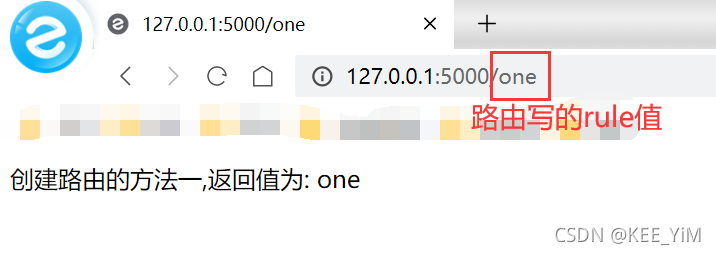
@app.route('/one',methods=['GET','POST'])
def one():
    return "创建路由的方法一,返回值为: one"
运行 :
方式二
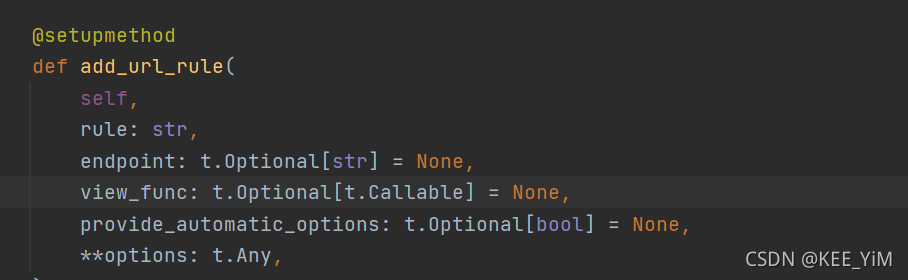
使用 add_url_rule
同样别忘记了导包和创建实例
def two():
    return "创建路由的方法二,返回值为: two"
app.add_url_rule('/two',view_func=two)
运行 :

反向生成URL
endpoint 相当于创建了一个别名
在反向生成的时候 需要从 flask 里面导入 url_for
from flask import url_for
用于反向生成的时候才写别名
如果不起别名,则默认是其函数名
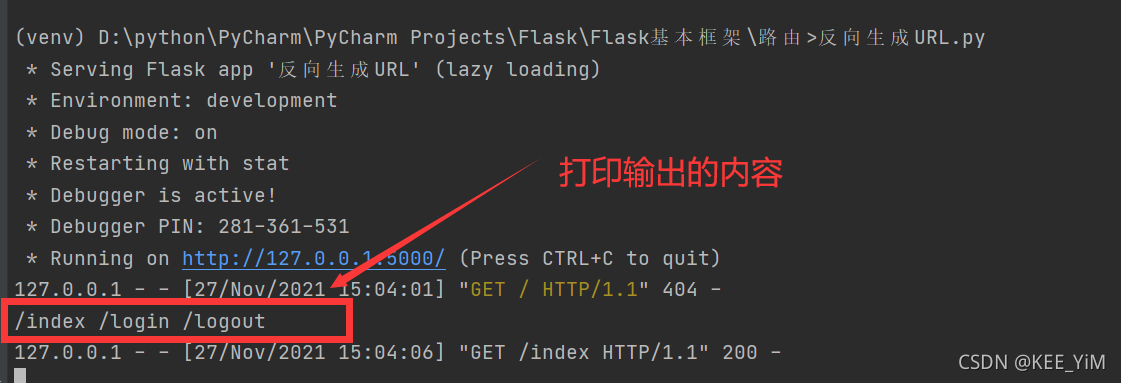
@app.route('/index',methods=['GET','POST'],endpoint="first")
def index():
    h1 = url_for("first")
    h2 = url_for("login")       # 不起别名 使用默认名
    h3 = url_for("logout")      # 不起别名 使用默认名
    print(h1,h2,h3)
    return "index"

@app.route('/login',methods=['GET','POST'])
def login():
    return "login"

@app.route('/logout',methods=['GET','POST'])
def logout():
    return "logout"

注意事项 !!!
在我第一遍做简单flask的时候出现的一个问题
做到第二个项目的时候页面出现的却是第一个项目的结果
也就是在我想运行 反向生成URL.py 文件的时候 输入了我设置的新rule 可是网页一直显示 Not Found 并且输入第一个项目的rule可以正常显示
原因 :
1. 要么是你的上一个项目运行没有终止
2.要么是端口(12.0.0.1:5000)被占用了
解决 :
如果是你上一项目没有终止,正常情况下可以点击红色方块结束程序运行,终止掉程序运行
当建立多个项目时,127.0.0.1:5000这个端口被反复占用,导致pycharm无法杀掉上一个项目的进程,这时需要手动杀死进程
快捷键 Win + R 打开 cmd
在你的终端命令行输入
netstat -ano|findstr “5000”

然后杀掉对应 pid
结束进程
taskkill /pid 52824 /f
再次运行你的 .py 文件就可以正常显示了
总结 :
在运行 flask 程序时
通常大部分人操作时和python文件一样运行 右击然后run
右击run程序出来的结果

容易忘记停止并且可能会出现端口堵塞等问题
有一种改进方式
在下方有一个 Terminal (终端) 的标识

用终端去运行,点击它
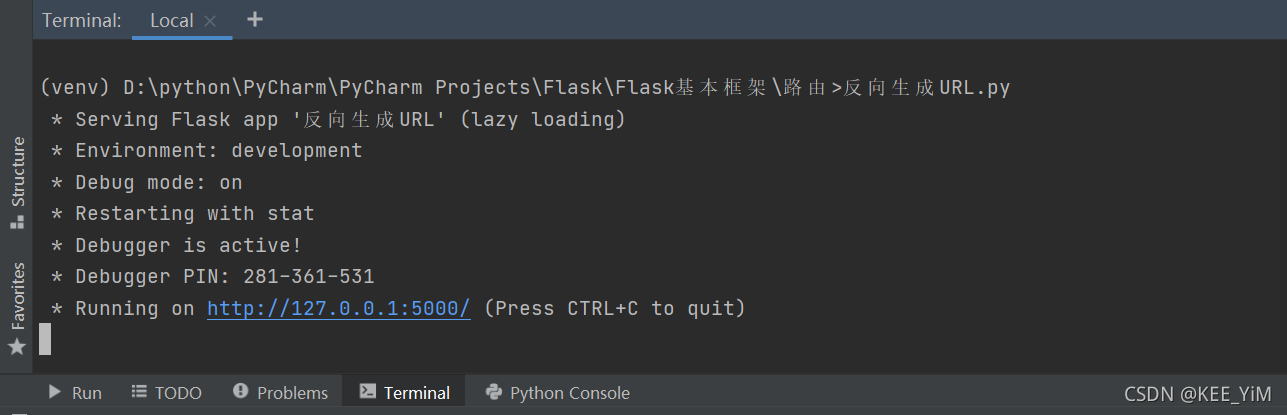
Ctrl + C 快捷键结束
自定义路由转换器
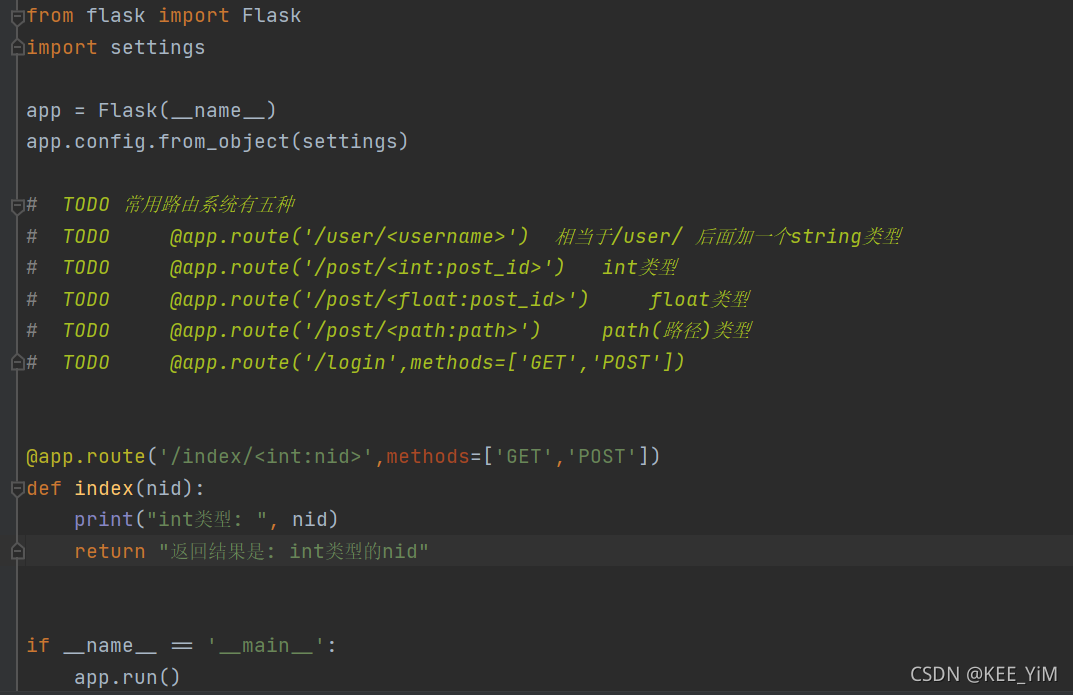

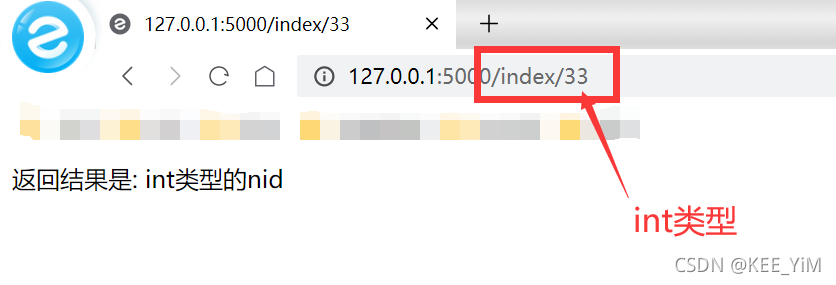
@app.route('/index/<int:nid>',methods=['GET','POST'])
def index(nid):
    print("int类型: ", nid)
    return "返回结果是: int类型的nid"
运行 :

重定向
这个在很多场景都可以使用
打个比方
现在公司里有了一个用了很久的一个网站,
然后让公司里的程序员去对这个网站做一个优化改进
可是原来的网站网址被公司员工已经用了N多边了,网址都已经刻入DNA里了
现在优化好的新的网站网址告诉公司员工们,
为了避免一些员工习惯性的登入旧网站网址,
程序员要对旧网站网址增添一个重定向,也就是说 如果有员工习惯性的登入旧网站网址,那么这个重定向就起作用了,它会跳转到i新网站网址上去
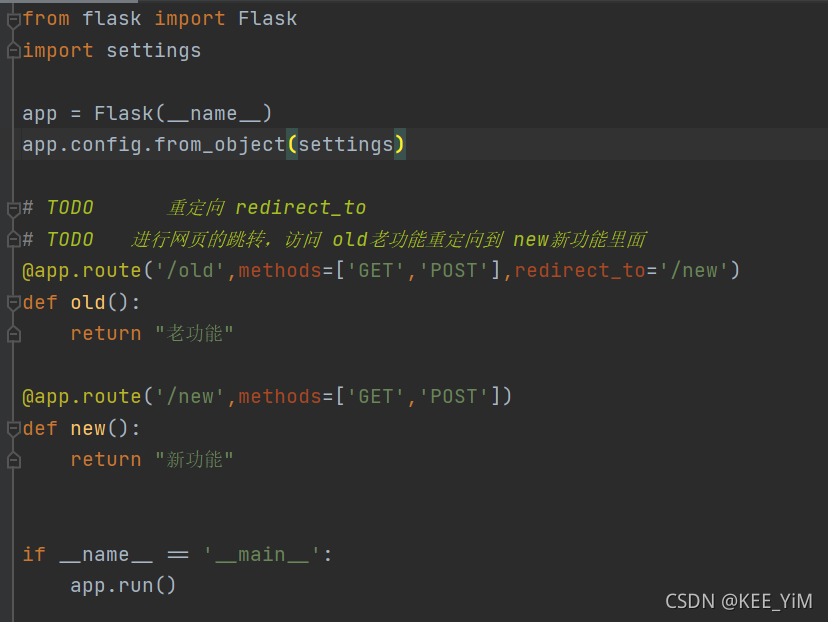
@app.route('/old',methods=['GET','POST'],redirect_to='/new')
def old():
    return "老功能"

@app.route('/new',methods=['GET','POST'])
def new():
    return "新功能"
运行 :
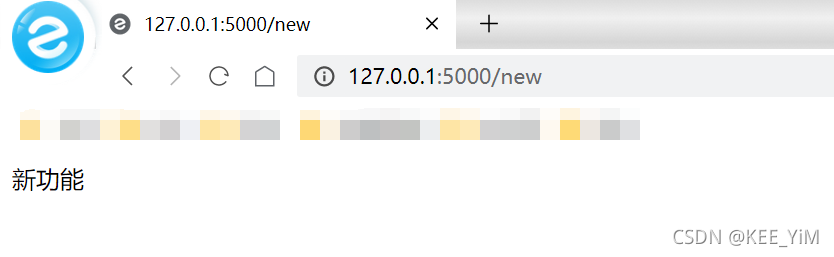
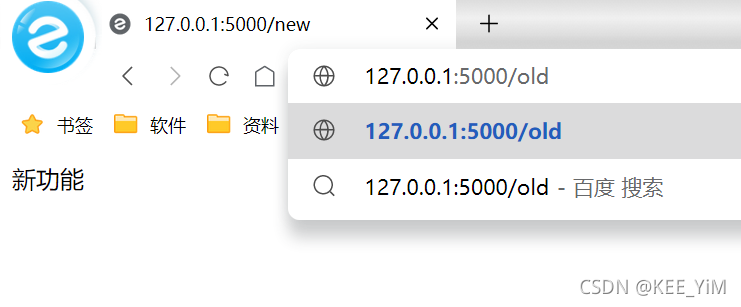
输入 old 会自动跳转到 new 网页上
先自我介绍一下,小编13年上师交大毕业,曾经在小公司待过,去过华为OPPO等大厂,18年进入阿里,直到现在。深知大多数初中级java工程师,想要升技能,往往是需要自己摸索成长或是报班学习,但对于培训机构动则近万元的学费,着实压力不小。自己不成体系的自学效率很低又漫长,而且容易碰到天花板技术停止不前。因此我收集了一份《java开发全套学习资料》送给大家,初衷也很简单,就是希望帮助到想自学又不知道该从何学起的朋友,同时减轻大家的负担。添加下方名片,即可获取全套学习资料哦
边栏推荐
- Packages - Notes
- [Cloud native] Alibaba Cloud ARMS business real-time monitoring
- 调试 - 笔记
- JUC common thread pool source learning 02 ( ThreadPoolExecutor thread pool )
- TiDB 工具适用场景
- tiup env
- The use and principle of distributed current limiting reduction RRateLimiter
- InputStream和OutputStream流的使用
- 软件包 - 笔记
- Store Limit 使用文档
猜你喜欢

GeoServer

Flink实时仓库-DWS层(关键词搜索分析-自定义函数,窗口操作,FlinkSql设置水位线,保存数据到Clickhouse)模板代码

71-page comprehensive overall solution for global tourism 2021 ppt

GeoServer + openlayers

Metaverse Post Office AI space-themed series of digital collections will be launched at 10:00 on July 30th "Yuanyou Digital Collection"
SQL 优化这么做就对了!

视频切换播放的例子(视频切换范例)代码
![[Cloud native] Grayscale release, blue-green release, rolling release, grayscale release explanation](/img/90/f7d85ac655d9206fefbd28e0fc81ba.png)
[Cloud native] Grayscale release, blue-green release, rolling release, grayscale release explanation

Kubernetes应用管理深度剖析
【云原生】灰度发布、蓝绿发布、滚动发布、灰度发布解释
随机推荐
TiUP 命令概览
EST综述:eDNA的多种状态以及在水环境中持久性的认知
How to split microservices?
(科普文)什么是碎片化NFT(Fractional NFT)
GeoServer
1222. 可以攻击国王的皇后-力扣双百代码
Normal and escaped strings for postgresql
Store Limit 使用文档
Debug - Notes
Lock wait timeout exceeded solution
【云原生】服务行业案例-不可预测的并发场景解决方案
CS内网横向移动 模拟渗透实操 超详细
JVM性能调优
The highest level of wiring in the computer room, the beauty is suffocating
【云原生 • DevOps】influxDB、cAdvisor、Grafana 工具使用详解
TensorFlow自定义训练函数
TensorFlow custom training function
转换OTU表和序列文件为PICRUST2需要的格式
[Cloud Native] Service Industry Case - Solutions for Unpredictable Concurrency Scenarios
HTTP缓存小结