当前位置:网站首页>[physical simulation] ultra simple shape matching simulates rigid body motion
[physical simulation] ultra simple shape matching simulates rigid body motion
2022-07-26 16:07:00 【beidou111】
Github repo
https://github.com/chunleili/tiRigidBody
Demo
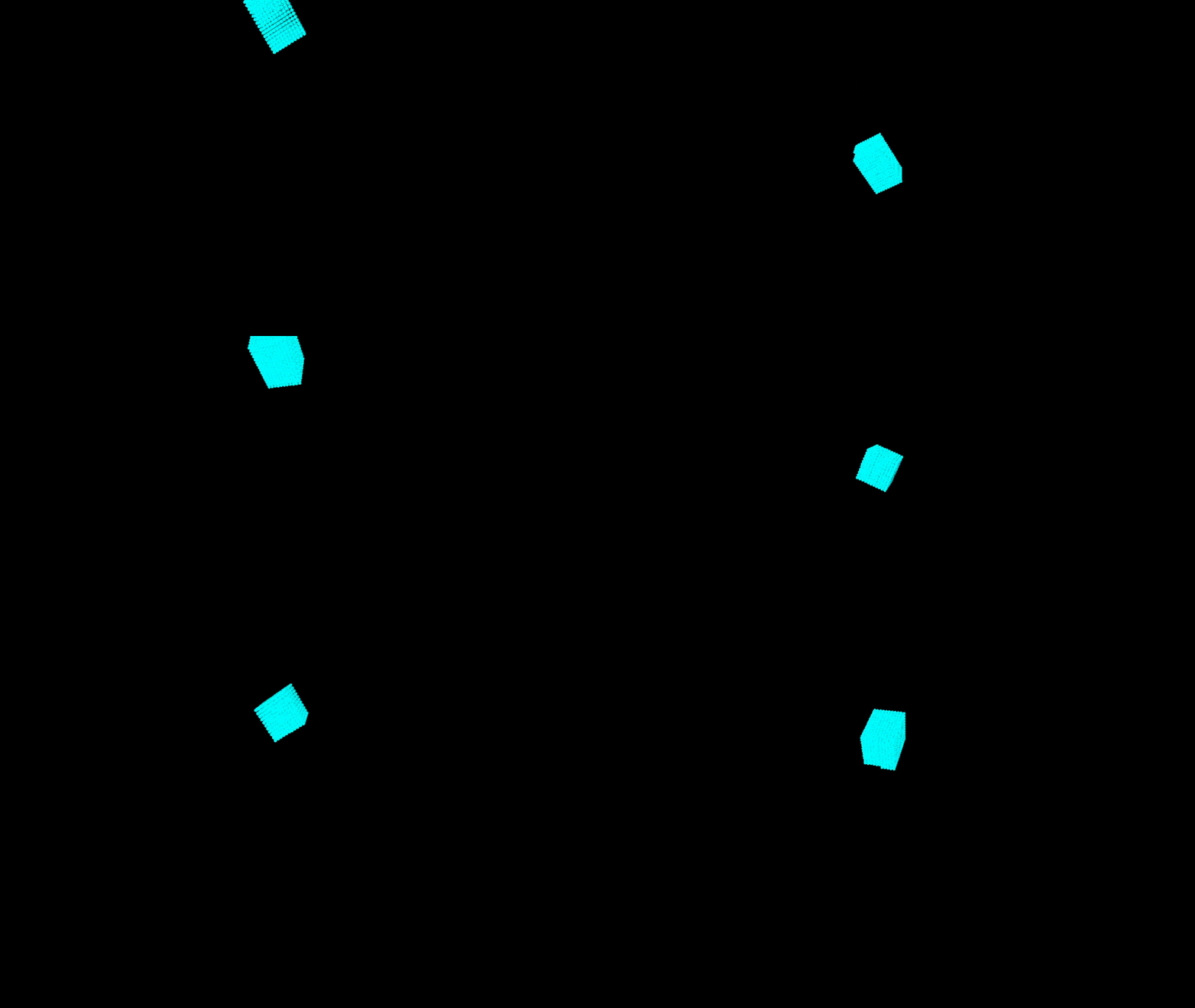
How to run
First, intall latest taichi by
pip install taichi
Then, run with
python tiRigidBody
Rember to press SPACE to start the simulation
How to play with it
Hotkeys
- Press SPACE to start or pause
- “wasd” for moving the camera
- When paused, press “p” to procceed only one step(useful for debugging)
Try different parameters
- Try to change the parameters in “init_particles()” (like init_pos, cube size etc.) or the num_particles
- Try to give another angle to the “rotation()”
- Try to change the stiffness of penalty force in “collision_response()”
Switch the branches
The different branches record the progress of coding.
Start with the simplest case, and gradually add features
- minimal_ggui: show two static particles in the screen
- init_particles: neatly stacked particles to form a box
- translation: move the box
- rotation: rotate the box
- collision_one_particle: colliding with a ramp, the collided particles are dyed to red
- bounce: the box can drop and rebounce, but no rotation
- master: the main branch
Add more features
- Add more boundary walls (now there is only a ground)
- Try to give better collision_reponse (more complex penalty forces or better)
- Try to add collision detection for collision with complex geometries
- Try to add more rigid bodies, and make them collide with each other
Want to understand the theory?
see:
- Matthias Müller, Bruno Heidelberger, Matthias Teschner, and Markus Gross. 2005. Meshless deformations based on shape matching. ACM Trans. Graph. 24, 3 (July 2005), 471–478. https://doi.org/10.1145/1073204.1073216
- GAMES103 Course, by Huamin Wang. https://games-cn.org/games103/
I will record a video in the near future B The station explains the principle and implementation method from the beginning . The graphic version will also be put in the blog .
Codes
import taichi as ti
import math

ti.init()

num_particles = 2000
dim=3
world_scale_factor = 1.0/100.0
dt = 1e-2
mass_inv = 1.0

positions = ti.Vector.field(dim, float, num_particles)
velocities = ti.Vector.field(dim, float, num_particles)
pos_draw = ti.Vector.field(dim, float, num_particles)
force = ti.Vector.field(dim, float, num_particles)
penalty_force = ti.Vector.field(dim, float, num_particles)
positions0 = ti.Vector.field(dim, float, num_particles)
radius_vector = ti.Vector.field(dim, float, num_particles)
paused = ti.field(ti.i32, shape=())
q_inv = ti.Matrix.field(n=3, m=3, dtype=float, shape=())

@ti.kernel
def init_particles():
    init_pos = ti.Vector([70.0, 50.0, 0.0])
    cube_size = 20
    spacing = 2
    num_per_row = (int) (cube_size // spacing) + 1
    num_per_floor = num_per_row * num_per_row
    for i in range(num_particles):
        floor = i // (num_per_floor)
        row = (i % num_per_floor) // num_per_row
        col = (i % num_per_floor) % num_per_row
        positions[i] = ti.Vector([col*spacing, floor*spacing, row*spacing]) + init_pos


@ti.kernel
def shape_matching():
    # update vel and pos firtly
    gravity = ti.Vector([0.0, -9.8, 0.0])
    for i in range(num_particles):
        positions0[i] = positions[i]
        f = gravity + penalty_force[i]
        velocities[i] += mass_inv * f * dt
        positions[i] += velocities[i] * dt

    #compute the new(matched shape) mass center
    c = ti.Vector([0.0, 0.0, 0.0])
    for i in range(num_particles):
        c += positions[i]
    c /= num_particles

    #compute transformation matrix and extract rotation
    A = sum1 = ti.Matrix([[0.0] * 3 for _ in range(3)], ti.f32)
    for i in range(num_particles):
        sum1 += (positions[i] - c).outer_product(radius_vector[i])
    A = sum1 @ q_inv[None]

    R, _ = ti.polar_decompose(A)

    #update velocities and positions
    for i in range(num_particles):
        positions[i] = c + R @ radius_vector[i]
        velocities[i] = (positions[i] - positions0[i]) / dt


@ti.kernel
def compute_radius_vector():
    #compute the mass center and radius vector
    center_mass = ti.Vector([0.0, 0.0, 0.0])
    for i in range(num_particles):
        center_mass += positions[i]
    center_mass /= num_particles
    for i in range(num_particles):
        radius_vector[i] = positions[i] - center_mass


@ti.kernel
def precompute_q_inv():
    res = ti.Matrix([[0.0] * 3 for _ in range(3)], ti.f64)
    for i in range(num_particles):
        res += radius_vector[i].outer_product(radius_vector[i])
    q_inv[None] = res.inverse()


@ti.kernel
def collision_response():
    eps = 2.0 # the padding to prevent penatrating
    k = 20.0 # stiffness of the penalty force
    #boundary for skybox (xmin, ymin, zmin, xmax, ymax, zmax)
    boundary = ti.Matrix([[0.0, 0.0, 0.0], [100.0, 100.0, 100.0]], ti.f32)
    boundary[0,:] = boundary[0,:] + eps
    boundary[1,:] = boundary[1,:] - eps
    for i in range(num_particles):
        if positions[i].y < boundary[0,1]:
            n_dir = ti.Vector([0.0, 1.0, 0.0])
            phi = positions[i].y - boundary[0,1]
            penalty_force[i] = k * ti.abs(phi)  * n_dir

        #TODO: more boundaries...


@ti.kernel
def rotation(angle:ti.f32):
    theta = angle / 180.0 * math.pi
    R = ti.Matrix([
    [ti.cos(theta), -ti.sin(theta), 0.0],
    [ti.sin(theta), ti.cos(theta), 0.0],
    [0.0, 0.0, 1.0]
    ])
    for i in range(num_particles):
        positions[i] = [email protected][i]

# ---------------------------------------------------------------------------- #
# substep #
# ---------------------------------------------------------------------------- #
def substep():
    penalty_force.fill(0.0)
    collision_response()
    shape_matching()
# ---------------------------------------------------------------------------- #
# end substep #
# ---------------------------------------------------------------------------- #

@ti.kernel
def world_scale():
    for i in range(num_particles):
        pos_draw[i] = positions[i] * world_scale_factor

#init the window, canvas, scene and camerea
window = ti.ui.Window("rigidbody", (1024, 1024),vsync=True)
canvas = window.get_canvas()
scene = ti.ui.Scene()
camera = ti.ui.make_camera()

#initial camera position
camera.position(0.5, 1.0, 1.95)
camera.lookat(0.5, 0.3, 0.5)
camera.fov(55)

def main():
    init_particles()
    rotation(30)
    compute_radius_vector() #store the shape of rigid body
    precompute_q_inv()

    paused[None] = True
    while window.running:
        if window.get_event(ti.ui.PRESS):
            #press space to pause the simulation
            if window.event.key == ti.ui.SPACE:
                paused[None] = not paused[None]

            #proceed once for debug
            if window.event.key == 'p':
                substep()

        #do the simulation in each step
        if (paused[None] == False) :
            for i in range(int(0.05/dt)):
                substep()

        #set the camera, you can move around by pressing 'wasdeq'
        camera.track_user_inputs(window, movement_speed=0.03, hold_key=ti.ui.RMB)
        scene.set_camera(camera)

        #set the light
        scene.point_light(pos=(0, 1, 2), color=(1, 1, 1))
        scene.point_light(pos=(0.5, 1.5, 0.5), color=(0.5, 0.5, 0.5))
        scene.ambient_light((0.5, 0.5, 0.5))

        #draw particles
        world_scale()
        scene.particles(pos_draw, radius=0.01, color=(0, 1, 1))

        #show the frame
        canvas.scene(scene)
        window.show()

if __name__ == '__main__':
    main()
边栏推荐
- Implementation of SAP ABAP daemon
- Paper: all models are wrong, but many are useful: all models are wrong, but many are useful: understand the importance of variables by studying a whole class of prediction models at the same time
- 中金财富证券安全吗 开户要多久
- Parker solenoid valve d1vw020dnypz5
- German EMG electric actuator eb800-60ii
- Bucher gear pump qx81-400r301
- Alibaba cloud DMS MySQL cloud database report error, solve!!
- Development daily summary (11): file upload function improvement: Chinese character detection and text content processing
- Gcc/g++ and dynamic and static libraries and GDB
- Specific practice cases of "card note taking method" in Siyuan
猜你喜欢

如何通过ETL调度工具 TASKCTL 使用作业插件类型调用 kettle作业?

教大模型自己跳过“无用”层,推理速度×3性能不变,谷歌MIT这个新方法火了...

Implementation of SAP ABAP daemon

测试用例千万不能随便,记录由一个测试用例异常引起的思考
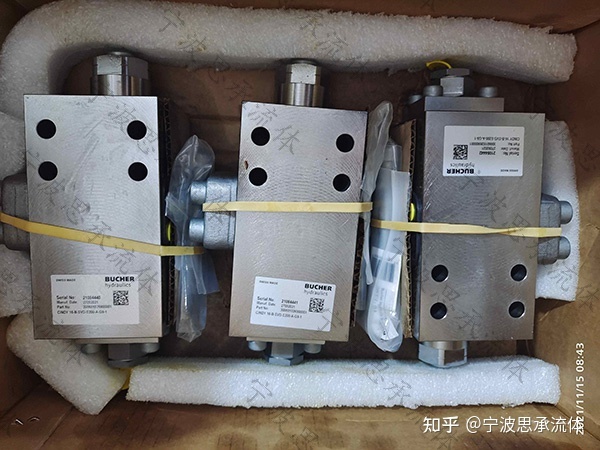
Bucher gear pump qx81-400r301
![[physical simulation] the principle and practice of the simplest shape matching](/img/1e/d91ed992bc648d90d0c68bfe541d7e.jpg)
[physical simulation] the principle and practice of the simplest shape matching
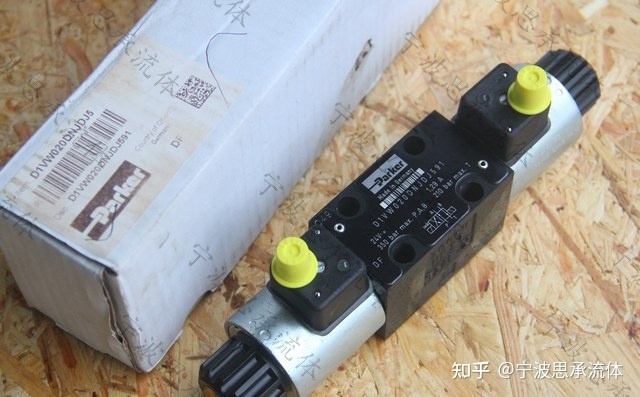
parker电磁阀D1VW020DNYPZ5

Mapwithstate of spark streaming state flow

PAT甲级 1049 Counting Ones

Paper: all models are wrong, but many are useful: all models are wrong, but many are useful: understand the importance of variables by studying a whole class of prediction models at the same time
随机推荐
SAP ABAP 守护进程的实现方式
基于SSM开发实现校园疫情防控管理系统
Specific practice cases of "card note taking method" in Siyuan
操作系统迁移实战之在openEuler上部署MySQL数据库
使用 ClojureScript 开发浏览器插件的过程与收获
邻接矩阵的COO格式
FTP protocol
We were tossed all night by a Kong performance bug
大型仿人机器人整机构型研究与应用
PAT甲级 1049 Counting Ones
一款可视化浏览器历史的 Firefox/Chrome 插件
Jmeter快速上手之接口测试
Google Earth engine - merra-2 m2t1nxaer: aerosol daily data set from 1980 to 2022
Sklearn clustering clustering
【DSCTF2022】pwn补题记录
初识OpenGL (2)编译着色器
换把人体工学椅,缓解久坐写代码的老腰吧~
Kalibr calibration realsensed435i -- multi camera calibration
可信隐私计算框架“隐语”开源专家观点集锦
Clojure 运行原理之编译器剖析