当前位置:网站首页>Installing jupyter notebook under Anaconda
Installing jupyter notebook under Anaconda
2022-06-30 21:41:00 【Meng Chu】
Image download 、 Domain name resolution 、 Time synchronization please click Alibaba cloud open source image station
One 、 Download and install Anaconda
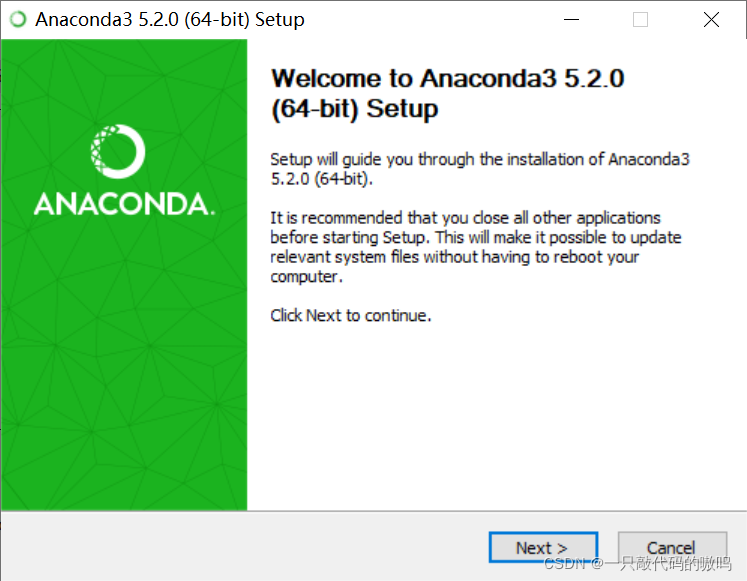
1. Double-click on the run anaconda Installation package , Click next
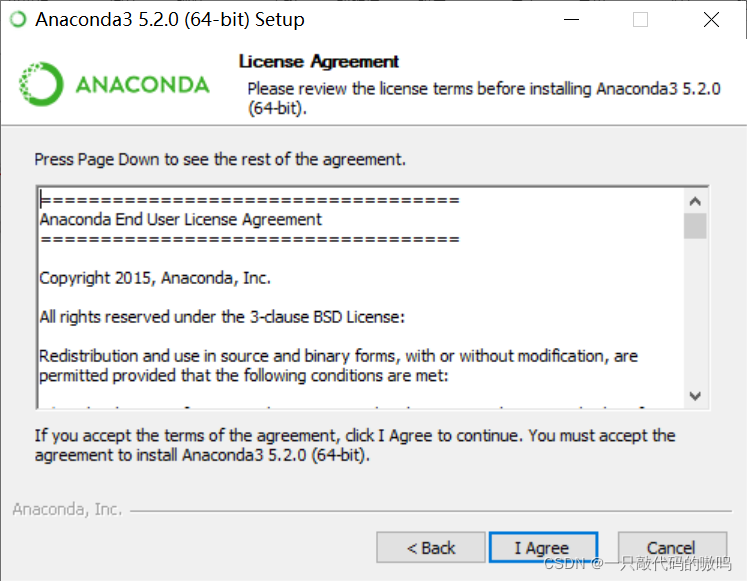
2. Agree to the agreement
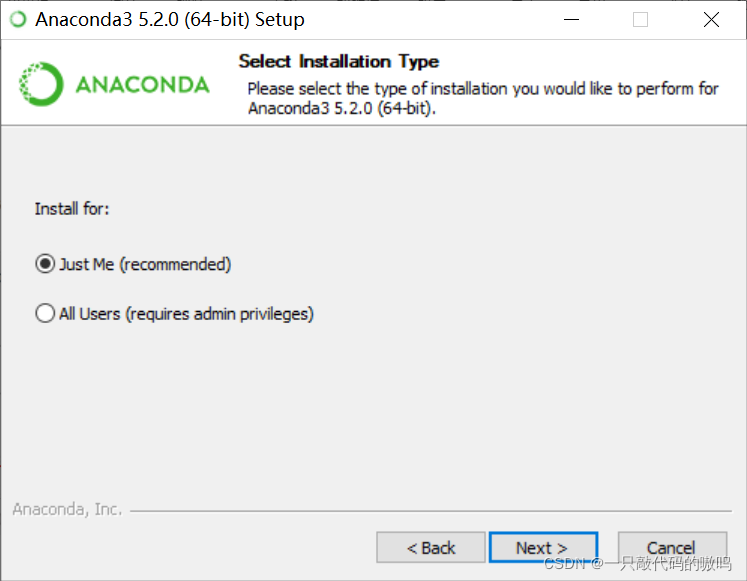
3. Here are two options , If you have several in your computer Users, You can choose All Users, But generally speaking, there is only one in our computer User, So... Is checked by default Just Me
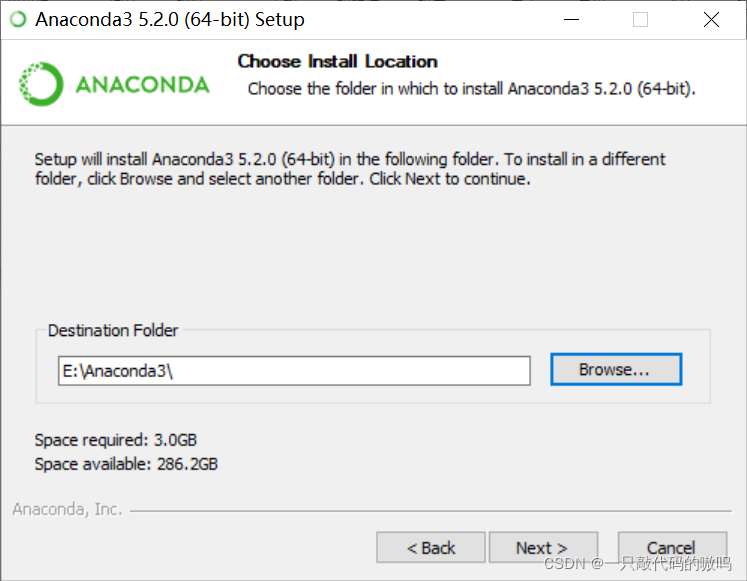
4. Select installation path , However, it is not recommended to install it into the system disk , Here I install to E disc
5. There are two check boxes , The first check box is to add environment variables , Officials do not recommend that Anaconda Add to PATH In the environment variables , Afraid of interfering with other software , You can do this by opening Anaconda Navigator perhaps Anaconda Prompt To use ; The second check box is to anaconda Register as my default Python 3.6, I choose not to check , Because I plan to install and run multiple versions of Python
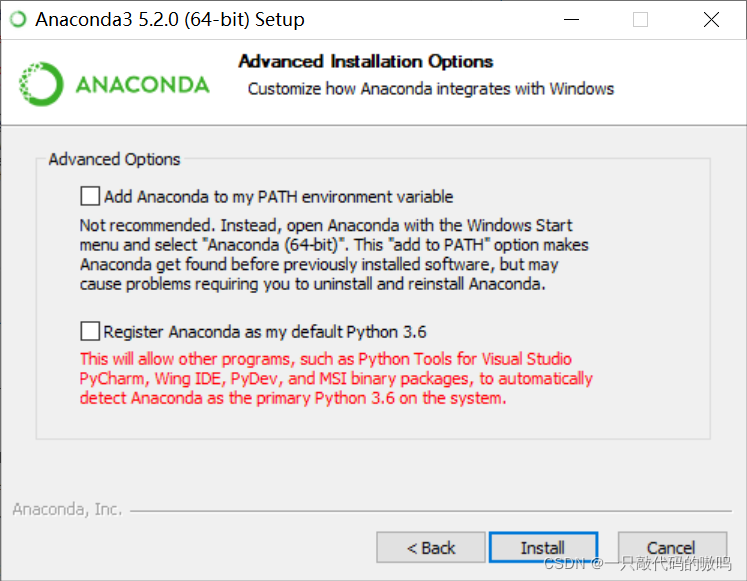
6. Click Install and wait patiently , Click next after installation , Click skip again
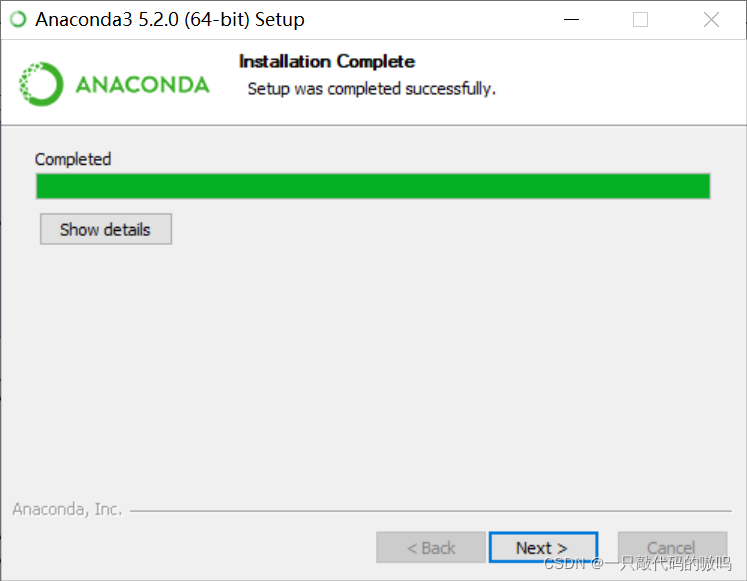
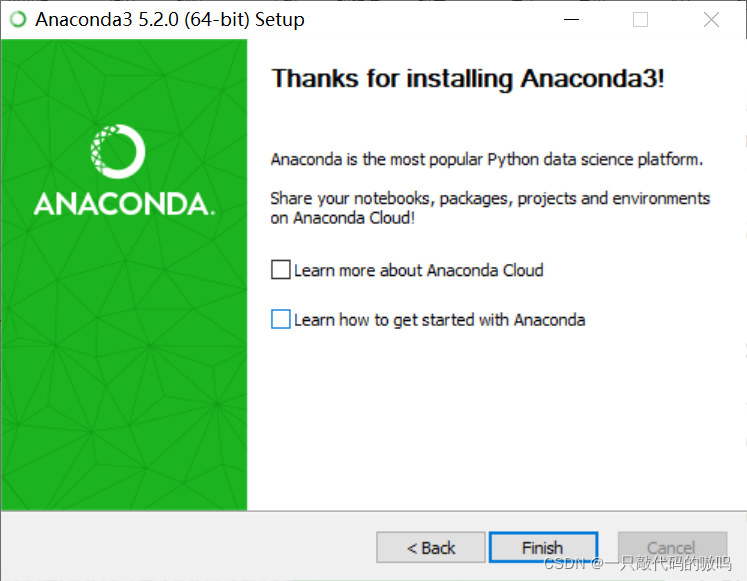
7. Uncheck both check boxes , Click finish
Two 、Juputer notebook Installation and configuration
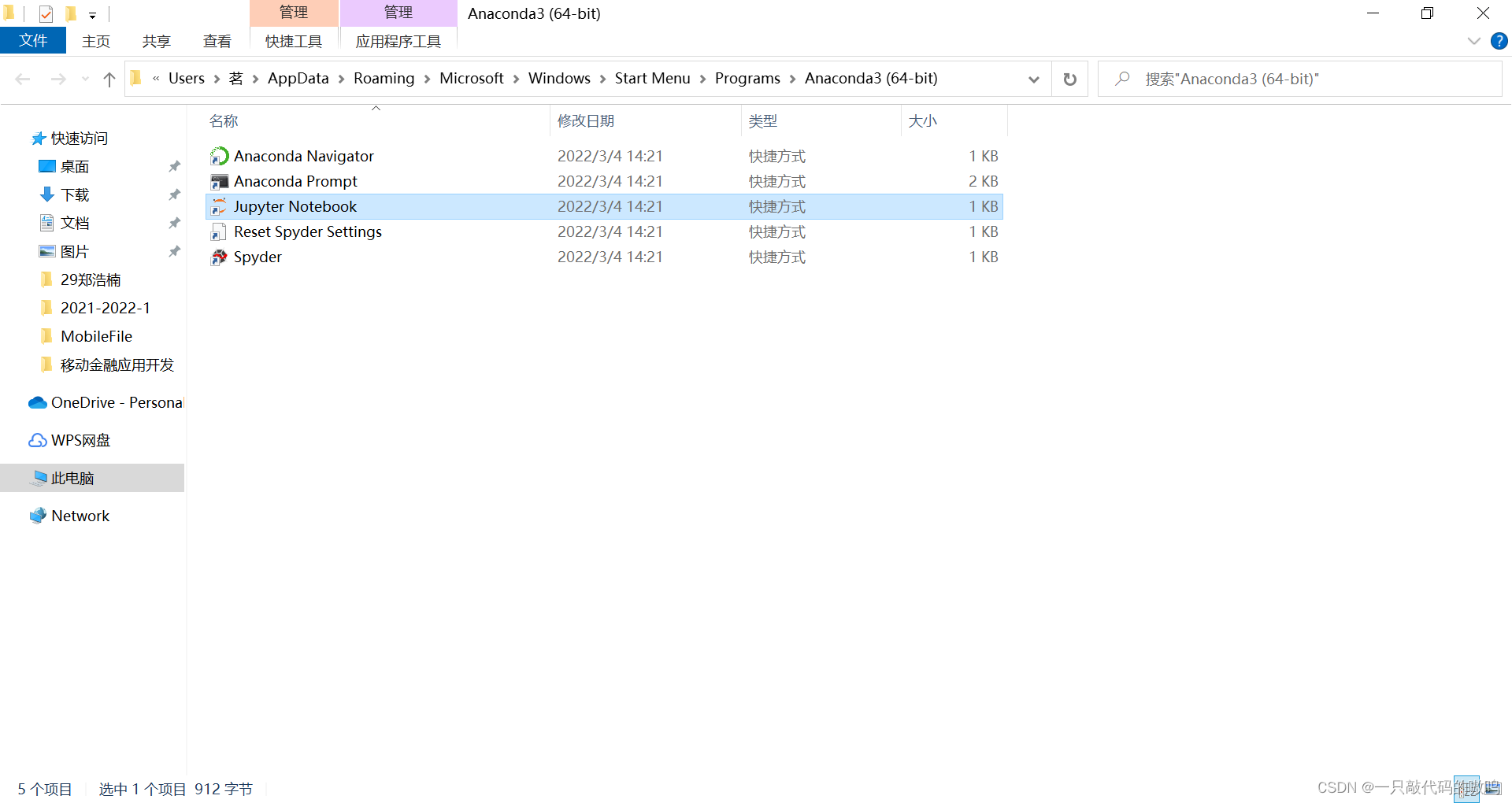
1. Generally speaking , install Anaconda It has been automatically installed Jupyter notebook, Search in the search box , And open the file location
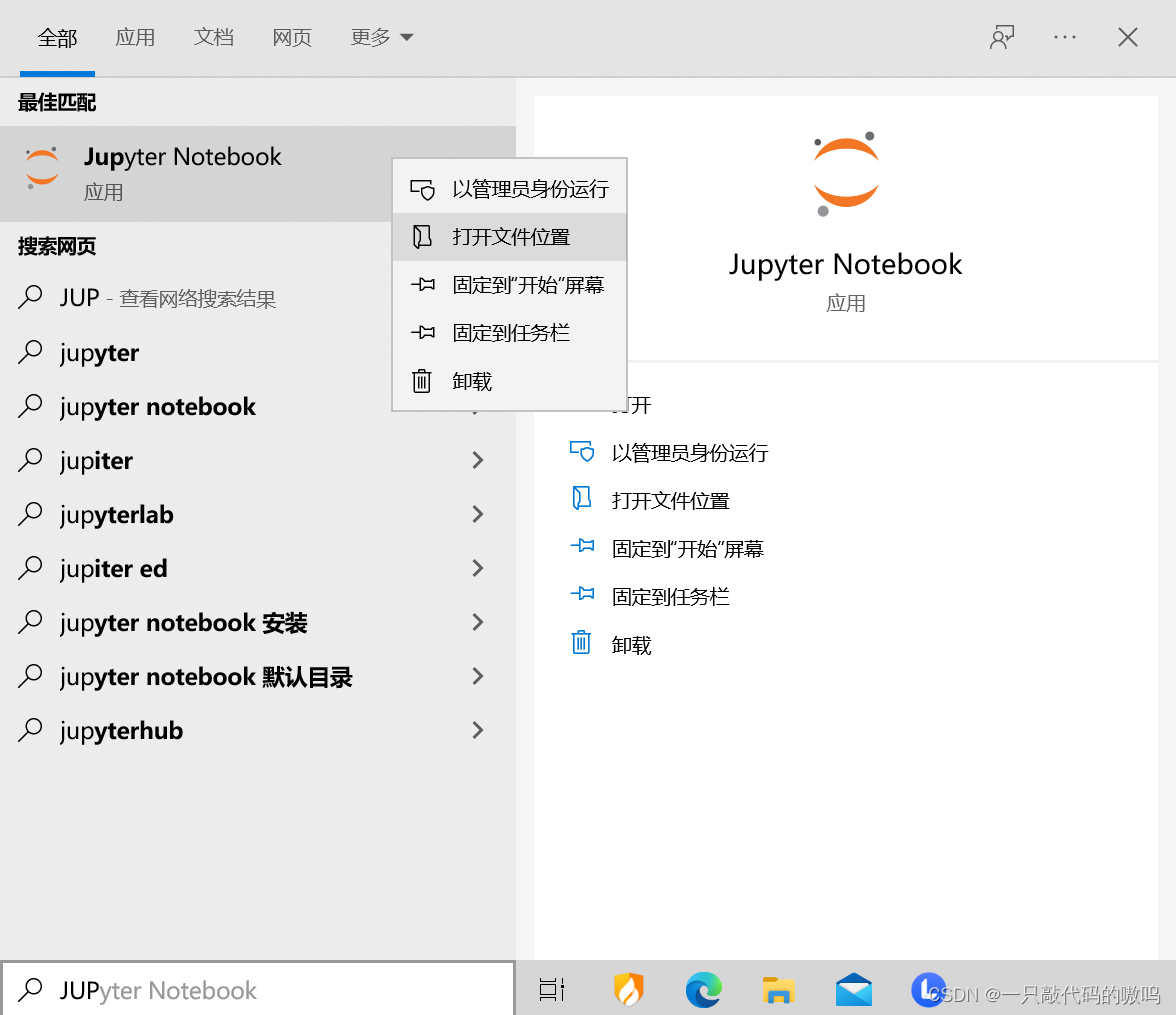
2. Double-click on the run Jupyter notebook
3. Waiting for a period of time will automatically pop up , You can start using
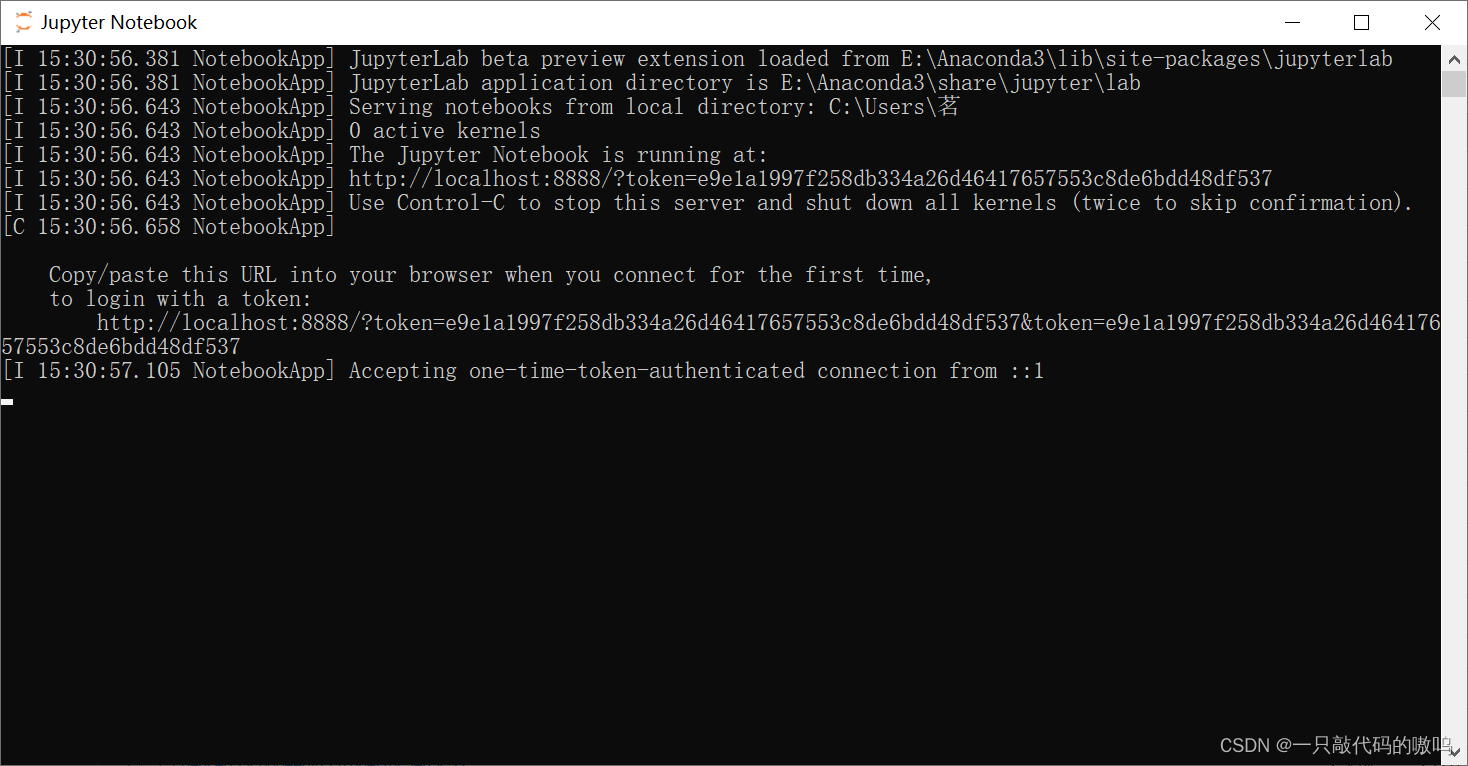
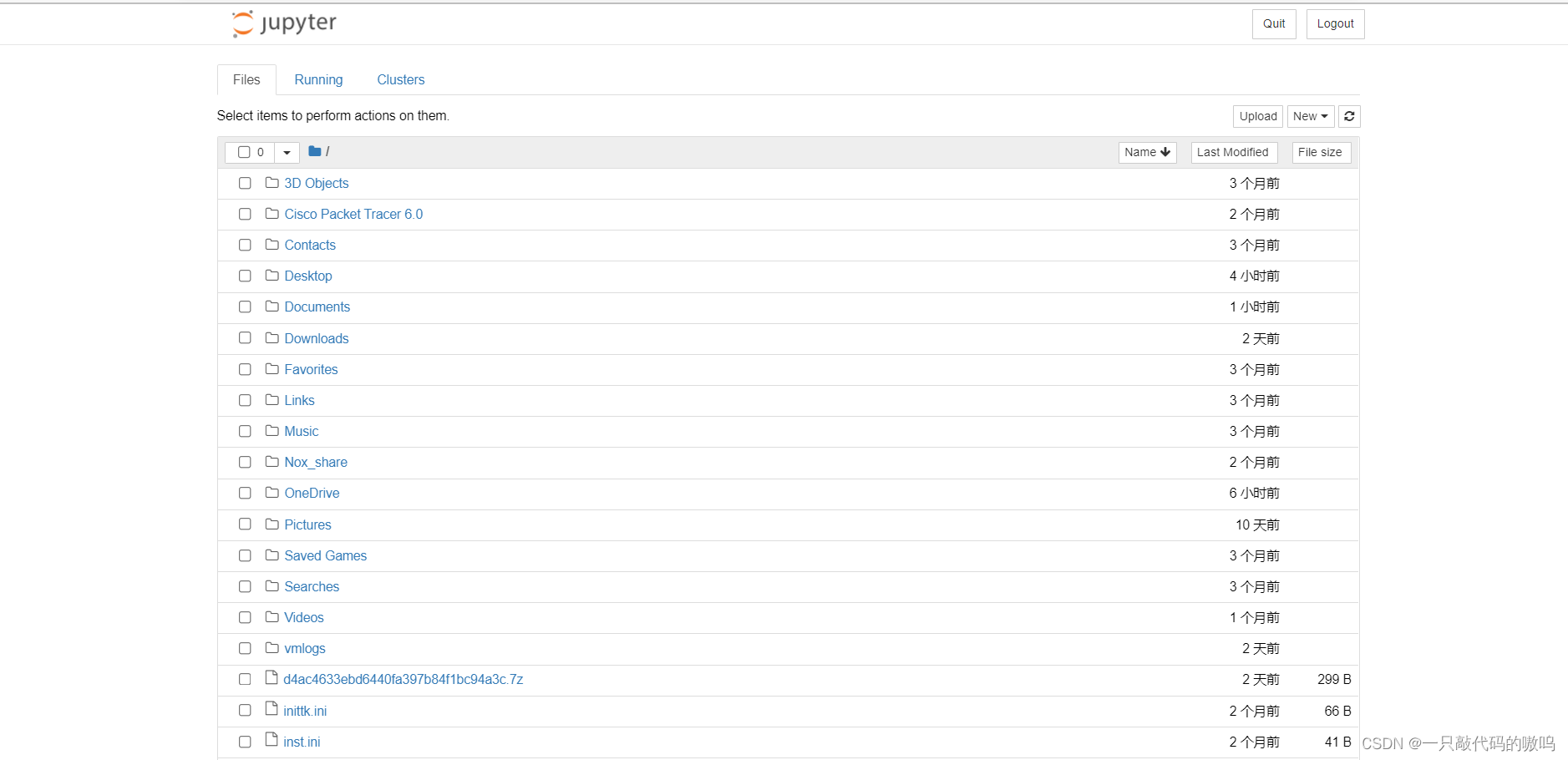
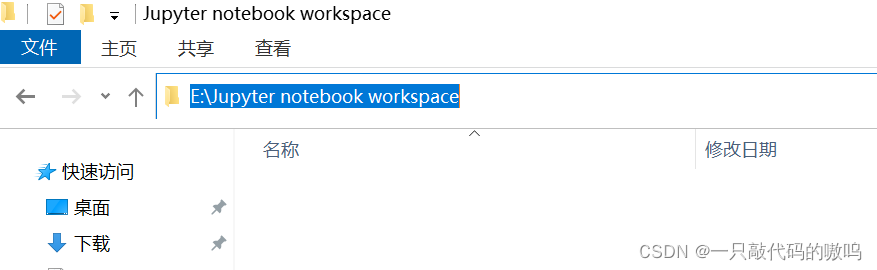
4.Jupyter notebook After installation and startup , The default workspace is the current user directory , To facilitate document management , It is recommended to set up your own workspace . First, create a folder on disk to save , And copy its path
5. Double-click on the run Jupyter notebook Under the same level directory Anaconda Prompt, Enter the following code
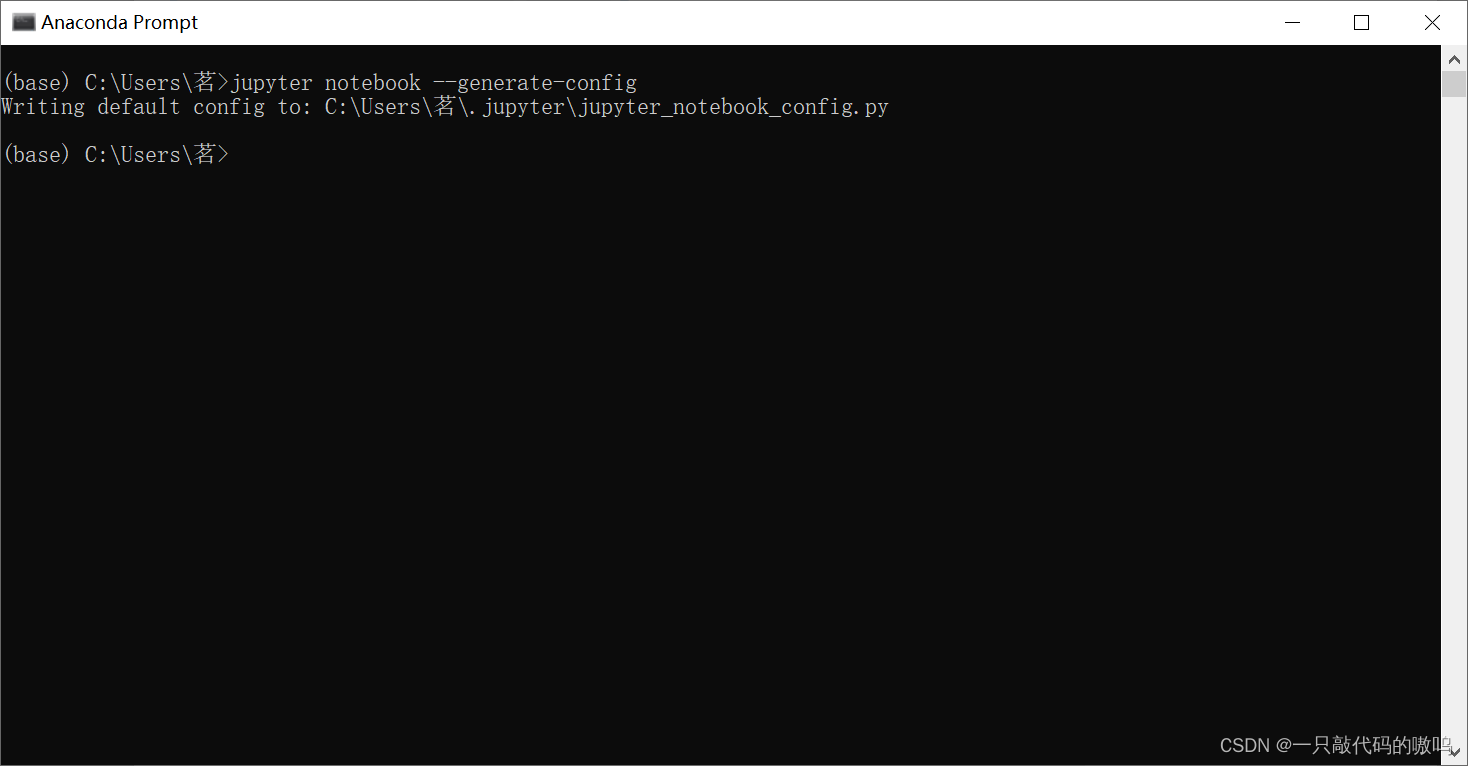
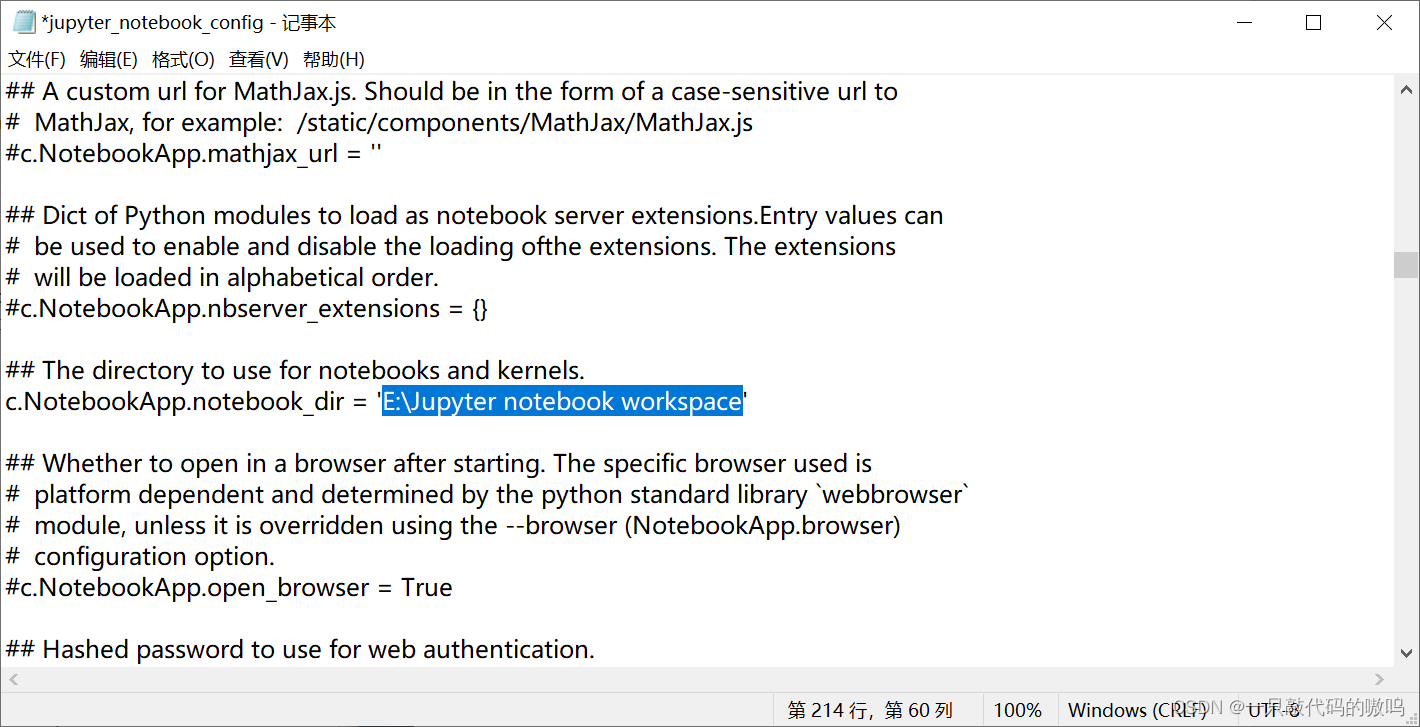
6. Find... According to the corresponding path jupyter_notebook_config, Open in Notepad , Use ctrl+F Find function find code ## The directory to use for notebooks and kernels. #c.NotebookApp.notebook_dir = '' Change to the path just copied , Remember to remove the comments , And save
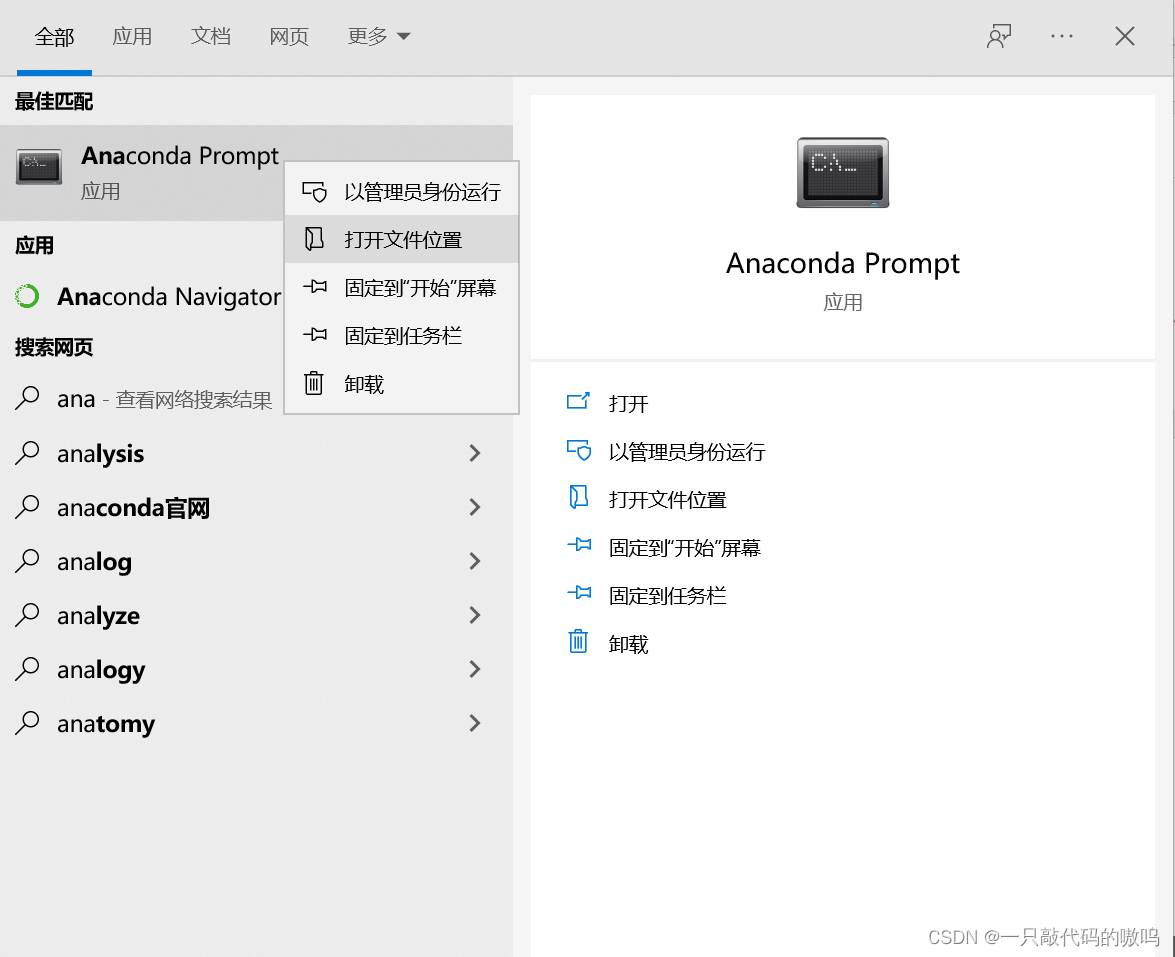
7. Enter in the search box Anaconda Prompt, Where to open the file
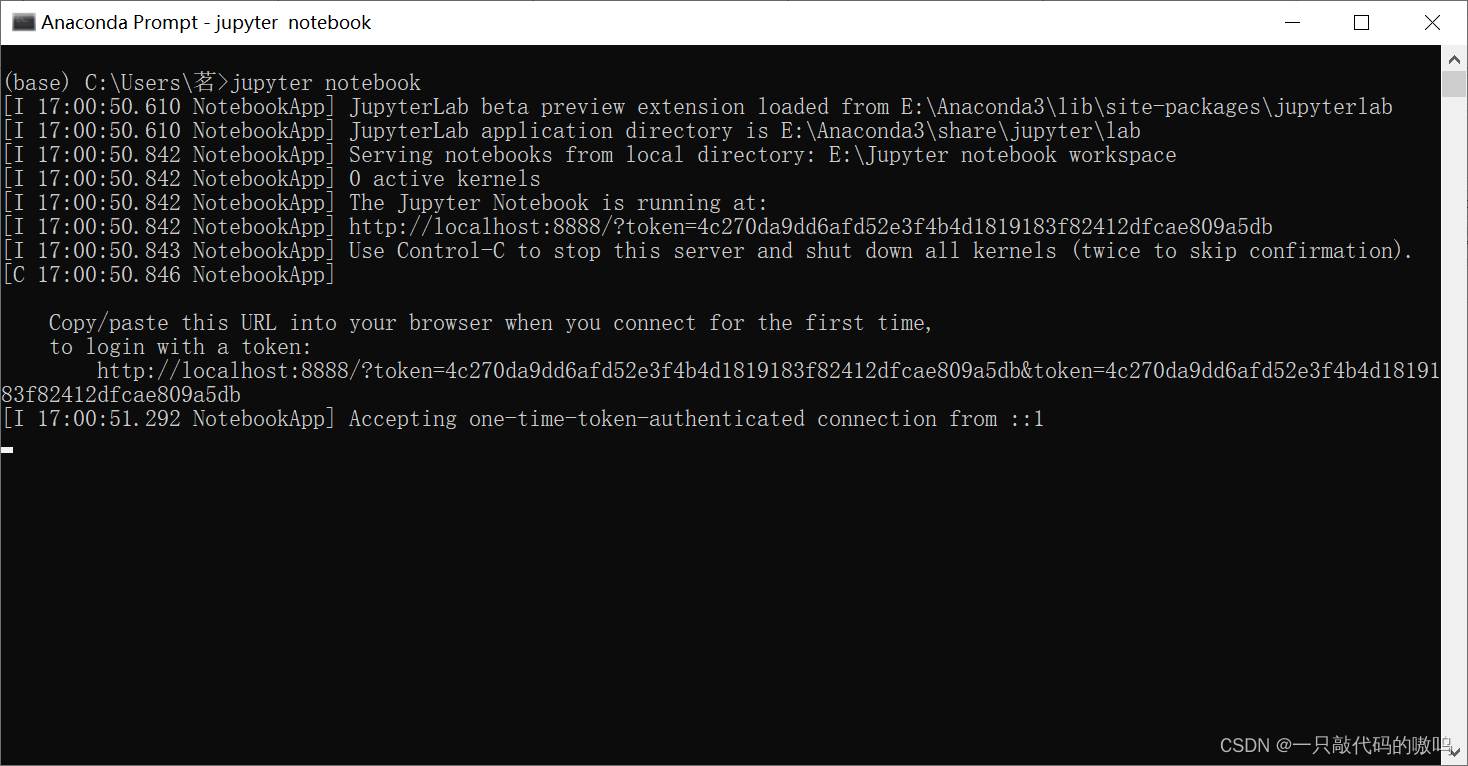
8. Double-click on the run Anaconda Prompt, Input jupyter notebook, enter Be careful : Please do not double-click after opening the location of the file Jupyter Notebook, That is still the workspace directory of the current user , Not self configured
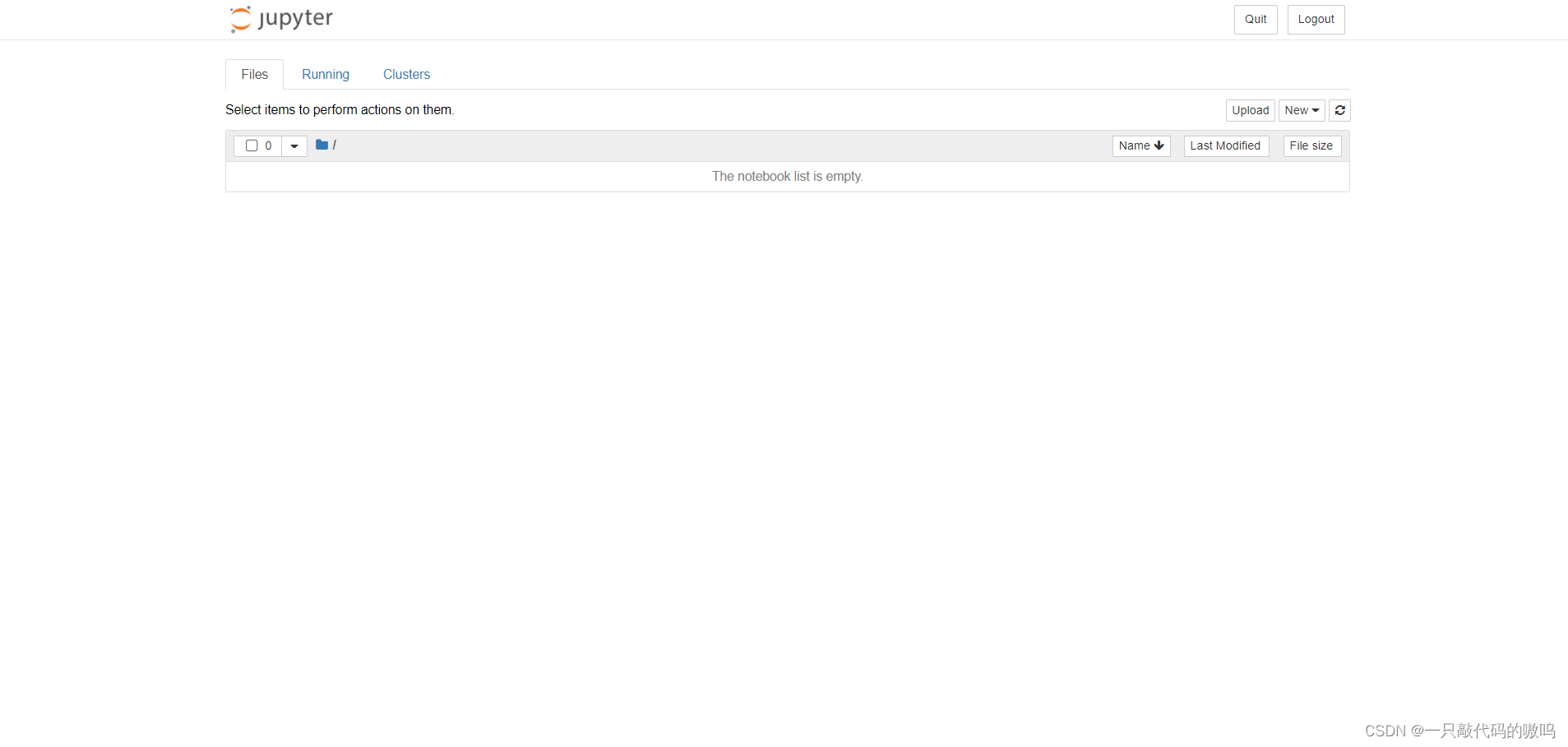
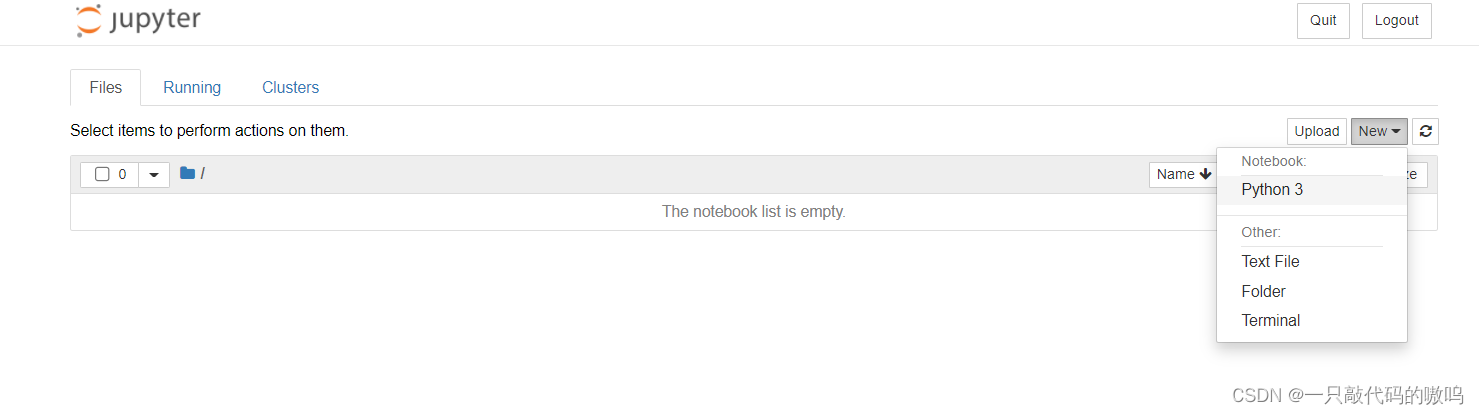
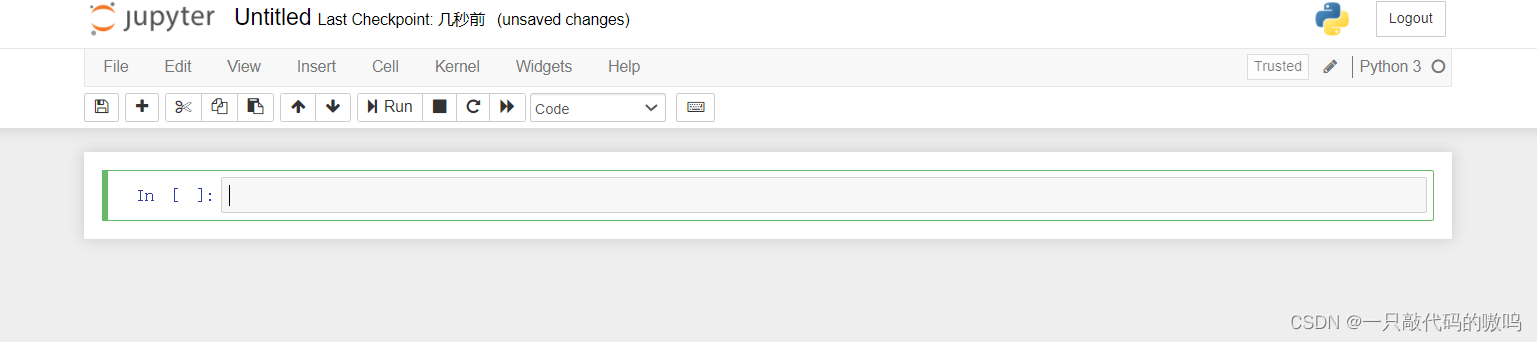
9. establish python The file is ready to use
Link to the original text :https://blog.csdn.net/m0_66309026/article/details/123274869
边栏推荐
- 1-13 express listens to get and post requests & processes requests
- Three techniques for reducing debugging time of embedded software
- CA I ah, how many times Oh, ah sentence IU home Oh 11111
- Internet of things botnet gafgyt family and backdoor vulnerability exploitation of Internet of things devices
- 1-10 根据不同的url响应客户端的内容
- asp.net core JWT传递
- ML&DL:机器学习和深度学习中超参数优化的简介、评估指标、过拟合现象、常用的调参优化方法之详细攻略
- 【无标题】第一次参加csdn活动
- Sqlserver gets the data of numbers, Chinese and characters in the string
- 《Dynamic Routing Between Capsules》论文学习总结
猜你喜欢

Text recognition svtr paper interpretation

pytorch geometric torch-scatter和torch-sparse安装报错问题解决

Neurotransmetteurs excitateurs - glutamate et santé cérébrale
测试媒资缓存问题

jenkins下载插件下载不了,解决办法

How to move forward when facing confusion in scientific research? How to give full play to women's advantages in scientific research?

模板方法模式介绍与示例
Testing media cache

Five years after graduation, I wondered if I would still be so anxious if I hadn't taken the test

Jupyter notebook/lab switch CONDA environment

随机推荐
clickhouse原生监控项,系统表描述
Auto-created primary key used when not defining a primary key
Ten security measures against unauthorized access attacks
针对美国国家安全局“酸狐狸”漏洞攻击武器平台的分析与应对方案建议
1-2 install and configure MySQL related software
1-14 express托管静态资源
Open source internship experience sharing: openeuler software package reinforcement test
The 16th Heilongjiang Provincial Collegiate Programming Contest
笔记【JUC包以及Future介绍】
AKK菌——下一代有益菌
1-21 jsonp interface
Encryption and decryption and the application of OpenSSL
1-2 安装并配置MySQL相关的软件
Ssh server configuration file parameter permitrootlogin introduction
Prediction and regression of stacking integrated model
测试勋章1234
1-10 respond to client content according to different URLs
Side sleep ha ha ha
5G 在智慧医疗中的需求
USBCAN分析仪的配套CAN和CANFD综合测试软件LKMaster软件解决工程师CAN总线测试难题