当前位置:网站首页>js 限制鼠标移动范围
js 限制鼠标移动范围
2022-06-25 21:32:00 【崽崽的谷雨】
问题描述:
想要实现鼠标限制范围,那么就需要 监听鼠标 移入移出 事件 。并且 移出时做个提示。
实现步骤:
限制范围 的思路 :可以 超出范围 就提示,或者隐藏 鼠标光标
js代码
js利用 onmouseover(移入)、onmouseout(移出)
onmouseover 事件会在鼠标指针移动到指定的元素上时发生。
onmouseout 事件会在鼠标指针移出指定的对象时发生。
<!DOCTYPE html>
<html lang="en">

<head>
  <meta charset="UTF-8">
  <meta http-equiv="X-UA-Compatible" content="IE=edge">
  <meta name="viewport" content="width=device-width, initial-scale=1.0">
  <title>js限制鼠标范围</title>
  <style>
    * {
      margin: 0;
      padding: 0;
    }

    .box {
      position: absolute;
      width: 100%;
      height: 100%;
    }

    .child {
      width: 400px;
      height: 400px;
      background: red;

    }
  </style>
</head>

<body>
  <div class="box">
    <div class="child">

    </div>
  </div>

</body>
<script src="http://libs.baidu.com/jquery/2.0.0/jquery.min.js"></script>
<script>


  var child = document.getElementsByClassName("child")[0];
  var box = document.getElementsByClassName("box")[0]
  // console.log(box);

  child.onmouseover = function () {

    box.style.cssText = "cursor:auto";

  }

  child.onmouseout = function () {

    box.style.cssText = "cursor:none";

  }


</script>

</html>
jquery代码
利用mouseenter(移入)、mouseleave(移出)
<!DOCTYPE html>
<html lang="en">

<head>
  <meta charset="UTF-8">
  <meta http-equiv="X-UA-Compatible" content="IE=edge">
  <meta name="viewport" content="width=device-width, initial-scale=1.0">
  <title>js限制鼠标范围</title>
  <style>
    * {
      margin: 0;
      padding: 0;
    }

    .box {
      position: absolute;
      width: 100%;
      height: 100%;
    }

    .child {
      width: 400px;
      height: 400px;
      background: red;

    }
  </style>
</head>

<body>
  <div class="box">
    <div class="child">

    </div>
  </div>

</body>
<script src="http://libs.baidu.com/jquery/2.0.0/jquery.min.js"></script>
<script>
 $(".child").mouseenter(function () {
    $(".box").css({ "cursor": "auto" }); //显示鼠标
  });
  $(".child").mouseleave(function () {
    $(".box").css({ "cursor": "none" }); //隐藏鼠标
  });

</script>

</html>拓展思维:
1.甚至可以移入移出 禁用鼠标功能 。
参考: 禁用鼠标事件的方法
2.再或者 是 类似于 鼠标移到边界就不让其 移动了。可以参考下面的拖拽,我觉得尽然 div块都可以拖拽到边缘就不让拖拽了,那 鼠标移到到边缘不让其 移动了,应该也是可行的(我没试过)。
<!DOCTYPE html>
<html lang="en">

<head>
  <meta charset="UTF-8">
  <meta http-equiv="X-UA-Compatible" content="IE=edge">
  <meta name="viewport" content="width=device-width, initial-scale=1.0">
  <title>js限制拖拽范围</title>
  <style>
    * {
      padding: 0;
      margin: 0;
    }

    #box1 {
      width: 500px;
      height: 500px;
      background: #999;
      position: relative;
      left: 100px;
      top: 100px;
    }

    #box {
      width: 100px;
      height: 100px;
      background: #334;
      position: absolute;
      cursor: move;
    }
  </style>
</head>

<body>
  <div id="box1">
    <div id="box"></div>
  </div>
</body>
<script>
  (function () {
    var dragging = false
    var boxX, boxY, mouseX, mouseY, offsetX, offsetY
    var box = document.getElementById('box')
    var box1 = document.getElementById('box1')

    // 鼠标按下的动作
    box.onmousedown = down
    // 鼠标的移动动作
    document.onmousemove = move
    // 释放鼠标的动作
    document.onmouseup = up

    // 鼠标按下后的函数,e为事件对象
    function down(e) {
      dragging = true

      // 获取元素所在的坐标
      boxX = box.offsetLeft
      boxY = box.offsetTop

      // 获取鼠标所在的坐标
      mouseX = parseInt(getMouseXY(e).x)
      mouseY = parseInt(getMouseXY(e).y)

      // 鼠标相对元素左和上边缘的坐标
      offsetX = mouseX - boxX
      offsetY = mouseY - boxY
    }

    // 鼠标移动调用的函数
    function move(e) {
      if (dragging) {
        // 获取移动后的元素的坐标
        var x = getMouseXY(e).x - offsetX
        var y = getMouseXY(e).y - offsetY

        // 计算可移动位置的大小, 保证元素不会超过可移动范围
        // 此处就是父元素的宽度减去子元素宽度
        var width = box1.clientWidth - box.offsetWidth
        var height = box1.clientHeight - box.offsetHeight

        // min方法保证不会超过右边界,max保证不会超过左边界
        x = Math.min(Math.max(0, x), width)
        y = Math.min(Math.max(0, y), height)

        // 给元素及时定位
        box.style.left = x + 'px'
        box.style.top = y + 'px'
      }
    }

    // 释放鼠标的函数
    function up(e) {
      dragging = false
    }

    // 函数用于获取鼠标的位置
    function getMouseXY(e) {
      var x = 0, y = 0
      e = e || window.event

      if (e.pageX) {
        x = e.pageX
        y = e.pageY
      } else {
        x = e.clientX + document.body.scrollLeft - document.body.clientLeft
        y = e.clientY + document.body.scrollTop - document.body.clientTop
      }
      return {
        x: x,
        y: y
      }
    }
  })()
// 本代码 参考与:https://www.jb51.net/article/198259.htm
</script>

</html>本代码参考与:js 拖拽限制范围
边栏推荐
- Robotframework rewrite framework add case control
- Openocd compilation and installation
- CANoe. Diva operation guide - establishment of operation environment
- Canoe learning notes (2)
- Jingxi Pinpin wechat applet -signstr parameter encryption
- 银河证券靠谱吗?开证券账户安全吗?
- Get parameters in URL
- Basic knowledge of software engineering required for soft test
- Illustrated with pictures and texts, 700 pages of machine learning notes are popular! Worth learning
- UDP Vs TCP (Powercert animated videos)
猜你喜欢

Circular structure and circular keywords
![[nailing scenario capability package] manage the on-the-job / off-the-job situation of employees](/img/ec/c2f342a54ab69d8b834a8a1c8f8a01.jpg)
[nailing scenario capability package] manage the on-the-job / off-the-job situation of employees
Beginner to embedded development
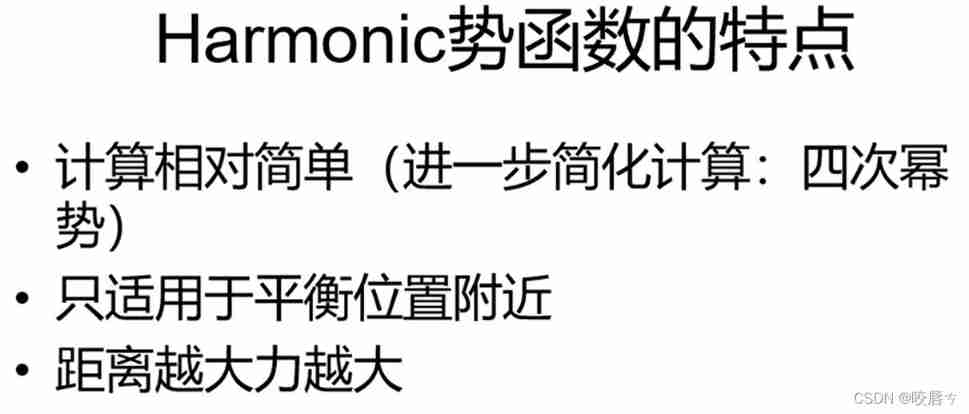
Molecular dynamics - basic characteristics of molecular force field

Free your hands and automatically brush Tiktok
![[summary] 2021unctf Campus (cry & MISC)](/img/b1/8c4fb9c6d4f1b89361c0487762cdbd.jpg)
[summary] 2021unctf Campus (cry & MISC)

The difference between strcpy and memcpy
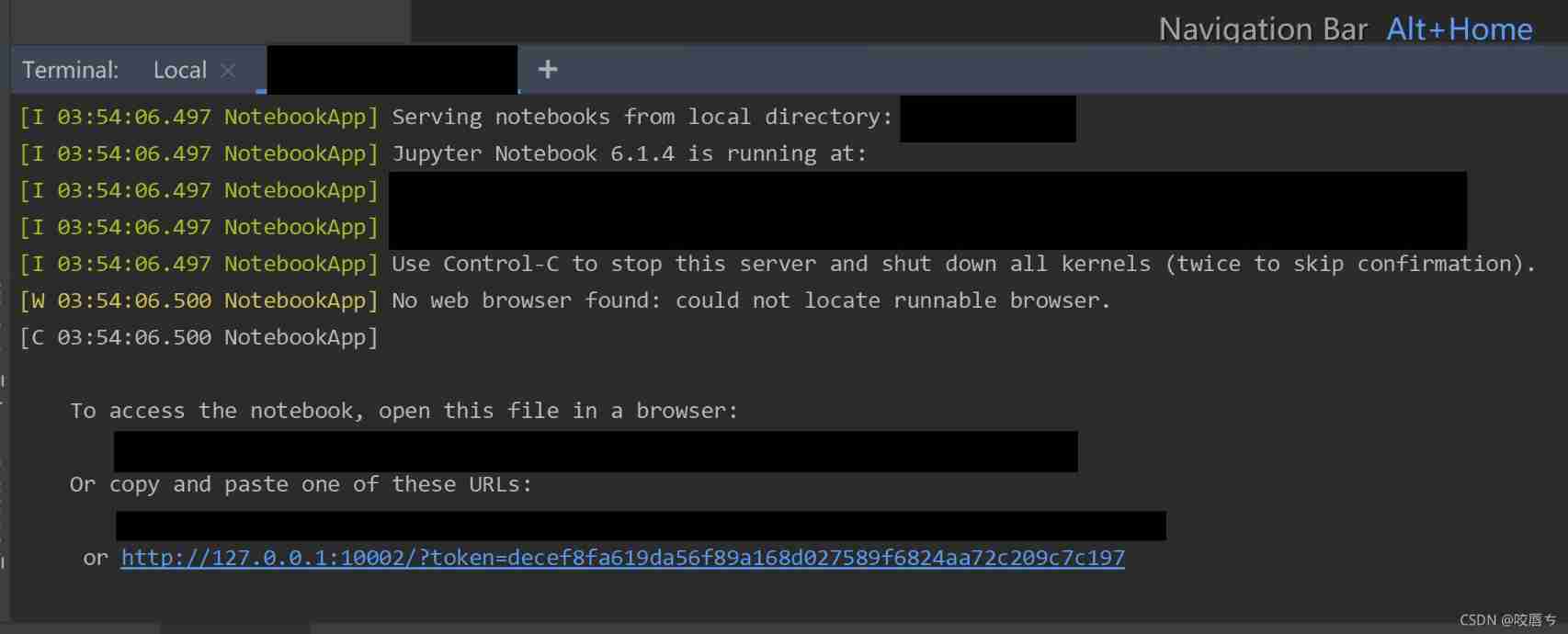
Unable to connect to the server remotely locally using the Jupiter notebook

Rounding related calculation

The SH runtime directly reported an error syntax error near unexpected token ` $'. \r‘
随机推荐
Invalid bound statement (not found): com. qf. mapper. PassengerMapper. findByPassengerId
The difference between strcpy and memcpy
Writing manuals using markdown
Xshell mouse configuration
Idea implements hot deployment
Canoe learning notes (3)
Insert and update each database
Server pressure troubleshooting top
ZABBIX foundation details
Explain memcached principle in detail
C language soul torture: do you know the difference between the two?
Robotframework rewrite framework add case control
How testers write functional test cases
Beginner to embedded development
Working principle and experimental analysis of DHCP
Shell syntax
The user name and password will be automatically filled in when adding a form
Nmap is simple and practical
CANoe. Diva operation guide - establishment of operation environment
Type conversion basis