当前位置:网站首页>Use of room database in kotlin
Use of room database in kotlin
2022-07-26 08:21:00 【Stubborn gawa】
android kotlin use room Realize database login verification and registration interface
- room Configuration of database
- 1room Preparation before using the database
- 1 stay App Under the build.gradle.kt Add room Database dependency
- 2 Prepare entity classes for storing data in the database , If the table name is not specified , The default is the name of the entity class
- 3 Prepare to interact with the database dao Interface
- 4 Database creation , And when modifying and adding tables later , Update the database as follows
- 2room Use of database
room Configuration of database
1room Preparation before using the database
1 stay App Under the build.gradle.kt Add room Database dependency
 //room Database dependency
    implementation ("androidx.room:room-runtime:2.3.0")
    annotationProcessor ("androidx.room:room-compiler:2.3.0")
    implementation ("androidx.room:room-ktx:2.3.0")
    kapt ("androidx.room:room-compiler:2.3.0")

    // The dependence of synergy
    implementation ("org.jetbrains.kotlinx:kotlinx-coroutines-android:1.1.1")

    // introduce lifecycle Dependence
    implementation("androidx.lifecycle:lifecycle-runtime-ktx:2.3.1")
2 Prepare entity classes for storing data in the database , If the table name is not specified , The default is the name of the entity class
import androidx.room.Entity
import androidx.room.PrimaryKey

@Entity
class User(var username: String, var password: String) {

        @PrimaryKey(autoGenerate = true)
        var id: Long = 0

        override fun toString(): String {

                return "id by :${id} The user is called :$username: The password for $password"
        }
}
3 Prepare to interact with the database dao Interface
import androidx.room.*
import com.hikvision.mykotlintest.database.entity.User

@Dao
interface UserDao {

        @Insert
        fun insertUser(user: User):Long

        @Update
        fun updateUser(user:User):Int

        @Query("select * from User")
        fun queryAllUser():List<User>

        @Delete()
        fun deleteUser(user: User):Int

        @Query("delete from User where username=:name")
        fun deleteByName(name:String):Int

        @Query("select id,username,password from User where username=:name")
        fun queryUserByName(name:String):User

        // To verify whether the password is correct, you need to make a query according to the password and user name
        @Query("select id,username,password from User where username=:name and password=:password")
        fun queryUserByName(name:String,password:String):User

}
4 Database creation , And when modifying and adding tables later , Update the database as follows
import android.content.Context
import androidx.room.Database
import androidx.room.Room
import androidx.room.RoomDatabase
import androidx.room.migration.Migration
import androidx.sqlite.db.SupportSQLiteDatabase
import com.hikvision.mykotlintest.database.dao.FriendDao
import com.hikvision.mykotlintest.database.dao.MessageDao

import com.hikvision.mykotlintest.database.dao.UserDao
import com.hikvision.mykotlintest.database.entity.Address
import com.hikvision.mykotlintest.database.entity.Friend
import com.hikvision.mykotlintest.database.entity.User
import com.hikvision.mykotlintest.entity.Messages

@Database(version = 4, entities = [User::class,Friend::class,Messages::class], exportSchema = false)
abstract class AppDatabase : RoomDatabase() {

        abstract fun userDao(): UserDao

        //abstract fun addressDao(): AddressDao

        abstract fun friendDao():FriendDao

        abstract fun messageDao():MessageDao

        companion object {

                private var instance: AppDatabase? = null

                // When adding a new table, you only need to add Migrate rewrite , Then rewrite the method ,migrate,
              /* private var Migrate_1_2=object : Migration(1,2){ override fun migrate(database: SupportSQLiteDatabase) { database.execSQL("create table Address (id integer primary key autoincrement not null, name text not null, image text not null)" ) } }*/
                // Add a new one friend surface , Used in address Interface Click friendList when , Show friend What is the specific information of
               private var Migrate_2_3=object : Migration(2,3){

                        override fun migrate(database: SupportSQLiteDatabase) {

                                database.execSQL("create table Friend(id integer primary key autoincrement not null, name text not null,gender integer not null,nickname text not null," +
                                                "wechatNum text not null,address text not null,avatar integer not null)" )
                        }

                }

                // Added a message table . It stores messages with everyone , Distinguish according to the user's name and category , If it is 0. Description is the message sent , If it is 1, Is the received message
               private var Migrate_3_4=object : Migration(3,4){

                        override fun migrate(database: SupportSQLiteDatabase) {

                                database.execSQL("create table Messages(id integer primary key autoincrement not null, name text not null,message text not null,type integer not null)" )
                        }

                }

                //kotlin Normal double check lock writing method
                fun getDatabaseSingleton2(context: Context): AppDatabase =
                        instance ?: synchronized(AppDatabase::class.java) {

                                instance ?: Room.databaseBuilder(
                                        context.applicationContext,
                                        AppDatabase::class.java,
                                        "app__lang_database"
                                ).addMigrations( Migrate_2_3, Migrate_3_4).allowMainThreadQueries().build().also {

                                        instance = it
                                }
                        }


                // Return a database instance , The single interest model , If you haven't created , Just create a new one named app_lang_database The database of
                @Synchronized
                fun getDatabase(context: Context): AppDatabase {

                        instance?.let {

                                return it
                        }
                        return Room.databaseBuilder(
                                context.applicationContext,
                                AppDatabase::class.java,
                                "app__lang_database"
                        ).allowMainThreadQueries()
                                .build().apply {

                                        instance = this
                                }
                }

                // Write a double check simple interest model
                fun getDatabaseSingleton(context: Context): AppDatabase {

                        if (instance == null) {

                                synchronized(AppDatabase::class.java) {

                                        if (instance == null) {

                                                instance = Room.databaseBuilder(
                                                        context.applicationContext,
                                                        AppDatabase::class.java,
                                                        "app__lang_database"
                                                ).allowMainThreadQueries().build()
                                                        .apply {
     instance = this }
                                        }
                                }
                        }
                        return instance!!
                }
        }
}
2room Use of database
1 Install the plug-in to check whether the database is successfully created Database Navigator
Database Navigator After adding the plug-in successfully ,DBManager It will appear in Android Studio Top left corner of
2 Introduce the use of database into logic code
1 Login interface layout
import android.content.Intent
import androidx.appcompat.app.AppCompatActivity
import android.os.Bundle
import android.text.method.HideReturnsTransformationMethod
import android.text.method.PasswordTransformationMethod
import android.view.MotionEvent
import android.view.View
import android.widget.Button
import android.widget.EditText
import android.widget.ImageView

import android.widget.TextView
import androidx.annotation.CallSuper
import com.hikvision.mykotlintest.database.dao.UserDao
import com.hikvision.mykotlintest.database.database.AppDatabase
import com.hikvision.mykotlintest.recycle.NewsMainActivity
import com.hikvision.mykotlintest.util.KeyboardSetting
import com.hikvision.mykotlintest.util.KeyboardUtils


class MainActivity : AppCompatActivity() {

        var count = 0;
        var showPassword = false
        //private lateinit var password:EditText
        lateinit var name:EditText

        lateinit var btnGoToRegister:Button
        // Create dao Interface
        private lateinit var userDao:UserDao

        override fun onCreate(savedInstanceState: Bundle?) {

                super.onCreate(savedInstanceState)
                setContentView(R.layout.activity_main)
                name =findViewById<EditText>(R.id.textOfName)
                name.setText(intent?.getStringExtra("username"))
                // Instantiation dao Interface
                userDao=AppDatabase.getDatabaseSingleton2(this).userDao()
                // Here you need to recover the user name
                btnGoToRegister=findViewById(R.id.goToRegister)
                btnGoToRegister.setOnClickListener {

                        startActivityForResult(Intent(this,RegisterActivity::class.java),1)
                }

        }
        // Bind the listening event for the current confirm login button
        fun sureBtn1(view: View) {

                var name =findViewById<TextView>(R.id.textOfName)
                var password = findViewById<EditText>(R.id.textOfPassWord)
                var message = findViewById<TextView>(R.id.mess)
                var forgetPW=findViewById<TextView>(R.id.forgetPW)
                /* *  Resources that require change , I hope to change from a locked state to an unlocked state , Then you can click the eye button at the back , Make the password display  * */
                var lockOpen = getDrawable(R.drawable.ic_baseline_lock_open_24)

                var text = name.text.toString()
                var text1 =password.text.toString()
                // Find out whether the current user exists from the database , Determine whether the user name and password are correct
                if (userDao.queryUserByName(text,text1)!=null) {


                        var intent = Intent(this@MainActivity, ThanksActivity::class.java)
                        intent.putExtra("name", text)
                        // Pass parameters to another interface
                        startActivity(intent)

                } else {

                        count++
                        if (count < 10) {

                                message.setText(" Wrong password or user name , Do you have ${10 - count} Second chance ")
                                password.setText("")
                                forgetPW.setText(" Forget the password ? Click to retrieve ")
                        } else {

                                message.setText(" Locked , Please be there. 10 Try again in minutes ")
                        }
                }
        }

}
Once you execute this activity, The database will be created , At this point, the database will be created successfully , The table will also automatically create a table according to the field attributes of the entity class , Then according to the installed plug-ins DB Browser, You can check the information in the table you created .
边栏推荐
- Burp suite Chapter 9 how to use burp repeater
- Oracle 常用函数
- If the thread crashes, why doesn't it cause the JVM to crash? What about the main thread?
- Exam summary on July 13, 2022
- Pycharm code specification tool flake8
- Brief introduction to XML
- Template summary
- 一键部署LAMP和LNMP架构
- Zroi easy sum (generating function, block, DP, combination, polynomial)
- Condition judgment function of MySQL function summary
猜你喜欢

Burp Suite - Chapter 2 burp suite proxy and browser settings
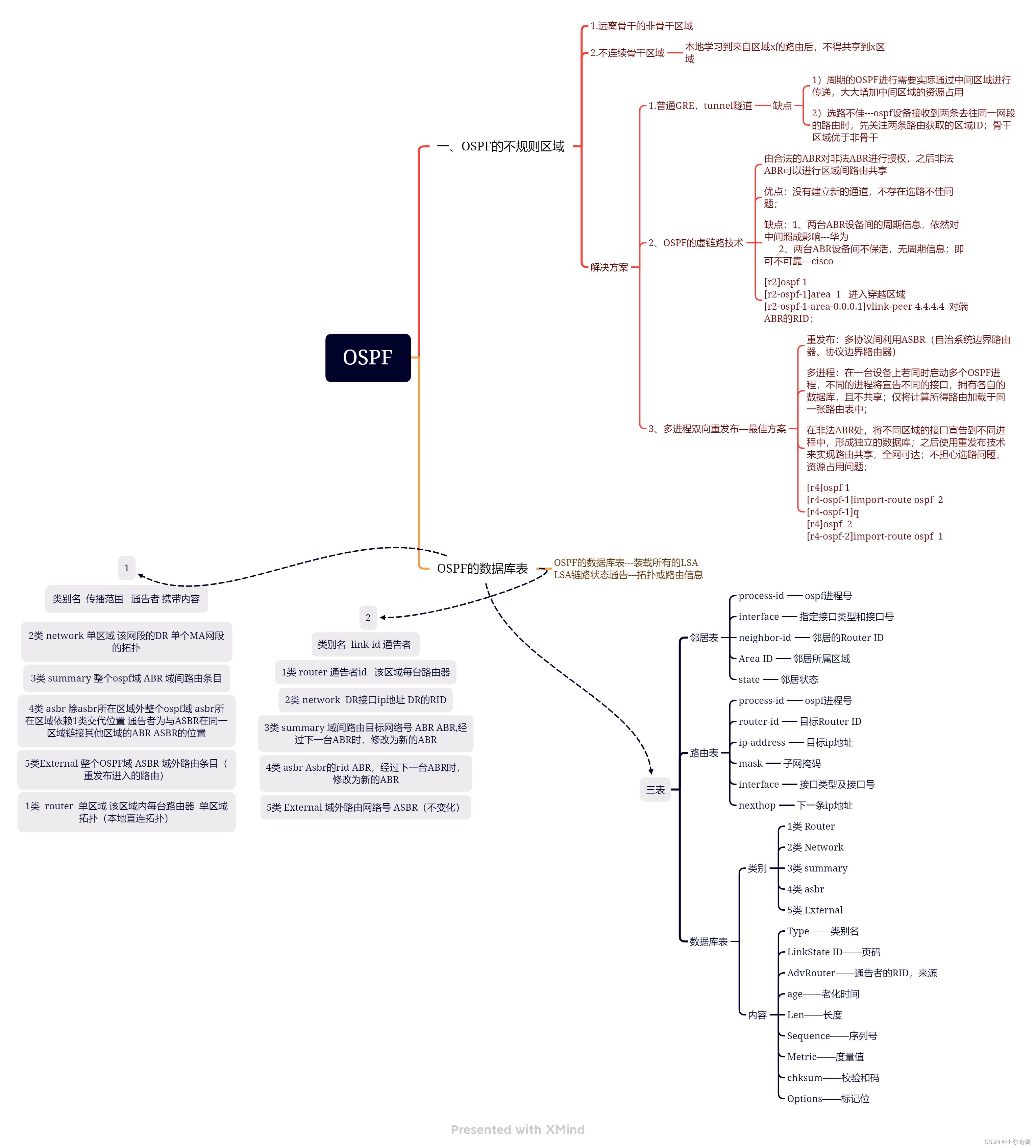
OSPF summary

SPSS用KMeans、两阶段聚类、RFM模型在P2P网络金融研究借款人、出款人行为规律数据
Burp Suite-第二章 Burp Suite代理和浏览器设置

Burp suite Chapter 4 advanced options for SSL and proxy

Basic configuration of BGP

Spotty music data client_ ID account

The most complete network: detailed explanation of six constraints of MySQL

小组成员参加2022中国多媒体大会

File parsing (JSON parsing)
随机推荐
线程崩了,为什么不会导致 JVM 崩溃呢?如果是主线程呢?
Burp Suite-第七章 如何使用Burp Scanner
Beauty naked chat for a while, naked chat over the crematorium!
宇宙第一 IDE 霸主,换人了。。。
mysql函数汇总之日期和时间函数
Burp Suite-第三章 如何使用Burp Suite代理
Zroi easy sum (generating function, block, DP, combination, polynomial)
Burp Suite-第五章 如何使用Burp Target
Basic music theory rhythm connection problem, very important
Guitar staff link Jasmine
SPSS uses kmeans, two-stage clustering and RFM model to study the behavior law data of borrowers and lenders in P2P network finance
ORACLE 官方文档
Matplotlib learning notes
Day 3 homework
【时间复杂度空间复杂度】
Condition judgment function of MySQL function summary
Prefix infix suffix expression (written conversion)
Burp Suite-第八章 如何使用Burp Intruder
监控用户积分变化的两种方式
Sed job