当前位置:网站首页>【小程序项目开发 -- 京东商城】uni-app 商品分类页面(上)
【小程序项目开发 -- 京东商城】uni-app 商品分类页面(上)
2022-07-28 22:21:00 【geejkse_seff】

???欢迎来到???
??魔术之家!!??该文章收录专栏
? 2022微信小程序京东商城实战 ?专栏内容
? 京东商城uni-app项目搭建 ?
? 京东商城uni-app 配置tabBar & 窗口样式 ?
? 京东商城uni-app开发之分包配置 ?
? 京东商城uni-app开发之轮播图 ?
? 京东商城uni-app之分类导航区域 ?
? 京东商城uni-app 首页楼层商品 ?
? 京东商城uni-app 商品分类页面(上) ?
? 京东商城uni-app 商品分类页面(下) ?
? 京东商城uni-app之自定义搜索组件(上) ?
? 京东商城uni-app之自定义搜索组件(中) ?
文章目录
一、新建cate分支(选读*)
之所以为了创建分支,也是养成良好的项目开发习惯,这样在开放项目井井有条
也可以跳过本节内容,不影响阅读观感??
在根目录下,右键打开
bash
基于 master 分支在本地创建 cate 子分支,用来开发和 cate 相关的功能:
创建新分支cate且跳转到该分支
git checkout -b cate
查看分支(前面有*代表着当前分支)
git branch

二、添加编译模式
由于我们要开发的是cate 页面,所以我们将小程序编译模式修改启动页面 在cate,这样就不用每次都需要点击跳转了
三、渲染页面基本结构
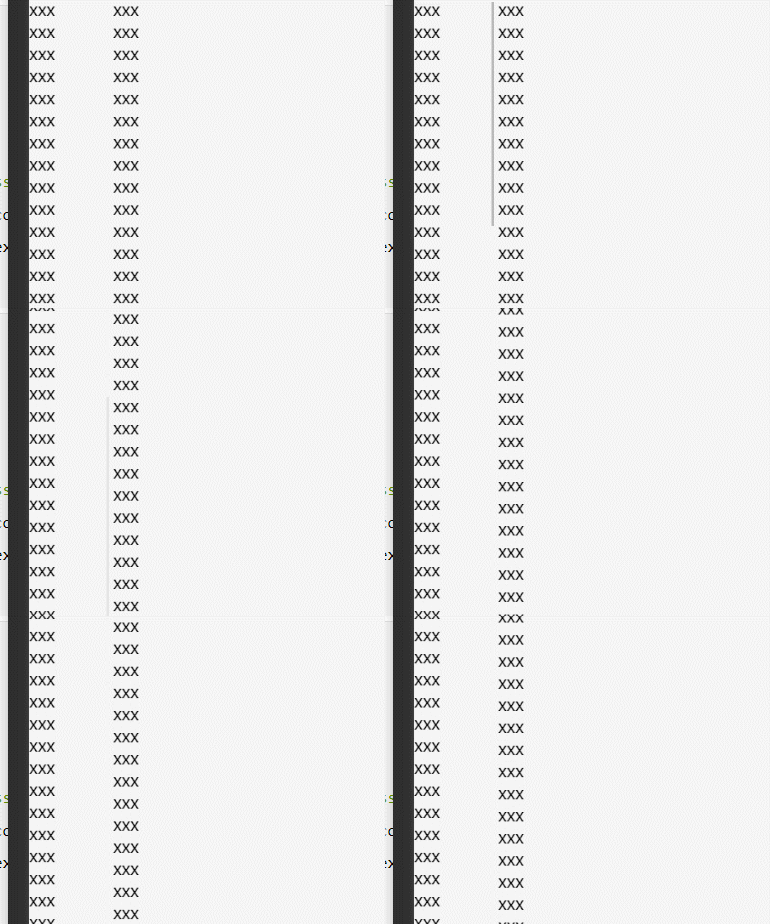
生成基本的滑动页面结构
xxx xxx xxx xxx xxx xxx xxx xxx xxx xxx xxx xxx xxx xxx xxx xxx xxx xxx xxx xxx xxx xxx xxx xxx xxx xxx xxx xxx xxx xxx xxx xxx xxx xxx xxx xxx xxx xxx xxx xxx
效果:
三、API获取手机型号等数据
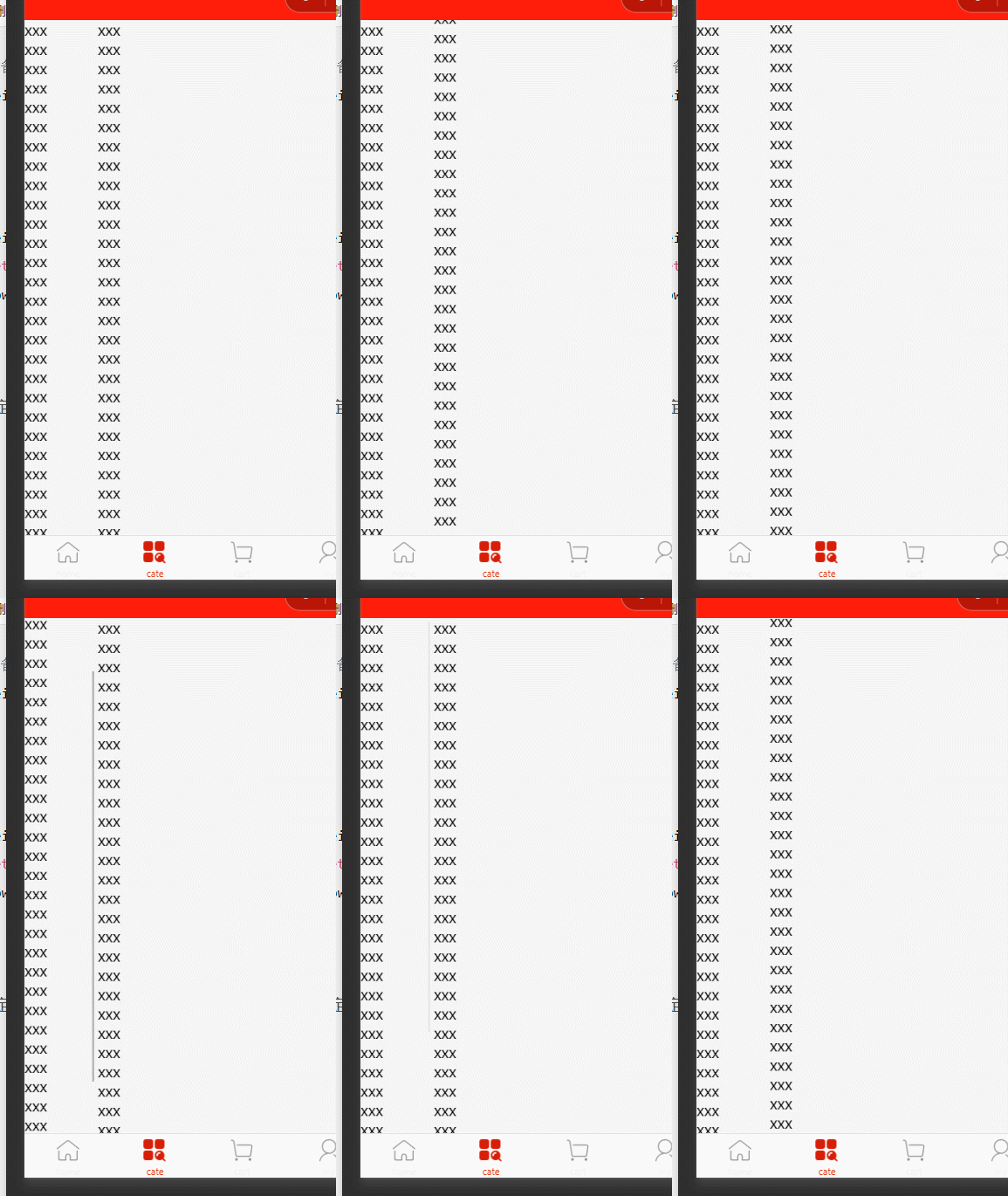
- 我们需要将整个scroll-view 的高度和手机屏幕高度一样,我们可以调用API
uni.getSystemSync(),得到该手机设备的信息(如手机型号,可用高度)
注意:是可使用的窗口高度,而不是屏幕高度(不包括navigationbar和tarbar)
在onLoad()生命周期函数调用API ,并在data节点定义数据,将可用窗口高度对其赋值给windowHeight
<script>
  export default {
    data() {
      return {
        //当前设备可用高度
        windowHeight: ''
      };
    },
    onLoad() {
      const {
        windowHeight: infoSys
      } = uni.getSystemInfoSync()
      this.windowHeight = infoSys
    }
  }
标签样式动态绑定
:style="{height: windowHeight + 'px'}"
效果:
四、美化item项
- 方法一(不建议):
为每一个item项加上类选择器
鼠标选择标签,CTRL + D选择全部(新版本是CTRL + E),如

在对该类选择器 修改样式
- 方法二(建议)
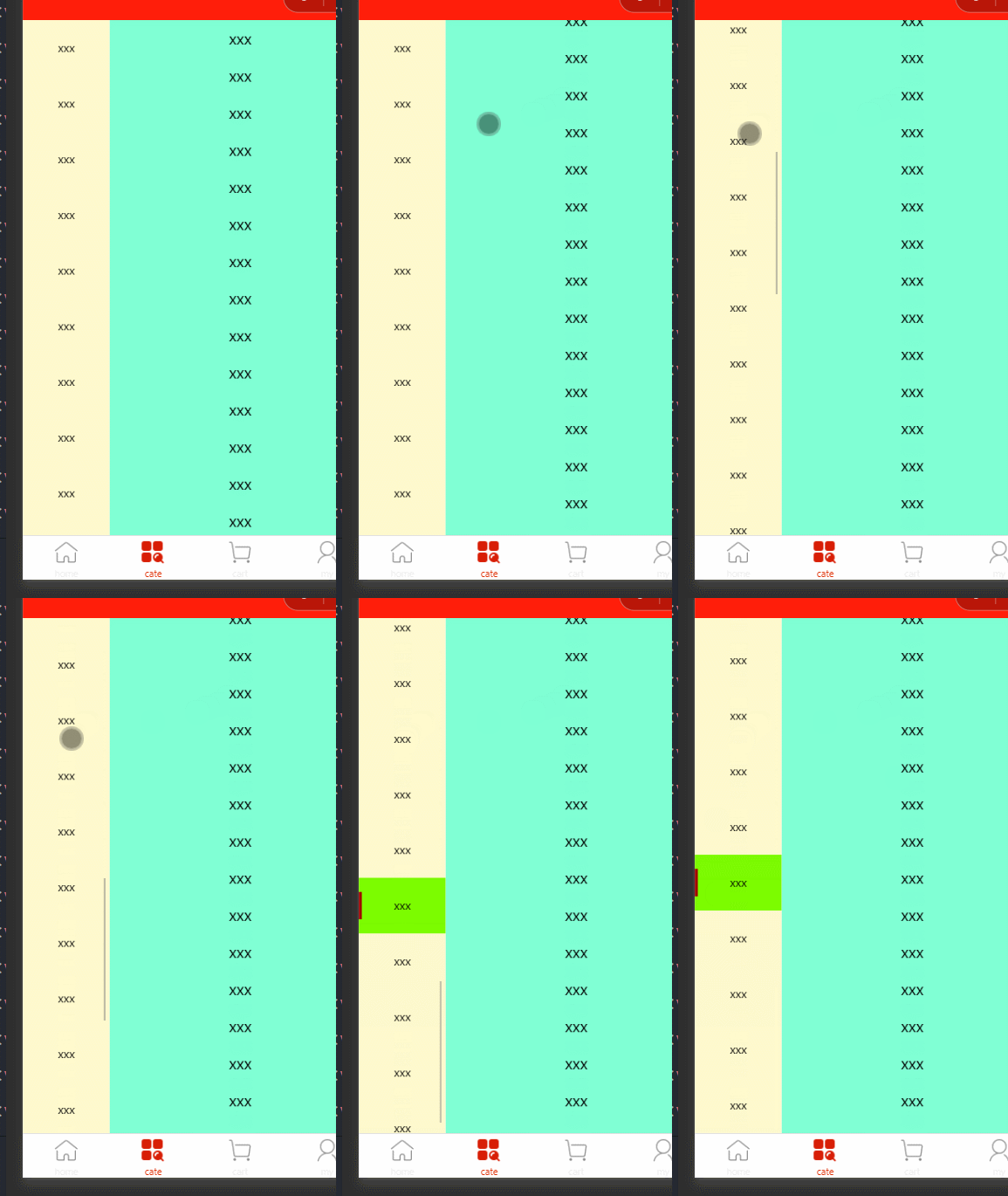
使用后代选择器,在.scroll-view-right view{}修改样式
添加激活项样式&.active(用于配置选中时的样式)
样式
 .scroll-view-left view {
  text-align: center;
  line-height: 120rpx;
  background-color: lemonchiffon;
  font-size: 12px;
  // 激活项样式 后代选择器覆盖类选择器
  // &选择器覆盖 所在选择器
  &.active {
    background-color: lawngreen;
    // 相对定位 不改变文档布局移动
    position: relative;
    // 设置第一个元素
    &::before {
      // 内容为 一个空格
      content: ' ';
      //  块级元素
      display: block;
      background-color: #a00000;
      height: 60rpx;
      width: 6rpx;
      // 绝对定位 移出正常文档流
      position: absolute;
      // 最左侧
      top: 25%;
      left: 0;
    }
  }
 }
  .scroll-view-right view{
    text-align: center;
    line-height: 80rpx;
    background-color: aquamarine;
  }
激活项
<view class="active">xxx</view>
效果:
五、获取分类页面数据
data定义数据
获取成功
5.1 接口数据样式
{
    "message": [
        {
            "cat_id": 1,
            "cat_name": "大家电",
            "cat_pid": 0,
            "cat_level": 0,
            "cat_deleted": false,
            "cat_icon": "",
            "children": [
                {
                    "cat_id": 3,
                    "cat_name": "电视",
                    "cat_pid": 1,
                    "cat_level": 1,
                    "cat_deleted": false,
                    "cat_icon": "",
                    "children": [
                    {
                        "cat_id": 5,
                        "cat_name": "曲面电视",
                        "cat_pid": 3,
                        "cat_level": 2,
                        "cat_deleted": false,
                        "cat_icon": "full/2fb113b32f7a2b161f5ee4096c319afedc3fd5a1.jpg"
                    }]
                }
            ]
        }
    ],
    "meta": {
        "msg": "获取成功",
        "status": 200
    }
}
六、动态渲染一级分类页面结构
激活项active实现思路:
在data节点定义数据
active,对分类动态循环生成的索引与之比较,相同则在对应索引加上类active,并对分类点击帮绑定事件处理函数并对其传索引参数,动态修改active,如下
方法一:
{ {item.cat_name}}
组件传参</scroll-view> <!-- 右侧container --> <scroll-view scroll-y="true" class="scroll-view-right" :style="{height: windowHeight + 'px'}"> <view>xxx</view> </scroll-view> </view>//函数
// 触击事件绑定
activeTap(options){
this.active = options.target.dataset.active
},方法二:
注意:绑定函数直接传参,这在原生小程序是不允许的,原生小程序中会把整体当成函数</scroll-view> <!-- 右侧container --> <scroll-view scroll-y="true" class="scroll-view-right" :style="{height: windowHeight + 'px'}"> <view>xxx</view> </scroll-view> </view> </view>// 函数
// 触击事件绑定
activeTap(options){
// this.active = options.target.dataset.active
this.active = options
},
效果: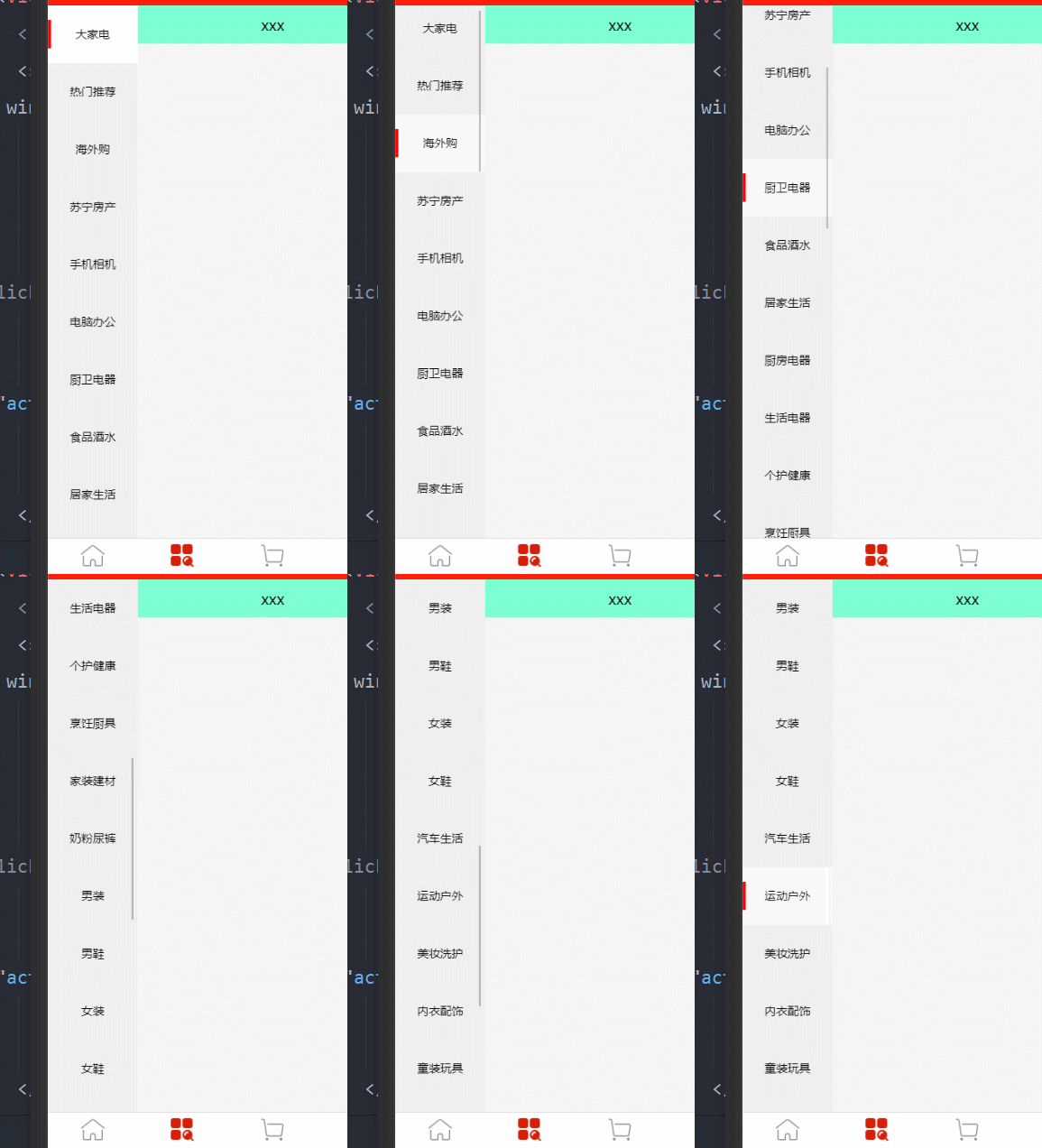
?谢谢你的阅读,您的点赞和收藏就是我创造的最大动力!?
边栏推荐
- With the help of rpa+lcap, the enterprise treasurer management can be upgraded digitally
- Those "experiences and traps" in the data center
- Oracle create tablespaces and users
- Real time data warehouse: meituan reviews Flink's real-time data warehouse application sharing
- What do you need to bring with you for the NPDP exam? Stationery carrying instructions
- Laptop external display
- 【C】喝汽水,找单身狗问题
- 【MySQL 8】Generated Invisible Primary Keys(GIPK)
- PHP poster QR code synthesis
- Pycharm new project
猜你喜欢

After SAP Oracle replicates a new instance, the remote connection of the database reports an error ora-01031

JS advanced ES6 ~ es13 new features

GhostNets on Heterogeneous Devices via Cheap Operations

【C】 Replace spaces and realize binary parity bit exchange of integers by macros

Worthington - chemical properties and related studies of Worthington trypsin

以JSP为视图解析器搭建SSM项目

VirtualLab基础实验教程-8.傅里叶变换(1)

Leetcode63. Different paths II

curl (7) Failed connect to localhost8080; Connection refused

PowerCLi 批量添加esxi到vCenter
随机推荐
C language n*n matrix evaluation and inverse matrix [easy to understand]
实时数仓:滴滴的实时数仓落地实践
Multi sensor fusion positioning (I) -- 3D laser odometer
Doip test development practice
研发效能的道法术器
【TA-霜狼_may-《百人计划》】美术2.2 模型基础
Eight performance analysis indicators of effective supply chain management (Part 1)
@Transactional 注解使用详解
Leetcode64. Minimum path sum
Android studio connects to MySQL and completes simple login and registration functions
有效供应链管理的八大绩效分析指标(上)
Leetcode61. rotating linked list
Servlet运行原理_API详解_请求响应构造进阶之路(Servlet_2)
请简述list,set,map类型的集合的各自特点(简述三种不同的继承方式下)
Do you know any formal part-time platforms?
Jincang database kingbasees client programming interface guide ODBC (2. Overview)
1-8 props的基础使用
Review of categories 1-4
数据中台的那些“经验与陷阱”
SQL left connection, internal connection writing method "recommended collection"