当前位置:网站首页>3h精通OpenCV(六)-图像堆叠
3h精通OpenCV(六)-图像堆叠
2022-06-29 17:46:00 【华为云】
| 0、准备工作 |
|---|
右击新建的项目,选择Python File,新建一个Python文件,然后在开头import cv2导入cv2库,import numpy并且重命名为np。
import cv2import numpy as np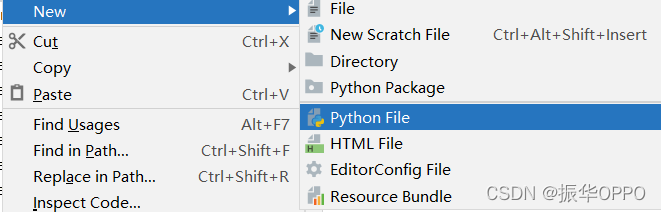
我们还要知道在OpenCV中,坐标轴的方向是x轴向右,y轴向下,坐标原点在左上角,比如下面这张长为640像素,宽为480像素的图片。OK,下面开始本节的学习吧。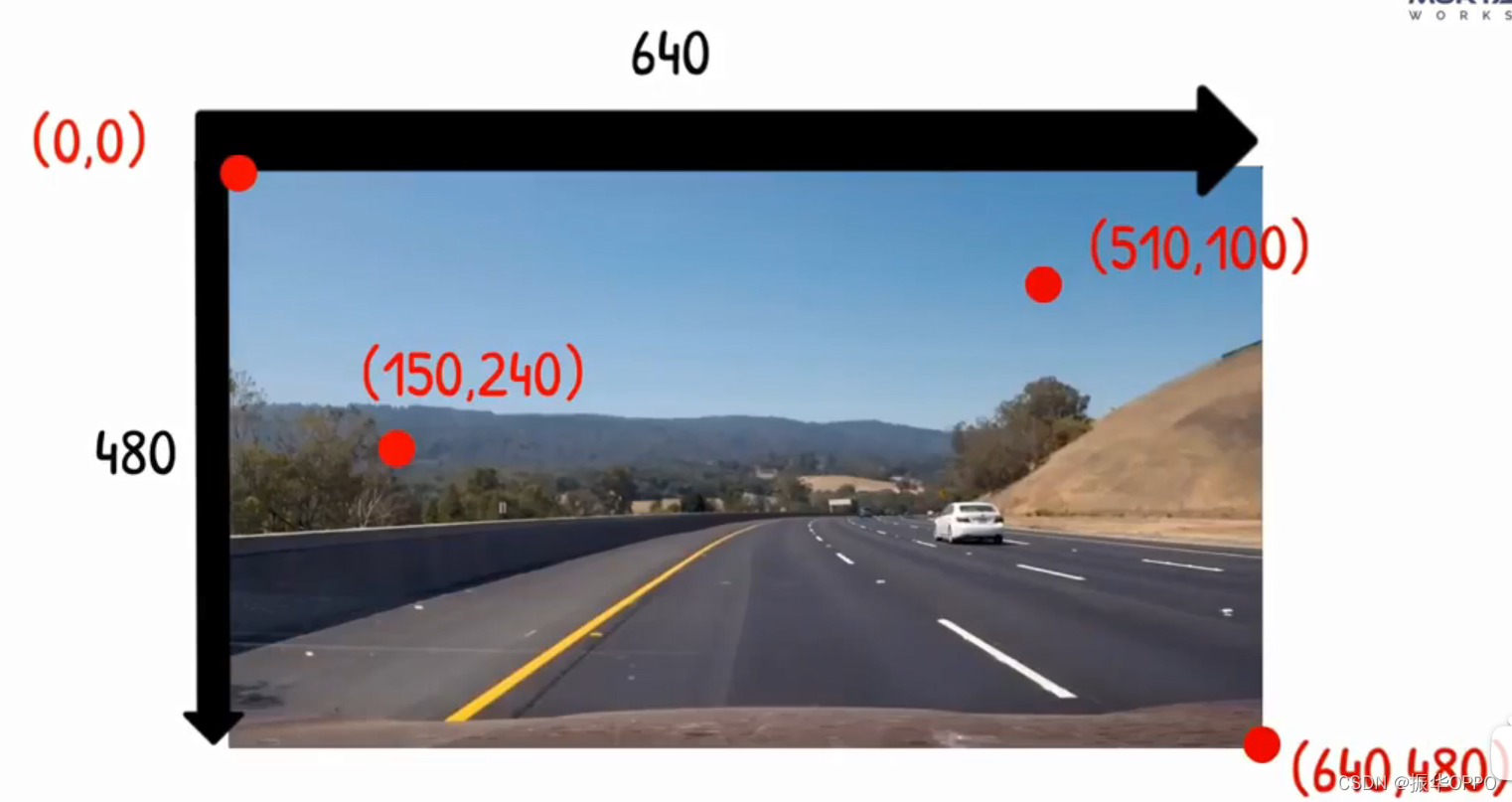
| 1、水平堆叠 |
|---|
调用np的hstack()水平堆栈方法,参数是我们要堆叠的图像,参数个数是我们要堆叠的数量。
img=cv2.imread("Resources/lena.png")imgHor=np.hstack((img,img))cv2.imshow("Horizontal",imgHor)cv2.waitKey(0)运行看下效果,因为我们输入的参数是(img,img),所以是水平拼接两张原图。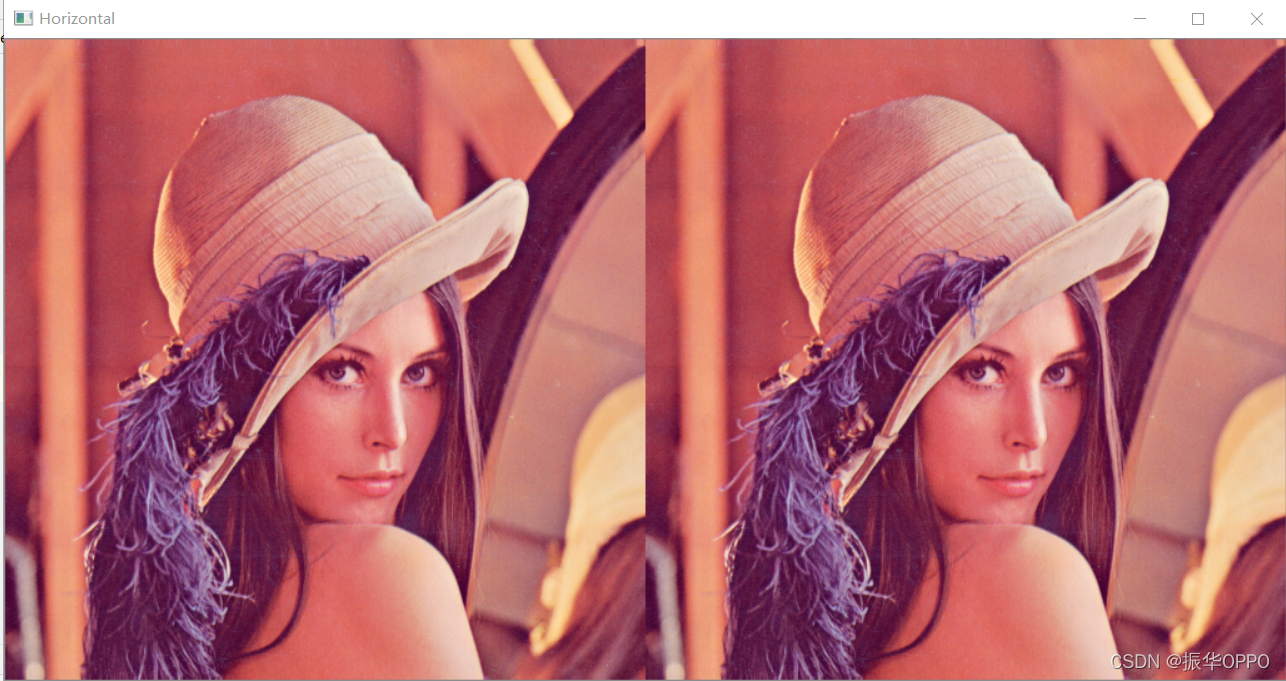
我们改成水平三张的:imgHor=np.hstack((img,img,img))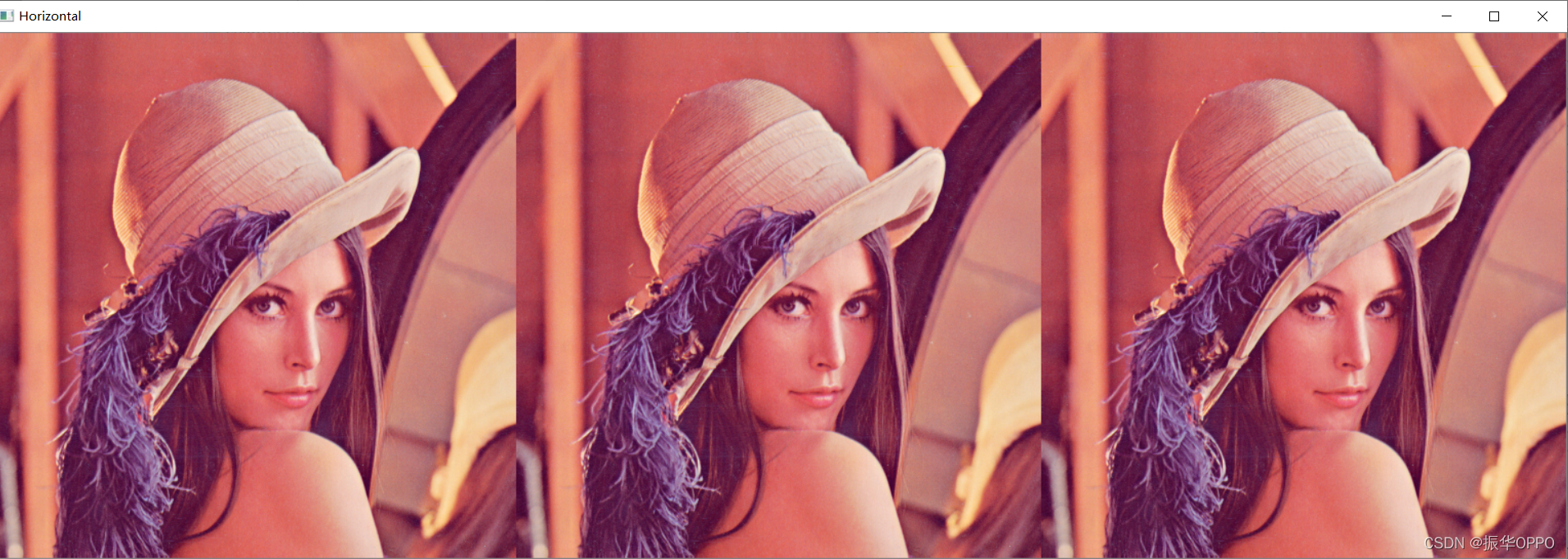
| 2、垂直堆叠 |
|---|
调用np的vstack()垂直堆栈方法,参数是我们要堆叠的图像,参数个数是我们要堆叠的数量。
img=cv2.imread("Resources/lena.png")imgVer=np.vstack((img,img))cv2.imshow("Vertical",imgVer)cv2.waitKey(0)运行看下效果,因为我们输入的参数是(img,img),所以是垂直拼接两张原图。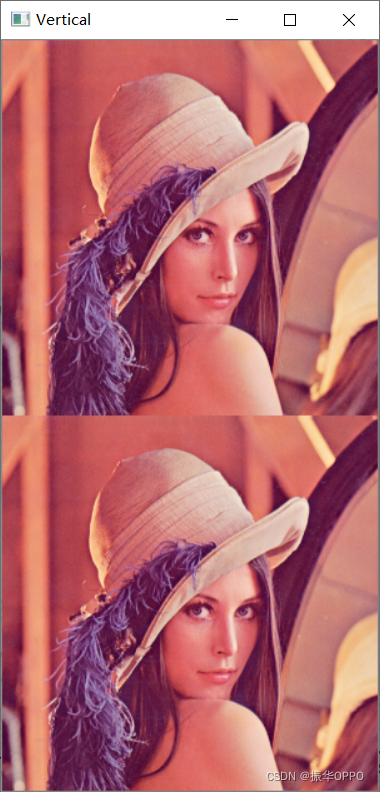
同理,我们可以改成垂直三张的:imgVer=np.vstack((img,img,img))
| 3、图像栈堆叠 |
|---|
如果单纯地使用numpy的函数进行堆叠,对不同大小和不同通道的图像是无法进行堆叠的,所以我们需要自己实现一个堆叠方法,下面就是模板,可以实现我们想要的效果,我们不需要去理解这段代码,因为理解了也不能获得任何有用信息,知道怎么用就可以了。
def stackImages(scale,imgArray): rows = len(imgArray) cols = len(imgArray[0]) rowsAvailable = isinstance(imgArray[0], list) width = imgArray[0][0].shape[1] height = imgArray[0][0].shape[0] if rowsAvailable: for x in range ( 0, rows): for y in range(0, cols): if imgArray[x][y].shape[:2] == imgArray[0][0].shape [:2]: imgArray[x][y] = cv2.resize(imgArray[x][y], (0, 0), None, scale, scale) else: imgArray[x][y] = cv2.resize(imgArray[x][y], (imgArray[0][0].shape[1], imgArray[0][0].shape[0]), None, scale, scale) if len(imgArray[x][y].shape) == 2: imgArray[x][y]= cv2.cvtColor( imgArray[x][y], cv2.COLOR_GRAY2BGR) imageBlank = np.zeros((height, width, 3), np.uint8) hor = [imageBlank]*rows hor_con = [imageBlank]*rows for x in range(0, rows): hor[x] = np.hstack(imgArray[x]) ver = np.vstack(hor) else: for x in range(0, rows): if imgArray[x].shape[:2] == imgArray[0].shape[:2]: imgArray[x] = cv2.resize(imgArray[x], (0, 0), None, scale, scale) else: imgArray[x] = cv2.resize(imgArray[x], (imgArray[0].shape[1], imgArray[0].shape[0]), None,scale, scale) if len(imgArray[x].shape) == 2: imgArray[x] = cv2.cvtColor(imgArray[x], cv2.COLOR_GRAY2BGR) hor= np.hstack(imgArray) ver = hor return ver水平与垂直堆栈
- 该方法一共两个参数,第一个是原图像的缩放比例,0.5就是缩小1倍,2就放大1倍,很容易理解;
- 第二个参数是图像堆栈的矩阵,可以写入任意行和任意列,其中列数一定要相同,不然无法构成矩阵。
- 下面的代码中,我们就是构建了2行一维矩阵,每行是三张图像。
img=cv2.imread("Resources/lena.png")imgStcak=stackImages(0.5,([img,img,img],[img,img,img]))cv2.imshow("ImgStack",imgStcak)cv2.waitKey(0)我们运行看下效果: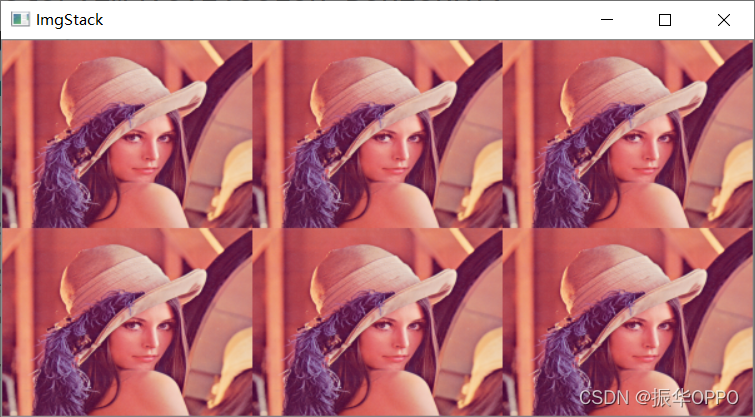
既然说道该方法可以组合不同通道的图像,也就是说可以将灰度图像和彩色图像堆叠在一起。那么我们就来试一下:
img=cv2.imread("Resources/lena.png")imgGray=cv2.cvtColor(img,cv2.COLOR_BGR2GRAY)imgStcak=stackImages(0.5,([img,imgGray,img],[img,img,img]))cv2.imshow("ImgStack",imgStcak)cv2.waitKey(0)cv2.cvtColor(img,cv2.COLOR_BGR2GRAY)是将原彩色图像转为灰度图像,从3通道变为1通道。然后我们在参数矩阵中换掉其中一个img。来运行看下效果: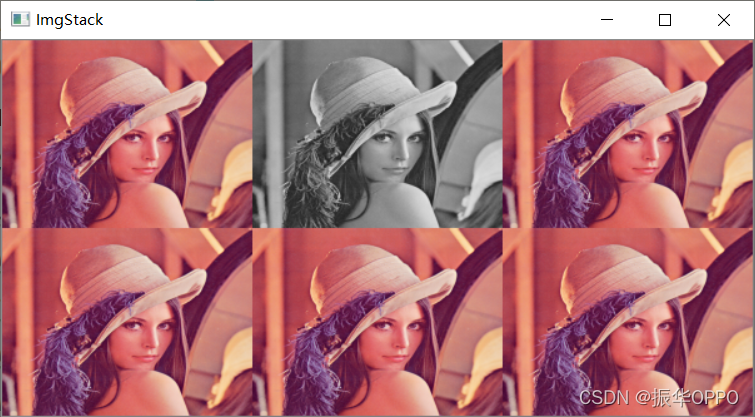
第六节的内容,很简单也很有趣,在生活中有很多应用。眼过千遍不如手过一遍,快去动手敲一遍吧~
边栏推荐
- Distributed | several steps of rapid read / write separation
- 使用autoIt 上传文件
- What is the MySQL query view command
- mongoTemplate - distinct 使用
- ISO 32000-2 international standard 7.7
- How to solve the 2003 error of MySQL in Linux
- 与爱同行,育润走进贫困家庭,助推公益事业
- R语言使用MASS包的glm.nb函数建立负二项广义线性模型(negative binomial)、summary函数获取负二项广义线性模型模型汇总统计信息
- R语言将距离矩阵输入给hclust函数进行层次聚类分析,method参数指定两个组合数据点间的距离计算方式、plot函数可视化层次聚类的树状图(dendrogram)
- Cross border independent station language Unicode to Hebrew
猜你喜欢

mysql在linux中2003错误如何解决

mysql. What is the concept of sock

How to solve MySQL 1045 error in Linux

ISO 32000-2 国际标准7.7

迈动互联中标大家保险集团

Automatic vending machine

Force deduction daily question 06.29 add two numbers

VB. Net read / write NFC ntag tag source code

阿里云不同账号新旧服务器镜像迁移数据迁移同步

Opencv+yolo-v3 for target tracking
随机推荐
Mac installation php7.2
The R language uses the KAP function (kap.2.raters function) of epidisplay package to calculate the value of kappa statistics (total consistency, expected consistency), analyze the consistency of the
Custom handlerinterceptor interceptor for user authentication
[try to hack] cookies and sessions
底层内功修养
Self taught structure (small turtle C language)
Test dble split function execution + import time-consuming shell script reference
Timer interrupt experiment based on stm32f103zet6 library function
mysql.sock的概念是什么
[the sixth operation of modern signal processing]
R语言ggplot2可视化:使用patchwork包(直接使用加号+)将一个ggplot2可视化结果和一个plot函数可视化结果横向组合起来形成最终结果图
SRM供应商协同管理系统功能介绍
SSH protocol learning notes
Partial mock of static class of phpunit operation
自定義HandlerInterceptor攔截器實現用戶鑒權
phpunit骚操作之静态类的部分mock
mysql. What is the concept of sock
What value can SRM systems bring to the enterprise?
Set double click to run the jar file
使用autoIt 上传文件