当前位置:网站首页>MySQL usage notes 1
MySQL usage notes 1
2022-06-27 21:15:00 【Ink Sky Wheel】
MySQL and postgresql It is currently the two popular open source databases , Most domestic databases are derived from this ,MySQL From the whole architecture 、 It is similar in design and grammar to the early Sybase,SQLServer Also derived from Sybase, In terms of application SQLServer More friendly , More features , The performance of a single database is also the best ;MySQL There are also many limitations , But here are just experiments and notes , Do not go into .

1、 First landing MySQL, You need to get the initial password from the log
[[email protected] local]# grep 'temporary password' /var/log/mysqld.log
2022-06-16T04:41:36.398736Z 6 [Note] [MY-010454] [Server] A temporary password is generated for [email protected]: oyazXUIps8)F
[[email protected] local]# mysql -uroot -p
Enter password:
Welcome to the MySQL monitor.  Commands end with ; or \g.
Your MySQL connection id is 10
Server version: 8.0.29

Copyright (c) 2000, 2022, Oracle and/or its affiliates.

Oracle is a registered trademark of Oracle Corporation and/or its
affiliates. Other names may be trademarks of their respective
owners.

Type 'help;' or '\h' for help. Type '\c' to clear the current input statement.
2、 The initial password needs to be updated before each operation , Then modify the password policy that meets the needs
mysql> SHOW VARIABLES LIKE 'validate_password.%';
ERROR 1820 (HY000): You must reset your password using ALTER USER statement before executing this statement.
mysql> ALTER USER 'root'@'localhost' IDENTIFIED WITH mysql_native_password BY '[email protected]';
ERROR 1819 (HY000): Your password does not satisfy the current policy requirements
mysql> ALTER USER 'root'@'localhost' IDENTIFIED WITH mysql_native_password BY '1qaz!QAZ';
Query OK, 0 rows affected (0.01 sec)

mysql> SHOW VARIABLES LIKE 'validate_password.%';
+--------------------------------------+--------+
| Variable_name                        | Value  |
+--------------------------------------+--------+
| validate_password.check_user_name    | ON     |
| validate_password.dictionary_file    |        |
| validate_password.length             | 8      |
| validate_password.mixed_case_count   | 1      |
| validate_password.number_count       | 1      |
| validate_password.policy             | MEDIUM |
| validate_password.special_char_count | 1      |
+--------------------------------------+--------+
7 rows in set (0.02 sec)

mysql> set global validate_password.length=6;
Query OK, 0 rows affected (0.00 sec)

mysql> set global validate_password.policy=0;
Query OK, 0 rows affected (0.00 sec)

mysql> set global validate_password.check_user_name=off;
Query OK, 0 rows affected (0.00 sec)

mysql> SHOW VARIABLES LIKE 'validate_password.%';
+--------------------------------------+-------+
| Variable_name                        | Value |
+--------------------------------------+-------+
| validate_password.check_user_name    | OFF   |
| validate_password.dictionary_file    |       |
| validate_password.length             | 6     |
| validate_password.mixed_case_count   | 1     |
| validate_password.number_count       | 1     |
| validate_password.policy             | LOW   |
| validate_password.special_char_count | 1     |
+--------------------------------------+-------+
7 rows in set (0.01 sec)
3、 Enter the data , Modify the user table , Ensure that external users can access MySQL
mysql> use mysql;
Reading table information for completion of table and column names
You can turn off this feature to get a quicker startup with -A

Database changed
mysql> select host,user from user where user='root';
+-----------+------+
| host      | user |
+-----------+------+
| localhost | root |
+-----------+------+
1 row in set (0.00 sec)

mysql> update user set host='%' where user='root';
Query OK, 1 row affected (0.01 sec)
Rows matched: 1  Changed: 1  Warnings: 0

mysql> select host,user from user where user='root';
+------+------+
| host | user |
+------+------+
| %    | root |
+------+------+
1 row in set (0.00 sec)
4、 to root User external user empowerment
mysql> GRANT ALL PRIVILEGES ON *.* TO 'root'@'%' WITH GRANT OPTION;
ERROR 1410 (42000): You are not allowed to create a user with GRANT
mysql> GRANT ALL PRIVILEGES ON *.* TO 'root'@'%' WITH GRANT OPTION;
Query OK, 0 rows affected (0.01 sec)

mysql> FLUSH PRIVILEGES;
Query OK, 0 rows affected (0.01 sec)

mysql>
5、 Modify the configuration file , binding IP Address , Modify firewall again , Ensure that external users can access the port
[[email protected] local]# netstat -anpt
Active Internet connections (servers and established)
Proto Recv-Q Send-Q Local Address           Foreign Address         State       PID/Program name
tcp        0      0 0.0.0.0:22              0.0.0.0:*               LISTEN      3667/sshd
tcp        0      0 127.0.0.1:25            0.0.0.0:*               LISTEN      5353/master
tcp        0     52 192.168.13.50:22        123.123.123.2:52521     ESTABLISHED 4618/sshd: [email protected]
tcp        0      0 192.168.13.50:22        192.168.13.11:63249     ESTABLISHED 4546/sshd: [email protected]
tcp        0      0 192.168.13.50:22        123.123.123.2:64545     ESTABLISHED 4569/sshd: [email protected]
tcp6       0      0 :::3306                 :::*                    LISTEN      5439/mysqld
tcp6       0      0 :::22                   :::*                    LISTEN      3667/sshd
tcp6       0      0 ::1:25                  :::*                    LISTEN      5353/master
tcp6       0      0 :::33060                :::*                    LISTEN      5439/mysqld
pid-file=/var/run/mysqld/mysqld.pid
[[email protected] local]# vi /etc/my.cnf
# For advice on how to change settings please see
# http://dev.mysql.com/doc/refman/8.0/en/server-configuration-defaults.html

[mysqld]

datadir=/var/lib/mysql
socket=/var/lib/mysql/mysql.sock

log-error=/var/log/mysqld.log
pid-file=/var/run/mysqld/mysqld.pid

bind-address=0.0.0.0
"/etc/my.cnf" 33L, 1265C written
[[email protected] local]# firewall-cmd --zone=public --add-port=3306/tcp --permanent
success
[[email protected] local]# firewall-cmd --reload
success
[[email protected] local]#
Last , Thank you for your attention , Thank you for your support !

边栏推荐
- # Leetcode 821. Minimum distance of characters (simple)
- Oracle的CTAS能不能将约束等属性带到新表?
- Navicat premium connection problem --- host 'XXXXXXXX' is not allowed to connect to this MySQL server
- GoLand永久激活
- Serveur mandataire SQUID
- What is a low code development platform? Why is it so hot now?
- 基于微信小程序的高校毕业论文管理系统#毕业设计
- CSDN 技能樹使用體驗與產品分析(1)
- Leetcode 821. Minimum distance of characters (simple) - sequel
- Shell script controls the startup and shutdown of services - with detailed cases
猜你喜欢

MYSQL 性能优化 index 函数,隐藏,前缀,hash 索引 使用方法(2)
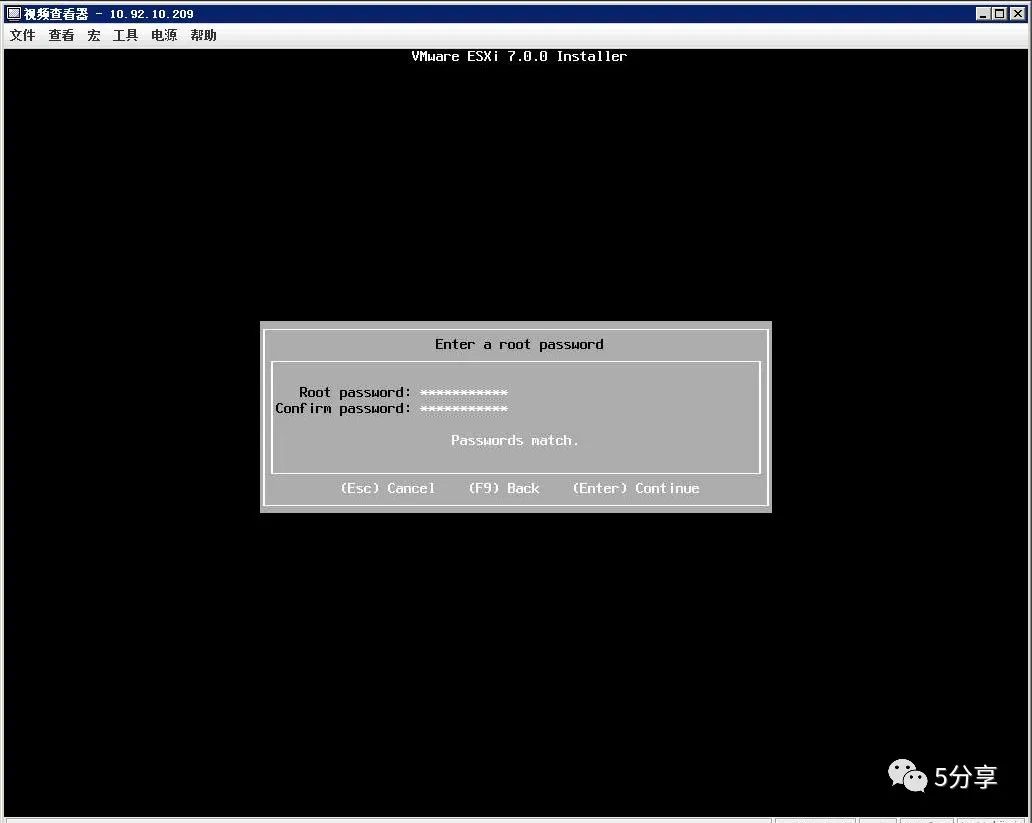
VMware vSphere ESXi 7.0安装教程

Best practice: optimizing Postgres query performance (Part 2)

划重点!国产电脑上安装字体小技巧

【STL编程】【竞赛常用】【part 1】
谈谈我写作生涯的画图技巧

Select auto increment or sequence for primary key selection?

使用storcli工具配置RAID,收藏这一篇就够了

SQL Server for循环用法

BTC and eth recapture the lost land! Leading the market recovery? Encryption will enter the "ice age"!
随机推荐
Practice of combining rook CEPH and rainbow, a cloud native storage solution
大促场景下,如何做好网关高可用防护
Univision hyperinsight: Nuggets' $16.494 billion "gold hoe" in the observable market?
安全高效,非接触“刷手”身份识别助力疫情防控
Show the comprehensive strength of strong products, and make the first show of 2022 Lincoln aviator in Southwest China
GFS分布式文件系统
Zhongang Mining: the largest application field of new energy or fluorite
Eval function, global, local variables
麒麟V10安装字体
谈谈我写作生涯的画图技巧
It took me 6 months to complete the excellent graduation project of undergraduate course. What have I done?
College graduation thesis management system based on wechat applet graduation design
事件相关电位ERP的皮层溯源分析
行业案例|从零售之王看银行数字化转型的运营之道
Record a failure caused by a custom redis distributed lock
Pfsense plus22.01 Chinese customized version release
BTC和ETH重新夺回失地!引领市场复苏?加密将步入“冰河时代”!
Love number experiment | Issue 7 - Financial Crisis Analysis Based on random forest
Unity3D Button根据文本内容自适应大小
#夏日挑战赛# OpenHarmony HiSysEvent打点调用实践(L2)