当前位置:网站首页>easyui01
easyui01
2022-07-26 10:54:00 【^O^——】
目录
一、初识easyui
1.1.什么是 easyui ?
easyui 是一种基于 jQuery 的用户界面插件集合。
1.2.常见的ui:
Layui,Bootstrap,element ui,ant design,iview。
1.3.easyui 能带给我们什么好处?
1.easyui 是个完美支持HTML5网页的完整框架;
2.easyui节省网页开发的时间和规模;
3.easyui 很简单但功能强大。
二、准备工作
1.下载 easyui 文件
easyui 官方下载地址:
Download EasyUI Package - jQuery,Angular,React,Vue
导入 easyui 文件包

2.导入 jQuery 库( easyui 是基于 jquery 的)

3.引入必要的 js 和 css 文件
1.引入 JQuery(jquery.min.js)
<script type="text/javascript" src="js/jquery-3.3.1.min.js"></script>
引入 easyui 相关文件
2.引入 EasyUI(jquery.easyui.min.js)
<script type="text/javascript" src="js/jquery-easyui-1.5.5.2/jquery.easyui.min.js"></script>
3.引入 EasyUI 的中文国际化 js ,让 EasyUI 支持中文(locale/easyui-lang-zh_CN.js)
<script type="text/javascript" src="static/js/jquery-easyui-1.5.5.2/locale/easyui-lang-zh_CN.js"></script>
4.引入 EasyUI 的样式文件(/themes/default/easyui.css)
<link rel="stylesheet" type="text/css" href="js/jquery-easyui-1.5.5.2/themes/default/easyui.css" />
5.引入 EasyUI 的图标样式文件(/themes/icon.css)
<link rel="stylesheet" type="text/css" href="js/jquery-easyui-1.5.5.2/themes/icon.css" />推荐使用
base 标签(规定页面上所有链接的默认 URL 和默认目标)。
语法:
<head><base href="全局地址" target="全局属性"></head>新建名为 common(公共的)文件夹,在该文件夹内新建 head.jsp 页面存储公共资源代码。
(开头)
<%@ page language="java" contentType="text/html; charset=UTF-8"
    pageEncoding="UTF-8"%>
<base href="${pageContext.request.contextPath }/static/" />
在引用目录不用写路径名,因为 base 标签的 href 属性里面的内容会自动添加在 head 标签里面的引入的路径前面。
<!-- 引入jquery库 -->
<script type="text/javascript" src="js/jquery-3.3.1.min.js"></script>
<!-- 引入easyui相关文件 -->
<!-- 引入js文件 -->
<script type="text/javascript" src="js/jquery-easyui-1.5.5.2/jquery.easyui.min.js"></script>
<!-- 引入easyui的中文国际化js -->
<script type="text/javascript" src="static/js/jquery-easyui-1.5.5.2/locale/easyui-lang-zh_CN.js"></script>
<!-- 引入css样式文件 -->
<link rel="stylesheet" type="text/css" href="js/jquery-easyui-1.5.5.2/themes/default/easyui.css"/>
<!-- 引入图片库 -->
<link rel="stylesheet" type="text/css" href="js/jquery-easyui-1.5.5.2/themes/icon.css"/>
(结尾)
总结:在网站制作中有很多部分的代码是相同的,重复写的话太繁琐了,所以可以把这些代码放在一个公共的页面,然后在需要使用这些公共资源的地方引入即可。
<!-- 通过include指令引入公共部分页面head.jsp -->
<%@ include file="static/common/head.jsp" %>
三、easyui框架的使用
可以去 JQuery EasyUI中文网 查找你要使用的插件,也可下载 easyui 离线中文文档

选择一个插件,复制代码即可使用。

可以自己试着使用这些插件,如图:这是用 easyui 插件完成的界面

主界面代码:
<%@ page language="java" contentType="text/html; charset=UTF-8"
    pageEncoding="UTF-8"%>
<!DOCTYPE html PUBLIC "-//W3C//DTD HTML 4.01 Transitional//EN" "http://www.w3.org/TR/html4/loose.dtd">
<html>
<head>
<meta http-equiv="Content-Type" content="text/html; charset=UTF-8">
<title>主界面</title>
<!-- 通过include指令引入公共部分页面head.jsp -->
<%@ include file="static/common/head.jsp" %>
</head>
<!-- layout(布局) -->
<body class="easyui-layout">
    <div data-options="region:'north',title:'网上书城',split:true" style="height:100px;"></div>
    <div data-options="region:'south',title:'South Title',split:true" style="height:100px;"></div>
    <div data-options="region:'west',title:'菜单管理',split:true" style="width:100px;">
    <div id="aa" class="easyui-accordion" style="width:300px;height:200px;">
    	<!-- accordion(分类)    -->
   		<div title="Title1" data-options="iconCls:'icon-reload'" style="overflow:auto;padding:10px;">
        	<h3 style="color:#0099FF;">Accordion for jQuery</h3>
        	<p>Accordion is a part of easyui framework for jQuery.
        	It lets you define your accordion component on web page more easily.</p>
    	</div>
    	<div title="Title2" data-options="iconCls:'icon-reload'" style="padding:10px;">
        	<h3 style="color:#0099FF;">Accordion for jQuery</h3>
        	<p>Accordion is a part of easyui framework for jQuery.
        	It lets you define your accordion component on web page more easily.</p>
    	</div>
    	<div title="Title3" data-options="iconCls:'icon-reload'" style="padding:10px;">
        	<h3 style="color:#0099FF;">Accordion for jQuery</h3>
        	<p>Accordion is a part of easyui framework for jQuery.
        	It lets you define your accordion component on web page more easily.</p>
    	</div>
		</div>
    </div>
    <div data-options="region:'center',title:'内容区域'" style="padding:5px;background:#eee;">
    	<!-- tabs(选项卡) -->
    	<div id="tt" class="easyui-tabs" style="width:100%;height:100%;">
    		<div title="Tab1" data-options="iconCls:'icon-reload',closable:true" style="padding:20px;display:none;">
        		tab1
    		</div>
    		<div title="Tab2" data-options="iconCls:'icon-reload',closable:true" style="overflow:auto;padding:20px;display:none;">
        		tab2
    		</div>
    		<div title="Tab3" data-options="iconCls:'icon-reload',closable:true" style="padding:20px;display:none;">
        		tab3
    		</div>
		</div>
    </div>
</body>
</html>完。
边栏推荐
- Bash shell学习笔记(七)
- 2021-08-14 Sanzi chess
- 104.二叉树的最大深度
- 0x00007FFD977C04A8 (Qt5Sqld.dll)处(位于 a.exe 中)引发的异常: 0xC0000005: 读取位置 0x0000000000000010 时发生访问冲突
- Bash shell learning notes (I)
- Analysis of C # delegation and anonymous method
- Stringing of macro parameters and connection of macro parameters in C language
- ISO 639:1988 : Code for the representation of names of languages
- 看源码之LinkedList
- PyQt5快速开发与实战 第1章 认识PyQt5
猜你喜欢

Software Testing Overview: the background, essence and process of software testing

232. Implement queue with stack

Pytest fixture decorator
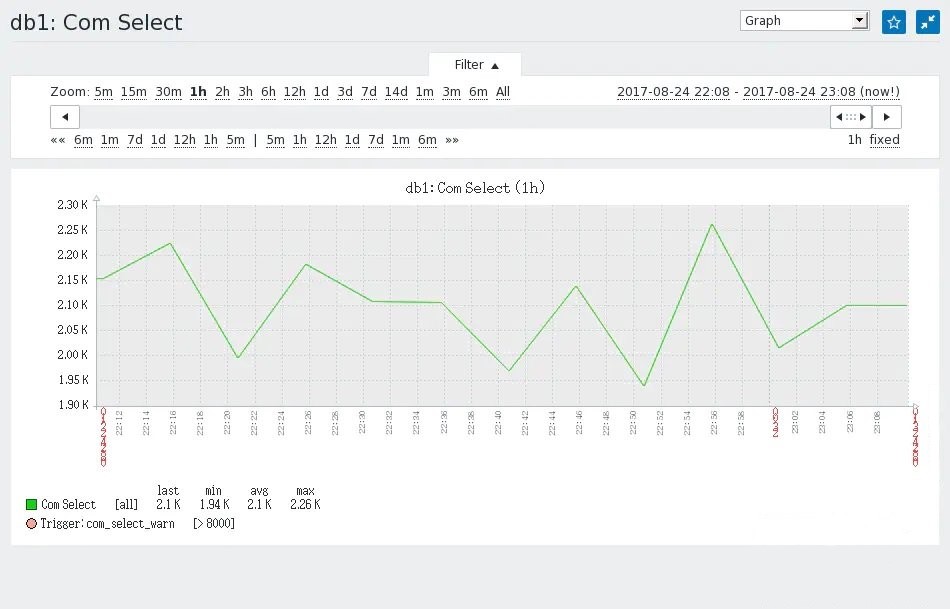
Capture ZABBIX performance monitoring chart with selenium

20210807 1 c language program structure

Postman export import
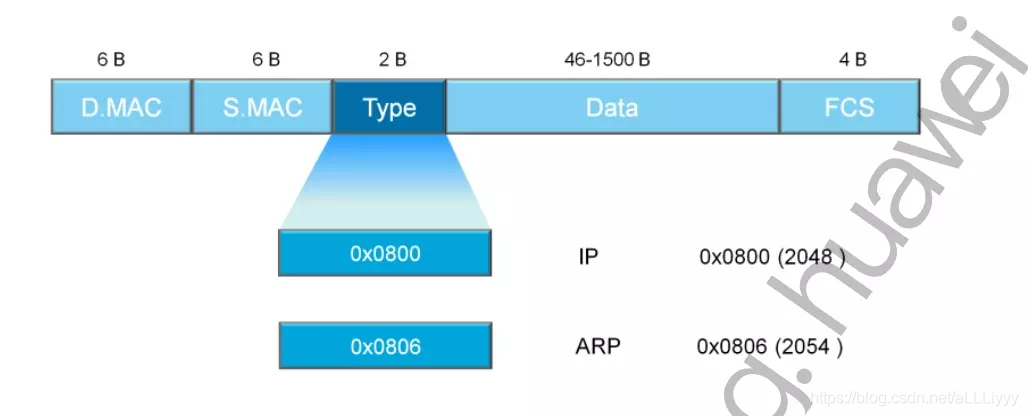
Wireshark basic tutorial Ethernet frame analysis.

数据可视化-《白蛇2:青蛇劫起》(2)

LinkedList of source code

pytest 用例执行顺序
随机推荐
新来个技术总监要我做一个 IP 属地功能~
@JsonFormat和@DateTimeFormat的区别和使用
Bash shell learning notes (II)
pytest pytest.ini配置 用例分组 用例跳过
Sword finger offer (V): queue with two stacks
面试过程中,面试官是如何考察Rust工程师的水平?
WIRESHARK基础教程以太帧的分析。
pytest 前后置方法
There is an unhandled exception at 0x003b66c3 in MFC: 0xc000041d: unhandled exception encountered during user callback
List ascending and descending
pytest fixture装饰器
Linkedblockingqueue of novice source code
pytest conftest.py和fixture的配合使用
菜鸟看源码之SparseArray
Scrapy ip代理无响应
@NotBlank、@NotNull 、@NotEmpty 区别和使用
Sword finger offer (44): flip the word order sequence
Definition and use of C language namespace
菜鸟看源码之HashTable
c结构体中定义的成员指针赋值与结构体指针作为成员函数参数的使用