当前位置:网站首页>Fabric. JS zoom canvas
Fabric. JS zoom canvas
2022-07-02 14:27:00 【Director of Moral Education Department】
Brief introduction
give the thumbs-up + Focus on + Collection = Learned to
<br>
Use canvas Projects developed , The need for scrolling the canvas should not be a minority , Like maps .
Fabric.js It also provides the function of scaling the canvas , This article mainly explains several methods for setting the canvas size .
<br>
<br>
Do it
Check the documentation before you start .
I put the documents related to this article here
mouse:wheel: Wheel eventgetZoom: Get the current zoom level of the canvassetZoom: Set canvas zoom levelzoomToPoint: Set the canvas zoom scale and zoom origin
among setZoom and zoomToPoint The application scenarios are different .
<br>
start
Before using zoom , First initialize the canvas .
I will also set a background image on the canvas , Convenient for observation .
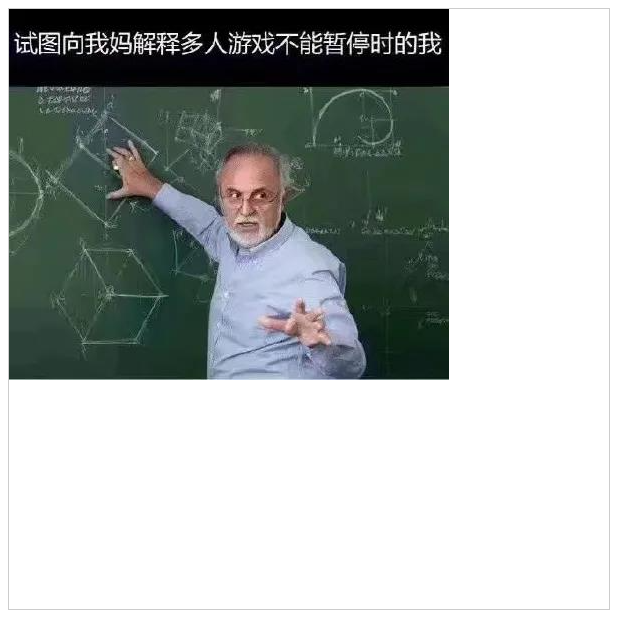
<canvas id="canvasBox" width="600" height="600" style="border: 1px solid #ccc;"></canvas><!-- introduce Fabric.js --><script src="https://cdn.bootcdn.net/ajax/libs/fabric.js/521/fabric.js"></script><script> // Initialize canvas canvas = new fabric.Canvas('canvasBox') // Add background // The first 1 Parameters : Picture path // The first 2 Parameters : Callback function , Returning to the function will return the image object fabric.Image.fromURL('../../images/bg.jpg', img => { canvas.setBackgroundImage(img) canvas.renderAll() })</script><br>
Zoom canvas ( Take the upper left corner as the origin )
Zoom the canvas with the upper left corner as the origin , Recommended getZoom and setZoom Combine .
getZoom You can get the current zoom level of the canvas , use setZoom Set a new zoom level .
So I added... On the page 2 Button , A zoom in , A zoom out .
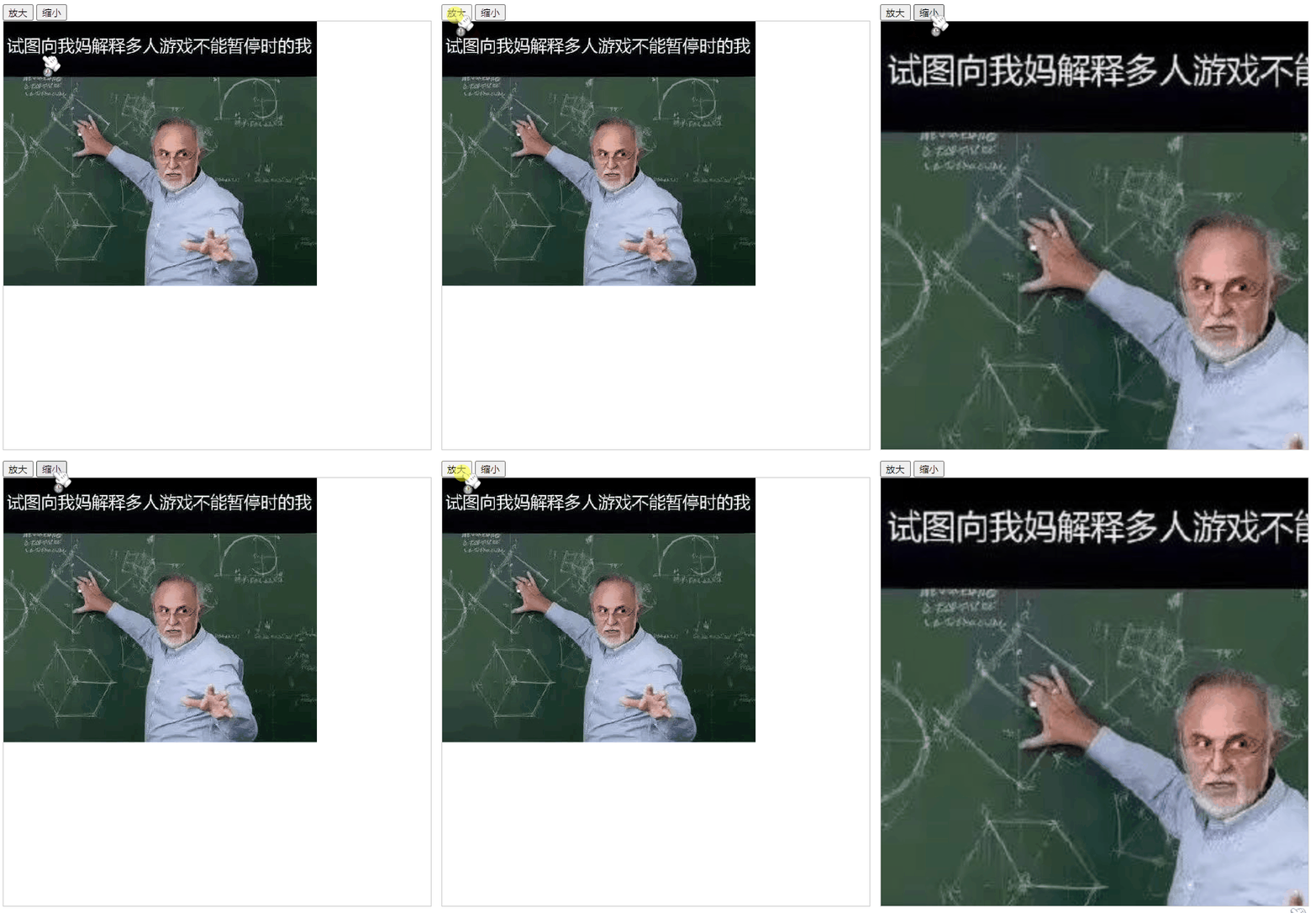
<div> <button onclick="setzoom(1)"> Zoom in </button> <button onclick="setzoom(-1)"> narrow </button></div><canvas id="canvasBox" width="600" height="600" style="border: 1px solid #ccc;"></canvas><!-- introduce Fabric.js --><script src="https://cdn.bootcdn.net/ajax/libs/fabric.js/521/fabric.js"></script><script> canvas = new fabric.Canvas('canvasBox') fabric.Image.fromURL('../../images/bg.jpg', img => { canvas.setBackgroundImage(img) canvas.renderAll() }) // Set canvas zoom level function setzoom(val) { let zoom = canvas.getZoom() // Get the current zoom level of the canvas zoom += val canvas.setZoom(zoom) // Set canvas zoom level }</script>Zoom level when zooming in Add 1, Zoom level when zooming out reduce 1.
<br>
Zoom canvas ( Take the mouse pointer as the origin )
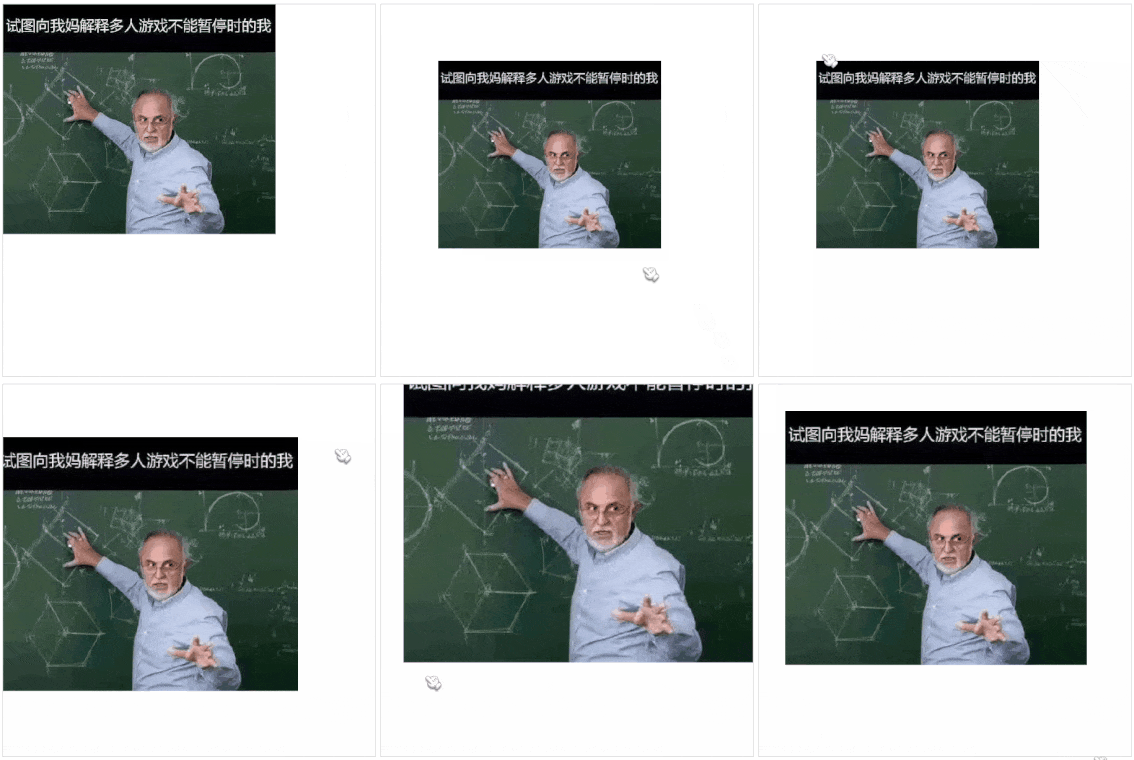
<canvas id="canvasBox" width="600" height="600" style="border: 1px solid #ccc;"></canvas><!-- introduce Fabric.js --><script src="https://cdn.bootcdn.net/ajax/libs/fabric.js/521/fabric.js"></script><script> canvas = new fabric.Canvas('canvasBox') fabric.Image.fromURL('../../images/bg.jpg', img => { canvas.setBackgroundImage(img) canvas.renderAll() }) // Listen for mouse wheel zoom Events canvas.on('mouse:wheel', opt => { const delta = opt.e.deltaY // Roller , Rolling up is -100, Rolling down is 100 let zoom = this.canvas.getZoom() // Gets the current zoom value of the canvas zoom *= 0.999 ** delta if (zoom > 20) zoom = 20 // Limit the maximum zoom level if (zoom < 0.01) zoom = 0.01 // Limit the minimum zoom level // Zoom with the mouse position as the origin this.canvas.zoomToPoint( { // Key points x: opt.e.offsetX, y: opt.e.offsetY }, zoom // Pass in the modified zoom level ) })</script> Use mouse:wheel Monitor mouse wheel scrolling , If you scroll up ,deltaY The value of is 100, Down there is -100, So you can set a formula to control the zoom level when scrolling .
zoomToPoint It can be understood as setZoom Enhanced Edition , The first parameter is the origin coordinates , This example passes in the current coordinates of the mouse ; The second parameter is the zoom level .
<br>
<br>
Code warehouse
Fabric Scroll wheel zooms canvas
<br>
<br>
Recommended reading
《Fabric.js The use of superscripts and subscripts 》
《Fabric.js How to use the brush ?》
《Fabric.js Let users manually bold text 》
give the thumbs-up + Focus on + Collection = Learned to
边栏推荐
- Word frequency statistics & sorting
- 软件测试的方法
- What is erdma? Popular science cartoon illustration
- <口算練習機 方案開發原理圖>口算練習機/口算寶/兒童數學寶/兒童計算器 LCD液晶顯示驅動IC-VK1621B,提供技術支持
- kaggle如何使用utility script
- The use of TestNG, the testing framework (II): the use of TestNG XML
- Daily learning 3
- Some interview suggestions for Android programmers "suggestions collection"
- NLA自然语言分析实现数据分析零门槛
- C语言高级用法--函数指针:回调函数;转换表
猜你喜欢

Selenium, element operation and browser operation methods
YOLOv3&YOLOv5输出结果说明

快解析:轻松实现共享上网

Whole house Wi Fi: a pain point that no one can solve?
Yolov3 & yolov5 output result description

博睿数据一体化智能可观测平台入选中国信通院2022年“云原生产品名录”
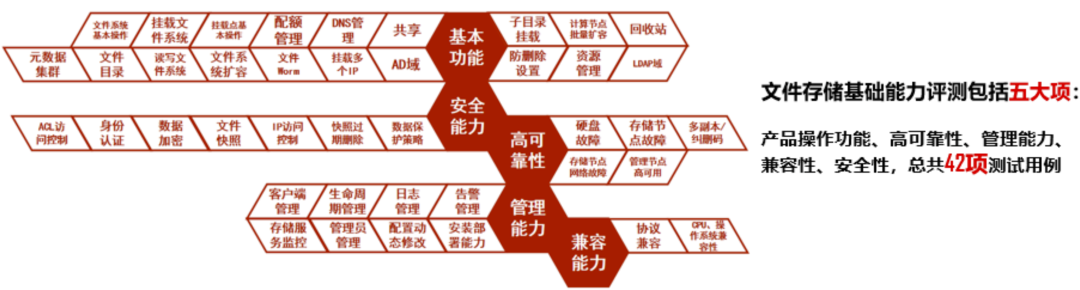
腾讯云 TStor 统一存储通过信通院首批文件存储基础能力评测
Tencent cloud tstor unified storage passed the evaluation of the first batch of basic file storage capabilities of the ICT Institute

Pycharm连接远程服务器

The conference on the growth of all things was held in Hangzhou, and dangbei was selected into the top 100 list of future unicorns in China in 2022
随机推荐
Dangbei projection 4K laser projection X3 Pro received unanimous praise: 10000 yuan projector preferred
Route (II)
[development environment] Dell computer system reinstallation (download Dell OS recovery tool | use Dell OS recovery tool to make USB flash disk system | install system)
Openharmony notes --------- (4)
Yolov3 & yolov5 output result description
Packet capturing tool Fiddler learning
Design of non main lamp: how to make intelligent lighting more "intelligent"?
< schematic diagram of oral arithmetic exercise machine program development> oral arithmetic exercise machine / oral arithmetic treasure / children's math treasure / children's calculator LCD LCD driv
c# 水晶报表打印
MQ教程 | Exchange(交换机)
Go operation redis
没有从远程服务器‘‘映射到本地用户‘(null)/sa‘的远程用户‘sa‘及服务主密码解密错误的解决办法
全屋Wi-Fi:一个谁也解决不好的痛点?
Selenium, element operation and browser operation methods
Codeforces Round #803 (Div. 2)(A~D)
Daily learning 2
MySQL 45 lecture - learning from the actual battle of geek time MySQL 45 Lecture Notes - 04 | easy to understand index (Part 1)
Fabric.js 元素被选中时保持原有层级
Simple introduction to ENSP
每日学习3