当前位置:网站首页>Ecu-test report converted to excel format
Ecu-test report converted to excel format
2022-06-25 21:21:00 【Pingshan 888 male technician】
ECU-TEST The report is transferred to Excel Format
ECU-TEST As an automated test execution software , It can be linked to many test tools , It is completely used Python To write , Officials have provided detailed information about ApiDoc Documents are available for users to consult . In the process of using the tool , The report generator encapsulated by the supplier to our company generates HTML Format , Although beautiful , But we can't see the passing of each test case more intuitively . At the same time, the report generally adopts PDF Format ,HTML There are many hyperlinks in the format report , A file cannot be overwritten , So I thought of using the official API Documents combine python Write a script , Let it output excel Report in format , The test engineer is converting to PDF that will do . Go straight to the code , The description has been explained in the notes .
2022-2-14 to update :ECU-TEST It can also generate excel The report , But there is only one layer project nesting , If there are two layers project The name of each nested test case is very verbose and cannot be arranged according to the system .
import sys
import openpyxl                                #  Import the required package , Mainly openpyxl
from openpyxl.styles import PatternFill, Font

sys.path.append(r'D:\ECU_TEST 2020.4\Templates\ApiClient')   #  The path is Api File storage path , It is equivalent to all... Under this path py Documents are available
trf_path = r'D:\ECU_TEST 2020.4\TestReports\ Power control system .rtf'  #  This path is an automatically generated report file, i.e .trf(test report file)
from ApiClient import ApiClient
api = ApiClient                                              #  Call interface py file

wb = openpyxl.Workbook()                                     #  Create a table 、 Filling effect 、 typeface
ws = wb.active
ws.title = ' Test report '
fill1 = PatternFill('solid', fgColor='00FF00')    #  green
fill2 = PatternFill('solid', fgColor='FFFF00')    #  yellow
fill3 = PatternFill('solid', fgColor='FF0000')    #  Red
fill4 = PatternFill('solid', fgColor='C0C0C0')    #  gray
font1 = Font(name=u' Microsoft YaHei ', bold=True, size=14)
font2 = Font(name=u' Microsoft YaHei ', bold=True, size=12)
font3 = Font(name=u' Microsoft YaHei ', bold=False, size=10)

PASS = 0                                          #  Specify four variables for statistical test results
FAIL = 0
ERROR = 0
NONE = 0

report = api.ReportApi.OpenReport(trf_path)    #  Get the report object
ex_time = report.GetExecutionTime()            #  execution time
main_project = report.GetMainProject()         #  Return to one project Object for subsequent operations
project_child = main_project.GetProjectElements()   #  This method obtains all children project  Returns a list of all child objects

j = 0                                           #  The outer loop
r = 8                                           #  Number of lines to start
for name in project_child:
    child_project_name = project_child[j].GetElementName()   #  Subsystem name
    ws['A' + str(r)] = child_project_name
    ws['A' + str(r)].font = font2
    child_pkg = project_child[j].GetProjectElements()      #  Acquire subsystem , Get the object
    i = 0                                                  #  Inner loop pointer
    r = r + 1                                              #  Write a line plus 1
    for pkg in child_pkg:
        child_pkg_name = child_pkg[i].GetElementName()     #  Get the case name
        ws['B' + str(r)] = child_pkg_name
        ws['B' + str(r)].font = font3
        ws['C' + str(r)] = child_pkg[i].GetResult()        #  Get case results
        if child_pkg[i].GetResult() == 'SUCCESS':          #  Fill cells with results
            PASS = PASS + 1
            ws['C' + str(r)].fill = fill1
        if child_pkg[i].GetResult() == 'FAIL':
            FAIL = FAIL + 1
            ws['C' + str(r)].fill = fill2
        if child_pkg[i].GetResult() == 'ERROR':
            ERROR = ERROR + 1
            ws['C' + str(r)].fill = fill3
        if child_pkg[i].GetResult() == 'NONE':
            NONE = None + 1
            ws['C' + str(r)].fill = fill4
        i = i + 1
        r = r + 1
    j = j + 1

ws['A1'] = ' Test date '                   #  Define some headers
ws['A1'].font = font1
ws['A2'] = ex_time
ws['A2'].font = font2
ws['B1'] = ' Total test duration '
ws['B1'].font = font1
ws['C1'] = ' Total number of test cases '
ws['C1'].font = font1
ws['A3'] = ' Passing number '
ws['A3'].font = font1
ws['B3'] = ' Number of failures '
ws['B3'].font = font1
ws['C3'] = ' Unexecuted amount '
ws['C3'].font = font1
ws['A5'] = ' Software coding '
ws['A5'].font = font1
ws['B5'] = ' Software version number '
ws['B5'].font = font1
ws['C5'] = ' Software pass rate '
ws['C5'].font = font1
ws['A7'] = ' The test system '
ws['A7'].font = font1
ws['C7'] = ' test result '
ws['C7'].font = font1

wb.save(' Test report .xlsx')

xlsx_file = r' Test report .xlsx'              #  You can't read and write at the same time , So in the previous step, save
rb = openpyxl.load_workbook(xlsx_file)
sheet1 = rb[' Test report ']   #  open sheet
sheet1['A4'] = PASS
sheet1['A4'].font = font2
sheet1['B4'] = FAIL + ERROR
sheet1['B4'].font = font2
sheet1['C4'] = NONE
sheet1['C4'].font = font2
sheet1['C2'] = PASS + ERROR + FAIL + NNONE
sheet1['C2'].font = font2
sheet1['C6'] = PASS / (FAIL + PASS + ERROR)     #  Unexecuted cases do not participate in the conclusion
sheet1['C6'].font = font2

rb.save(' Test report .xlsx')

#  Please indicate the source of the original works
Please correct any deficiencies , thank
边栏推荐
- Kubernetes related knowledge - surprise interview
- [phase 23] phased summary of spring recruitment practice (Alibaba cloud has OC)
- Xshell mouse configuration
- On ACM competition
- JS__ Inheritance mode, namespace, object enumeration__ Duyi
- OLED driven learning based on ssd1306 (II): addressing mode of ssd1306
- 2022年启牛学堂证券开户安全嘛?
- MySQL trigger
- [nailing scenario capability package] ranking of enterprise employees' points
- [buucry] sensor (Manchester code)
猜你喜欢

Writing manuals using markdown

Working principle and experimental analysis of DHCP
What is DNS (domain name server)? (Powercert animated videos)

js(3)

QT method of exiting application (exe)
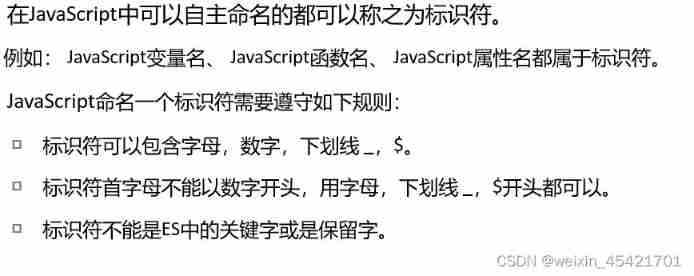
js (1)
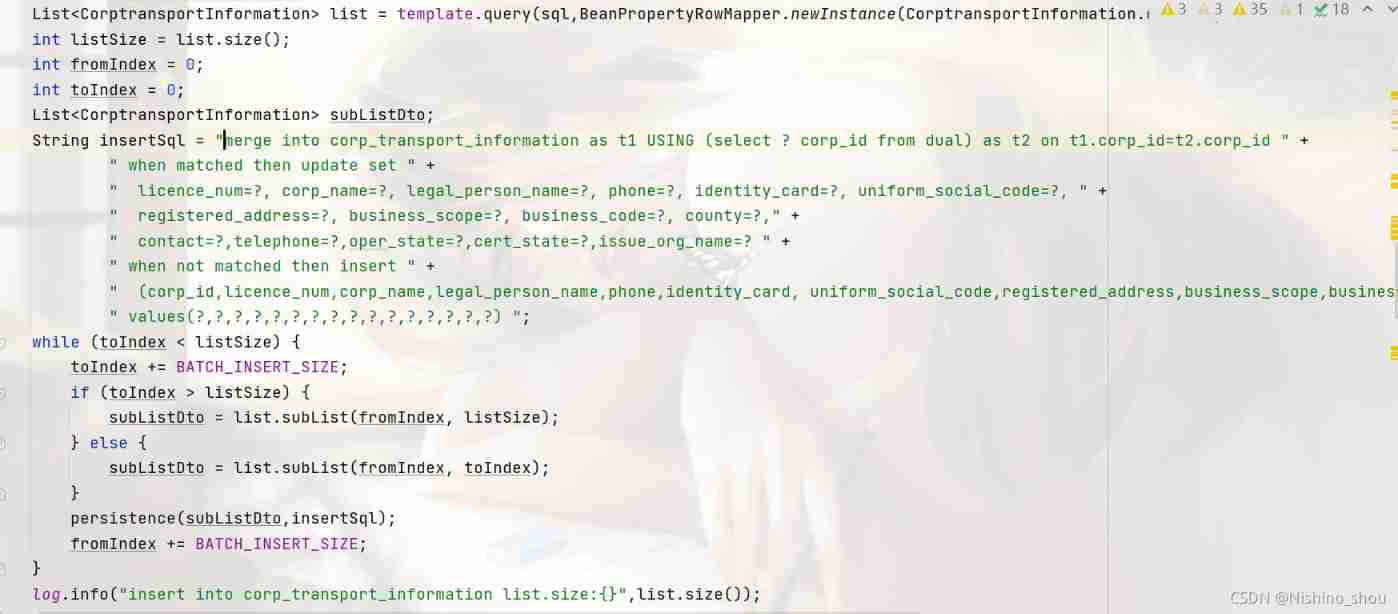
Insert and update each database
![[nailing scenario capability package] ranking of enterprise employees' points](/img/f5/ed5bd90706ef166c3758bc03ab32bc.jpg)
[nailing scenario capability package] ranking of enterprise employees' points

Getting started and using postman
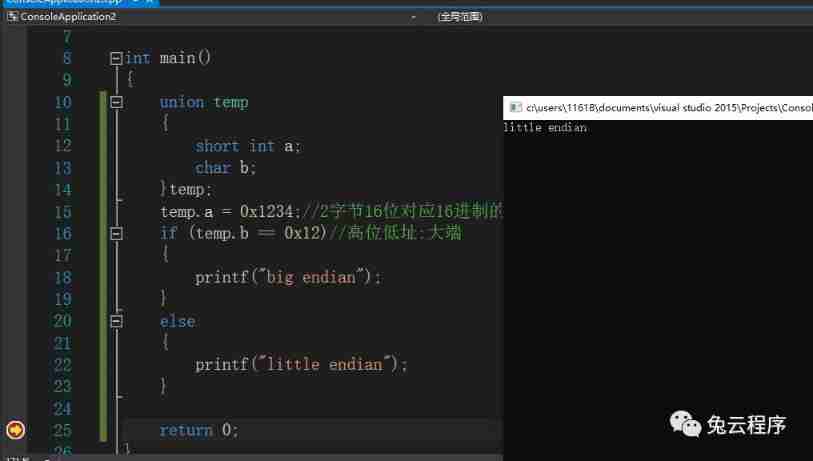
Big end and small end
随机推荐
Xshell mouse configuration
Kubernetes related knowledge - surprise interview
Introduction to interface test, interface protocol and common interface test tools
Virtualenvwrapper solves the installation error, and virtualenvwrapper is permanently effective
Lesson 3 urllib
Must see the summary! In depth learning era, you should read 10 articles to understand image classification!
What is API
Docker Alpine image installation PHP extension redis
OLED driver learning based on ssd1306 (I): SSD Chinese command table (handling)
Nine built-in objects of JSP and four scopes of Servlet
On dynamic programming
[important notice] developer document update (12.13-12.19)
Those high-frequency and real software test interview questions sorted out by the test director in 7 days, come to get
OSI notes sorting
What is a subnet mask? (Powercert animated videos)
[nailing scenario capability package] ranking of enterprise employees' points
Sqlmap for interface security testing
Nmap is simple and practical
[nailing scenario capability package] enterprise and public institution intelligent access control
The beginning of manjaro's journey