当前位置:网站首页>3D slicer saves segmentation results
3D slicer saves segmentation results
2022-06-21 13:18:00 【Laoyoutiao 666】
1、 from segmentation editor Switch back to the data

2、 Double click the division name to complete the name change , Then right click to select export to binary label map, Here's the picture

3、 Select step 2 Generated label, Right click to select export to file, Here's the picture

4、 Select the format and storage path , What I choose here is nii.gz, Generally optional nii, But the former saves more space , Here's the picture

Finally, the segmentation results are saved
边栏推荐
- PostgreSQL logical storage structure
- 修修补补一时爽,果断重构有担当——聊聊CRM分布式缓存优化
- Reading notes on how to connect the Internet ADSL
- 如何阅读AI顶会论文?
- Memcached(高性能内存对象缓存)
- 服务治理的工作内容
- Apache shardingsphere 5.1.2 release | new driving API + cloud native deployment to create a high-performance data gateway
- The xdd-plus login prompt on the Qinglong panel is "the current login environment is abnormal. To ensure the security of your account, you cannot log in temporarily. It is recommended to connect the t
- [upgraded student information management system] + file operation + more details
- Machine learning explores the metastable phase diagram of covalent carbon, which can be used to discover or design metastable materials in the future
猜你喜欢
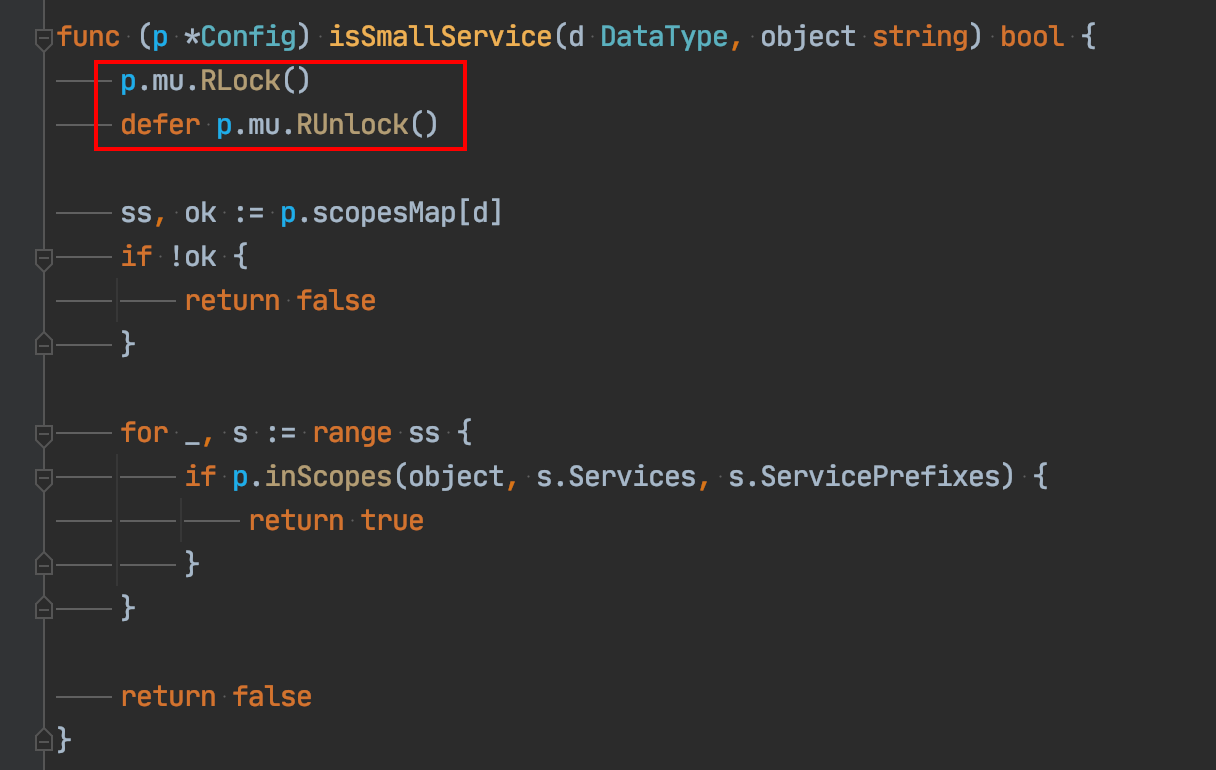
Isn't this another go bug?

Visualization strategy of Seaborn data overall distribution

Kube-prometheus grafana安装插件和grafana-image-renderer

居家辦公初體驗之新得分享| 社區征文

Efficient remote office manual | community essay solicitation

Work content of service governance

Pingcap was selected as the "voice of customers" of Gartner cloud database in 2022, and won the highest score of "outstanding performer"
高效远程办公手册| 社区征文
PingCAP 入选 2022 Gartner 云数据库“客户之声”,获评“卓越表现者”最高分
这不会又是一个Go的BUG吧?
随机推荐
Educator web exercise - create a drop-down list
Not only zero:bmtrain technology principle analysis
5000 word analysis: the way of container security attack and defense in actual combat scenarios
uva11729
2022年中国手机银行年度专题分析
[Anxin cup 2019]easy_ web-1
Flink CDC MongoDB Connector 的实现原理和使用实践
咨询:微证券是什么证券公司,开户安全吗?
SSH password free login
Preliminary understanding of PostgreSQL (I)
Mvcc in PostgreSQL
Is it safe to open a securities account by downloading the app of qiniu business school? Is there a risk?
What is Devops in an article?
基于STM32电压检测和电流检测
Collection reference type in JS
Summary of several ways to calculate distance
Work content of service governance
TOOD: Task-aligned One-stage Object Detection
Pretraining Weekly No. 50: No Decode converter, neural prompt search, gradient Space reduction
百度交易中台之钱包系统架构浅析