当前位置:网站首页>Generate certificates using KeyStore
Generate certificates using KeyStore
2022-08-01 10:10:00 【ten nine eight seven】
前言
Keytool是一个Java数据证书的管理工具 , 在keystore里,包含两种数据:
- 密钥实体(Key entity):即密钥(secret key)又或者是私钥和配对公钥(采用非对称加密)
- 可信任的证书实体(trusted certificate entries):即证书(包含公钥)
keytool常用命令:
- genkey 在用户主目录中创建一个默认文件”.keystore”
- alias 产生别名
- keystore 指定密钥库的名称(产生的各类信息将不在.keystore文件中)
- keyalg 指定密钥的算法 (如 RSA DSA(如果不指定默认采用DSA))
- validity 指定创建的证书有效期多少天
- keysize 指定密钥长度
- storepass 指定密钥库的密码(获取keystore信息所需的密码)
- keypass 指定别名条目的密码(私钥的密码)
- dname 指定证书拥有者信息 例如: “CN=名字与姓氏,OU=组织单位名称,O=组织名称,L=城市或区域名称,ST=州或省份名称,C=单位的两字母国家代码”
- list 显示密钥库中的证书信息 keytool -list -v -keystore 指定keystore -storepass 密码
- v 显示密钥库中的证书详细信息
- export 将别名指定的证书导出到文件 keytool -export -alias 需要导出的别名 -keystore 指定keystore -file 指定导出的证书位置及证书名称 -storepass 密码
- file 参数指定导出到文件的文件名
- delete 删除密钥库中某条目 keytool -delete -alias 指定需删除的别 -keystore 指定keystore -storepass 密码
- printcert 查看导出的证书信息 keytool -printcert -file abc.crt
- keypasswd 修改密钥库中指定条目口令 keytool -keypasswd -alias 需修改的别名 -keypass 旧密码 -new 新密码 -storepass keystore密码 -keystore sage
- storepasswd 修改keystore口令 keytool -storepasswd -keystore e:\abc.keystore(需修改口令的keystore) -storepass 123456(原始密码) -new abc(新密码)
- import 将已签名数字证书导入密钥库 keytool -import -alias 指定导入条目的别名 -keystore 指定keystore -file 需导入的证书
创建一个Keystore证书
keytool -genkeypair -alias serverkey -keyalg RSA -keysize 2048 -validity 3650 -keystore CATest.keystore说明: storepass keystore 文件存储密码,不加这个参数会在后面要求你输入密码 keypass 私钥加解密密码 alias 实体别名(包括证书私钥) dname 证书个人信息 keyalg 采用公钥算法,默认是DSA,这里采用RSA keysize 密钥长度(DSA算法对应的默认算法是sha1withDSA,不支持2048长度,此时需指定RSA) validity 有效期 keystore 指定keystore文件储存位置
设置密钥口令,及证书信息,输入Y确定,生成证书
查看证书信息:
keytool -v -list -keystore CATest.keystore导出为cer公钥证书:
keytool -exportcert -keystore CATest.keystore -file CATest.cer -alias serverkey如果要导出crt的话,Just change the suffix(The same is true for the certificates below):
keytool -exportcert -keystore CATest.keystore -file CATest.crt -alias serverkey创建一个JKS证书
与keystoreThe same is true for certificates 生成JKS证书:
keytool -genkey -alias testClient -keyalg RSA -keysize 1024 -keystore CATest.jks -validity 365查看证书信息:
keytool -list -v -keystore CATest.jks导出为cer文件证书:
keytool -alias testClient -exportcert -keystore CATest.jks -file CATest.cer创建P12证书
keytool -genkey -v -alias testClient -keyalg RSA -storetype PKCS12 -keystore CATest.p12查看证书信息:
keytool -list -v -keystore CATest.p12导出为cer文件证书:
keytool -export -alias testClient -keystore CATest.p12 -storetype PKCS12 -storepass 密钥口令 -rfc -file CATest.cer格式转化
Export the public key certificate to the keystore: 将cerThe public key certificate is converted to keystore证书
keytool -import -v -file CATest.cer -keystore CATest2.keystore将keystore转为p12:
keytool -importkeystore -srckeystore CATest.keystore -destkeystore CATest2.p12 -srcalias serverkey -destalias serverkey -srcstoretype jks -deststoretype pkcs12 -noprompt边栏推荐
猜你喜欢

IntellJ IDEA如何显示换行符(line endings)

CTFshow,命令执行:web37
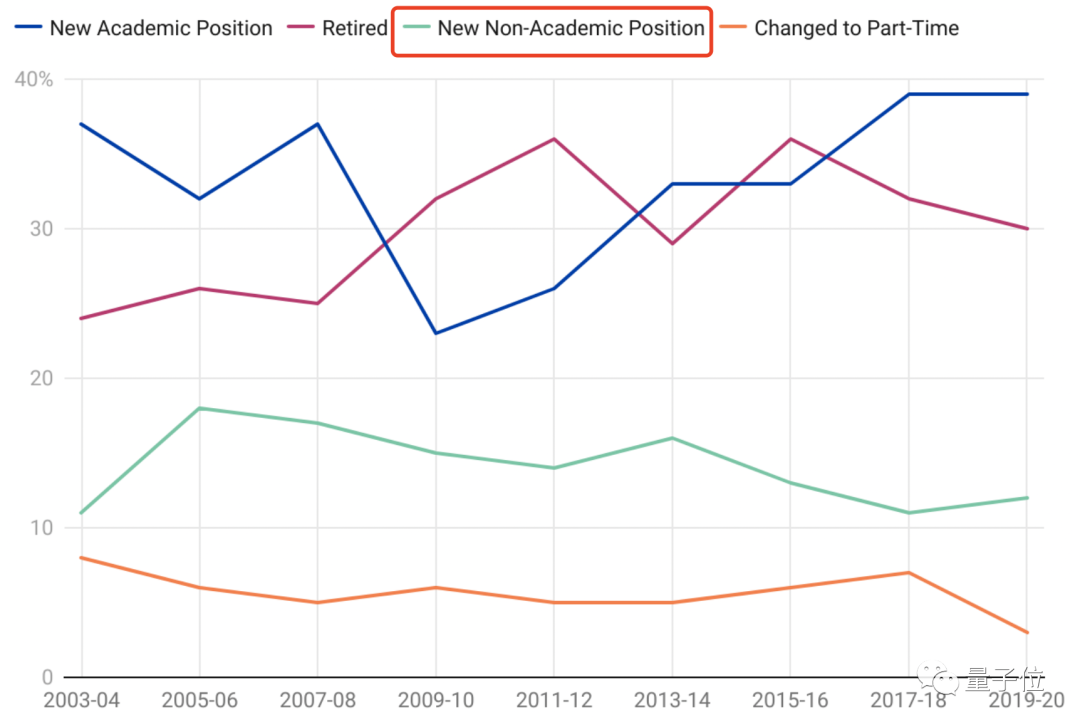
报告:想学AI的学生数量已涨200%,老师都不够用了

shell脚本------条件测试 if语句和case分支语句

AC与瘦AP的WLAN组网实验

可视化——Superset安装与部署

Explain / Desc execution plan analysis

mysql login in cmd and basic operations of database and table

Naive Bayes--Study Notes--Basic Principles and Code Implementation
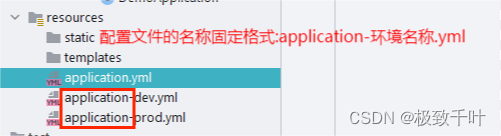
Change Servlet project to SSM project
随机推荐
node 格式化时间的传统做法与高级做法(moment)
js中如何实现深拷贝?
[Software Architecture Mode] The difference between MVVM mode and MVC mode
PerViT: 神经网络也能像人类利用外围视觉一样观察图像!
【软件架构模式】MVVM模式和MVC模式区别
基于ModelArts的物体检测YOLOv3实践【玩转华为云】
rpm and yum
Visualization - Superset installation and deployment
Naive Bayes--Study Notes--Basic Principles and Code Implementation
对于小应用来讲,使用哪款数据库比较好?
retired paddling
从零开始Blazor Server(4)--登录系统
rpm和yum
MySQL 必现之死锁
【cartographer ros】十: 延时和误差分析
招聘随想2022
Google Earth Engine APP——15行代码搞定一个inspector高程监测APP
阿里腾讯面试一二
将Servlet项目改为SSM项目
Node's traditional and advanced practices for formatting time (moment)