当前位置:网站首页>Mysql57 zip file installation
Mysql57 zip file installation
2022-06-28 07:11:00 【Seele_ one thousand and eighteen】
Reprinted from :https://www.cnblogs.com/guardwhy/p/14906539.html
MySQL5.7 install
1.1-Windows Installation on MySQL
1、 Go to the official download address
Download and install MySQL5.7 edition ::https://dev.mysql.com/downloads/mysql/
2. Select direct download 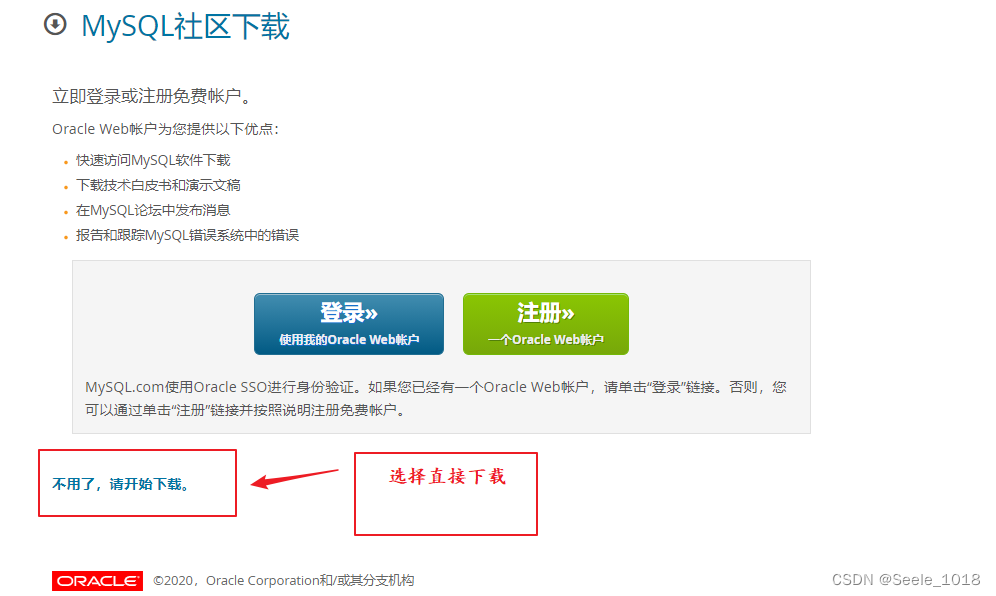
3. Unpack the installation
3.1、 Will download zip Extract the package to the corresponding directory , Here I put the unzipped folder in E:\Develop\MySQL-5.7.30 Next , Unzip the file as shown in the figure 
3.2、 Create... Under this folder my.ini The configuration file , edit my.ini Configure the following basic information :
[mysql]
#  Set up mysql Client default character set
default-character-set=utf8

[mysqld]
#  Set up 3306 port
port = 3306

#  Set up mysql Installation directory
basedir=E:\\Develop\\MySQL-5.7.30

#  Set up  mysql Database data storage directory (MySQL8.0+  The following configuration is not required , The system can be generated by itself , Otherwise, it is possible to report an error )
datadir=E:\\Develop\\WorkPlace\\SqlData

#  Maximum connections allowed
max_connections=20

#  The character set used by the server defaults to 8 Bit coded latin1 Character set
character-set-server=utf8

#  The default storage engine that will be used when creating a new table
default-storage-engine=INNODB
3.3、 Open as administrator cmd Command line tools , Entry directory :
E:
cd E:E:\Develop\MySQL-5.7.30
 Initialize database : mysqld --initialize --console

3.4、 function mysqld install, If prompt “Service successfully installed.” Indicates successful installation .
4. Change Password
4.1、 perform net start mysql start-up MySQL
4.2、 function mysql -u root -p Then enter the initial password according to the prompt , Enter and log in MySQL.
4.3、 The format of the password change command is
Modify the format :set password for [email protected] = password(‘newPassword’);
Password set to :set password for [email protected] = password(‘root’);
Input exit Back carriage return , Run again mysql -u root -p Then you can log in with your new password .
5. Configure environment variables
5.1、 Right click this computer >> Advanced system setup >> environment variable , New system variable MYSQL_HOME, The variable value is installation MySQL Root directory :
5.2、 Edit system variables Path >> newly build >> take %MYSQL_HOME%\bin Add to trailing line >> determine .
5.3、 After configuration , No entry MySQL The installation directory , After opening the command line as an administrator , You can log in directly MySQL 了 
边栏推荐
- Techo Day 腾讯技术开放日,6月28日线上等你!
- Rust FFI 编程 - libc crate
- CRC32概述以及实现和使用
- Application and Optimization Practice of redis in vivo push platform
- 普歌 -- getOrDefault()方法理解
- What if the applet page is set to 100% height or left blank?
- C语言教程大全
- What should I do if the version is incompatible with the jar package conflict?
- SQL statement optimization steps (1)
- R 语言 ggmap
猜你喜欢
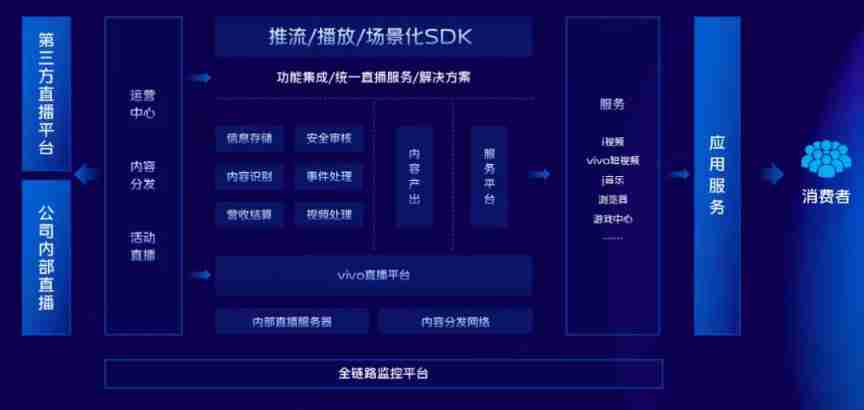
Practice and exploration of vivo live broadcast application technology

The practice of event driven architecture in vivo content platform
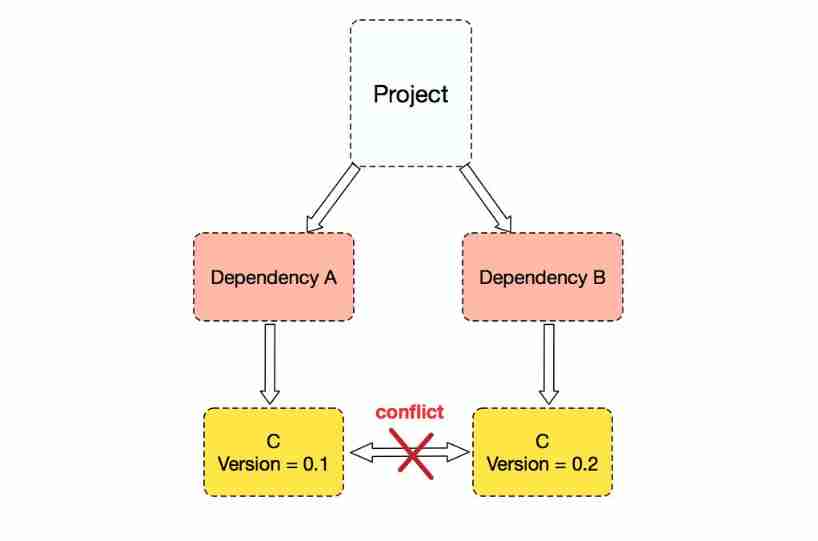
What should I do if the version is incompatible with the jar package conflict?
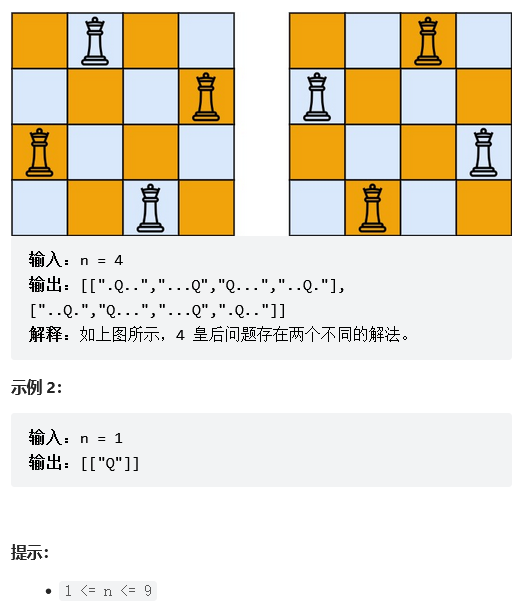
LeetCode+ 51 - 55 回溯、动态规划专题

Principle and practice of bytecode reference detection

Causes of wechat applet compilation page blank bug

pytorch RNN 学习笔记

Design and practice of vivo sensitive word matching system

看似简单的光耦电路,实际使用中应该注意些什么?

Last 29 days
随机推荐
Servlet value passing JSP
ABAP 技能树
MySQL installation steps - how to create a virtual machine under Linux (1)
R语言绘制 ggplot2 季节性图
BACnet/IP网关如何采集楼宇集中控制系统数据
JS regular expression system explanation (comprehensive summary)
Batch import of pictures into WPS table by date
Huawei cloud computing physical node cna installation tutorial
CRC32概述以及实现和使用
力扣515.在每棵树行中找最大值
File header information cross reference table
Last 29 days
[c #] [reprint]furion frame address and tutorial address
Comment la passerelle BACnet / IP recueille - t - elle les données du système central de contrôle des bâtiments?
KMP string
Force buckle 515 Find the maximum value in each tree row
It will cost 700 yuan to realize this issue. Does anyone do it?
Techo day Tencent technology open day, June 28 online waiting for you!
「杰伦熊」暴跌96.6% 明星带货NFT为何遇冷?
[online tutorial] official iptables tutorial -- learning notes 1