当前位置:网站首页>Zabbix部署与练习
Zabbix部署与练习
2022-07-30 19:57:00 【雾山雨巫】
1、部署zabbix服务。
(1)首先保证防火墙和selinux的关闭
[[email protected] ~]# systemctl stop firewalld
[[email protected] ~]# setenforce 0
(2)设置时间同步
[[email protected] ~]# yum install chrony -y
[[email protected] ~]# vim /etc/chrony.conf

server cn.pool.ntp.org iburst
[[email protected] ~]# systemctl enable chronyd.service
[[email protected] ~]# systemctl start chronyd.service
(3)更换源
 [[email protected] ~]# sed -i.bak -e 's|^mirrorlist=|#mirrorlist=|' -e 's|^#baseurl=|baseurl=|' -e 's|dl.rockylinux.org/$contentdir|mirrors.nju.edu.cn/rocky|' /etc/yum.repos.d/Rocky-*.repo
[[email protected] ~]# dnf -y https://repo.huaweicloud.com/zabbix/zabbix/5.4/rhel/8/x86_64/zabbix-release-5.4-1.el8.noarch.rpm
(4)安装
[[email protected] ~]# dnf install -y zabbix-server-mysql
[[email protected] ~]# dnf install -y zabbix-agent2
[[email protected] ~]# dnf install -y zabbix-web-mysql httpd zabbix-apache-conf
[[email protected] ~]# dnf install -y mariadb-server
[[email protected] ~]# dnf install -y zabbix-sql-scripts.noarch
(5)配置数据库
# 启动数据库
[[email protected] ~]# systemctl enable --now mariadb
# 配置数据库
[[email protected] ~]# mysql -e "create database zabbix character set utf8 collate utf8_bin;" [[email protected] ~]# mysql -e "create user 'zabbix'@'localhost' identified by 'zabbix';" [[email protected] ~]# mysql -e "grant all privileges on zabbix.* to 'zabbix'@'localhost';"
# 导入数据
[[email protected] ~]# zcat /usr/share/doc/zabbix-server-mysql/create.sql.gz | mysql - uzabbix -pzabbix zabbix
(6)为zabbix server 配置数据库
[[email protected] ~]# grep ^DB /etc/zabbix/zabbix_server.conf
DBName=zabbix
DBUser=zabbix
DBPassword=zabbix
(7)配置php时区
[[email protected] ~]# tail -1 /etc/php-fpm.d/zabbix.conf
php_value[date.timezone] = Asia/Shanghai
(8)启动服务
[[email protected] ~]# systemctl enable --now httpd.service php-fpm.service zabbix-server.service zabbix-agent2.service(9)浏览器进入ip/zabbix

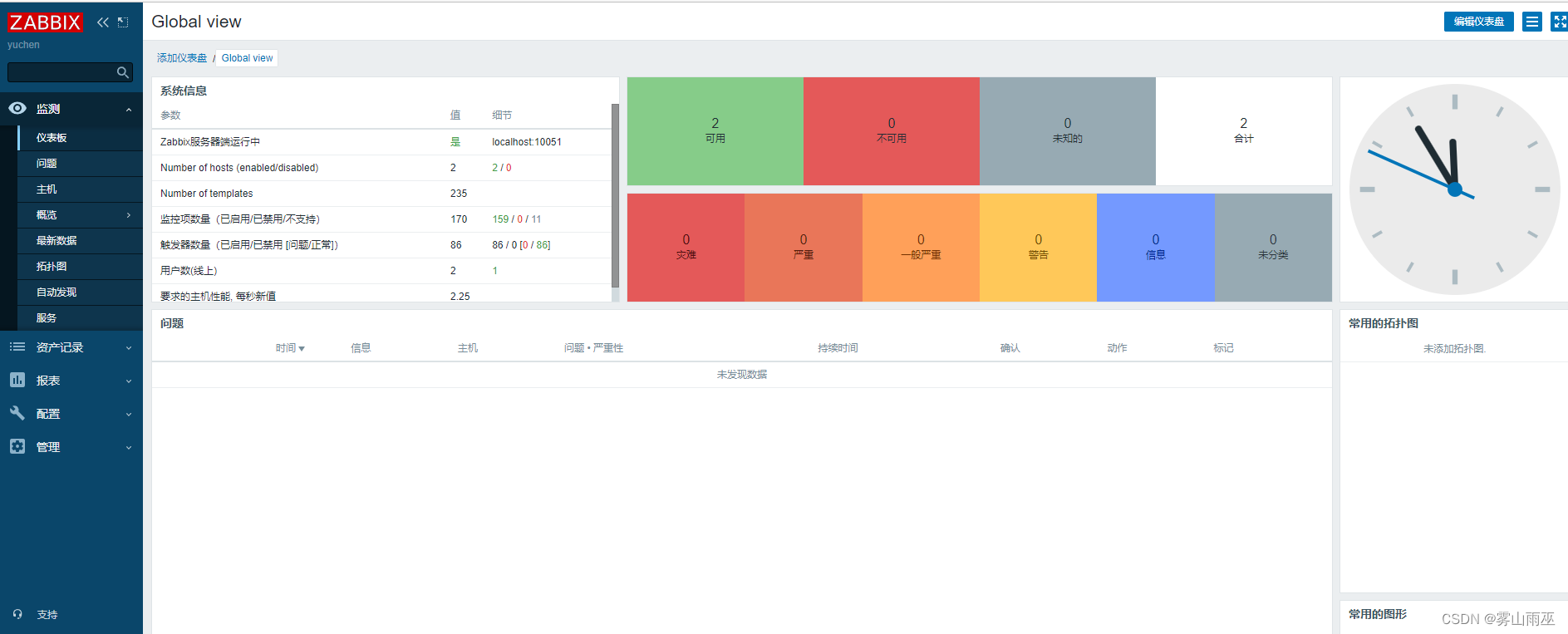
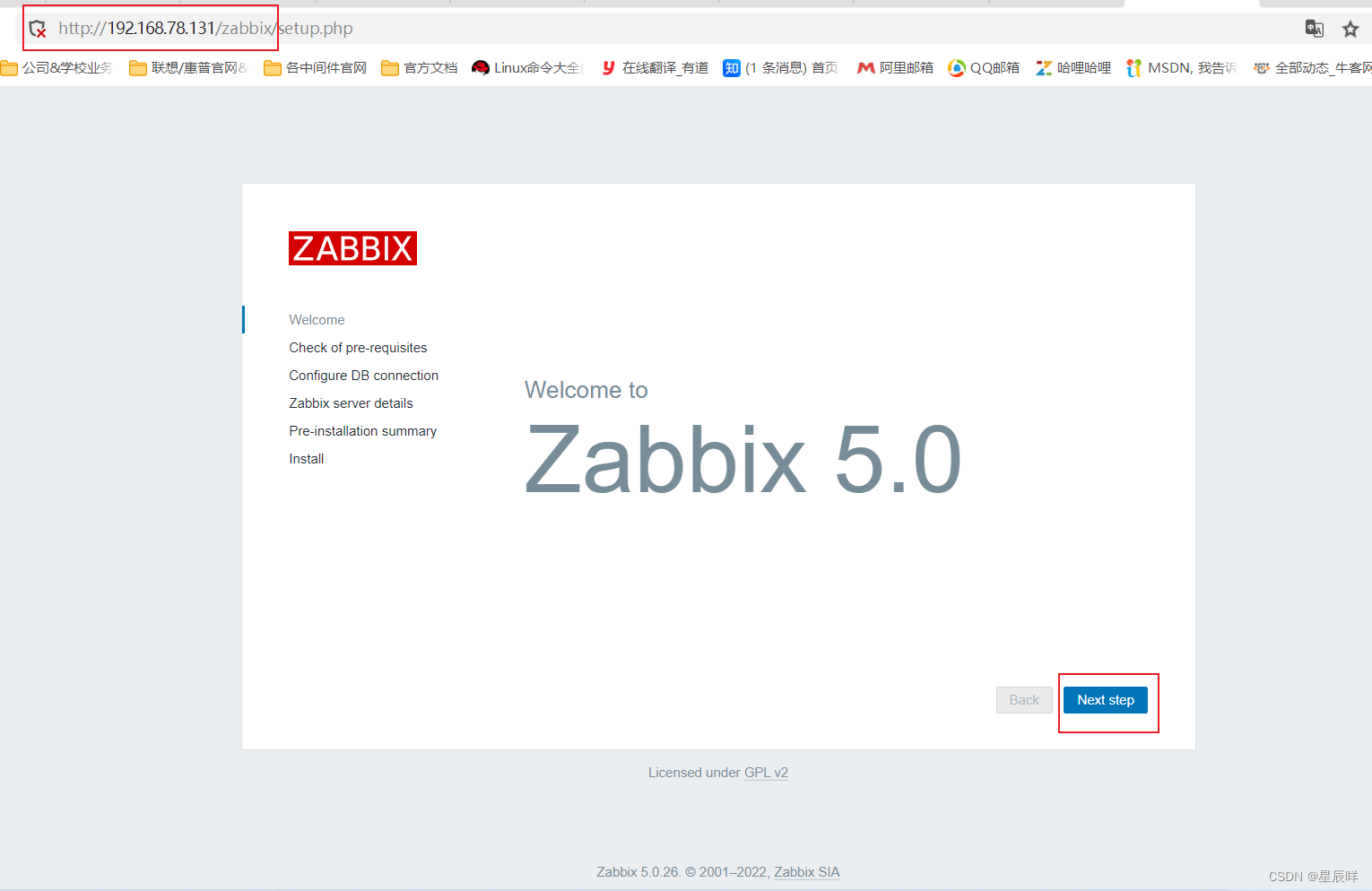
按步骤配置即可

登录 用户/密码:Admin/zabbix
2、安装zabbix-agent监控linux和windows。
创建一台客户端,我这里使用的为CentOS7
在客户端安装服务
[[email protected] ~]# dnf localinstall -y https://mirrors.aliyun.com/zabbix/zabbix/4.5/rhel/7/x86_64/zabbix-release-4.5-1.el7.noarch.rpm
[[email protected] ~]# yum install chrony -y
[[email protected] ~]# vim /etc/chrony.conf
[[email protected] ~]# dnf install -y zabbix-agent2
[[email protected] ~]# vim /etc/zabbix/zabbix_agent2.conf //修改ip为服务端,hostname改为本地主机名
[[email protected] ~]# systemctl enable zabbix-agent2.service --now
在服务端上
[[email protected] ~]# dnf install -y zabbix-agent2
[[email protected] ~]# yum install zabbix-get.x86_64 -y
[[email protected] ~]# zabbix_get -s 192.168.163.141 -k system.uptime
[[email protected] ~]# systemctl enable zabbix-agent2.service --now
网页右上角创建 主机

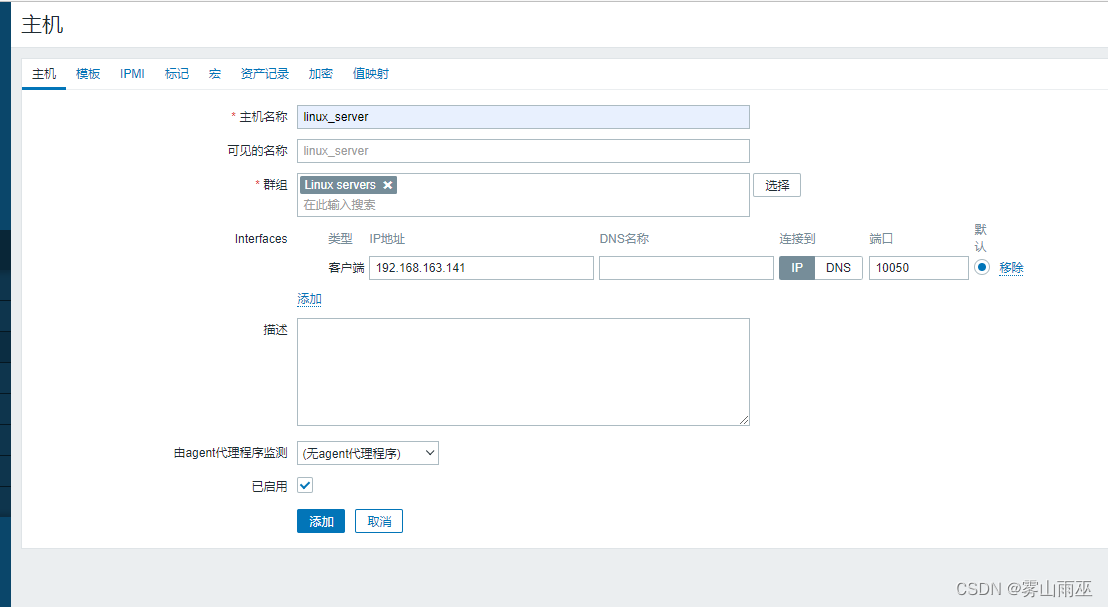
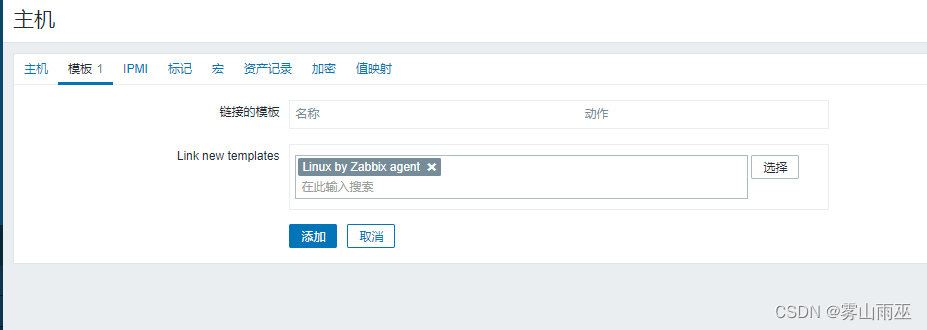
可以点击监测-主机-node1-图形,进行查看监控项
Windows参照linux步骤配置即可

边栏推荐
- Weak Banks to data conversion ability?Matt software help solve bank dilemma
- halcon——轮廓线
- Redisson 的分布式锁找不到?
- centos7安装mysql8
- PostgreSQL 14.4如何安装使用
- MySQL six-pulse sword, SQL customs clearance summary
- After watching "Second Uncle", I was even more internalized
- Day31 LeetCode
- Linux下安装MySQL教程
- 360杜跃进:太空安全风险加剧,需打造一体化防御体系
猜你喜欢
MySQl数据库————DQL数据查询语言

Common Expression Recognition Based on Face (1) - Basic Knowledge of Deep Learning
DCM 中间件家族迎来新成员

Face-based Common Expression Recognition (2) - Data Acquisition and Arrangement

ELK日志分析系统
MySQL database - DQL data query language
推荐系统:概述【架构:用户/物品特征工程---->召回层---->排序层---->测试/评估】【冷启动问题、实时性问题】
Zabbix 5.0 监控教程(一)
基于人脸的常见表情识别(2)——数据获取与整理

The JDBC programming of the MySQL database
随机推荐
PHP低代码开发平台 V5.0.7新版发布
推荐系统:开源项目/工具【谷歌:TensorFlow Recommenders】【Facebook:TorchRec】【百度:Graph4Rec】【阿里:DeepRec和EasyRec】
KEIL问题:【keil Error: failed to execute ‘C:\Keil\ARM\ARMCC‘】
Based on the face of the common expression recognition - model building, training and testing
用jOOQ 3.17投射类型安全的嵌套表记录
coming!Dongfang Selection brings goods to the live broadcast of Longjiang agricultural products
Recommendation system-model: FNN model (FM+MLP=FNN)
历史上的今天:Win10 七周年;微软和雅虎的搜索协议;微软发行 NT 4.0
MySQL数据库————视图和索引
The JDBC programming of the MySQL database
MySQL复制表结构、表数据的方法
MySQL sub-database sub-table
MySQL大批量造数据
After watching "Second Uncle", I was even more internalized
推荐系统-排序层:排序层架构【用户、物品特征处理步骤】
MySQL夺命10问,你能坚持到第几问?
MySql密码
利用go制作微信机器人
时间复杂度与空间复杂度
Day31 LeetCode