当前位置:网站首页>HAC集群修改管理员用户密码
HAC集群修改管理员用户密码
2022-07-05 18:55:00 【51CTO】
瀚高数据库
目录
环境
文档用途
详细信息
环境
系统平台:Linux x86-64 Red Hat Enterprise Linux 7
版本:4.5.6,4.5.7
文档用途
本文档用于指导HAC集群修改管理员用户密码
详细信息
1、检查集群状态,使用A、B两种方法进行判断
方法A:使用集群命令,确保TL时间线一致,Lag in MB数据同步延迟不能过高,最好延迟为0。
       [

       root

       @localhost

       ~]

       #

       hghactl

       list


       +

       Cluster:

       ha (

       7072256965608815760)

       -------+---------+----+-----------+


       |

       Member

       |

       Host

       |

       Role

       |

       State

       |

       TL

       |

       Lag

       in

       MB

       |


       +----------+---------------------+---------+---------+----+-----------+


       |

       hghac228

       |

       192.168.80.228:

       5866

       |

       Leader

       |

       running

       |

       6

       |

       |


       |

       hghac230

       |

       192.168.80.230:

       5866

       |

       Replica

       |

       running

       |

       6

       |

       0

       |


       +----------+---------------------+---------+---------+----+-----------+
- 1.
- 2.
- 3.
- 4.
- 5.
- 6.
- 7.
- 8.
- 9.
- 10.
- 11.
- 12.
- 13.
方法B:各个节点查询进程,有sender节点的是主库,有receiver节点的是备库
2、暂停集群
(任意节点执行即可,暂停集群只是停止集群主备切换,不影响数据库使用)


3、修改密码(只能在主库执行)
4、主备库修改密码文件
冒号为分隔符,倒数第二位用户名,最后一位数据库密码,将密码修改为修改之后的密码即可,保存退出。
5、主备库修改集群配置文件
       vim

       /

       opt

       /

       HighGo

       /

       tools

       /

       hghac

       /

       hghac.

       yaml


       authentication:


       replication:


       password:

       Hello

       @123


       username:

       sysdba


       rewind:


       password:

       Hello

       @123


       username:

       sysdba


       sysdba:


       password:

       Hello

       @123


       syssso:


       password:

       Hello

       @123


       syssao:


       password:

       Hello

       @123
- 1.
- 2.
- 3.
- 4.
- 5.
- 6.
- 7.
- 8.
- 9.
- 10.
- 11.
- 12.
- 13.
- 14.
- 15.
- 16.
- 17.
- 18.
- 19.
- 20.
- 21.
- 22.
- 23.
- 24.
- 25.
- 26.
- 27.
根据对应的用户名修改密码即可,保存退出。
6、备库修改data目录下的postgresql.auto.conf文件
       vim

       $PGDATA

       /

       postgresql.

       auto.

       conf


       primary_conninfo

       =

       'user=sysdba password='

       '[email protected]'

       ' host=192.168.80.228 port=5866 sslmode=prefer sslcompression=0 gssencmode=disable krbsrvname=postgres target_session_attrs=any'
- 1.
- 2.
- 3.
注意:password前边的user为sysdba,即修改用户sysdba的密码
7、恢复集群(任意节点执行即可)


8、重启集群生效(任意节点执行即可)


注意:
最后一个参数c是集群的名字,查看方法
9、查看集群状态


10、重新初始化所有节点的hgproxy
(如果没有使用hgproxy请跳过该步骤)
11、其他
执行hghactl等集群命令提示“未找到命令”,请配置环境变量,参考如下:
       vim

       ~

       /.

       bash_profile


       export

       PGPORT

       =

       5866


       export

       PGUSER

       =

       sysdba


       export

       PGDATABASE

       =

       highgo


       export

       PGHOME

       =/

       opt

       /

       HighGo4

       .5

       .7

       -

       see


       export

       PGDATA

       =/

       opt

       /

       HighGo4

       .5

       .7

       -

       see

       /

       data


       export

       PATH

       =

       $PGHOME

       /

       bin:

       $PATH:

       $HOME

       /

       bin:

       /

       opt

       /

       HighGo

       /

       tools

       /

       hgproxy

       /

       bin:

       /

       opt

       /

       HighGo

       /

       tools

       /

       hghac:

       /

       opt

       /

       HighGo

       /

       tools

       /

       hghac

       /

       etcd


       export

       LD_LIBRARY_PATH

       =

       $PGHOME

       /

       lib:

       /

       usr

       /

       lib64:

       $LD_LIBRARY_PATH


       export

       ETCDCTL_ENDPOINTS

       =

       http:

       //10.1.194.182:2379,http://10.1.194.191:2379,http://10.1.194.192:2379


       export

       PATRONICTL_CONFIG_FILE

       =/

       opt

       /

       HighGo

       /

       tools

       /

       hghac

       /

       hghac

       -

       see.

       yaml


       source

       ~

       /.

       bash_profile
- 1.
- 2.
- 3.
- 4.
- 5.
- 6.
- 7.
- 8.
- 9.
- 10.
- 11.
- 12.
- 13.
- 14.
- 15.
- 16.
- 17.
- 18.
- 19.
- 20.
- 21.
- 22.
- 23.
- 24.
- 25.
注意:
1、需要根据实际情况修改环境变量实际路径,可以使用find命令查找文件路径
例:查找hghac find / -iname hghac -print
2、ETCDCTL_ENDPOINTS三个ip需要修改为配置etcd三节点的ip,可以参考/opt/HighGo/tools/hghac/hghac-see.yaml文件中的etcd:hosts
边栏推荐
- Is the performance evaluation of suppliers in the fastener industry cumbersome? Choose the right tool to easily counter attack!
- Tupu software digital twin | visual management system based on BIM Technology
- 14、用户、组和权限(14)
- Golang through pointer for Range implements the change of the value of the element in the slice
- Go语言 | 01 WSL+VSCode环境搭建避坑指南
- AI open2022 | overview of recommendation systems based on heterogeneous information networks: concepts, methods, applications and resources
- The easycvr authorization expiration page cannot be logged in. How to solve it?
- 视频融合云平台EasyCVR增加多级分组,可灵活管理接入设备
- Thoroughly understand why network i/o is blocked?
- How to quickly advance automated testing? Listen to the personal feelings of the three bat test engineers
猜你喜欢
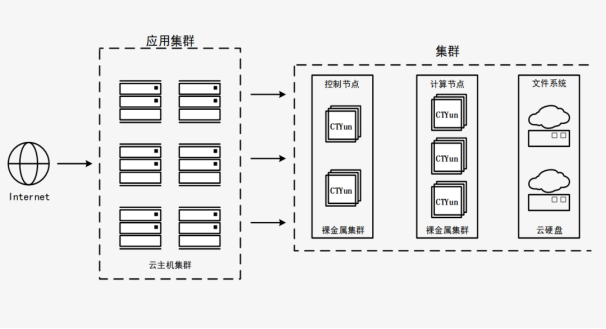
You can have both fish and bear's paw! Sky wing cloud elastic bare metal is attractive!
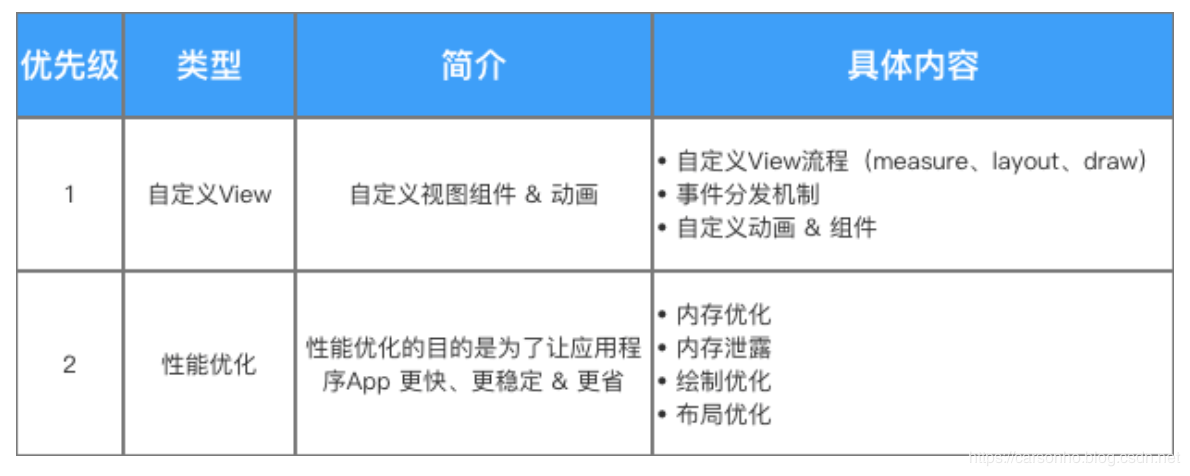
2022最新中高级Android面试题目,【原理+实战+视频+源码】

2022 Alibaba Android advanced interview questions sharing, 2022 Alibaba hand Taobao Android interview questions
![[detailed explanation of AUTOSAR 14 startup process]](/img/c4/5b08b43db97d8bb10c7207005f8c0a.png)
[detailed explanation of AUTOSAR 14 startup process]
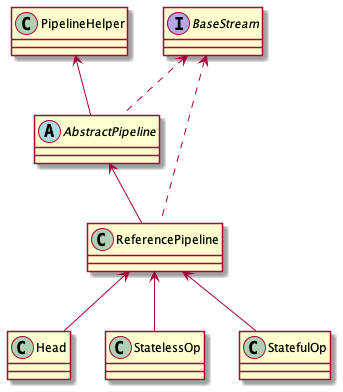
集合处理的利器
2022最新大厂Android面试真题解析,Android开发必会技术

国内低代码开发平台靠谱的都有哪些?

14、用户、组和权限(14)

618“低调”谢幕,百秋尚美如何携手品牌跨越“不确定时代”?

华为让出的高端市场,小米12S靠徕卡能抢到吗?
随机推荐
golang通过指针for...range实现切片中元素的值的更改
Teach you to deal with JS reverse picture camouflage hand in hand
决策树与随机森林
Oracle date format conversion to_ date,to_ char,to_ Timestamp mutual conversion
图扑软件数字孪生 | 基于 BIM 技术的可视化管理系统
视频自监督学习综述
2022年5月腾讯云开发者社区视频月度榜单公布
进程间通信(IPC):共享内存
Go语言学习教程(十五)
2022年阿里Android高级面试题分享,2022阿里手淘Android面试题目
Linear table - abstract data type
基于FPGA的超声波测距
Tupu software digital twin | visual management system based on BIM Technology
Cf:b. almost Terry matrix [symmetry + finding rules + structure + I am structural garbage]
R语言可视化散点图(scatter plot)图、为图中的部分数据点添加标签、始终显示所有标签,即使它们有太多重叠、ggrepel包来帮忙
2022 latest intermediate and advanced Android interview questions, [principle + practice + Video + source code]
Is the performance evaluation of suppliers in the fastener industry cumbersome? Choose the right tool to easily counter attack!
flume系列之:拦截器过滤数据
Lombok @builder annotation
Word查找红色文字 Word查找颜色字体 Word查找突出格式文本