当前位置:网站首页>JS listens for page or element scroll events, scrolling to the bottom or top
JS listens for page or element scroll events, scrolling to the bottom or top
2022-06-24 23:33:00 【Pengshiyu】

The basic principle :
1、 Scroll to the bottom
 The rolling distance of elements  +  Visible distance of element  ==  Total scroll bar distance of the element

2、 Scroll to top
 The rolling distance of elements   == 0
Monitor page scrolling
<!DOCTYPE html>
<html lang="en">
  <head>
    <meta charset="UTF-8" />
    <meta http-equiv="X-UA-Compatible" content="IE=edge" />
    <meta name="viewport" content="width=device-width, initial-scale=1.0" />
    <title>Scroll Demo</title>
  </head>

  <body>
    <style> .box {
       height: 5000px; text-align: center; } </style>

    <div class="box" id="box"> Open the console to see </div>

    <!--  Introduce the throttling method  -->
    <script src="https://cdn.jsdelivr.net/npm/[email protected]/umd/index.min.js"></script>

    <script> //  Scroll direction enumeration values  const DIRECTION_ENUM = {
       DOWN: "down", UP: "up", }; //  Threshold from top or bottom  const threshold = 20; //  Record the previous scroll position  let beforeScrollTop = 0; function handleScroll() {
       //  From the top  var scrollTop = document.documentElement.scrollTop || document.body.scrollTop; //  Height of visual area  var clientHeight = document.documentElement.clientHeight || document.body.clientHeight; //  Total height of scroll bar  var scrollHeight = document.documentElement.scrollHeight || document.body.scrollHeight; //  Print values  console.table([ {
       label: " From the top ", value: scrollTop, }, {
       label: " Height of visual area ", value: clientHeight, }, {
       label: " Total height of scroll bar ", value: scrollHeight, }, {
       label: " From the top  +  Height of visual area ", value: scrollTop + clientHeight, }, ]); //  Determine the scroll direction  let direction = DIRECTION_ENUM.DOWN; if (beforeScrollTop > scrollTop) {
       direction = DIRECTION_ENUM.UP; } //  Judge whether to touch the bottom or the top by the rolling direction  if (direction == DIRECTION_ENUM.DOWN) {
       //  Roll to the bottom  if (scrollTop + clientHeight + threshold >= scrollHeight) {
       console.log(" Roll to the bottom "); } } else {
       //  Scroll to top  if (scrollTop <= threshold) {
       console.log(" Scroll to top "); } } beforeScrollTop = scrollTop; } //  Rolling throttle  const throttleHandleScroll = throttleDebounce.throttle( 1000, handleScroll ); //  Monitor rolling  window.addEventListener('scroll', throttleHandleScroll); </script>
  </body>
</html>
Empathy , You can also listen for element scrolling
<style> .box-wrap {
       height: 500px; overflow-y: auto; } .box {
       height: 5000px; text-align: center; } </style>

<div class="box-wrap" id="box">
  <div class="box"> Open the console to see </div>
</div>

<script> //  Monitor rolling  let box = document.querySelector("#box"); box.addEventListener("scroll", function (e) {
       let scrollTop = e.target.scrollTop; let clientHeight = e.target.clientHeight; let scrollHeight = e.target.scrollHeight; //  Print values  console.table([ {
       label: " From the top ", value: scrollTop, }, {
       label: " Height of visual area ", value: clientHeight, }, {
       label: " Total height of scroll bar ", value: scrollHeight, }, {
       label: " From the top  +  Height of visual area ", value: scrollTop + clientHeight, }, ]); }); </script>
Points needing attention when judging the bottom :
- When scrolling, you need to distinguish between scrolling up or down
- You can set a threshold when scrolling , It doesn't trigger until it reaches the bottom or top completely
- Rolling events require throttling , To avoid being triggered many times in a short time
On-line Demo
- 16.1、 Monitor browser scroll Scroll Events , Top and bottom contact
- 16.2、 Monitor elements scroll Scroll Events , Top and bottom contact
Reference resources
js The monitor page scrolls to the bottom , Monitor the visual area to scroll to the bottom
边栏推荐
- 376. 机器任务
- 【js】-【字符串-应用】- 学习笔记
- Ningde times will increase RMB 45billion: Hillhouse subscribes RMB 3billion and Zeng Yuqun still controls 23% of the equity
- [basic knowledge] ~ half adder & full adder
- 六大行数据治理现状盘点:治理架构、数据标准与数据中台(2022.04)
- 7-8 循环日程安排问题
- sql -CONVERT函数
- UNION ALL UNION FULL JOIN
- Common regular expressions
- 冒泡排序
猜你喜欢

都2022年了,你还不了解什么是性能测试?
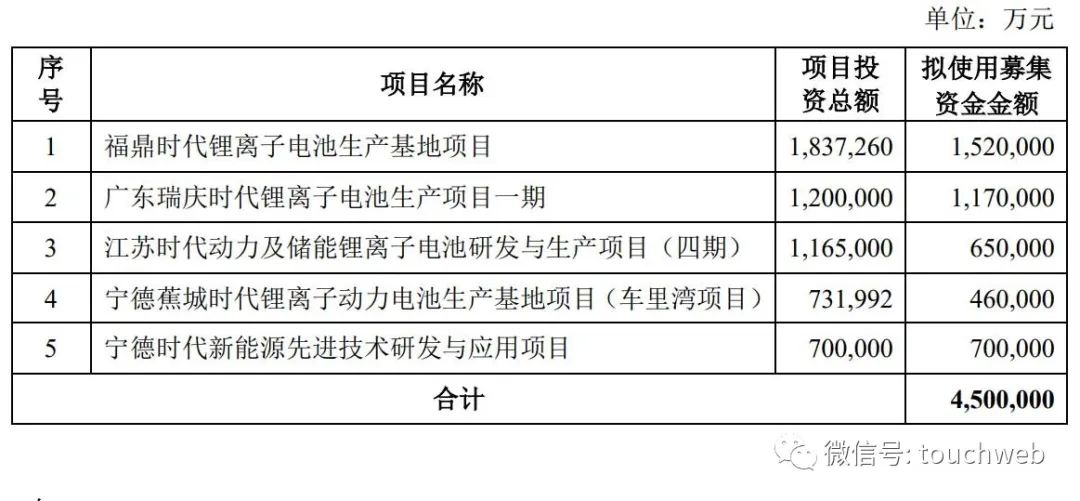
宁德时代定增450亿:高瓴认购30亿 曾毓群仍控制23%股权

【js】-【栈、队-应用】-学习笔记
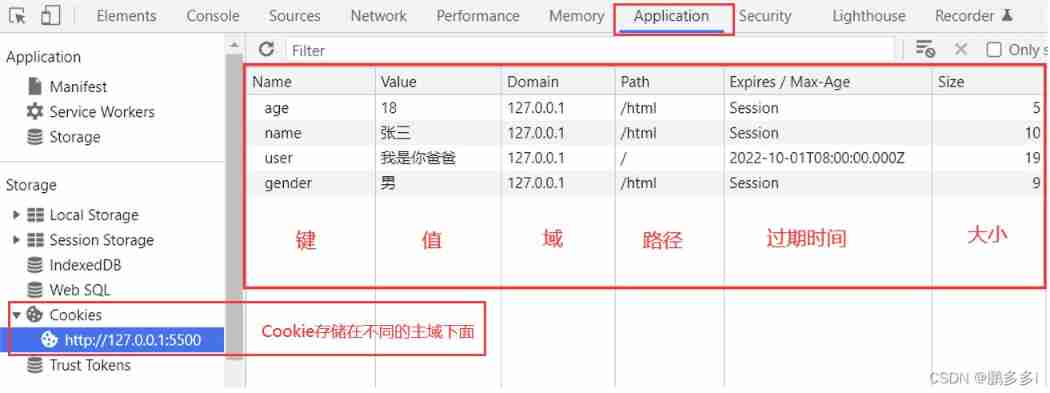
Super detailed cookie addition, deletion, modification and query
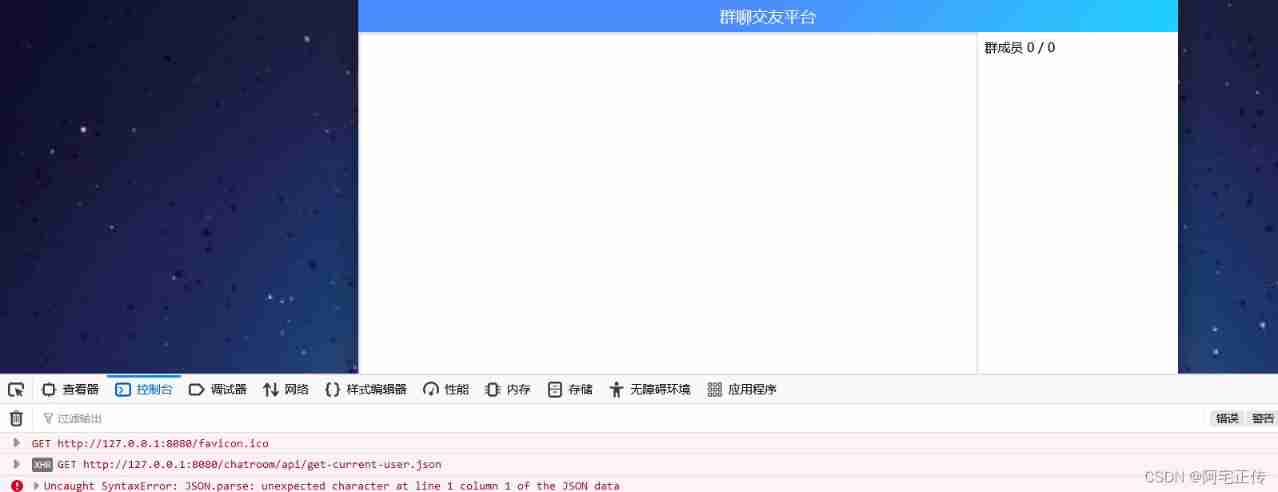
Detailed explanation of online group chat and dating platform project (servlet implementation)

明天就是PMP考试了(6月25日),这些大家都了解了吗?
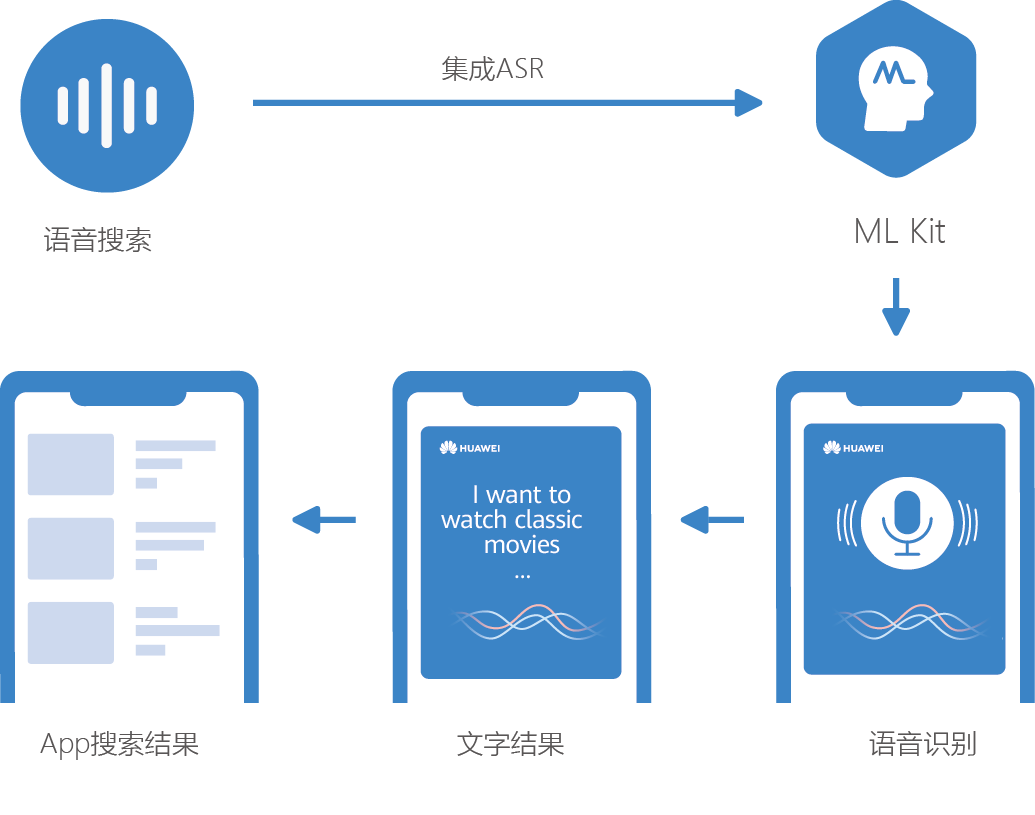
华为机器学习服务语音识别功能,让应用绘“声”绘色

Go language pointer, value reference and pointer reference
![[basic knowledge] ~ half adder & full adder](/img/06/7f1ede65dca527c8630285b587a4ba.png)
[basic knowledge] ~ half adder & full adder

国内有哪些好的智能家居品牌支持homekit?
随机推荐
【js】-【树】-学习笔记
379. hide and seek
372. chessboard coverage
[introduction to UVM== > episode_8] ~ sequence and sequencer, sequence hierarchy
7-9 treasure hunt route
7-2 construction of binary tree by post order + middle order sequence
Jetpack Compose 最新进展
Mousse shares listed on Shenzhen Stock Exchange: becoming popular by mattress and "foreign old man", with a market value of 22.4 billion yuan
What you must know about time series database!
企业数据防泄露解决方案分享
Actipro WPF Controls 2022.1.2
一文理解OpenStack网络
【js】-【數組、棧、隊列、鏈錶基礎】-筆記
Redis source code analysis skip list
我的为人处事真的有问题吗?
From client to server
R language uses the polR function of mass package to build an ordered multi classification logistic regression model, and uses exp function, confint function and coef function to obtain the confidence
Installation and deployment of ganglia
Websocket long link pressure test
libnum库简单使用(进制字符串转换)