当前位置:网站首页>Brief introduction to unity menu interface
Brief introduction to unity menu interface
2022-07-27 06:14:00 【YF Yunfei】
Unity The Chinese menu usually has :

The following is an introduction one by one :
File File menu ( For the project )

Columns from top to bottom are :
Create and open a scene
Save and save the scene as
newly build 、 open 、 Storage items
Set up and publish projects

Add Current You can add the current scene to the project among , Select different release versions in the lower left corner

stay PlayerSettings The corresponding version information can be changed in ( Like an icon ) And modify the corresponding parameters ( If it is full screen , Whether to use local resolution and whether to run in the background )
sign out unity
Edit Edit menu ( For editors )
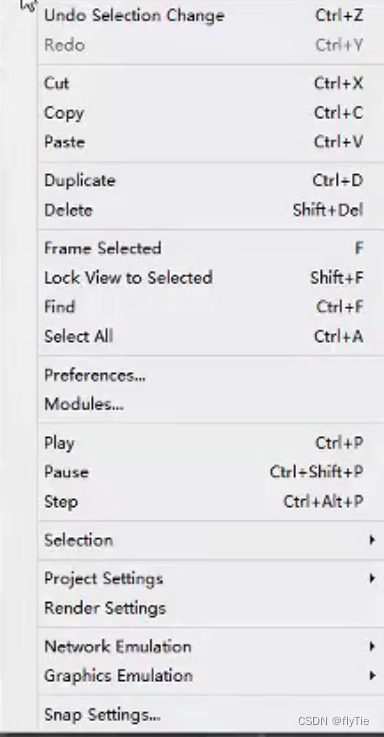
The specific details will not be repeated in this chapter
among ,Preferences It can be understood as right Unity Its basic setting menu

Such as the tone of the editor 、 Color 、 Game hotkeys 、 Change the game cache server
and Selection It can be understood as right Hierarchy Object selection packaging , Similar to groups
stay Project Settings You can manage all items of the game
for example Input:

Represents the input management of the game ( Such as horizontal and vertical input control )
and Tag&Layers:

It's about the game level 、 Different identification Tag The control of
Others such as Audio、Time And so on is to control the game audio separately 、 Refresh frequency and other related contents , I won't go into details here
Asset Resources menu ( For project resources )

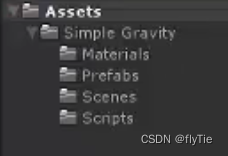
Create New script file 、 Preset object 、 Animation files 、 Physical materials, etc
Import/Export Package Import / Export package (Custom package Customize , The following is Unity My own bag )
Pro only It means the professional version can be used
Select Dependencies Find the object related to the selected object
Refresh Refresh resources
Reimport Re import resources (+All Then the object is all resources )
Sync MonoDevelop Project It is to synchronize the scripts compiled by the compiler
GameObject Object menu ( in the light of Hierarchy scene )

Create Empty Add empty objects
Create Empty Child Add empty objects to a subset of the selected objects
Create Other Is to add preset objects to the scene :

And others, such as setting up parent-child relationships 、 Modify the preset values of the scene, etc., which are omitted here
Component Component menu ( For the selected object )
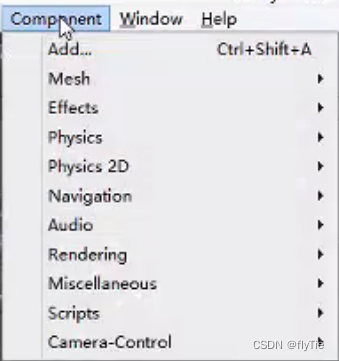
for example Mesh Physical model and mapping 、Effects Special effects 、Physics Physical components 、 Script etc.
Window Window menu ( For Windows )

Introduce some new :
Animation
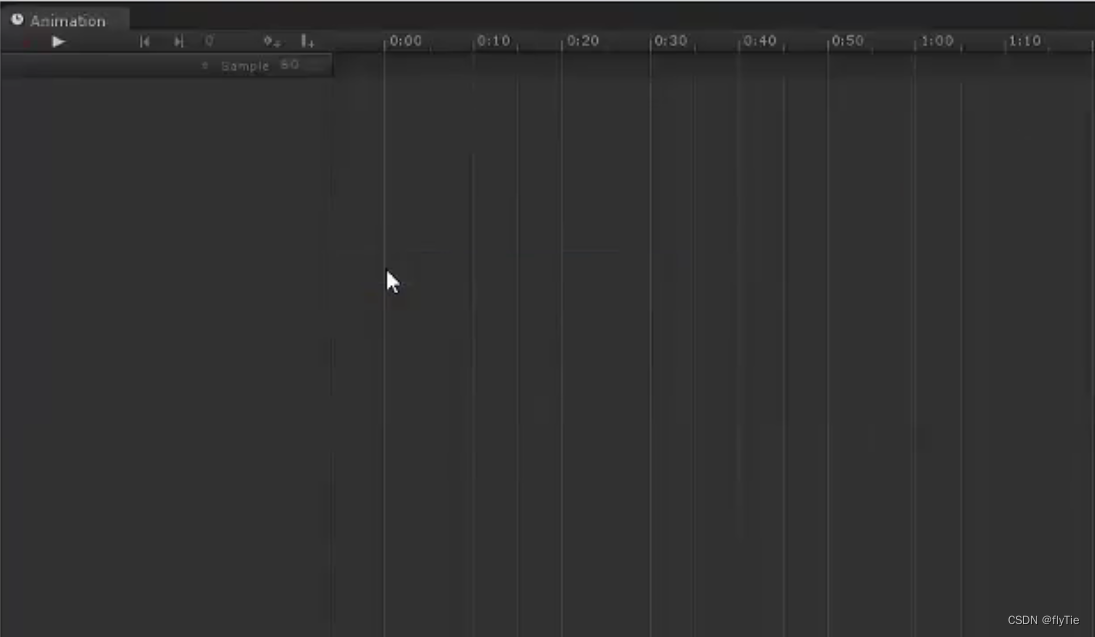
To what already exists Animation Make changes 、 shear 、 Add, etc ( Because of the complexity and inconvenience , Animation work is generally handed over to artists 3D Max Wait for the production )
Profiler

CPU、GPU Consumption of, etc ( The optimization part uses )
Version Control
Control the game version ( Lack of compatibility , Rarely used )
Animator

Use animation state machine to integrate different animations into a system

And the fusion of actions is all by Unity Done automatically
Sprite Packer
Used to store sprite animation
Lightmapping
Light window , Perform a series of rendering tasks such as scene baking
Occlusion Culling
Used for mask culling ( Scene optimization )
Navigation
Automatic pathfinding of characters in the scene
Console
Error reporting function

Can be moved , Easy to view in real time
Help In the help menu ( Get help for )

Browse the store for help :

边栏推荐
猜你喜欢


![[Arduino] reborn Arduino monk (1)](/img/ce/67118ebd430a0ff3ef98ec8524ee4a.jpg)




随机推荐
自动化部署项目
tqdm无法单行显示的问题
Li Kou daily question sword finger offer II 091. paint the house
Unity 菜单界面的简单介绍
Progress in remote sensing image recognition 2022/5/5
yum获取rpm软件包的三种方法
C#线程锁(Lock)
IP核小结
Dynamic programming for solving problems (1)
编程学习记录——第6课【函数】
IP核之ROM
链表回文判断
所有常用排序的代码实现和介绍
Solve binary tree (7)
哈希表的原理及哈希冲突的解决方法
Callback uses lambda
Dynamic programming for solving problems (2)
力扣第一周错题集
力扣题解 二叉树(8)
Socket long link