当前位置:网站首页>LVS health state detection based on application layer
LVS health state detection based on application layer
2022-06-12 11:14:00 【Brother Xing plays with the clouds】
Antecedents :
Children's shoes are well known LVS It's based on 4 Layer to do load balancing scheduling , By default, the backend is also based on the port The server Health status detection , But companies always have some back ends Real Server Such as JBOSS No service after pretending to be dead , The port is still alive , This leads to LVS Continue to distribute user requests to this down The server , The result is returned to the user 502,503......, You can also use it HAProxy or Nginx do 7 Layer load balancing , But there is a bottleneck in forwarding performance , Products and functions are not introduced here , This article mainly communicates with the following children's shoes .
LVS Health state detection based on application layer Script Download :
The free download address is http://linux.linuxidc.com/
The user name and password are www.linuxidc.com
The specific download directory is in /2013 Annual data /10 month /30 Japan /LVS Health state detection based on application layer
For the download method, see http://www.linuxidc.com/Linux/2013-07/87684.htm
Our purpose :
1, Do not harm the user , Try to block the server errors internally , Do not expose 50X.
2, Improve the stability of services , towards 99.99% even to the extent that 5 individual 9 Stride forward .
Our thinking :
1, In each station RealServer On the business of JAVA perhaps PHP Interpretable pages , Such as alive_test.jsp,alive_test.php, It depends on your business type . Content customization , You can also write interfaces that can be detected successfully , We simply return one null It's worth it .
2, stay LVS Do a monitoring on , Every time 5 Access this interface every second , Get the return value or return status .
3, Judge according to the access results , Normal regardless , Failure begins with LVS And kick it down , Recovery is automatically added to LVS. Smooth up and down , Control it LVS Correctness of distribution request .
4, Log the whole process , Of course, we can also add functions , E.g. email reminder when kicking offline Admin wait , Not much here , There are more good ideas that I hope to share with you ,Thanks.
What we do :
OK, before we start, let's briefly explain the several commands used :
ipvsadm -a -t $CTVIP:80 -r $1:80 -g -w 80
ipvsadm -d -t $CTVIP:80 -r $1:80
ipvsadm -L -t $CTVIP:80|grep $1
-a: Add one RealServer
-d: Delete one RealServer
-L/-l: List LVS Schedule
-t: TCP Service for
-r: RealServer Of IP And port
-g: Designated as DR Pattern
-w: The weight
#----------------------------------------------------------#
curl -f --connect-timeout 2 -m 2 -H "Host:www.xxx.cn" http://$I/alive_test.jsp
Display the status of page access , exceed 2 Seconds return timeout .
It should be a personal habit to write scripts , I divided it into two types of files: function files and script files , Write common functions as function files , Detect that the script refers to the function file again , You can download from the attachment . Here for easy understanding , I will integrate it into a script content introduction , It's a long story , Just because there are so many ports to process , Actually, there are not many function points , The script is still very simple .
#!/bin/bash
# Name:LVS application layer Health status detection News
# Date:2013-10-12
# Author: [email protected]
Home=$(cd `dirname $0`;pwd)
# Define Netcom and Telecom VIP The variable of .
CTVIP=202.96.128.166
CNCVIP=221.5.88.88
# Definition RealServer IP Array , If many suggestions are defined as a configuration file .
RealSVR=("192.168.16.232" "192.168.16.233" "192.168.16.234" "192.168.16.235")
# The log file is named as a script .log Save to /var/log Under the table of contents
LogFile=/var/log/`basename $0`.log
# ==================== To facilitate log output , We define a function , Output with date .
Log() {
LogDate=$(date +"%F %T")
echo -e "${LogDate} : $1" >> $LogFile
}
# -------------------- < Define go live 、 Offline 、 Detected functions
# ==================== On line function , When our back-end business resumes , take RealServer Added to the scheduling of Telecom and Netcom , If LVS In a VIP Schedule more ports , Continue to add the same function and change the port , I only have http and https.RealServer from $1 Parameters to transmit . Output the log after the action is completed , So that the operation and maintenance personnel can observe the operation status .
Add_CT80() {
ipvsadm -a -t $CTVIP:80 -r $1:80 -g -w 80 &>> $LogFile
Log "Add $1:80 in $CTVIP:80 OK."
}
Add_CT443() {
ipvsadm -a -t $CTVIP:443 -r $1:443 -g -w 80 &>> $LogFile
Log "Add $1:443 in $CTVIP:443 OK."
}
Add_CNC80() {
ipvsadm -a -t $CNCVIP:80 -r $1:80 -g -w 80 &>> $LogFile
Log "Add $1:80 in $CNCVIP:80 OK."
}
Add_CNC443() {
ipvsadm -a -t $CNCVIP:443 -r $1:443 -g -w 80 &>> $LogFile
Log "Add $1:443 in $CNCVIP:443 OK."
}
# ==================== Offline function . The function is the same as the online function , This is the back end RealServer When something goes wrong , take RealServer from LVS Kicked out of the dispatch .
Del_CT80() {
ipvsadm -d -t $CTVIP:80 -r $1:80 &>> $LogFile
Log "Delete $1:80 in $CTVIP:80 OK."
}
Del_CT443() {
ipvsadm -d -t $CTVIP:443 -r $1:443 &>> $LogFile
Log "Delete $1:443 in $CTVIP:443 OK."
}
Del_CNC80() {
ipvsadm -d -t $CNCVIP:80 -r $1:80 &>> $LogFile
Log "Delete $1:80 in $CNCVIP:80 OK."
}
Del_CNC443() {
ipvsadm -d -t $CNCVIP:443 -r $1:443 &>> $LogFile
Log "Delete $1:443 in $CNCVIP:443 OK."
}
# ==================== RealServer Detection function , Check RealServer Is it in scheduling , Generate a status value , So that we can execute the function call for the next action . return 0 Indicates presence ,1 Does not exist .
CT_Check80() {
ipvsadm -L -t $CTVIP:80|grep $1 &> /dev/null
[ $? -eq 0 ] && return 0 || return 1
}
CT_Check443() {
ipvsadm -L -t $CTVIP:443|grep $1 &> /dev/null
[ $? -eq 0 ] && return 0 || return 1
}
CNC_Check80() {
ipvsadm -L -t $CNCVIP:80|grep $1 &> /dev/null
[ $? -eq 0 ] && return 0 || return 1
}
CNC_Check443() {
ipvsadm -L -t $CNCVIP:443|grep $1 &> /dev/null
[ $? -eq 0 ] && return 0 || return 1
}
# ==================== Execute the action according to the above state .
# Check RealServer Whether the status is under scheduling , If you are writing this RealServer Has been deposited with LVS Scheduling , Otherwise, add it to the schedule , Mainly testing RealServer Interface status OK After use .
CheckRS_OK() {
CT_Check80 $1
[ $? -eq 0 ] && Log "$1:80 exist lvs $CTVIP ing..." || Add_CT80 $1
CT_Check443 $1
[ $? -eq 0 ] && Log "$1:443 exist lvs $CTVIP ing..." || Add_CT443 $1
CNC_Check80 $1
[ $? -eq 0 ] && Log "$1:80 exist lvs $CNCVIP ing..." || Add_CNC80 $1
CNC_Check443 $1
[ $? -eq 0 ] && Log "$1:443 exist lvs $CNCVIP ing..." || Add_CNC443 $1
}
# Check RealServer Whether the status is under scheduling , If yes, the period will be kicked out of the schedule , Otherwise output this RealServer No longer exists in LVS Scheduling in progress , Mainly testing RealServer After the interface status fails, use .
CheckRS_NO() {
CT_Check80 $1
[ $? -eq 0 ] && Del_CT80 $1 || Log "$1:80 is Not exsit Lvs $CTVIP"
CT_Check443 $1
[ $? -eq 0 ] && Del_CT443 $1 || Log "$1:443 is Not exsit Lvs $CTVIP"
CNC_Check80 $1
[ $? -eq 0 ] && Del_CNC80 $1 || Log "$1:80 is Not exsit Lvs $CNCVIP"
CNC_Check443 $1
[ $? -eq 0 ] && Del_CNC443 $1 || Log "$1:443 is Not exsit Lvs $CNCVIP"
}
# -------------------- Define UP\Down\Check\Action Funcation Complete>
#-------------------- Integration function , For business 5 Check once per second , And execute the corresponding function , The log is written to a file , Keep the most 5 Line ten thousand . For multiple detection services ,COPY This document goes over and changes the inside ”Host:” that will do .
# ==================== Every 5s check once
while :;do
# Go through each one RealServer, And check their interface status . If normal , It depends on whether it is under scheduling , If it is, output LOG, Say exist , If it doesn't exist , Is added to the schedule , Which is running CheckRS_OK function ,RealServer by “$1”, So this right here is $I Value =RealServer Of IP. If you fail , See if it is scheduling , If in , Kick it out , If not, output LOG, It is said that it is no longer in the scheduling , Which is running CheckRS_NO function , take $I As $1 Pass to function .
for I in ${RealSVR[*]};do
if curl -f --connect-timeout 2 -m 2 -H "Host:www.xxx.cn" "http://$I/alive_test.jsp" &> /dev/null;then
Log "Host:www.xxx.cn http://$I/alive_test.jsp Access Success ."
CheckRS_OK $I
else
Log "Host:www.xxx.cn http://$I/alive_test.jsp Access Failure !"
CheckRS_NO $I
fi
done
# ==================== Log file retention 5 Ten thousand records .
LogCount=$(wc –l $LogFile)
DelLog=$[$LogCount-50000]
[ $DelLog -gt 0 ] && sed -i "1,${DelLog}d" $LogFile
# ==================== Every time 5 Request once per second .
sleep 5
done
We put in LvsMaster and LvsSlave Has been running in the background for some time , The result is right , I hope it will help my friends , Be sure to install before operation curl Oh , Remember to observe after the script runs LVS Scheduling status and log files .
边栏推荐
- Thinking about the cooperation process of Network Library -- Some Thoughts on reading brpc
- PHP string encryption and decryption
- 蓝桥杯2015年CA省赛(填坑中)
- 命名规范/注释规范/逻辑规范
- 架构训练模块 7
- Several solutions across domains
- Zabbix 监控之LLD
- Get start date and end date for all quarters of the year
- 基于C#的安全聊天工具设计
- AcWing 132. 小组队列(队列模拟题)
猜你喜欢
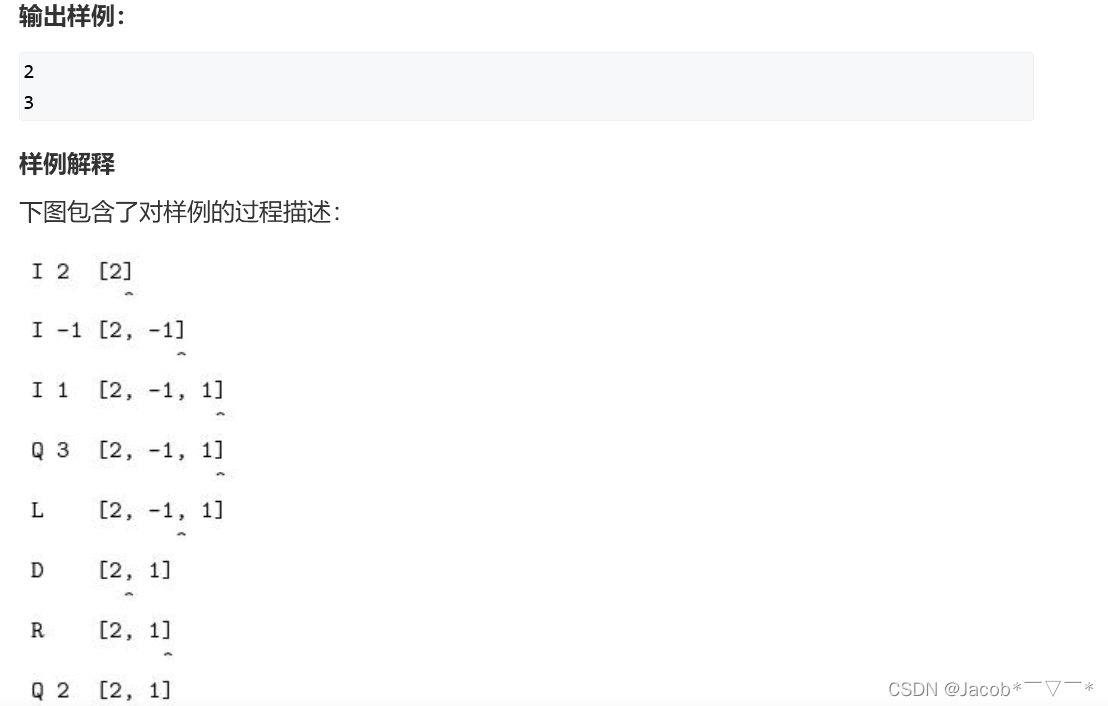
AcWing 128. Editor (to effectively modify the specified position in the top stack)

890. 查找和替换模式

M-arch (fanwai 12) gd32l233 evaluation -cau encryption and decryption (tease Xiaobian)

深度学习与CV教程(14) | 图像分割 (FCN,SegNet,U-Net,PSPNet,DeepLab,RefineNet)
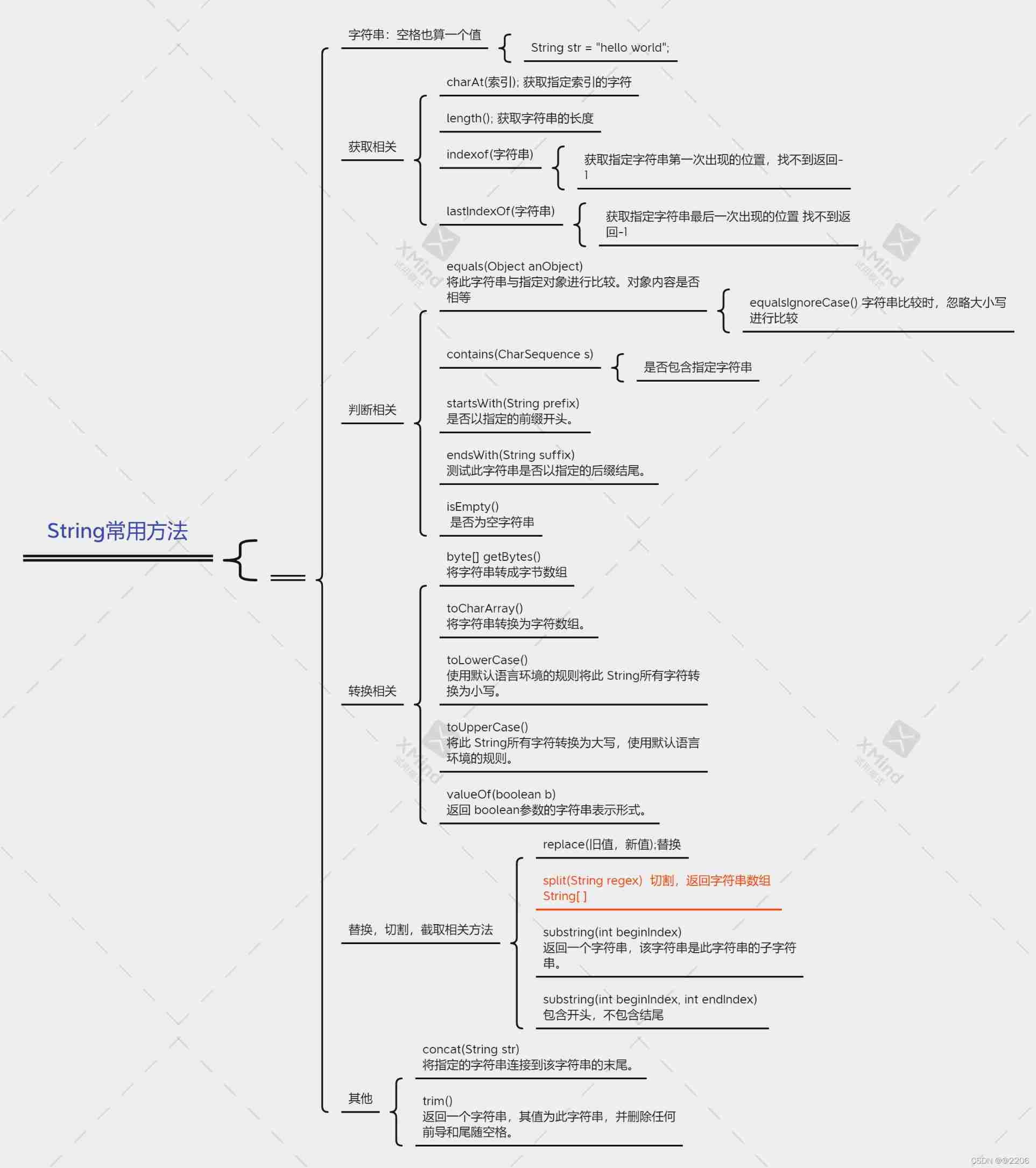
Common methods of string class

Clj3-100alh30 residual current relay

AcWing 131. The largest rectangle in the histogram (monotone stack classic application template)

How the ArrayList collection implements ascending and descending order

VirtualBox 虚拟机因系统异常关机虚拟机启动项不见了

Set SVG color
随机推荐
Using stairs function in MATLAB
Module 8 job
UI自动化测试中比较少见的异常记录
Failed to load resource: the server responded with a status of 413 (Request Entity Too Large)
^34 scope interview questions
Epidemic home office experience | community essay solicitation
redis 总结
Flex layout
Common methods of string class
Signal relay rxsf1-rk271018dc110v
Clickhouse column basic data type description
PHP uses RSA segment encryption and decryption method
AcWing 1995. Meet and greet (simulation)
自然语言处理nlp 数据集下载地址
【clickhouse专栏】基础数据类型说明
Clickhouse column basic data type description
The difference between meta universe chain games and traditional games
^33变量提升和函数提升面试题
Reading mysql45 lecture - self summary (part)
NFT数字藏品的可验证性和稀缺性