当前位置:网站首页>使用工具类按一定规则读取Excel文件
使用工具类按一定规则读取Excel文件
2022-06-11 04:01:00 【小问号我们是朋友】
工作中需要按照功能分类去批量新增数据,数据的载体为Excel文件。现编写一个工具类按照业务规则来读取并处理Excel文件数据。
目录
1.工具类
在读取文件这里,使用hutool的依赖来处理数据;通过ExcelReader的别名处理方法来给Excel中的表头添加映射关系,使得数据可以对应上具体的实体类。
代码如下(示例):
package com.aisino.common.utils;

import cn.hutool.poi.excel.ExcelReader;
import cn.hutool.poi.excel.ExcelUtil;
import com.aisino.common.core.domain.entity.Inter;
import org.springframework.web.multipart.MultipartFile;
import java.io.File;
import java.io.IOException;
import java.util.List;

/**
 * Created by lijindong on 2022-05-30 17:36
 */
public class ExcelUtils {

    /**
     * description: 使用工具类获取Excel文件中的接口信息
     * create by: lee
     */
    public static List<Inter> getInterrInfoByHutool(File file) {

        ExcelReader excelReader = ExcelUtil.getReader(file);
        excelReader.addHeaderAlias("接口名称","interName");
        excelReader.addHeaderAlias("调用方式","callMethod");
        excelReader.addHeaderAlias("URL","operUrl");
        excelReader.addHeaderAlias("接口状态 ","interStatus");
        List<Inter> interList = excelReader.readAll(Inter.class);
        excelReader.close();
        return interList;
    }

    /**
     * MultipartFile 转换为 File 文件
     *
     * @param multipartFile
     * @return
     */
    public final static File transferToFile(MultipartFile multipartFile) {
        //选择用缓冲区来实现这个转换即使用java 创建的临时文件 使用 MultipartFile.transferto()方法 。
        File file = null;
        try {
            String originalFilename = multipartFile.getOriginalFilename();
            //获取文件后缀
            String prefix = originalFilename.substring(originalFilename.lastIndexOf("."));
            file = File.createTempFile(originalFilename, prefix);    //创建临时文件
            multipartFile.transferTo(file);
            //删除
            file.deleteOnExit();
        } catch (IOException e) {
            e.printStackTrace();
        }
        return file;
    }

}
2.具体实现
代码如下(示例):
    List<Inter> interList;
    //从Excel中获取接口信息组装到集合中
    File fileF = ExcelUtils.transferToFile(file);
    interList = ExcelUtils.getInterrInfoByHutool(fileF);
总结
以上就是今天要讲的内容,本文介绍了Excel工具类的使用,通过它可以实现文件批量导入业务数据。
边栏推荐
- B - wall painting (C language)
- Record a VMware problem
- Simulation of radar emitter modulated signal
- PHP正则用例
- Market prospect analysis and Research Report of Ethernet scanner in 2022
- Host computer development (how to develop host computer)
- Cloud broadcast alert, guanghetong helps intelligent camera to build a "river protection" drowning prevention system
- ESP8266_ RTOS modifies IP address and hostname in AP mode
- From function test to advanced automation test, I stayed up 7 days to sort out this 3000 word super complete learning guide [with network disk resources]
- [dataset] | UAV Perspective
猜你喜欢

Source insight 4.0 setting shortcut keys for comments and uncomments
Eth relay interface
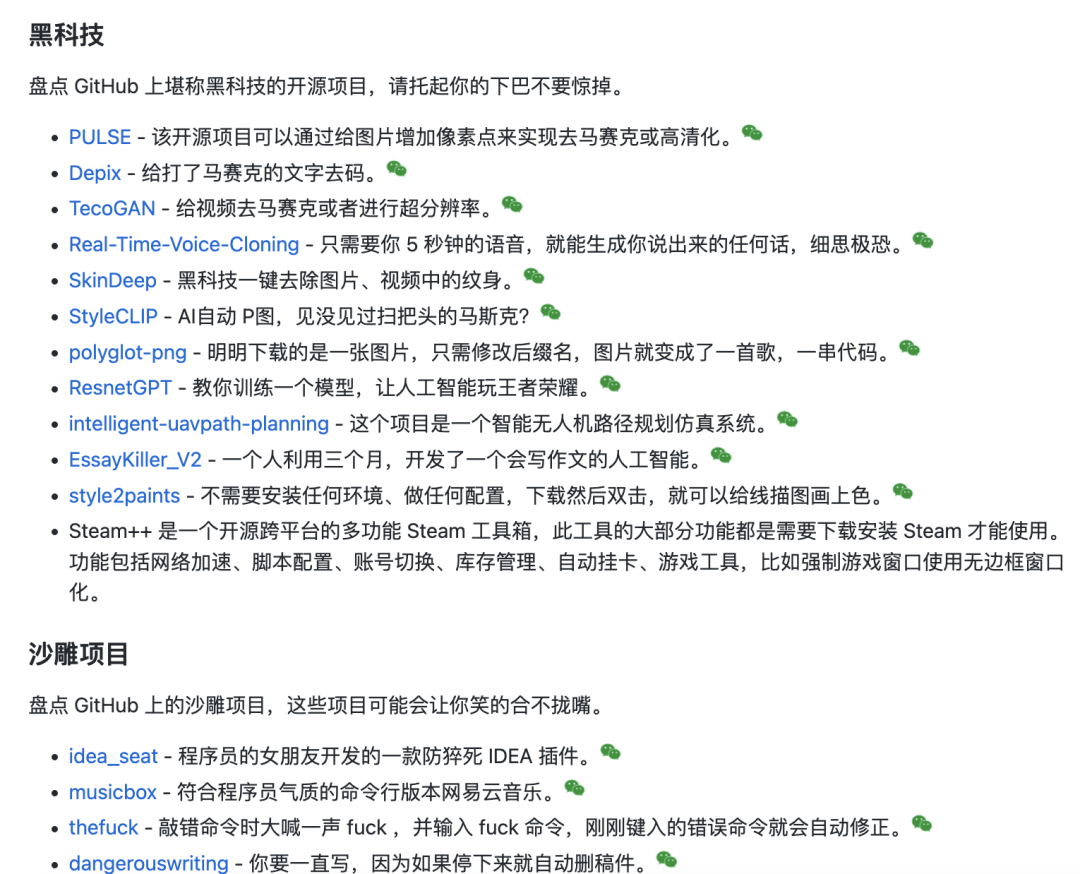
Google 有哪些牛逼的开源项目?

WPF of open source project hero alliance

【CustomView】Glide+BitmapTransformation 图片上下边框波浪处理(WaveTransformation)
![[network] socket programming](/img/df/2afc300bfc2dd319247a4b75ef7e2c.png)
[network] socket programming

This artifact is highly recommended. One line command will convert the web page to PDF!

Management system of College Students' associations based on SSM

Detailed explanation of scenario method for common test case design methods

A - Eddy's AC puzzle (C language)
随机推荐
写给通信年轻人的27个忠告
How to invest in programming knowledge and reduce the impact of knowledge failure
Eth Of Erc20 And Erc721
Esp32 gattc configuration UUID
7. list label
密码找回功能可能存在的问题(补充)
[dataset] | UAV Perspective
合理使用线程池以及线程变量
域名解析耗时是什么?域名解析耗时影响因素有哪些?
ESP8266_ RTOS modifies IP address and hostname in AP mode
2022爱分析· 隐私计算厂商全景报告 | 爱分析报告
6. 表格标签
Pictures that make people feel calm and warm
Vulkan-官方示例解读-RayTracing
Docker swarm installs redis cluster (bitnami/redis cluster:latest)
如何检查域名解析是否生效?
PHP正则用例
人与人的一些不同
未来已来,5G-Advanced时代开启
Simulation of radar emitter modulated signal