当前位置:网站首页>Mycat2 deploy master-slave MariaDB
Mycat2 deploy master-slave MariaDB
2022-07-26 08:27:00 【csg103】
mycat Yes Mariadb Support is not perfect , It seems that the current test will not fail over . One master and one slave can be used . But it does not support comment line commands in a friendly way , You need to create your own configuration .
install mycat2
Download address
Two files need to be downloaded
mycat2-install-template-1.21.zip
mycat2-1.22-release-jar-with-dependencies.jar

 install   hold JAR Move to... With compressed files lib Next   And give execute file permission
chmod -R 777 mycat wrapper-linux-x86-32 wrapper-linux-x86-64 wrapper-linux-ppc-64 Modify the data source vim /usr/local/mycat/conf/database/prototypeDs.datasource.json
{
        "dbType":"mysql",
        "idleTimeout":60000,
        "initSqls":[],
        "initSqlsGetConnection":true,
        "instanceType":"READ_WRITE",
        "maxCon":1000,
        "maxConnectTimeout":3000,
        "maxRetryCount":5,
        "minCon":1,
        "name":"prototypeDs",
        "password":"123456",
        "type":"JDBC",
        "url":"jdbc:mysql://192.168.10.30:3306/mycatdb?useUnicode=true&serverTimezone=Asia/Shanghai&characterEncoding=UTF-8",
        "user":"root",
        "weight":0
}
start-up

console The front-end start start Background start

Maintenance port 9006 Intranet access 
The use of port 8006
One master and one slave deployment
1. Logical library file
link mycat8066 port , Create a logical library mydb1, Then the corresponding configuration file will be generated mydb1.schema.json, And create a table test Field id name Used for testing .
vi /usr/local/mycat/conf/schemas/mydb1.schema.json
{
        "customTables":{},
        "globalTables":{},
        "normalProcedures":{},
        "normalTables":{
                "test":{
                        "createTableSQL":"CREATE TABLE `mydb1`.`test` (\n\t`id` INT NOT NULL,\n\t`name` VARCHAR(45) NULL,\n\tPRIMARY KEY (`id`)\n)",
                        "locality":{
                                "schemaName":"mydb1",
                                "tableName":"test",
                                "targetName":"mycluse"
                        }
                }
        },
        "schemaName":"mydb1",
        "shardingTables":{},
        "targetName":"mycluse", // Here is the cluster name , In the cluster configuration file
        "views":{}
}
~
2. Cluster files
Unable to execute due to annotation execution ,( May be Yes Mariadb Not compatible ?). So edit the configuration file directly .
vi /usr/local/mycat/conf/clusters/mycluse.cluster.json
{
        "clusterType":"MASTER_SLAVE",  // Choose master-slave mode here
        "heartbeat":{
                "heartbeatTimeout":1000,
                "maxRetry":3,
                "minSwitchTimeInterval":300,
                "slaveThreshold":0
        },
        "masters":[
                "rwSepr"         Add main services , Fill in the database name
        ],
        "replicas":["rwSepw"],   Add a copy of the , Fill in the database name
        "maxCon":2000,
        "name":"mycluse",          The name is consistent with the name filled in the logic library
        "readBalanceType":"BALANCE_ALL",  Random all readable
        "switchType":"SWITCH"
}
3. Database instance file
The database cluster has been set up , Refer to the previous article .
vi /usr/local/mycat/conf/datasources/rwSepr.datasource.json
{
        "dbType":"mysql",
        "idleTimeout":60000,
        "initSqls":[],
        "initSqlsGetConnection":true,
        "instanceType":"READ_WRITE",     read   Write   Reading and writing
        "maxCon":1000,
        "maxConnectTimeout":3000,
        "maxRetryCount":5,
        "minCon":1,
        "name":"rwSepr",                 name , Use in the above cluster
        "password":"123456",
        "type":"JDBC",
        "url":"jdbc:mysql://192.168.10.30:3306/mydb1?useUnicode=true&serverTimezone=Asia/Shanghai&characterEncoding=UTF-8",
        "user":"root",
        "weight":0
}
vi /usr/local/mycat/conf/datasources/rwSepw.datasource.json
Same as above , Only the database is different
{
        "dbType":"mysql",
        "idleTimeout":60000,
        "initSqls":[],
        "initSqlsGetConnection":true,
        "instanceType":"READ_WRITE",
        "maxCon":1000,
        "maxConnectTimeout":3000,
        "maxRetryCount":5,
        "minCon":1,
        "name":"rwSepw",
        "password":"123456",
        "type":"JDBC",
        "url":"jdbc:mysql://192.168.10.204:3306/mydb1?useUnicode=true&serverTimezone=Asia/Shanghai&characterEncoding=UTF-8",
        "user":"root",
        "weight":0
}
Master slave test
restart Mycat
./bin/mycat console

, respectively, Set the two machines where the database is located Hostname
hostnamectl set-hostname mariadb01

hostnamectl set-hostname mariadb02

adopt Mycat Add data

View results

master The server is rwSepr The server of the corresponding database hostname yes mariadb01
Modify the configuration file
mycluse.cluster.json take rwSepr rwSepw Data source exchange , That is, swap the databases of write operations . Re execution Insert hostname


Because my database is multi master , So you can switch at will , It is only used for testing one master and one slave .
边栏推荐
- mysql函数汇总之日期和时间函数
- BGP的基本配置
- Exam summary on July 13, 2022
- Storage of drawings (refined version)
- Add in the registry right click to open in vscode
- Basic music theory rhythm connection problem, very important
- B title: razlika priority queue approach
- 2022-7-7 personal qualifying 4 competition experience
- Burp Suite - Chapter 2 burp suite proxy and browser settings
- OSPF总结
猜你喜欢

BGP的基本配置

2022-7-5 personal qualifying 2 competition experience
Basic configuration of BGP

【C语言】程序员筑基功法——《函数栈帧的创建与销毁》

2022-7-9 personal qualifying 6 competition experience

Burp suite Chapter 7 how to use burp scanner

CV learning notes (optical flow)

Guitar staff link Jasmine
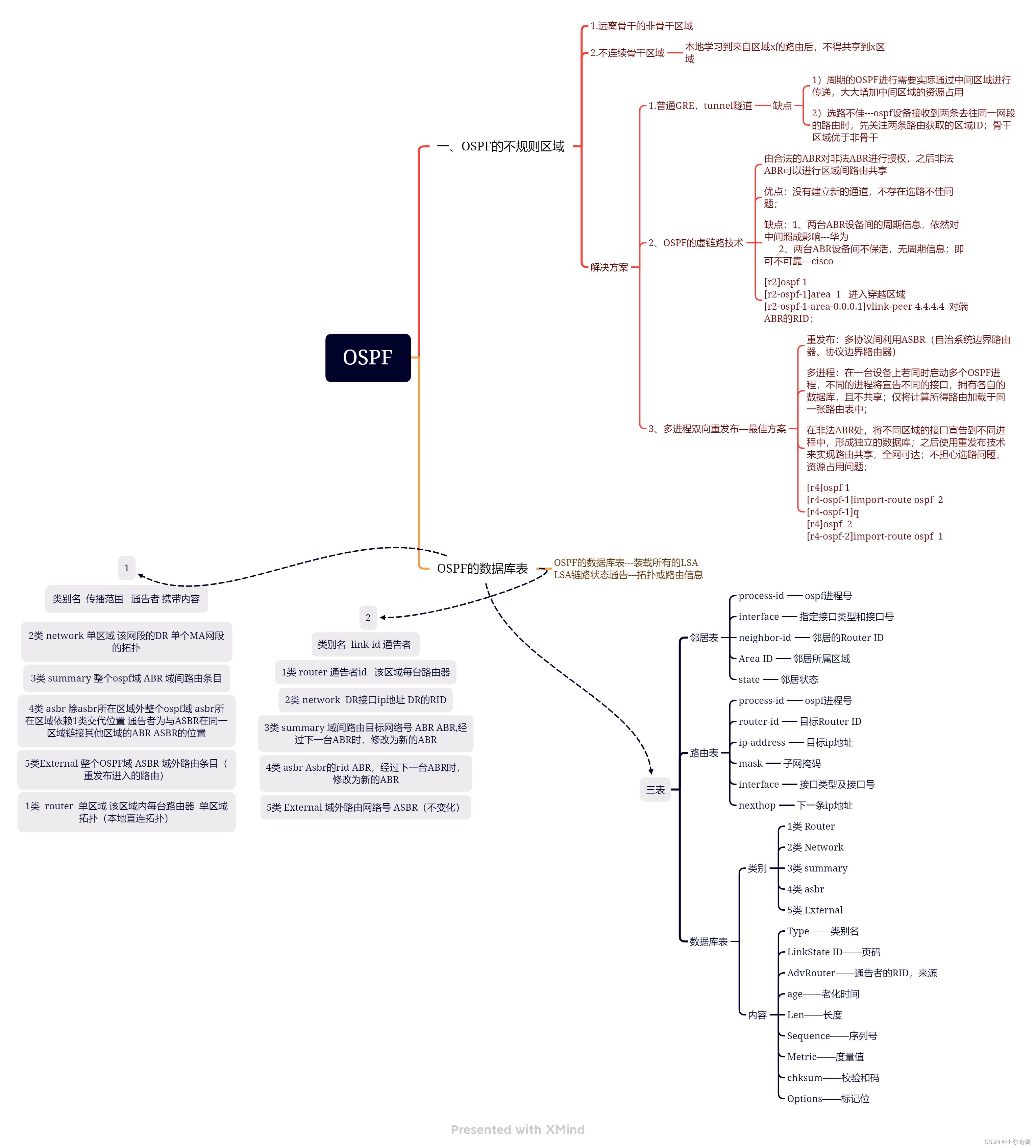
OSPF总结

QT uses QSS to make a beautiful login interface (hand-in-hand teaching)
随机推荐
Nodejs2day(nodejs的模块化,npm下载包,模块加载机制)
Day 3 homework
Kotlin data type
Awk operation
第四天作业
基础乐理 节奏联系题,很重要
Burp suite Chapter 6 how to use burp spider
Seq2seq and attention model learning notes
QT note 2
The first ide overlord in the universe, replaced...
请问flink sql client 在sink表,有什么办法增大写出速率吗。通过sink表的同步时
Add in the registry right click to open in vscode
vim跨行匹配搜索
Recurrence of strtus2 historical vulnerability
Share high voltage ultra low noise LDO test results
Apple's tough new rule: third-party payment also requires a percentage, and developers lose a lot!
OSPF总结
Spotty music data client_ ID account
BGP --- 边界网关协议
Date and time function of MySQL function summary