当前位置:网站首页>JS function exercises
JS function exercises
2022-06-25 12:41:00 【Fall in love with*】
1. Use Math.random() Generate a 1-100 The random number , Let the user in the text box , Guess the value . If the number is larger than the random number, it means that the guess is larger , If the number is smaller than the random number, the guess is smaller , Until the numbers are right .
2. Calculator ( Add, subtract, multiply and divide )
3. Set up 5 Textboxes , Calculate the biggest Minimum Average and sum , And display it in a label
<!DOCTYPE html>
<html>
	<head>
		<meta charset="utf-8">
		<title></title>
		<style type="text/css">
			fieldset {
				width: 600px;
				margin: auto;
			}

			div {
				width: 500px;
				height: 100px;
				border: 1px solid black;
			}
		</style>
	</head>
	<body>
		<fieldset id="">
			<legend> Guess number games </legend>
			 Please enter a number :<input type="number" name="" id="number" value="" />
			<button type="button" onclick="guess()"> Click to guess the number </button><br><br>
			<div id="spanvalue"></span>
		</fieldset>

		<script type="text/javascript">
			var random = (Math.round(Math.random() * 100) + 0);
			console.log(random);

			function guess() {
				var num = number.value;
				if (num > random) {
					document.getElementById("spanvalue").innerHTML = " You guessed big ";
				} else if (num < random) {
					document.getElementById("spanvalue").innerHTML = " You guess it's small ";
				} else if (num == random) {
					document.getElementById("spanvalue").innerHTML = " You guessed it ";
				}
			}
		</script>
	</body>
</html>
<!DOCTYPE html>
<html>
	<head>
		<meta charset="utf-8">
		<title></title>
		<style type="text/css">
			fieldset {
				width: 600px;
				margin: auto;
			}

			input {
				margin-top: 15px;
			}

			button {
				margin-top: 15px;
			}

		</style>
	</head>
	<body>

		<fieldset id="">
			<legend> Calculator </legend>
			 First number :<input type="number" name="" id="first" value="" /><br>
			 The second number :<input type="number" name="" id="second" value="" /><br>

			<button onclick="jisuan(this)">+</button>
			<button onclick="jisuan(this)">-</button>
			<button onclick="jisuan(this)">*</button>
			<button onclick="jisuan(this)">/</button><br>
			 result :<input type="text" name="" id="result" value="" />

		</fieldset>
		<script type="text/javascript">
			function jisuan(design) {
				var a = document.getElementById("first").value;
				var b = document.getElementById("second").value;
				document.getElementById("result").value = eval(a + design.innerHTML + b);
			}
		</script>
	</body>
</html>
<!DOCTYPE html>
<html>
	<head>
		<meta charset="utf-8">
		<title></title>
		<style type="text/css">
		</style>
	</head>
	<body>
		<fieldset id="">
			<form action="" method="post">
				 Please enter the first number :<input type="number" id="num1" value="" /><br>
				 Please enter the second number :<input type="number" id="num2" value="" /><br>
				 Please enter the third number :<input type="number" id="num3" value="" /><br>
				 Please enter the fourth number :<input type="number" id="num4" value="" /><br>
				 Please enter the fifth number :<input type="number" id="num5" value="" /><br>
				<button type="button" onclick="cal()"> Show results </button>
			</form>
		</fieldset>
		<script type="text/javascript">
			function cal() {
				var a = document.getElementById("num1");
				var b = document.getElementById("num2");
				var c = document.getElementById("num3");
				var d = document.getElementById("num4");
				var e = document.getElementById("num5");
				var a1 = a.value;
				var a2 = b.value;
				var a3 = c.value;
				var a4 = d.value;
				var a5 = e.value;
				var sum = Number(a1) + Number(a2) + Number(a3) + Number(a4) + Number(a5);
				var avg = Number(sum / 5);
				var max = Math.max(a1, a2, a3, a4, a5);
				var min = Math.min(a1, a2, a3, a4, a5);
				document.write(" And for " + sum + "<br/>" + " The average is " + avg + "<br/>" + " The maximum value is " + max + "<br/>" + " The minimum value is " + min);
			}
		</script>
	</body>
</html>
边栏推荐
- Zhangxiaobai's road of penetration (IV) -- detailed explanation of XSS cross site script vulnerabilities
- yolov5训练使用的负样本图片
- High performance + million level Excel data import and export
- STM32 在flash中存储float数据
- Repair the error that ECSHOP background orders prompt insufficient inventory when adding goods. Please reselect
- Thinkphp3 use phpword to modify the template and download it
- 三入职场!你可以从我身上学到这些(附毕业Vlog)
- ThinkPHP upload image compression size
- Qiantang Pingou source code -- Qiantang Pingou app system development source code sharing
- Penetration tool environment -- use of cknife Chinese kitchen knife
猜你喜欢

Zhangxiaobai's way of penetration (VIII) - detailed operation steps of SQL injection - Boolean blind injection of blind injection

Penetration tool environment - installing sqli labs in centos7 environment

Shell learning notes (latest update: 2022-02-18)

Windows下MySQL的安装和删除

Go novice exploration road 1

Jeecgboot startup popup configuration is still incorrect

Penetration tool environment -- use of cknife Chinese kitchen knife

Go novice exploration road 2
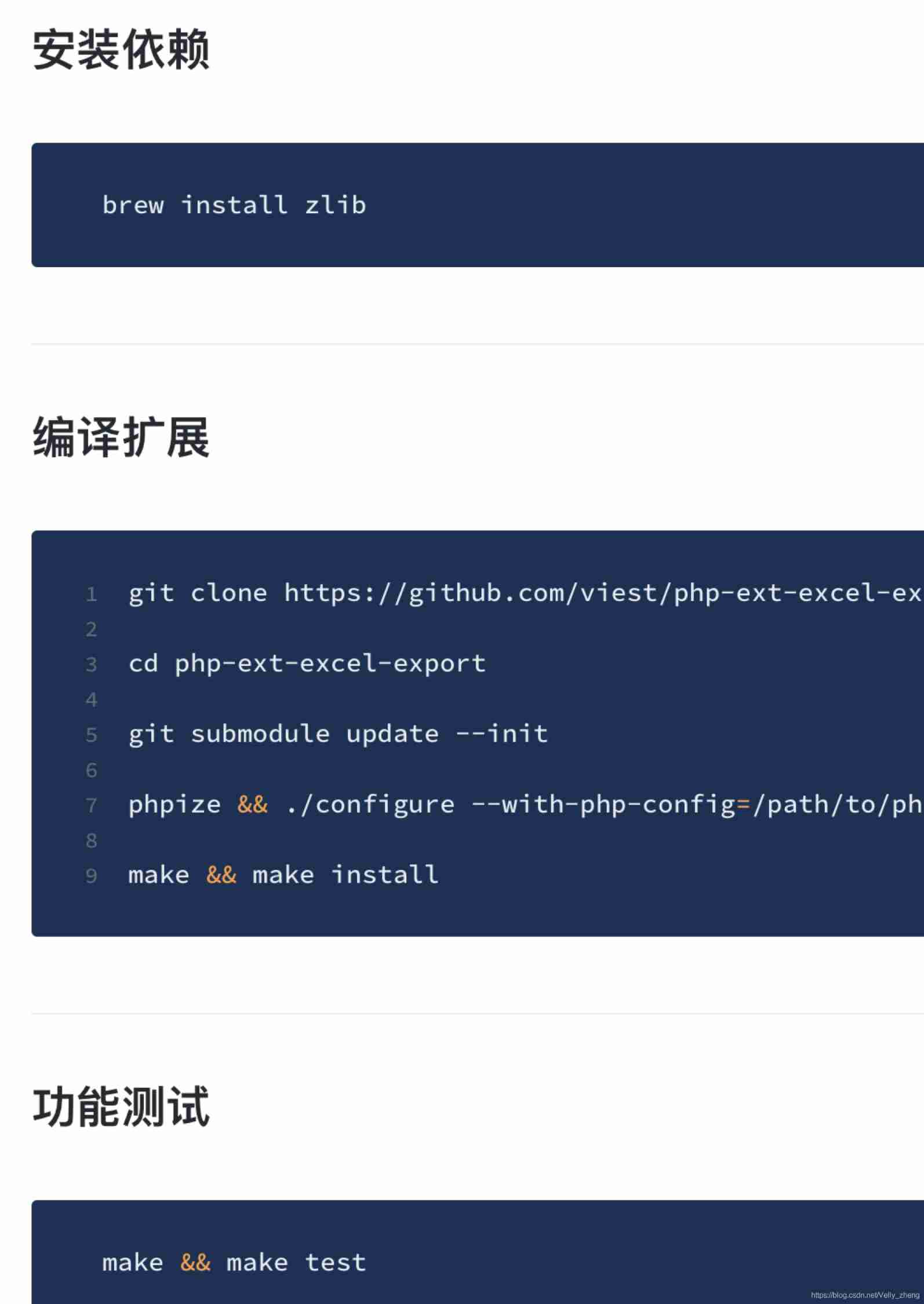
High performance + million level Excel data import and export

What is the primordial universe
随机推荐
Zhangxiaobai's way of penetration (III) -- detailed explanation of SQL injection vulnerability principle (SQL Server)
Flutter common commands and problems
el-select clear 清空内容时触发事件
node. JS architecture optimization: reverse proxy and cache service
What is the primordial universe
百度搜索稳定性问题分析的故事
JS enter three integers a, B and C, and sort them from large to small (two methods)
顺序表的折半查找法
PHP multidimensional array sorting
ECSHOP upload video_ ECSHOP video list, video classification, video related product guide
最大数[抽象排序之抽象规则]
Ramda rejects objects with null and empty object values in the data
Digital currency exchange -- digital currency exchange system development source code sharing
Concat(), join(), reverse(), sort() method in JS array
ThinkPHP upload image compression size
Lighten the source code -- lighten the app system development function introduction to the beautiful world lighten the app system development source code in China
The difference between this and super and their respective functions
Qiantang Pingou source code -- Qiantang Pingou app system development source code sharing
Thinkphp3 use phpword to modify the template and download it
High performance + million level Excel data import and export