当前位置:网站首页>本地虚拟机初始化脚本
本地虚拟机初始化脚本
2022-07-27 10:52:00 【吴爃 (运维也就图一乐!)】
最新一段时间,需要进行虚拟机的初始化,所以根据需要安装的一些服务,整理一个脚本,分享给大家,
其中可能有些环境配置不适合,需要进行手动修改
#!/bin/bash
#适用于本地虚拟机环境

#进程检测.如果该主机有该服务就不调用安装函数
        function detection ( ) {
                systemctl status httpd  >> $log
                if [[ $? = 4 ]]
                then
                          httpd_install
                else
                        echo "http服务已经安装,跳过"
                fi
                systemctl status salt-minion >> $log
                if [[ $? = 4 ]]
                then
                         salt-minion_install
                else
                        echo "salt-minion 服务已经安装,跳过"
                fi
                  python3 -V  >> $log
                if [[ $? != 0  ]]
                then
                        python_install
                else
                        echo "python3已经安装,跳过"

                fi
                  coscmd -v >> $log
                if [[ $? != 255  ]]
                then
                        coscmd_install
                else
                        echo "coscmd已经安装,跳过"

                fi
                systemctl status mysqld >> $log
                 if [[ $? = 4 ]]
                then
                          mysql_install
                else
                        ehco "mysql已经安装,跳过"
                fi
                num=`ps -ef | grep zabbix | awk '{print $8}'| head -n 1 `
                test="/etc/init.d/zabbix_agentd"
                if [[  "$num"x != "$test"x    ]]
                then
                        zabbix_agent_install
                else
                        echo "zabbix-agent 已经安装,跳过"
                fi

        }
 function base_install ( ) {

echo “配置防火墙规则”
setenforce 0
sed -i 's/SELINUX=enforcing/SELINUX=disabled/' /etc/selinux/config
systemctl start firewalld
systemctl enable firewalld


service="http tomcat https ssh zabbix saltstack"
port_list="80 8080 443 22 10051 10050 52526  52525"
echo "-----------------------------"
echo "初始化防火墙添加的端口:"
for i in $port_list
do
        echo "添加端口:${i}"
        firewall-cmd --zone=public --add-port=${i}/tcp  --permanent

done
echo "-----------------------------"
systemctl restart firewalld
echo “配置后的防火墙列表”
firewall-cmd --list-all
useradd mrdTomcat
echo "root:[email protected]" >> ./passwd.txt
echo "mrdTomcat:1234567"  >> ./passwd.txt
chpasswd < ./passwd.txt
rm -f ./passwd.txt
echo "普通用户创建成功"
echo "****************"
echo "开始同步时间"
yum install -y ntpdate
ntpdate ntp.tencent.com
echo "同步阿里云时间完成,当前时间为:"
date
yum -y install ntp
systemctl start ntpd
port=`ss -anltup |grep 123| wc -l`
if [[ $port > 0 ]]
then
        echo "ntp服务安装成功"
else
        echo "ntp服务安装失败"
        exit 1
fi
echo "*****************"
echo "开始构建swap分区"
dd if=/dev/zero of=/mnt/swapfile bs=1MB count=1024
mkswap /mnt/swapfile
swapon /mnt/swapfile

echo "查看当前的内存状态"

free -m
echo "开始自动挂载"
echo "/mnt/swapfile   swap  swap  defaults  0 0  " >> /etc/fstab
chown root:root /mnt/swapfile
chmod 0600 /mnt/swapfile
echo "*********************"

# echo "开始挂载磁盘操作,默认将磁盘挂载到home分区下"
deivce="/dev/"
sdb_name_num=`lsblk -r --output NAME,MOUNTPOINT | awk -F \/ '/sd/ { dsk=substr($1,1,3);dsks[dsk]+=1 } END { for ( i in dsks ) { if (dsks[i]==1) print i } }' |wc -l`
if [[ $sdb_name_num = 0 ]]
then
        sdb_name="vdb"
        DISK=$deivce$sdb_name
        bli=`blkid  |grep vdb1| wc -l `
        if [[   $bli  -gt 0    ]]
        then
                #则已经被格式化了
                df_num=`df -h  | grep "home" | wc -l `
                if [[ $df_num = 0 ]]
                then
                echo "  ${DISK}1 /home ext4 defaults 0 0" >> /etc/fstab
                else
                        echo "/home已经被占用"
                fi
        else
                mkfs.ext4 ${DISK}1
                df_num=`df -h  | grep "home" | wc -l `
                if [[ $df_num = 0 ]]
                then
                echo "  ${DISK}1 /home ext4 defaults 0 0" >> /etc/fstab
                else
                        echo "/home已经被占用"
                fi


        fi

else   #找到磁盘

        sdb_name=`lsblk -r --output NAME,MOUNTPOINT | awk -F \/ '/sd/ { dsk=substr($1,1,3);dsks[dsk]+=1 } END { for ( i in dsks ) { if (dsks[i]==1) print i } }'`
        bli=`blkid  |grep $sdb_name_num| wc -l `
        if [[   $bli  -gt 0    ]]
        then
                #则已经被格式化了
                df_num=`df -h  | grep "home" | wc -l `
                if [[ $df_num = 0 ]]
                then
                echo "  ${DISK}1 /home ext4 defaults 0 0" >> /etc/fstab
                else
                        echo "/home已经被占用"
                fi
        else
                /usr/bin/expect -c"
                set timeout -1
                spawn /sbin/fdisk $DISK
                expect \"*m for help*:\"
                send -- \"n\r\"
                expect \"*p*\n\"
                send -- \"p\r\"
                expect \"Partition number (1-4,*\"
                send -- \"\r\"
                expect \"*default*:\"
                send -- \"\r\"
                expect \"*default*:\"
                send -- \"\r\"
                expect \"*m for help*:\"
                send -- \"w\r\"
                expect eof
                "
                mkfs.ext4 ${DISK}1
                df_num=`df -h  | grep "home" | wc -l `
                if [[ $df_num = 0 ]]
                then
                echo "  ${DISK}1 /home ext4 defaults 0 0" >> /etc/fstab
                else
                        echo "/home已经被占用"
                fi
        fi
fi
mount -a
echo "*********************"
# echo "设置主机之间的免密互信"
/usr/bin/expect -c"
set timeout -1
spawn /usr/bin/ssh-keygen
expect \"*/root/.ssh/id_rsa*\"
send -- \"\r\"
expect \"*no passphrase*\"
send -- \"\r\"
expect \"* same passphrase*\"
send -- \"\r\"
##要改
spawn  ssh-copy-id 192.168.136.3
expect \"*yes/no*\"
send -- \"yes\r\"
expect \"* password*\"
send -- \"[email protected]\r\"
 expect eof
"

echo "*******************"
ip_list='10.157.0.17 10.157.0.16  10.1.38.2'
for i in $ip_list
do
    ip=`cat /etc/hosts.allow | grep $i | wc -l`
    if [[ $ip = 0  ]]
    then
        echo "sshd:${i}" >> /etc/hosts.allow
    fi
done
echo "sshd:ALL" >> /etc/hosts.deny #禁止所有登录
systemctl restart sshd
 }
#安装httpd服务
function httpd_install ( ) {
 echo "开始安装http"
        yum install httpd -y
        yum -y install php php-gd gcc php-mysql php-xml php-devel
        echo "DirectoryIndex index.html index.php" >> /etc/httpd/conf/httpd.conf
        echo "AddType application/x-httpd-php .php .php3 .php4 .php5" >> /etc/httpd/conf/httpd.conf
        echo "date.timezone=Asia/Shanghai" >>  /etc/php.ini
        systemctl start httpd >> $log
        systemctl enable httpd
        ac=`ss -anltp | grep httpd | wc -l`
        if [[ $ac >  0 ]]
        then
                echo "http 服务启动成功!"
          else
                echo "http 启动失败!请及时排查 "
                 exit
        fi
}
#安装satl-minion
function salt-minion_install ( ) {

cd /etc/yum.repos.d
cat >salt.repo <<EOF
[salt-latest-repo]
name=Salt repo for RHEL/CentOS 7 PY2
baseurl=https://archive.repo.saltproject.io/yum/redhat/7/x86_64/archive/3000.5
skip_if_unavailable=True
failovermethod=priority
enabled=1
enabled_metadata=1
gpgcheck=0
gpgkey=https://archive.repo.saltproject.io/yum/redhat/7/x86_64/archive/30005/SALTSTACK-GPG-KEY.pub, https://archive.repo.saltproject.io/yum/redhat/7/x86_64/archive/3000.5/base/RPM-GPG-KEY-CentOS-7

EOF
        yum clean all
        echo "开始安装salt-minion"
        yum install -y salt-minion
  echo "修改minion配置:"
###要改
#   ip=49.233.21.192
  while true
  do
    ip="192.168.136.3"
    test=`telnet $ip  52526 | grep 'Escape character is'`
    if [[ $? = 0 ]]
    then
        echo "主机可连通,开始进行配置"
        break
    else
        echo "主机不可达,请重新输入或排查问题!"
        exit 1
    fi
  done
                path="/etc/salt/minion"
                echo  "master: $ip" >> $path
                echo "master_port: 52526" >>  $path
                echo "user: root" >> $path
                ip_add=`ip a | grep brd | tail -n 1| awk '{print $2}'| awk -F '/' '{print $1}'`
                echo "id: $ip_add" >> $path
                echo "log_file: /var/log/salt/minion" >> $path
                systemctl start salt-minion
                systemctl status salt-minion
                if [[ $?  = 0 ]]
                then
                        echo "salt-minion启动成功,开始测试连通性"
                #         salt-call test.ping
                #         # if [[ $? = 0   ]]
                #         # then
                #         #     echo "连接测试通过"
                #         # else
                #         #     echo "测试连接失败请及时排查!"
                #         #      exit 1
                #         # fi
                else
                        echo "salt-minion启动失败,请及时排查"
                         exit 1
                fi
}
#安装python和coscmd
function python_install( ) {
        echo "开始安装python:为python3.6"

                        yum install -y python3
                        python3 -V
                        if [[ $? -eq 0 ]]
                        then
                                  echo "python 安装成功!开始安装coscmd"
                        else
                        echo "python 安装失败,请及时排查问题!"
 exit  1
                        fi
}
#安装coscmd
function coscmd_install ( ) {
                                pip3 install coscmd
                                pip3 install coscmd -U
                                coscmd=`coscmd -v | wc -l`

                                if [[ $coscmd  >  0 ]]
                                then
                                        echo "coscmd安装成功"
                                else
                                        echo "coscmd安装失败"
                                        exit 1
                                 fi

}
function mysql_install ( )  {
dir="/usr/local/mysql5"
mkdir -p  $dir
echo "开始安装muysql5"
cd $dir
pwd
#拉取数据响应的yum源
wget http://repo.mysql.com/mysql57-community-release-el7-8.noarch.rpm
rpm -ivh mysql57-community-release-el7-8.noarch.rpm
rpm --import https://repo.mysql.com/RPM-GPG-KEY-mysql-2022
yum install mysql-server -y
systemctl start mysqld.service
systemctl enable mysqld.service
mysql=`ss -anltp | grep mysqld`
if [[ $mysql  > 0  ]]
then
        echo "mysql启动成功!"
        pass=` grep "password" /var/log/mysqld.log | head -n 1| awk '{print $NF}'`
        u_pass="[email protected]"
        echo "您设置的密码:$u_pass" >> ./install.log
        mysqladmin -uroot -p$pass password $u_pass
        mysql -uroot -p$u_pass -e "grant all privileges on *.* to 'root'@'%' identified by '$u_pass' with grant option;"
        mysql -uroot -p$u_pass -e "flush privileges;"
else
        echo "mysql启动异常!请检查"
         exit 1
fi
}

function zabbix_agent_install () {
#该脚本只用来自动化安装zabbix-agent,且是通过源码包安装.
##这个是测试包
pag="http://101.200.170.223/linux/zabbix_agent5/zabbix-5.0.15_x64_kernel2.6.tgz"
path="/usr/local/zabbix/conf/zabbix_agentd.conf"
#备用自动化安装和确认proxy_ip
echo "开始安装工具包"
yum install -y nc
echo "开始安装zabbix-agent"
mkdir /usr/local/zabbix
cd /usr/local/zabbix
wget $pag
tar xzvf  zabbix-5.0.15*
ln -s ./bin/zabbix_sender ./bin/zabbix_get   /usr/bin
ln -s ./sbin/zabbix_agent /usr/sbin/
echo "开始修改配置文件"

 proxy_ip="192.168.136.3"
 sed -i "s/Server=Proxy/Server=$proxy_ip/g"   $path
 sed -i "s/ServerActive=Proxy/ServerActive=$proxy_ip/g"  $path
#获取到主机ip
ip_add=`ip a | grep brd | tail -n 1| awk '{print $2}'| awk -F '/' '{print $1}'`
 sed -i "s/Hostname=IP/Hostname=$ip_add/g" $path
cp $path /usr/local/etc
echo "zabbix_agent		10050/tcp" >> /etc/services
echo "zabbix_agent		10050/udp" >> /etc/services
cp /usr/local/zabbix/sbin/zabbix_agentd  /etc/init.d
echo "检查对应端口情况"
systemctl status zabbix-agent
if [[  $? = 0 ]]
then
	echo "停止yum安装的zabbix-agent"
	systemctl stop zabbix-agent
	echo "停止成功"
else
	num=`netstat -anltp | grep zabbix_agent|wc -l `
	if [[ $num = 0 ]]
	then
		echo "端口未被占用"
	else
		echo "端口被占用,正在处理"
                        while true
                        do
                        pid=`netstat -anltp | grep zabbix |awk '{print $NF}'| awk -F '/' '{print $1}'`
                        kill -9 $pid
                        pid1=`netstat -anltp | grep zabbix |awk '{print $NF}'| awk -F '/' '{print $1}' | wc -l`
                        if [[  $pid1 = 0 ]]
                        then
                                echo "停止成功"
                        else
                                echo "停止中"
                        fi
                        done
		echo "处理成功!"
	fi
fi
echo "启动zabbix-agent"
/etc/init.d/zabbix_agentd
num2=`netstat -anltp | grep zabbix_agent|wc -l `
if [[ $num2 > 0 ]]
then
	echo "zabbix-agent启动成功!"
else
	echo "zabbix-agent启动失败,请及时排查!"
         exit 1
fi

}
echo  "*******************"

echo "检查网络连通"

ping -c 2 www.baidu.com
if [[ $? -eq 0 ]]
then
        log="chushihua.log" #日志收集文件
        num=`netstat -anltp | grep -v "ssh"| wc -l`
        echo "网络连接成功!开始安装基础工具"
        if [ ! -f $log ]
        then

        date=`date`
        echo " $date 初始化主机日志文档  " >> $log
        yum install -y vim
        yum install -y wget
        yum install -y telnet
        yum install -y nc
        yum install expect -y
        base_install
        # 安装httpd
        detection
        fi

else
        echo "网络连接失败,请排查!"
        exit 1
fi边栏推荐
- Maker paper data search training notes
- Luogu p1896 non aggression
- Knapsack model acwing 423. Picking herbs
- 11 wrong set
- Modelarts image classification and object detection
- Digital triangle model acwing 1018. Minimum toll
- Quantitative industry knowledge summary
- 为什么选择智能电视?
- ACM warm-up Exercise 1 in 2022 summer vacation (summary)
- First experience of three.js: simulating the growth of a small branch
猜你喜欢

Force buckle - 10. Regular expression matching
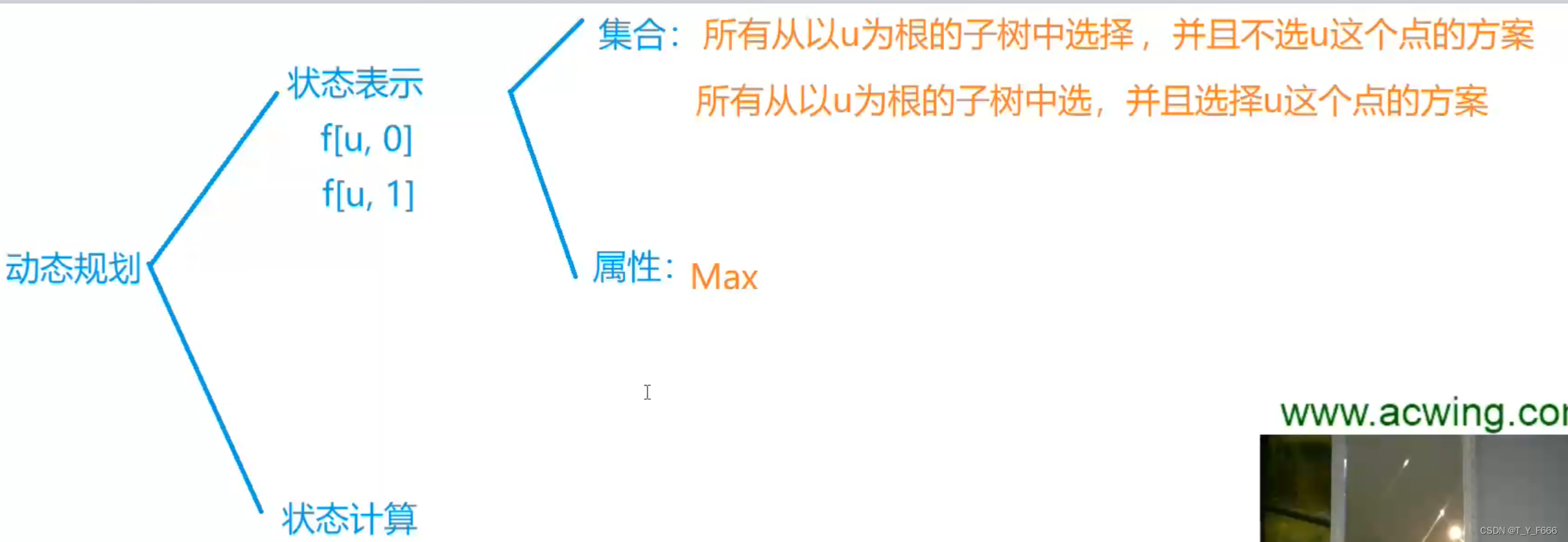
树形DP AcWing 285. 没有上司的舞会
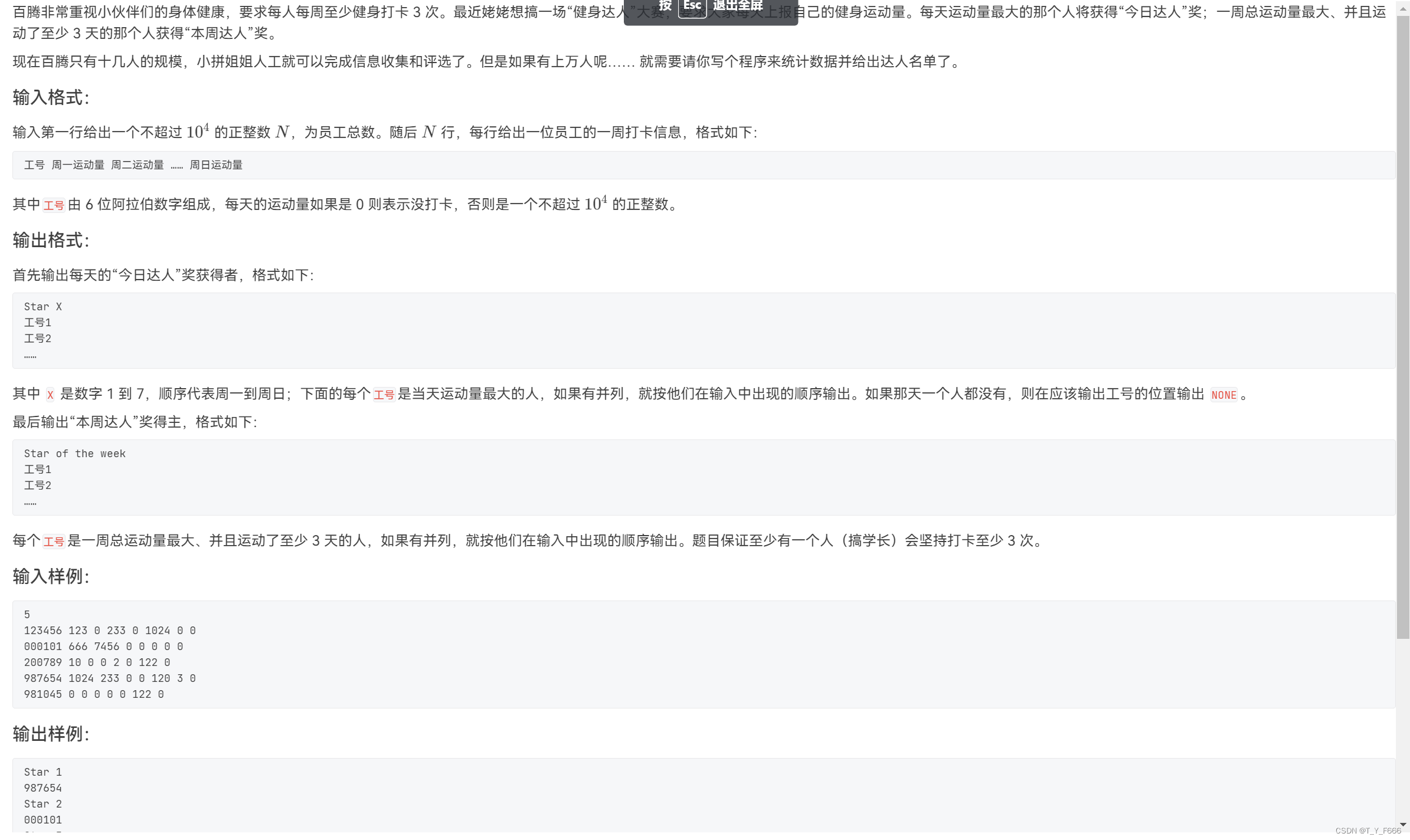
PAT(乙级)2022年夏季考试

Longest ascending subsequence model acwing 1014. mountaineering

State compression DP acwing 91. shortest Hamilton path

博弈论 AcWing 892. 台阶-Nim游戏
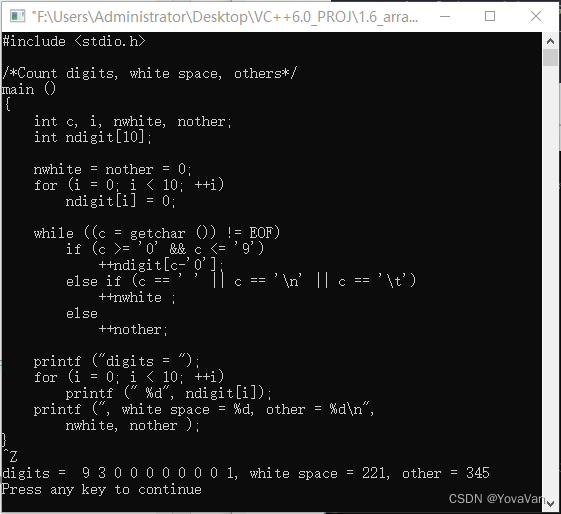
The C programming language (2nd) -- Notes -- 1.6

什么是私域流量?
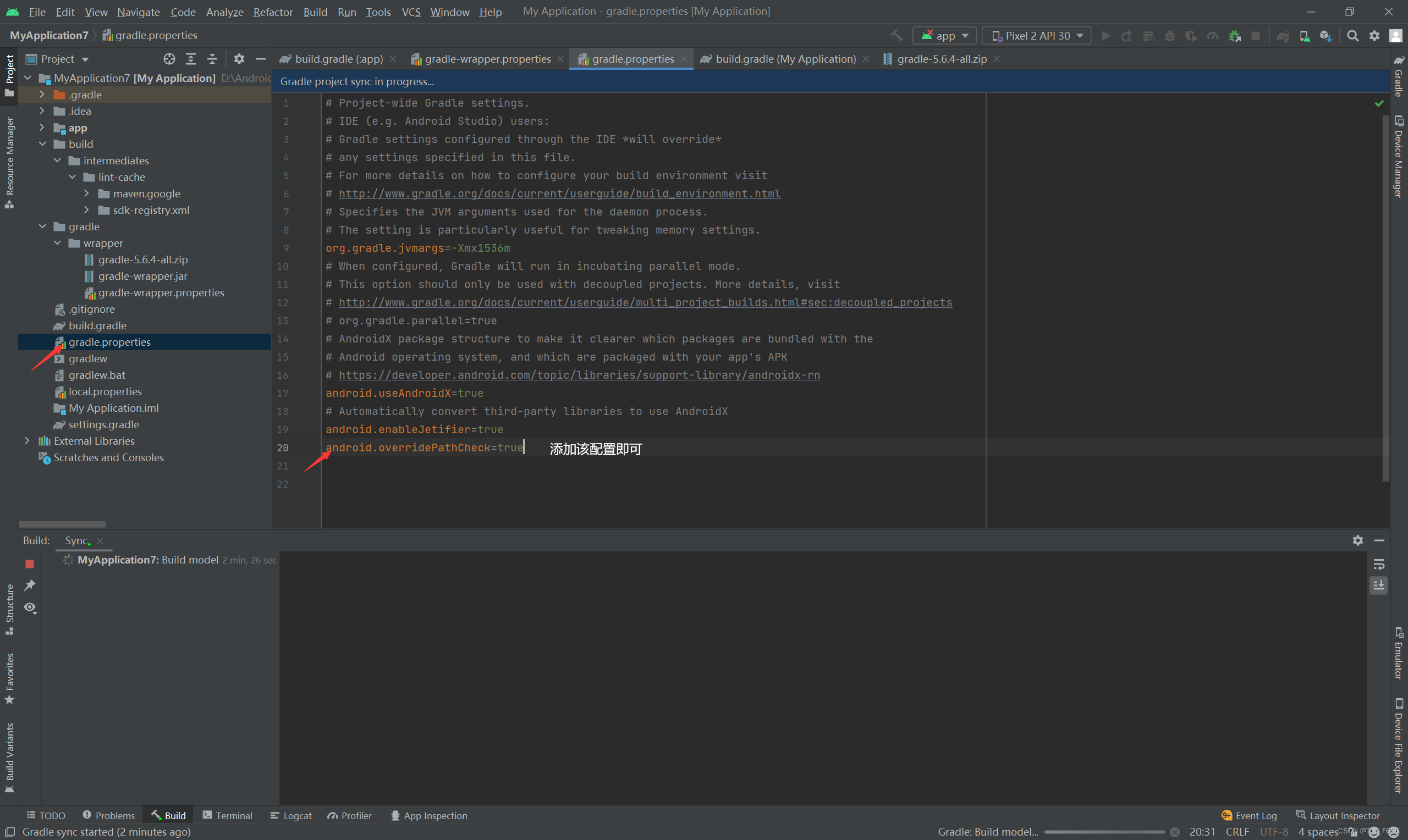
Caused by:org.gradle.api.internal.plugins . PluginApplicationException: Failed to apply plugin

Basic use of cmake
随机推荐
The C programming language (2nd) -- Notes -- 1.10
C programming language (2nd Edition) -- Reading Notes -- 1.5
栈 AcWing 3302. 表达式求值
Tree DP acwing 285. dance without boss
求组合数 AcWing 888. 求组合数 IV
Digital triangle model acwing 1018. Minimum toll
2022牛客多校训练(3)A-Ancestor 题目翻译
349两个数组的交集和01两数之和
Chinese remainder theorem acwing 204. strange way of expressing integers
最长上升子序列模型 AcWing 1012. 友好城市
背包模型 AcWing 423. 采药
第7章 异常处理
Backpack model acwing 1022. Collection of pet elves
Caused by:org.gradle.api.internal.plugins . PluginApplicationException: Failed to apply plugin
区间问题 AcWing 906. 区间分组
Stm32f10x -- C Language-1
Inclusion exclusion principle acwing 890. divisible numbers
为什么选择智能电视?
The article will not keep VIP charges all the time. It will be open for a period of time
Moveit2 - 5. Scenario Planning