当前位置:网站首页>从.bag文件中读取并保存.jpg图片和.pcd点云
从.bag文件中读取并保存.jpg图片和.pcd点云
2022-07-02 07:06:00 【SmileAtlas】
从.bag文件中读取并保存.jpg图片和.pcd点云
#!/usr/bin/env python
 #coding:utf-8
import os
import rosbag
import cv2
from cv_bridge import CvBridge
from tqdm import tqdm
import time


class ExtractBagData(object):

    def __init__(self, bagfile_path, camera_topic, pointcloud_topic, root):
        self.bagfile_path = bagfile_path
        self.camera_topic = camera_topic
        self.pointcloud_topic = pointcloud_topic
        self.root = root
        self.image_dir = os.path.join(root, "images")
        self.pointcloud_dir = os.path.join(root, "pointcloud")

        #创建提取图片和点云的目录 ./root/images root/pointcloud
        if not os.path.exists(self.image_dir):
            os.makedirs(self.image_dir)
        if not os.path.exists(self.pointcloud_dir):
            os.makedirs(self.pointcloud_dir)

    def extract_camera_topic(self):
        bag = rosbag.Bag(self.bagfile_path, "r")
        bridge = CvBridge()
        bag_data_imgs = bag.read_messages(self.camera_topic)

        index = 0

        # for topic, msg, t in bag_data_imgs:
        # for topic, msg, t in tqdm(bag_data_imgs):
        pbar = tqdm(bag_data_imgs)
        for topic, msg, t in pbar:
            pbar.set_description("Processing extract image id: %s" % (index+1))
            cv_image = bridge.imgmsg_to_cv2(msg, "bgr8")
            # print('\033[31m=\033[0m'*120)
            # print(topic) # /usb_cam/image_raw
            # print(msg)
            # print(t) # 1616554905461126311
            #print(type(cv_image)) # <type 'numpy.ndarray'>
            # cv2.imshow("Image window", cv_image)
            # cv2.waitKey(3)
            # 如果你需要使用时间戳对提取的图片命名,可以使用msg.header.stamp.to_sec()获取时间戳
            # timestr = "%.6f" % msg.header.stamp.to_sec()
            cv2.imwrite(os.path.join(self.image_dir, str(index) + ".jpg"), cv_image)
            index += 1

    def extract_pointcloud_topic(self):
        ''' # 提取点云数据为pcd后缀文件,默认提取以为时间戳命名 # 提取命令:rosrun pcl_ros bag_to_pcd result.bag /velodyne_points ./pointcloud # 提取点云以时间戳命令:1616554905.476288682.pcd :return: '''
        cmd = "rosrun pcl_ros bag_to_pcd %s /velodyne_points %s" % (self.bagfile_path, self.pointcloud_dir)
        os.system(cmd)

        # 再读取提取的pcd点云数据,把文件名修改为按照顺序索引名
        pcd_files_list = os.listdir(self.pointcloud_dir)
        # 因为提取的pcd是以时间戳命令的,但是存放到列表中并不是按照时间戳从小到大排列,这里对时间戳进行重新排序
        pcd_files_list_sorted = sorted(pcd_files_list)
        # print(zip(pcd_files_list, pcd_files_list_sorted))

        index = 0
        pbar = tqdm(pcd_files_list_sorted)
        for pcd_file in pbar:
            pbar.set_description("Processing extract poindcloud id: %s" % (index + 1))
            os.rename(os.path.join(self.pointcloud_dir, pcd_file),
                      os.path.join(self.pointcloud_dir, str(index) + ".pcd"))
            print("pcd_file name: ", pcd_file)
            index += 1


if __name__ == '__main__':
    bagfile_path = '/home/cyp/WorkSpace/lcf_ws/src/lidar_camera_fusion/scripts/zed_lidar_calibration.bag'
    camera_topic = "/zed/zed_node/left_raw/image_raw_color"
    pointcloud_topic = "/velodyne_points"
    extract_bag = ExtractBagData(bagfile_path, camera_topic, pointcloud_topic,  "/home/cyp/WorkSpace/lcf_ws/src/data")
    extract_bag.extract_camera_topic()
    extract_bag.extract_pointcloud_topic()

pip install rospkg
ModuleNotFoundError:No module named ‘Cryptodome’
pip install pycryptodomex
 ModuleNotFoundError: No module named ‘gnupg’
pip install gnupg


pip install opencv-python==3.2.0.6
边栏推荐
- 13. Semaphore critical zone protection
- flink 提交程序
- [SUCTF2018]followme
- lunix重新分配root 和 home 空间内存
- sqoop的表的导入
- Retrofit's callback hell is really vulnerable in kotlin synergy mode!
- How to get the password of cpolar?
- The nanny level tutorial of flutter environment configuration makes the doctor green to the end
- 《实习报告》Skywalking分布式链路追踪?
- Importing tables from sqoop
猜你喜欢
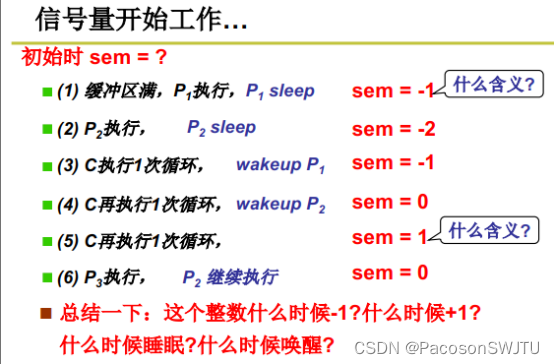
12.进程同步与信号量
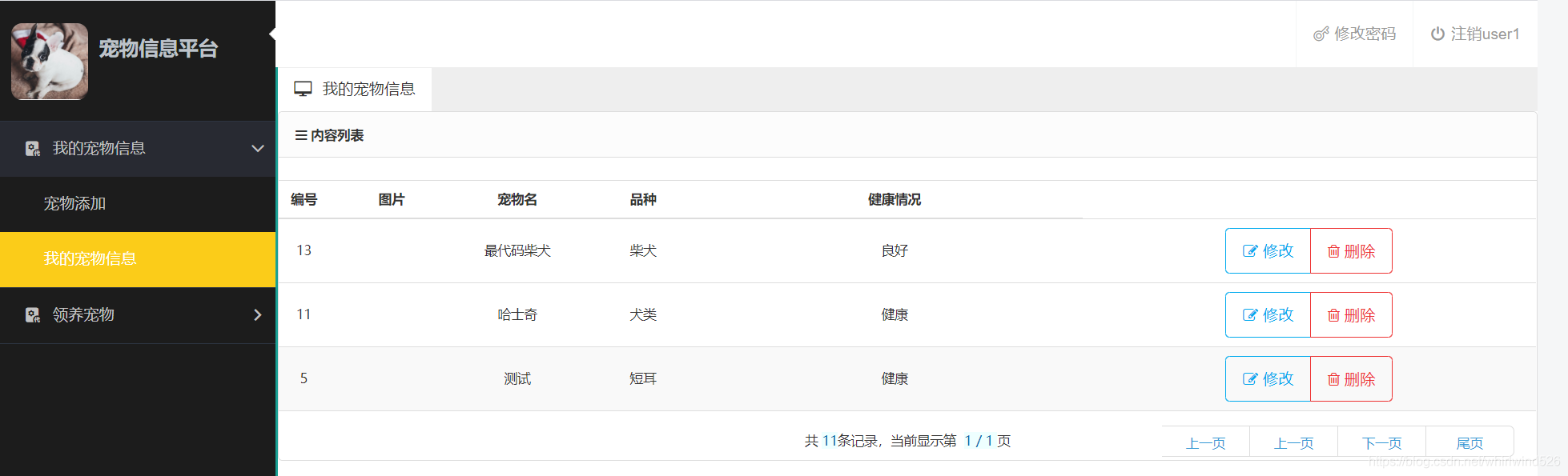
Ks009 implement pet management system based on SSH
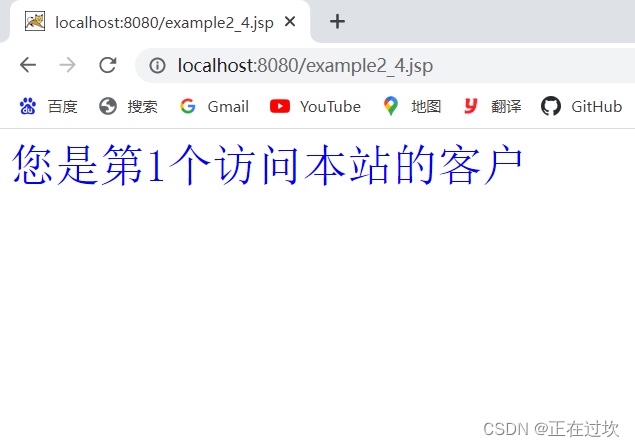
JSP webshell免杀——JSP的基础

Mysql database remote access permission settings

使用Windbg静态分析dump文件(实战经验总结)
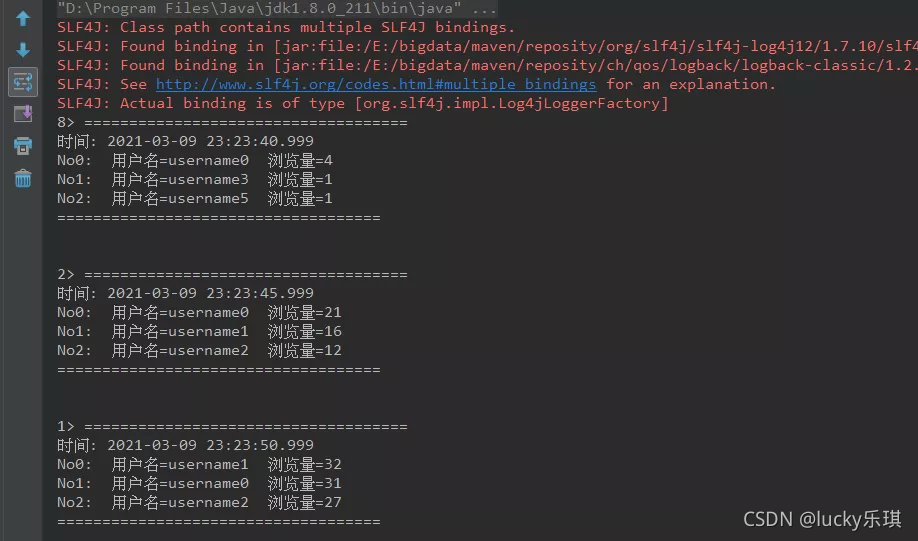
Flink实时计算topN热榜

Beautiful and intelligent, Haval H6 supreme+ makes Yuanxiao travel safer

07 data import sqoop
Retrofit's callback hell is really vulnerable in kotlin synergy mode!
Rapid prototyping
随机推荐
01-spooldir
Flink submitter
js promise.all
Read H264 parameters from mediarecord recording
[Fantasy 4] introduction and use of UMG components (under update...)
flink 提交程序
Kustomize使用手册
PCL之K-d树与八叉树
使用Windbg静态分析dump文件(实战经验总结)
Postman -- use
AttributeError: type object ‘Image‘ has no attribute ‘fromarray‘
2.hacking-lab脚本关[详细writeup]
高考的意义是什么
[unity3d] cannot correctly obtain the attribute value of recttransform, resulting in calculation error
2. Hacking lab script off [detailed writeup]
面对不确定性,供应链的作用
数据库字典Navicat自动生成版本
[MySQL] an exception occurs when connecting to MySQL: connection must be valid and open
Pywin32 opens the specified window
1287_ Implementation analysis of prvtaskistasksuspended() interface in FreeRTOS