当前位置:网站首页>Oh my Zsh correct installation posture
Oh my Zsh correct installation posture
2022-06-11 04:58:00 【Code master mclaurie】
brief introduction
Oh My Zsh is a delightful, open source, community-driven framework for managing your Zsh configuration. It comes bundled with thousands of helpful functions, helpers, plugins, themes, and a few things that make you shout…
I personally like it very much iterm2+oh my zsh Terminal combination of , Very good window segmentation , Friendly command prompt 、 The highlighted 、git Branch display and other functions .

Because the foreign image address is outside the wall , You can't access it recently by using a ladder , So we found the domestic image source , Can install oh my zsh, So share it with you .
curl The way
REMOTE=https://gitee.com/mirrors/oh-my-zsh.git sh -c "$(curl -fsSL https://gitee.com/mirrors/oh-my-zsh/raw/master/tools/install.sh)"
wget The way
REMOTE=https://gitee.com/mirrors/oh-my-zsh.git sh -c "$(wget https://gitee.com/mirrors/oh-my-zsh/raw/master/tools/install.sh -O -)"
Authority handling
These prompts will appear every time you open the terminal after installation
[oh-my-zsh] Insecure completion-dependent directories detected:
drwxrwxr-x  3 thzt  admin  102  2  8 22:19 /usr/local/share/zsh
drwxrwxr-x  3 thzt  admin  102  2  8 22:31 /usr/local/share/zsh/site-functions

[oh-my-zsh] For safety, we will not load completions from these directories until
[oh-my-zsh] you fix their permissions and ownership and restart zsh.
[oh-my-zsh] See the above list for directories with group or other writability.

[oh-my-zsh] To fix your permissions you can do so by disabling
[oh-my-zsh] the write permission of "group" and "others" and making sure that the
[oh-my-zsh] owner of these directories is either root or your current user.
[oh-my-zsh] The following command may help:
[oh-my-zsh]     compaudit | xargs chmod g-w,o-w

[oh-my-zsh] If the above didn't help or you want to skip the verification of
[oh-my-zsh] insecure directories you can set the variable ZSH_DISABLE_COMPFIX to
[oh-my-zsh] "true" before oh-my-zsh is sourced in your zshrc file.
We need to use the following statement to change permissions ok 了 .
sudo chown -R root:staff /usr/local/share/zsh
sudo chmod -R 755 /usr/local/share/zsh
边栏推荐
- RGB image histogram equalization and visualization matlab code
- Win10+manjaro dual system installation
- Temporary website English Writing
- Electrolytic solution for ThinkPad X1 carbon battery
- Support vector machine -svm+ source code
- Yolov5 training personal data set summary
- BP neural network derivation + Example
- Reverse thinking: making cartoon photos real
- Minor problems encountered in installing the deep learning environment -- the jupyter service is busy
- oh my zsh正确安装姿势
猜你喜欢

Differences between the four MQ
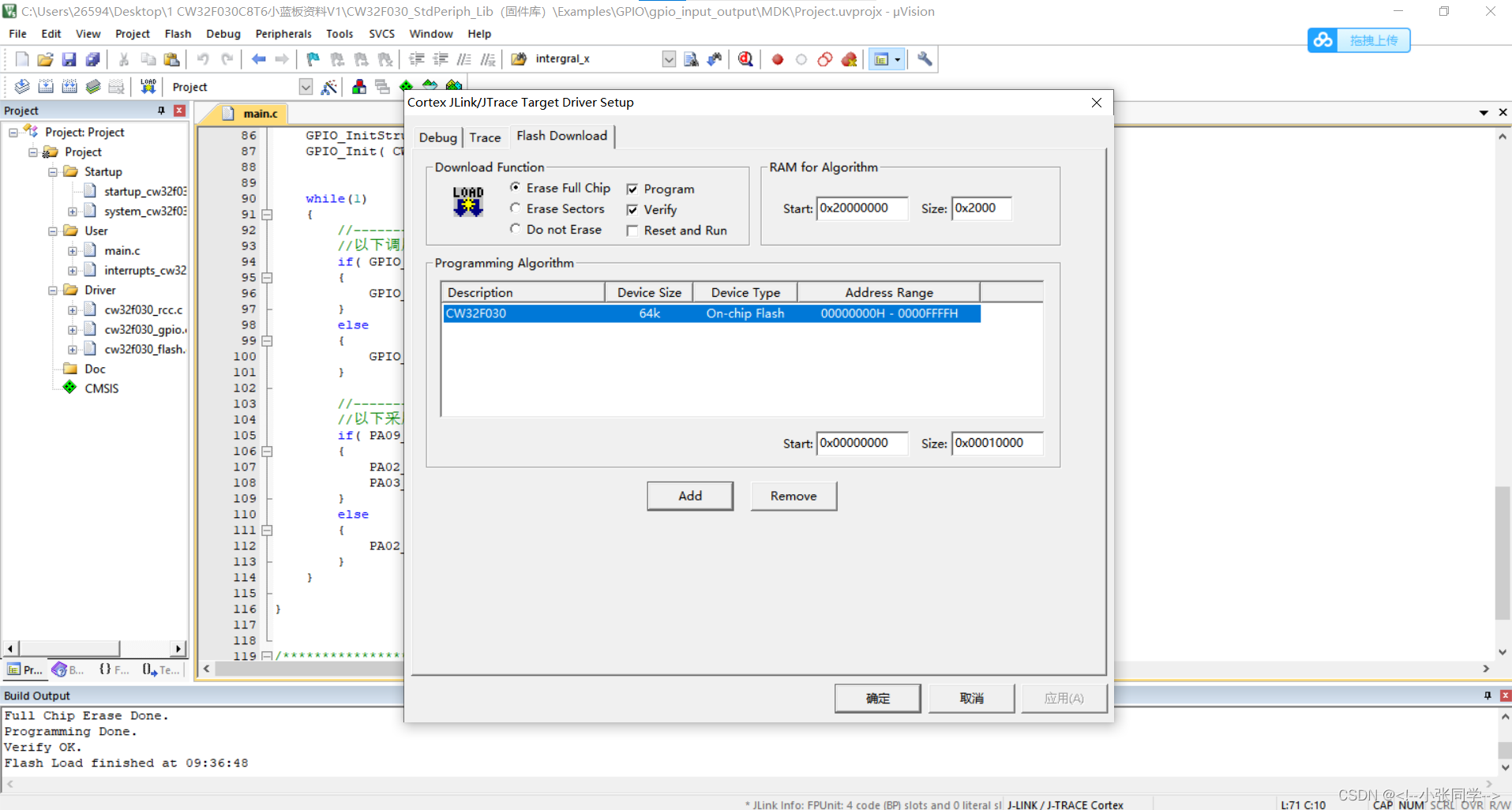
Problems in compiling core source cw32f030c8t6 with keil5
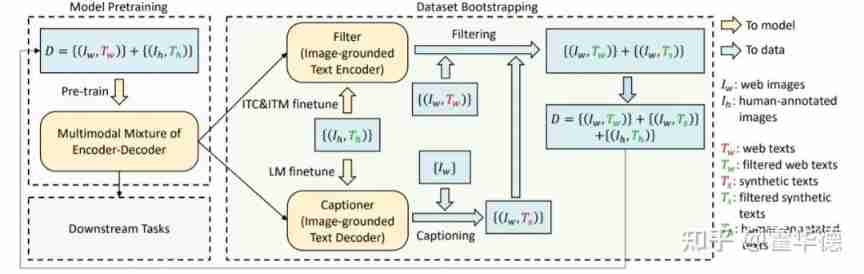
Share | guide language image pre training to achieve unified visual language understanding and generation

Network security construction in 5g Era

Deep extension technology: intelligent OCR recognition technology based on deep learning has great potential

Top 100 video information of station B

Check the digital tube with a multimeter

Support vector machine -svm+ source code

Share 𞓜 jointly pre training transformers on unpaired images and text

codesys 获取系统时间
随机推荐
Let me tell you how to choose a 10 Gigabit network card
DL deep learning experiment management script
lower_ bound,upper_ Bound, two points
Sealem Finance打造Web3去中心化金融平台基础设施
Iris dataset - Introduction to machine learning
华为设备配置BGP/MPLS IP 虚拟专用网
CoDeSys get system time
C语言试题三(程序选择题——含知识点详解)
How to purchase 25g optical network card
The data center is evolving towards the "four high" trend, and the OCP network card and the whole cabinet will be delivered into the mainstream of the future data center
[NIPS2021]MLP-Mixer: An all-MLP Architecture for Vision
Go unit test example; Document reading and writing; serialize
Leetcode question brushing series - mode 2 (datastructure linked list) - 206:reverse linked list
Network adapter purchase guide
Visual (Single) Object Tracking -- SiamRPN
Database introduction
C language test question 3 (advanced program multiple choice questions _ including detailed explanation of knowledge points)
Apply the intelligent OCR identification technology of Shenzhen Yanchang technology to break through the bottleneck of medical bill identification at one stroke. Efficient claim settlement is not a dr
The first master account of Chia Tai International till autumn
华为设备配置本地虚拟专用网互访